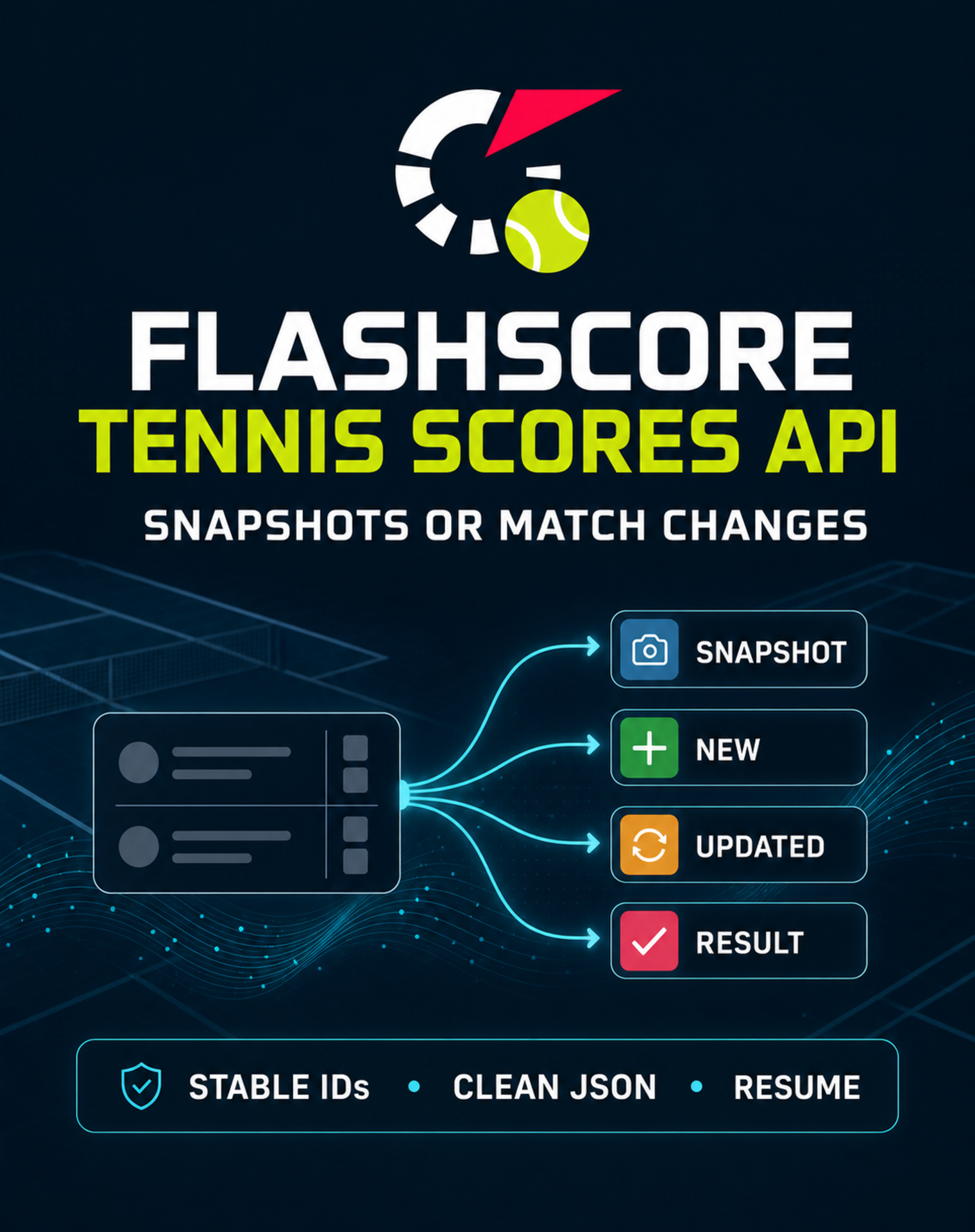
Click the hero to configure the private Actor.
> **Current status:** the private fixture workflow is verified, and the private cloud live run returned 20 validated Flashscore rows with zero duplicates and a persisted checkpoint. This is one bounded run, not proof of continuous real-time coverage or long-term reliability. The benchmark-anchored per-result Pricing is described below. Public release is not active. ### Choose the tennis feed you need | Your intent | Outcome preset | Concrete result | | ------------------------------------------------------- | -------------- | ---------------------------------------------------------------------- | | Export the matches visible in the selected scope now. | `snapshot` | One deduplicated row per current match state. | | Receive only changes since the previous successful run. | `delta` | `NEW`, `UPDATED`, and `RESULT` rows; unchanged matches produce no row. | ### Use it as a tennis data API - **Tennis scores API workflow** — call the Actor through the Apify API and receive normalized JSON instead of parsing Flashscore pages yourself. - **Fixtures and results export** — select today or a bounded day offset, then filter by status, tour, tournament, or Flashscore tournament URL. - **Match change monitoring** — reuse one `monitorId` and the `delta` preset to suppress unchanged states while preserving stable `matchId` and `eventId` values. #### Is this an official Flashscore API? No. It is an independent, point-in-time extraction from public Flashscore tennis pages, delivered through the Apify API. It does not provide an official Flashscore endpoint or a continuous socket feed. #### Can I use it as a tennis scores API? Yes, for scheduled snapshots, fixtures, results, and bounded change checks. Each run produces a Dataset that can be retrieved through the Apify API; complete match coverage and continuous real-time streaming are not claimed. ### Configure the input The form is split into four short sections. The defaults run a bounded `delta` feed for today's matches; change only the scope you need. #### 1️⃣ Choose your result - `preset` — use `snapshot` for every current match in scope, or `delta` for changes since the saved checkpoint. #### 2️⃣ Name the saved feed - `monitorId` — reuse the same 3–64 character name on later `delta` runs. Use another name for an independent feed or workflow. #### 3️⃣ Choose the matches | Input | What it controls | Default / limit | | --------------- | ----------------------------------------------------------------------------------------------------- | ------------------------- | | `dayOffsets` | Days relative to UTC today; rows without a source date remain included with `matchDate: null`. | `["0"]`; `-7` through `7` | | `matchStatuses` | All, scheduled, live, or finished matches. | `["all"]` | | `tours` | ATP, WTA, ITF, or Challenger labels found on the selected pages. | No filter | | `tournaments` | Case-insensitive tournament-name filters such as Wimbledon. | No filter; maximum 25 | | `startUrls` | Optional HTTPS Flashscore tennis tournament pages; leave empty to use the main Flashscore tennis URL. | Default page; maximum 10 | #### 4️⃣ Set the result limit - `maxItems` — maximum normalized Dataset rows for the whole run. The default is `100`; the hard maximum is `1,000`. ### Copy to your AI assistant Actor reference: `kazkn/tennis-match-delta-feed`. Copy the complete prompt below with the code-block copy button: ```text Help me use the private Apify Actor kazkn/tennis-match-delta-feed as a Flashscore tennis scores API. Outcome: return only tennis match changes with stable IDs, using a bounded input of today, all match statuses, and at most 100 Dataset rows. Use this Python pattern: from os import environ from apify_client import ApifyClient token = environ["APIFY_API_TOKEN"] client = ApifyClient(token) run = client.actor("kazkn/tennis-match-delta-feed").call(run_input={ "preset": "delta", "monitorId": "my-tennis-feed", "dayOffsets": ["0"], "matchStatuses": ["all"], "tours": [], "tournaments": [], "startUrls": [], "maxItems": 100, }) dataset_id = run["defaultDatasetId"] items = list(client.dataset(dataset_id).iterate_items()) Summarize NEW, UPDATED, and RESULT rows. Preserve eventId, matchId, stateHash, matchStatus, tournamentName, player names, score fields, and sourceUrl so my system can upsert safely. Actor build specification: https://docs.apify.com/platform/actors/development/actor-definition/actor-json Create or manage the token: https://console.apify.com/settings/integrations Read the token only from the APIFY_API_TOKEN environment variable. Do not ask me to paste, reveal, log, or share it. ``` Never paste or share the real token in a prompt, chat, source file, screenshot, or support message. #### Runnable API pattern ```bash : "${APIFY_API_TOKEN:?Set APIFY_API_TOKEN in your shell environment}" RUN_RESPONSE="$(curl -fsS --request POST \ "https://api.apify.com/v2/acts/kazkn~tennis-match-delta-feed/runs?waitForFinish=120" \ --header "Authorization: Bearer ${APIFY_API_TOKEN}" \ --header "Content-Type: application/json" \ --data '{"preset":"delta","monitorId":"my-tennis-feed","dayOffsets":["0"],"matchStatuses":["all"],"tours":[],"tournaments":[],"startUrls":[],"maxItems":100}')" DATASET_ID="$(jq -r '.data.defaultDatasetId' <<<"${RUN_RESPONSE}")" test -n "${DATASET_ID}" && test "${DATASET_ID}" != "null" curl -fsS \ "https://api.apify.com/v2/datasets/${DATASET_ID}/items?clean=true&format=json" \ --header "Authorization: Bearer ${APIFY_API_TOKEN}" ``` ### What this Actor reads **Live source: Flashscore only.** User-supplied and final page URLs are restricted to HTTPS on `flashscore.com` and its subdomains. During browser rendering, the egress allowlist additionally permits only Flashscore's observed internal feed host `global.flashscore.ninja`; it is never accepted as a user `startUrl`. A deterministic fixture source is used only for private tests and the bounded canary. | Source | Current behavior | | ------------------------------------ | ------------------------------------------------------------------------------------------------------------------------------------- | | `https://www.flashscore.com/tennis/` | Default target when no tournament URL is supplied. | | Flashscore tournament URLs | Optional `startUrls`; every URL is host-validated before the request. | | JSON source envelopes | The adapter accepts arrays or the keys `matches`, `events`, or `data`, then validates every match. | | Other websites | The Actor does not scrape ATP, WTA, ITF, Tennis Explorer, SofaScore, or ESPN. Tour names are filters, not additional source websites. | The normal Flashscore HTML page is rendered in a bounded browser because its initial HTML shell does not contain the match rows. All third-party browser requests are blocked, and the Actor does not replay the signed internal feed. Bot challenges, redirects, malformed responses, one-byte responses, more than 32 captured JSON responses, more than 20 MiB of captured JSON in total, more than 10 rendered pages, a live collection deadline above 150 seconds, and source batches above 1,000 records fail closed. In one bounded private cloud run, the private cloud live run returned 20 validated Flashscore rows with zero duplicates and a persisted checkpoint. That single observation does not certify continuous availability, completeness, or long-term reliability. ### How it works 1. **Read** — fetch and render the default Flashscore tennis URL or supplied tournament URLs after input, host, egress, timeout, size, page-count, and billing preflight checks. 2. **Normalize** — validate players, status, tournament, score, sets, and source URLs; preserve only source-provided match dates, merge overlapping day pages, and convert field ordering into a stable schema. 3. **Compare** — load the Actor-isolated checkpoint for `monitorId`, calculate `matchId` and `stateHash`, and suppress unchanged matches. 4. **Deliver** — write `SNAPSHOT`, `NEW`, `UPDATED`, or `RESULT` rows to the run Dataset with a deterministic `eventId`. 5. **Checkpoint** — after Dataset delivery, save the delivered match state in the named Key-Value Store so the next delta run continues from the correct state. A per-feed single-flight lease rejects overlapping runs. If a crash occurs between Dataset delivery and checkpoint persistence, the same deterministic `eventId` can be replayed; downstream systems should upsert on `eventId`. ### Delta semantics | Event | Meaning | | ---------- | ------------------------------------------------------------------------------------------------------------ | | `SNAPSHOT` | Current normalized match state; does not advance the delta checkpoint. | | `NEW` | The match was not present in the saved feed state. | | `UPDATED` | Status, score, sets, or other normalized match fields changed. | | `RESULT` | A changed match state is observed as `FINISHED`; later finished-state corrections can also produce `RESULT`. | Stable identifiers: - `matchId` identifies a match from the source ID, or a bounded deterministic fallback when the source ID is absent. - `stateHash` identifies the normalized state of that match. - `eventId` identifies the exact `matchId` + event type + state combination. ### Dataset output Every row follows `KAZKN_TENNIS_MATCH_DELTA_V1`. Important fields include: - identity: `eventType`, `eventId`, `matchId`, `identityQuality`, `sourceMatchId`; - match: `matchDate`, `matchStatus`, `matchType`, players, tournament, round, and surface; - score: sets won, set scores, current server, current game score, winner, and result type; - change metadata: `previousStateHash`, `stateHash`, `changedFields`, and `observedAt`. Field excerpt from the verified private fixture: Only representative fields are shown below. Every actual Dataset row contains all fields required by `KAZKN_TENNIS_MATCH_DELTA_V1`. ```json { "schemaVersion": "KAZKN_TENNIS_MATCH_DELTA_V1", "recordType": "tennis_match_event", "eventType": "NEW", "eventId": "484ce922f7f63385489df73b4dd7bbaeaae3458846b95793944e7c60c2edf7bc", "matchId": "5c43b811696c37eaf1ac7fc5b7609334685877637ba5f8b534bb8b94d5e79512", "sourceName": "fixture", "sourceMatchId": "match-1001", "matchStatus": "SCHEDULED", "tournamentName": "Example Open", "previousStateHash": null, "stateHash": "5270dc3c1535a832130b8010508d6a28a42f18666bcd40529a556b59c4240662", "changedFields": [] } ``` Field excerpt from the deterministic score-change sequence: ```json { "schemaVersion": "KAZKN_TENNIS_MATCH_DELTA_V1", "recordType": "tennis_match_event", "eventType": "UPDATED", "eventId": "849b43dfd882ac0265be1646e0b5ad0f0297a957b92a1d67835d247a4d468af0", "matchId": "5c43b811696c37eaf1ac7fc5b7609334685877637ba5f8b534bb8b94d5e79512", "sourceName": "fixture", "sourceMatchId": "match-1001", "matchStatus": "LIVE", "tournamentName": "Example Open", "changedFields": [ "currentGameScoreAway", "currentGameScoreHome", "currentServer", "matchStatus", "sets", "setsWonAway", "setsWonHome" ], "observedAt": "2026-08-09T17:00:32.000Z" } ``` ### Verified private runtime vs. not yet verified | Verified private runtime evidence | Not yet verified | | --------------------------------------------------------------------------------------------------------------- | ----------------------------------------------------------- | | Input, Dataset, output, and storage schemas | Multi-run live reliability and complete match coverage | | Stable IDs, deduplication, delta events, checkpoint, and overlap lock | Continuous real-time streaming | | Local one-day rendered Flashscore extraction with singles, doubles, sets, tie-breaks, unique IDs, and no replay | A 3 fixtures × 3 repeats live wedge benchmark | | One private cloud live run returned 20 validated Flashscore rows, zero duplicates, and a persisted checkpoint | Payer demand, durable creator revenue, or production margin | | Zero creator billing in fixture mode; platform usage is non-zero and capped at `$0.01` | Production browser cost and failure-rate distribution | ### Pricing and publication The public comparator `extractify-labs/flashscore-tennis-matches` was read back on 2026-08-10 at `$0.001` per Dataset result (`$1.00 / 1,000`) plus `$0.00005` at Actor start. This Actor uses one paid event displayed as **Tennis match delivered**, counted once per validated Dataset row, with no start fee. The legacy internal event key is retained only so this user-positive price decrease can apply immediately instead of creating a new paid event with a 14-day notice period. Until its operational wedge is proven in cloud live runs, the Free price stays 10% below that comparator; subscription tiers extend the discount to 20%. | Apify plan | Price per delivered match | Price per 1,000 | Discount vs. comparator | | ---------- | ------------------------- | --------------- | ----------------------- | | Free | `$0.00090` | `$0.90` | 10% | | Bronze | `$0.00088` | `$0.88` | 12% | | Silver | `$0.00086` | `$0.86` | 14% | | Gold | `$0.00084` | `$0.84` | 16% | | Platinum | `$0.00082` | `$0.82` | 18% | | Diamond | `$0.00080` | `$0.80` | 20% | Empty, failed, unchanged, duplicate-only, and private fixture cycles are not charged. Platform usage is included rather than added to the user's bill. One paid private cloud live cycle passed with 20 delivered rows; this is not proof of durable margin or multi-run reliability. The Actor remains private. This README does not authorize publication. # Actor input Schema ## `preset` (type: `string`): Choose every current match in scope or only match changes since the last successful run of this saved feed. ## `monitorId` (type: `string`): Keep the same name on later Match changes runs. Use another name for a separate tournament, day range, or downstream workflow. ## `dayOffsets` (type: `array`): Select one or more days relative to UTC today. If Flashscore does not expose an authoritative date for a row, it remains included with matchDate null instead of receiving an invented date. ## `matchStatuses` (type: `array`): Keep all matches or focus on scheduled, live, or finished matches. ## `tours` (type: `array`): Filter to ATP, WTA, ITF, or Challenger matches. Leave empty to include every supported tour label found in the selected pages. ## `tournaments` (type: `array`): Optionally add case-insensitive tournament-name filters such as Wimbledon or Roland Garros. ## `startUrls` (type: `array`): Optional Flashscore tennis tournament URLs. Leave empty to use the main Flashscore tennis page. Non-HTTPS or non-Flashscore URLs are rejected. ## `maxItems` (type: `integer`): Stop after this many normalized snapshot or delta rows across the whole run. ## `sourceMode` (type: `string`): Internal source selector. Hidden from the conversion form; fixture mode is reserved for private canaries. ## `fixtureScenario` (type: `string`): Internal deterministic fixture scenario for private canaries. ## `fixtureMatches` (type: `array`): Internal fake-backed match records for private verification. ## `resumeCursor` (type: `string`): Internal continuation cursor. ## `requestId` (type: `string`): Internal request correlation identifier. ## `parserVersion` (type: `string`): Internal source parser version. ## Actor input object example ```json { "preset": "delta", "monitorId": "my-tennis-feed", "dayOffsets": [ "0" ], "matchStatuses": [ "all" ], "tours": [], "tournaments": [], "startUrls": [], "maxItems": 100, "sourceMode": "live", "fixtureScenario": "baseline" } ``` # Actor output Schema ## `matches` (type: `string`): No description # API You can run this Actor programmatically using our API. Below are code examples in JavaScript, Python, and CLI, as well as the OpenAPI specification and MCP server setup. ## JavaScript example ```javascript import { ApifyClient } from 'apify-client'; // Initialize the ApifyClient with your Apify API token // Replace the '