# Facebook Ads Scraper (`rexreus/facebook-ads-scraper`) Actor
Search Meta's public Ad Library by keyword or page. Get clean ad records with an estimated booking duration — no login, no browser, no API token.
- **URL**: https://apify.com/rexreus/facebook-ads-scraper.md
- **Developed by:** [REXREUS D.O](https://apify.com/rexreus) (community)
- **Stats:** 2 total users, 1 monthly users, 0.0% runs succeeded, 0 bookmarks
- **User rating**: No ratings yet
## Pricing
from $4.00 / 1,000 results
This Actor is paid per event. You are not charged for the Apify platform usage, but only a fixed price for specific events.
Learn more: https://docs.apify.com/actors/running/actors-in-store.md#pay-per-event
## What's an Apify Actor?
An Actor is a serverless cloud program that runs on the Apify platform. It has two run modes.
In Batch mode, an Actor accepts a well-defined JSON input, performs an action which can take anything from a few seconds to a few hours,
and optionally produces a well-defined JSON output, datasets with results, or files in key-value store.
In Standby mode, an Actor provides a web server which can be used as a website, API, or an MCP server.
Apify vocabulary and the platform model are defined once, in the agent quickstart at https://apify.com/agents.md.
## How to integrate an Actor?
If asked about integration, you help developers integrate Actors into their projects.
You adapt to their stack and deliver integrations that are safe, well-documented, and production-ready.
Do not guess an integration path. Every one of them is in the agent quickstart at https://apify.com/agents.md: the Apify MCP server, Agent Skills with the Apify CLI, the JavaScript and Python clients, the REST API, and the account-free path for an agent with no human to sign in. It also carries the rule on stating cost before the first paid run.
For examples already wired to this Actor's own input schema, see the [API](#api) section below.
Each client library has reference documentation the quickstart does not restate: [JavaScript/TypeScript](https://docs.apify.com/api/client/js/docs.md) (`npm install apify-client`) and [Python](https://docs.apify.com/api/client/python/docs.md) (`pip install apify-client`).
# README
Facebook Ads Scraper
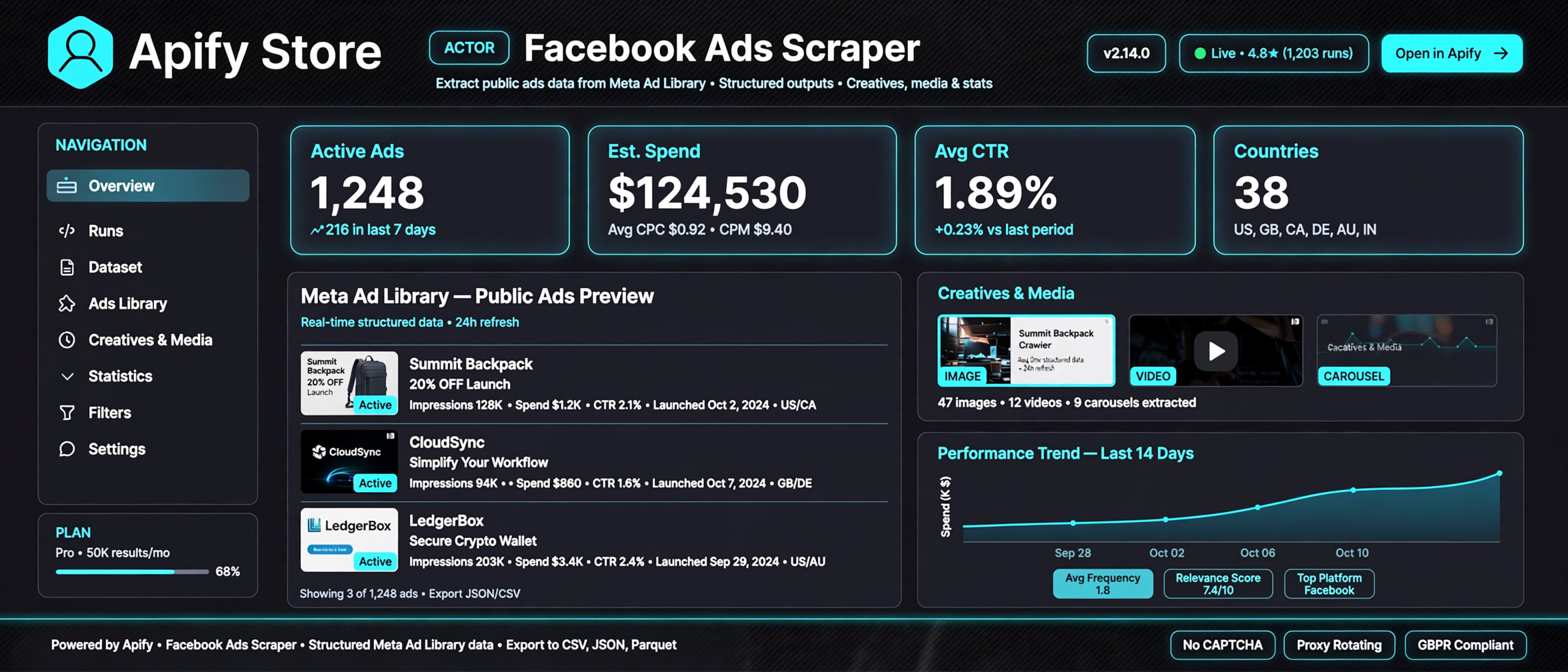
Search Meta's public Ad Library by keyword or page. Get clean ad records with an estimated booking duration — no login, no browser, no API token.
HTTP-first · 256 MB · up to 1,000 active ads per run · CSV export included



### Why this Actor?
The Meta Ad Library is public, but the market leaders price runs at $0.40–0.75 per 1,000 ads and gate useful output behind premium tiers. This Actor undercuts that with differentiators that cost almost nothing to run:
| Feature | What you get |
|---|---|
| Keyword or page search | Search by `keyword` in any country, or look up a page by name/URL/ID |
| `bookingEstimate` | Estimated booking duration in days per ad (date-range × count) — inventory whitespace nobody else computes |
| CSV export bundle | `OUTPUT.csv` ready for Excel/Sheets, matched to the JSON dataset |
| Country batch | Up to 10 countries in one run |
| `mediaType` filter | Client-side `ALL / IMAGE / VIDEO / MEME / NONE` — the server ignores this, we don't |
| Date range | `startDate` / `endDate` client-side filter on results |
| Row status | Every record classified `SUCCESS` / `PARTIAL` / `NOT_FOUND` / `BLOCKED` / `ERROR` with `httpStatus` — no silent "no ads" lies |
| Lightweight | HTTP-first, single 256 MB instance, no browser, no login, no token |
### Quick start
1. Open the Actor on Apify Console and click **Start**.
2. Set a keyword (e.g. `nike`) or a page name, pick countries, choose max results.
3. Turn on the **residential proxy** option — required for full pagination.
4. Download the dataset as JSON, CSV, or Excel; the CSV export is also in the Key-Value Store.
```json
{
"keyword": "nike",
"countries": ["US"],
"maxResults": 50,
"mediaType": "ALL",
"exportCsv": true,
"proxyConfiguration": {
"useApifyProxy": true,
"apifyProxyGroups": ["RESIDENTIAL"]
}
}
```
### How it works
```
Keyword or page → Meta Ad Library GraphQL → paginated ads → clean dataset rows + OUTPUT.csv
```
One HTTP session bootstraps the library, then the GraphQL search endpoint returns ad pages until your result cap is reached. Each ad is flattened to a buyer-ready row. No page rendering, no browser automation, no stored credentials.
### Input
| Field | Type | Required | Default | Description |
|---|---|---|---|---|
| `keyword` | string | if no `page` | — | Search term, up to 200 chars |
| `page` | string | if no `keyword` | — | Page name, URL, or ID lookup |
| `countries` | string\[] | no | `["US"]` | 1–10 ISO 3166-1 alpha-2 codes |
| `maxResults` | integer | no | `50` | 1–1,000 ads |
| `mediaType` | string | no | `ALL` | `ALL` / `IMAGE` / `VIDEO` / `MEME` / `NONE` |
| `startDate` | string | no | — | `YYYY-MM-DD`, client-side filter |
| `endDate` | string | no | — | `YYYY-MM-DD`, client-side filter |
| `exportCsv` | boolean | no | `true` | Writes `OUTPUT.csv` to the Key-Value Store |
| `proxyConfiguration` | object | no | off | Apify proxy input. **Residential recommended** for full pagination |
| `docId` | string | no | — | GraphQL `doc_id` override (escape hatch if Meta rotates document IDs) |
### Output
Each dataset record (absent values are `null`):
```json
{
"id": "123456789012345",
"pageId": "987654321",
"pageName": "Nike",
"pageUrl": "https://www.facebook.com/Nike",
"headline": "Move the world.",
"bodyText": "Just do it. Shop the new collection.",
"caption": "nike.com",
"linkDescription": "Shop now and save",
"ctaText": "Shop Now",
"ctaType": "BUTTON",
"imageUrl": "https://scontent.xx.fbcdn.net/1234567890_98765",
"videoUrl": null,
"linkUrl": "https://www.nike.com/offer",
"mediaType": "IMAGE",
"startDate": "2026-09-01T00:00:00.000Z",
"endDate": "2026-10-01T00:00:00.000Z",
"platforms": ["facebook"],
"targetCountries": ["US"],
"disclaimer": null,
"snapshotUrl": "https://www.facebook.com/ads/library/?id=123456789012345",
"bookingEstimate": 31,
"status": "SUCCESS",
"httpStatus": 200
}
```
| Field | Type | Description |
|---|---|---|
| `id` | string | Ad archive ID |
| `pageId` / `pageName` / `pageUrl` | string | Advertiser |
| `headline` / `bodyText` / `caption` / `linkDescription` | string | Ad copy, HTML stripped |
| `ctaText` / `ctaType` | string | Call-to-action |
| `imageUrl` / `videoUrl` / `linkUrl` | string | Media + landing URL (stored, never fetched) |
| `mediaType` | string | `IMAGE` / `VIDEO` / `MEME` / … |
| `startDate` / `endDate` | string | ISO 8601 dates |
| `platforms` / `targetCountries` | array | Multi-value |
| `disclaimer` | string | Disclaimer text, HTML stripped |
| `snapshotUrl` | string | Permalink to the ad snapshot |
| `bookingEstimate` | integer | Estimated booking duration in days (estimate, not spend) |
| `status` | string | `SUCCESS` / `PARTIAL` / `NOT_FOUND` / `BLOCKED` / `ERROR` |
| `httpStatus` | integer | Last request status |
### Cost, limits, proxy
- **Memory:** 256 MB, single instance
- **Proxy:** residential proxy recommended. Without proxy the run is capped to page 1 (~30 ads) and sets `isLimited: true`. Meta Ad Library blocks datacenter IPs after the first page (`400` / rate limit `1675004`). Use the **residential** group for full pagination.
- **Runtime:** ~45 s for 500 ads with a 2 s request delay; scales with `maxResults` and country count
- **Result cap:** `maxResults` up to 1,000 per run
- **Pricing:** pay-per-result. Base *from $0.30 per 1,000 ads* (compute + proxy included). Platform cost ≈ $0.10–0.20 per 1,000 ads, dominated by residential proxy bandwidth; the differentiators (booking estimate, CSV export, country batch, dedupe) add ≈$0.
### Recipes
#### Page lookup — all ads for one brand
```json
{
"page": "https://www.facebook.com/Nike",
"countries": ["US"],
"maxResults": 200,
"exportCsv": true
}
```
#### Multi-country keyword sweep
```json
{
"keyword": "iphone",
"countries": ["US", "DE", "FR", "GB", "AU"],
"maxResults": 100,
"mediaType": "VIDEO",
"exportCsv": true
}
```
#### Video-only, last 30 days
```json
{
"keyword": "skincare",
"countries": ["ID"],
"maxResults": 80,
"mediaType": "VIDEO",
"startDate": "2026-09-11",
"endDate": "2026-10-11",
"exportCsv": true
}
```
### Troubleshooting
| Symptom | Cause | Fix |
|---|---|---|
| Run fails with `Rate limit exceeded (1675004)` | Datacenter IP blocked by Meta | Enable the **residential** proxy group |
| Run capped ~30 ads, `isLimited: true` | No proxy configured | Add `proxyConfiguration` (residential) |
| `NOT_FOUND`, 0 records | Keyword or page name mis-typed, or page has no active ads | Verify the page name/URL in the Ad Library |
| `BLOCKED` / `ERROR` rows | Per-ad parse failure or HTTP error | Check `httpStatus`; re-run with residential proxy |
| Empty `OUTPUT.csv` | `maxResults` reached 0 results | Widen keyword or drop the date filter |
### FAQ
**Q: Does this need a Facebook account or API token?**
A: No. Everything runs on the public Ad Library over plain HTTPS. No login, no cookies, no token.
**Q: Is a proxy required?**
A: For more than ~30 ads per run, yes — use the residential proxy group. Meta blocks datacenter IPs after the first page. Proxy cost is per GB and stays well under the per-1,000 result price.
**Q: How fast is a run?**
A: About 45 seconds for 500 ads. Speed scales with `maxResults` and country count; a 2-second delay between pages keeps the request rate Meta-friendly.
**Q: Can this see private accounts or restricted ads?**
A: No. It reads only what the public Meta Ad Library exposes — same data you see in the transparency library.
**Q: Is scraping the Ad Library legal / ToS-safe?**
A: The data is public transparency data. You are responsible for complying with Meta's terms, applicable privacy law, and your own use of the records.
**Q: Can I download a spreadsheet?**
A: Yes. Set `exportCsv: true` (default) and grab `OUTPUT.csv` from the Key-Value Store, or export the dataset as JSON, CSV, or Excel from Console.
**Q: What does large-scale use cost?**
A: Around $0.30 per 1,000 ads at the base rate. At 5 runs/day × 500 ads (~2,500 ads/day) the underlying platform cost is roughly $0.15/day; quote-driven, pay-per-result.
### Limitations
- Public, active ads only, per the Meta Ad Library. No private or restricted content.
- The library may rotate its GraphQL document ID; use the `docId` override if a run stops returning data.
- `bookingEstimate` is a date-range estimation, not Facebook spend or revenue data.
- No media file downloads — records carry media URLs only (SSRF-safe).
### Run it
Open the Actor on Apify Console and click **Start**.
### License
**Proprietary. All rights reserved.** Copyright (c) REXREUS.
You may run this Actor on Apify. You may not copy, rebrand, republish, or claim this Actor as your own. See [LICENSE](./LICENSE).
# Actor input Schema
## `keyword` (type: `string`):
Search keyword for the Meta Ad Library (max 200 chars). Either keyword or page required.
## `page` (type: `string`):
Optional. Facebook page name to look up instead of keyword search.
## `countries` (type: `array`):
ISO 3166-1 alpha-2 country codes (max 10).
## `maxResults` (type: `integer`):
Maximum ads to collect (1-1000).
## `mediaType` (type: `string`):
Filter ads by media type.
## `startDate` (type: `string`):
YYYY-MM-DD. Applied client-side (server ignores this filter).
## `endDate` (type: `string`):
YYYY-MM-DD.
## `exportCsv` (type: `boolean`):
Write OUTPUT.csv to Key-Value Store.
## `proxyConfiguration` (type: `object`):
Residential proxy recommended — without proxy, run is capped to page 1 (~30 ads).
## `docId` (type: `string`):
Override the frozen doc_id when Meta rotates document ids.
## Actor input object example
```json
{
"keyword": "nike",
"countries": [
"US"
],
"maxResults": 10,
"mediaType": "ALL",
"exportCsv": true,
"proxyConfiguration": {
"useApifyProxy": false
}
}
```
# Actor output Schema
## `dataset` (type: `string`):
Dataset containing all scraped ads
## `files` (type: `string`):
Key-value store containing the CSV export and run summary
# API
You can run this Actor programmatically using our API. Below are code examples in JavaScript, Python, and CLI, as well as the OpenAPI specification and MCP server setup.
## JavaScript example
```javascript
import { ApifyClient } from 'apify-client';
// Initialize the ApifyClient with your Apify API token
// Replace the '' with your token
const client = new ApifyClient({
token: '',
});
// Prepare Actor input
const input = {
"keyword": "nike",
"countries": [
"US"
],
"maxResults": 10,
"proxyConfiguration": {
"useApifyProxy": false
}
};
// Run the Actor and wait for it to finish
const run = await client.actor("rexreus/facebook-ads-scraper").call(input);
// Fetch and print Actor results from the run's dataset (if any)
console.log('Results from dataset');
console.log(`💾 Check your data here: https://console.apify.com/storage/datasets/${run.defaultDatasetId}`);
const { items } = await client.dataset(run.defaultDatasetId).listItems();
items.forEach((item) => {
console.dir(item);
});
// 📚 Want to learn more 📖? Go to → https://docs.apify.com/api/client/js/docs
```
## Python example
```python
from apify_client import ApifyClient
# Initialize the ApifyClient with your Apify API token
# Replace '' with your token.
client = ApifyClient("")
# Prepare the Actor input
run_input = {
"keyword": "nike",
"countries": ["US"],
"maxResults": 10,
"proxyConfiguration": { "useApifyProxy": False },
}
# Run the Actor and wait for it to finish
run = client.actor("rexreus/facebook-ads-scraper").call(run_input=run_input)
# Fetch and print Actor results from the run's dataset (if there are any)
print(f"💾 Check your data here: https://console.apify.com/storage/datasets/{run.default_dataset_id}")
for item in client.dataset(run.default_dataset_id).iterate_items():
print(item)
# 📚 Want to learn more 📖? Go to → https://docs.apify.com/api/client/python/docs/quick-start
```
## CLI example
```bash
echo '{
"keyword": "nike",
"countries": [
"US"
],
"maxResults": 10,
"proxyConfiguration": {
"useApifyProxy": false
}
}' |
apify call rexreus/facebook-ads-scraper --silent --output-dataset
```
## MCP server setup
```json
{
"mcpServers": {
"apify": {
"type": "http",
"url": "https://mcp.apify.com/?tools=fetch-actor-details,rexreus/facebook-ads-scraper"
}
}
}
```
The hosted server signs you in with OAuth on first connect, so no API token belongs in this config. Clients without OAuth support can send an `Authorization: Bearer ` header instead, using a token from API & Integrations in Apify Console (https://console.apify.com/settings/integrations).
## OpenAPI specification
Download the OpenAPI definition: https://api.apify.com/v2/actors/DVA6dwn1fciaqt524/builds/cWvTCQTt9PZga98X1/openapi.json