


Lemon8 Profile Scraper
Pricing
from $2.00 / 1,000 results
Lemon8 Profile Scraper
Scrape Lemon8 user profiles with support for automated multi-profile discovery. Extract detailed posts, engagement stats, comments, and download high-quality images and videos. Ideal for data analysis, media archiving, and influencer research.
Pricing
from $2.00 / 1,000 results
Rating
0.0
(0)
Developer
AbotAPI
Maintained by CommunityActor stats
0
Bookmarked
35
Total users
5
Monthly active users
an hour ago
Last modified
Categories
Share
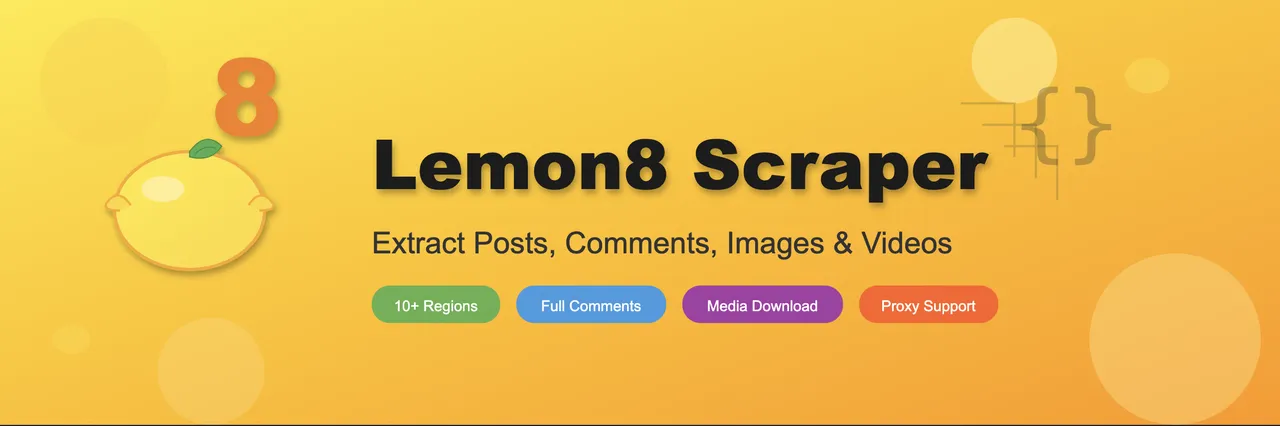
Scrape Lemon8 user profiles with support for automated multi-profile discovery. Extract detailed posts, engagement stats, comments, and download high-quality images and videos. Ideal for data analysis, media archiving, and influencer research.
Features
- Profile Scraping - Extract user info, bio, stats, social links
- Post Extraction - Scrape posts with infinite scroll support
- Full Post Data - Titles, content, statistics, hashtags
- Comment Extraction - All comments including replies (with "See more" expansion)
- Video Detection - Identify and extract video post data
- Media Downloads - Save images and videos to Key-Value Store
- Following Profiles - Extract list of followed users
- 10+ Regions - Support for US, Australia, Japan, and more
- Reliable Access - Smart proxy rotation with automatic fallback
- Apify Compatible - Stable, well-defined input/output schema
Input Configuration
| Parameter | Type | Default | Description |
|---|---|---|---|
username | string | required | Lemon8 username (without @) |
profileUrl | string | - | Full profile URL (alternative to username) |
region | string | "us" | Region code |
limit | int | 100 | Max posts to extract |
getDetails | bool | true | Extract full post details |
detailsLimit | int | 10 | Max posts for detail extraction |
saveImages | bool | false | Download images to KVS |
saveVideos | bool | false | Download videos to KVS |
getFollowing | bool | false | Extract following profiles |
followingLimit | int | 20 | Max following profiles to extract |
proxy | object | null | Proxy configuration |
Example Input
Regions
us, au, nz, jp, th, id, vn, my, sg, ca
Send results into your apps (MCP connectors)
Optionally pipe the scraped results into the apps you already use, via Model Context Protocol (MCP) connectors. This is an extra delivery step after the scrape — the Apify dataset is never changed.
What gets written to the connector: a condensed, human-readable summary of each record — not the full JSON. Each item becomes one entry with a title and its key fields flattened to plain text. The complete record always stays in the Apify dataset.
- Authorize a connector once under Apify → Settings → Integrations (Notion, Linear, Airtable, or Apify).
- Select it in the "Pipe results into your apps" input field. (If the picker is empty, you haven't authorized a connector yet.)
- For Notion, also set
notionParentPageUrlto the page where items should be created.
The connection is mediated by Apify's MCP proxy, so this actor never sees your third-party credentials. Leave the field empty to skip.
Output Format


