Sep 3, 2026
Create an Actor with a Git repo in a few clicks
New
Console
Actor
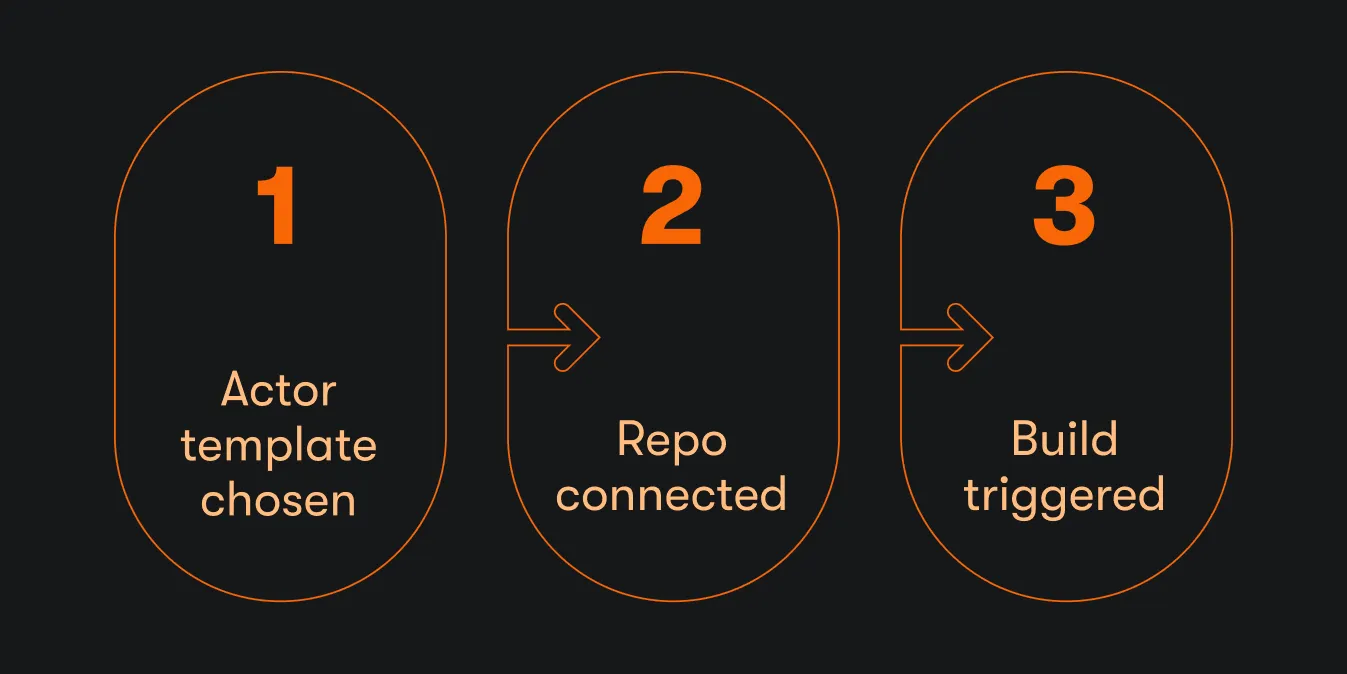
When you create a new Actor in Apify Console or with the Apify CLI, you can now pick GitHub, GitLab, or Bitbucket, and Apify sets up the whole Git workflow for you.
- Builds on your first push. The build pipeline is configured for you. You push a commit, and Apify builds the Actor.
- Your own repository from day one. From the start, you get pull requests, reviews, CI, and everything else you already do with Git.
- No manual wiring. The old flow meant creating the repository yourself, adding the template code, and pasting the Git URL into the Actor's Source tab. Private repositories also needed the SSH URL and a deployment key. All of that now happens automatically.
- One flow in Apify Console and the Apify CLI. Whether you start in the browser or the terminal, you end up in the same place: code in your repo, builds running on push.
-
In Apify Console, click Develop new. The flow walks you through creating an Actor:
- What do you want to build? A web scraper, an AI agent, an API and data pipeline, or browser automation.
- Which language do you prefer? TypeScript, JavaScript, or Python.
- Here's your best match. Templates matched to your answers, so you start from working code instead of browsing a template gallery.
- Where do you want to host your code? This is the new part.
-
Pick Git and choose GitHub, GitLab, or Bitbucket. You authorize the provider through OAuth, select the account or organization the repository should live under, and Apify does the rest: creates the repository, pushes the Actor template code, and configures the build. The new repository is private. You can make it public later in your provider's settings.
-
The
apify createcommand in the Apify CLI walks you through the same choices and gives the same result: a repository under your account with the template code pushed and builds configured. -
If you don't want Git, Create without Git is still there: Clone locally or Host on Apify.
The new feature is live for everyone, on every plan. Open actor.new , and see for yourself. Or get the latest version of the Apify CLI and run apify create in your terminal. Read more about the new flow in the blog post.