Nov 25, 2026
Build and test with the local Actor runtime
New
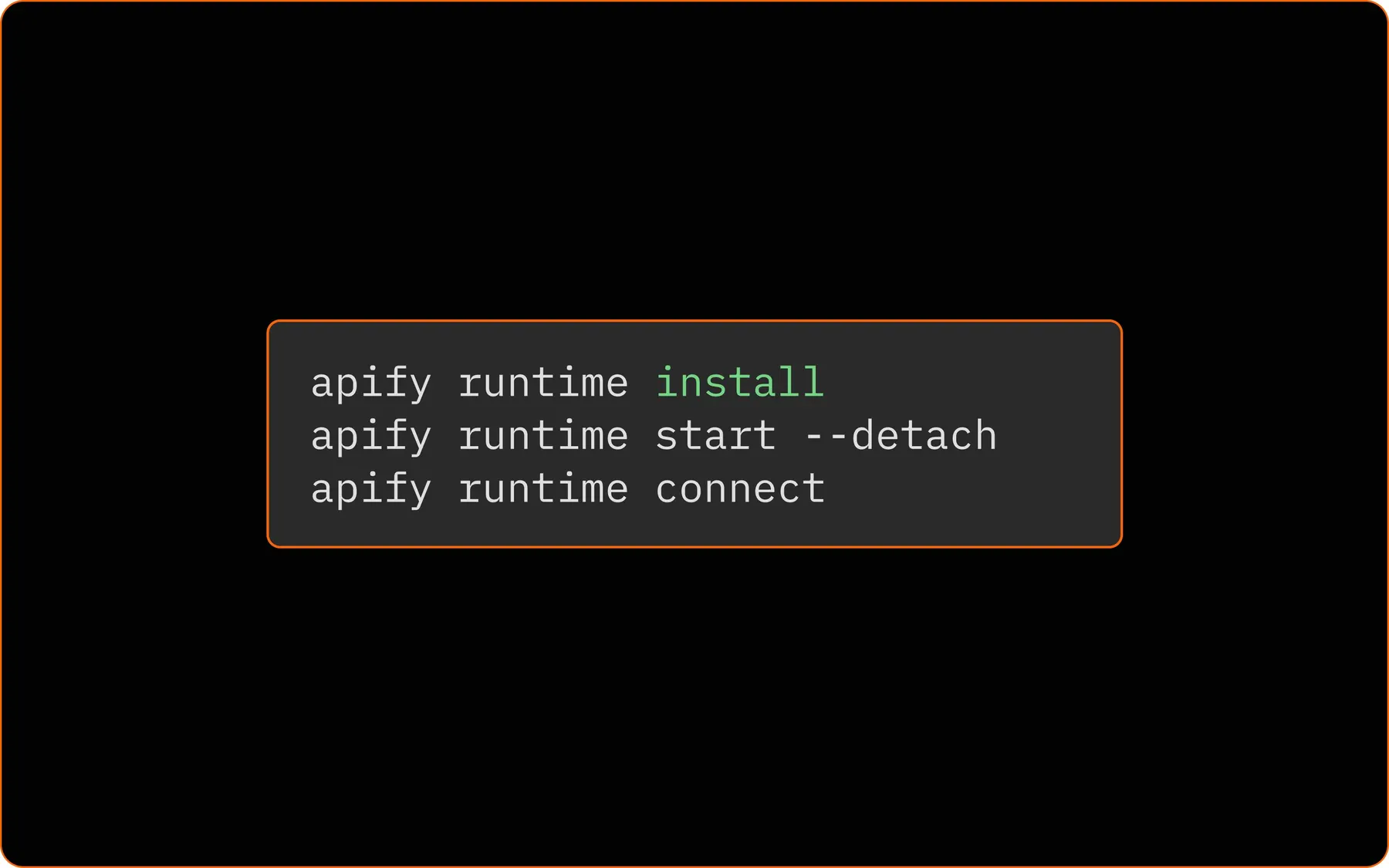
The local Actor runtime emulates the Apify platform in a single container on your machine. Connect the Apify CLI to it, and apify push and apify call work as they do on the platform.
- Platform behavior locally. The runtime builds your Actor's Docker image and runs it in a container, with environment variables, secrets, memory limits, and timeouts applied as on the platform.
- Faster development cycle. You and your coding agents build, run, check the results, and fix problems in one loop on your machine, without deploying to the platform first.
- You need Docker or Podman and Apify CLI version 1.14.0 or later.
- To set up the runtime, run:
- Build with
apify push, then run withapify call. - To deploy to the platform, run
apify runtime disconnect, thenapify push.
The apify runtime commands are experimental and might change in future Apify CLI releases. See the local Actor runtime docs .