Apr 2, 2026
Edit Actor build tags in Apify Console
New
Actor
Console
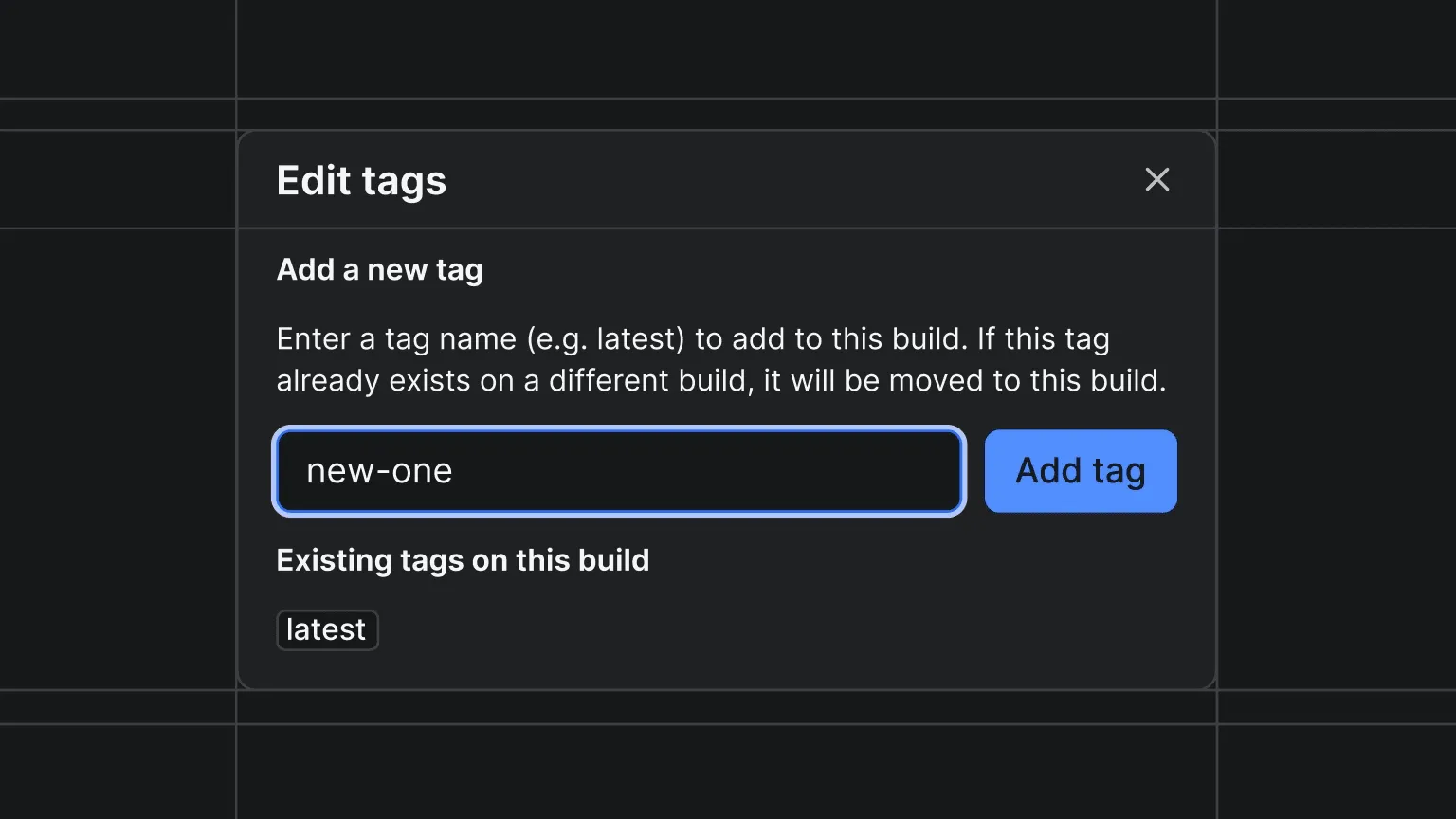
You can now add and remove build tags for your Actors directly in Apify Console. On any completed build's detail page, click the tag icon next to the build number to open the tag editor.
From the modal you can:
- Add a tag - enter a tag name (e.g.
latest,beta,stable) and assign it to the build. If the tag already exists on a different build, it will be moved to this one. - Remove a tag - delete any existing tag from the build.
This makes it easy to reassign tags like latest to a previous build for quick rollbacks without needing to rebuild. Build tags can also be managed programmatically via the API .
You can learn more about how builds and tags work in the docs .