

Portrait Descriptions Extractor
Pricing
from $5.00 / 1,000 results
Portrait Descriptions Extractor
This extractor uses advanced vision AI to analyze images of people and extract incredibly detailed visual metadata in seconds. Provide image URLs or upload files directly, and the extractor will parse out up to 17 data points. You can process up to 100 images per run.
Pricing
from $5.00 / 1,000 results
Rating
0.0
(0)
Developer

Marco Rodrigues
Actor stats
0
Bookmarked
2
Total users
1
Monthly active users
2 days ago
Last modified
Categories
Share
🖼️ Portrait Image Description Extractor
Want to turn portrait photos into structured, actionable data? This extractor uses advanced vision AI to analyze images of people and extract incredibly detailed visual metadata in seconds!
You can provide image URLs or upload files directly, and the extractor will parse out up to 17 data points, neatly packing all the physical characteristics, clothing, emotions, and environmental context into a structured JSON dataset or CSV file. You can process up to 100 images per run.
💡 Perfect for...
- Photographers & Creatives: Automatically tag and catalog large portfolios of portrait photos with metadata.
- E-commerce & Fashion: Extract clothing, style, and demographic data from model photos.
- Casting & Talent Agencies: Organize headshots by specific physical traits (age range, hair style, eye color) to build searchable databases.
- Data Analysts & Researchers: Analyze demographic representation, emotional sentiment, or fashion trends in visual media.
- 🤖 AI Image Generation: Generate structured text prompts or captions from reference images to train LoRA models or instruct Midjourney/Stable Diffusion.
- 🔗 Integrations: Perfect for enriching image databases before feeding them to search engines or other apps.
- 📚 RAG Systems: Feed detailed visual descriptions into Retrieval-Augmented Generation pipelines to allow users to semantically search for specific types of people in your image database.
✨ Why you'll love this extractor
- 🎯 Deep Extraction: Pulls out specific nuances like
smile_intensity,skin_tone,expression, and separateslightingfromtime_of_day. - ⚙️ AI-Powered Accuracy: Uses state-of-the-art vision models to understand complex visual context that traditional algorithms miss.
- ⏱️ Instant Structuring: Turns raw pixels into a highly organized, searchable database instantly.
📦 What's inside the data?
For every image you input, you will get:
- Demographics:
gender,age_range,ethnicity - Physical Traits:
hair_color,hair_style,eye_color,skin_tone - Style & Appearance:
clothing,accessories - Emotion & Expression:
expression,emotion,smile_intensity - Environment & Context:
time_of_day,lighting,background_description,setting - Summary: A concise 1-2 sentence overall visual
description. - Source: The original
image_url(or Apify Key-Value Store link if uploaded)
🚀 How to use
The actor accepts both direct image URLs and direct file uploads.
Option 1: Using Image URLs
If you have images hosted online, you can paste the direct links (ending in .jpg, .png, etc.).
- Stock Photo Sites (Unsplash, Pexels): Find an image, right-click, and select "Copy image address".
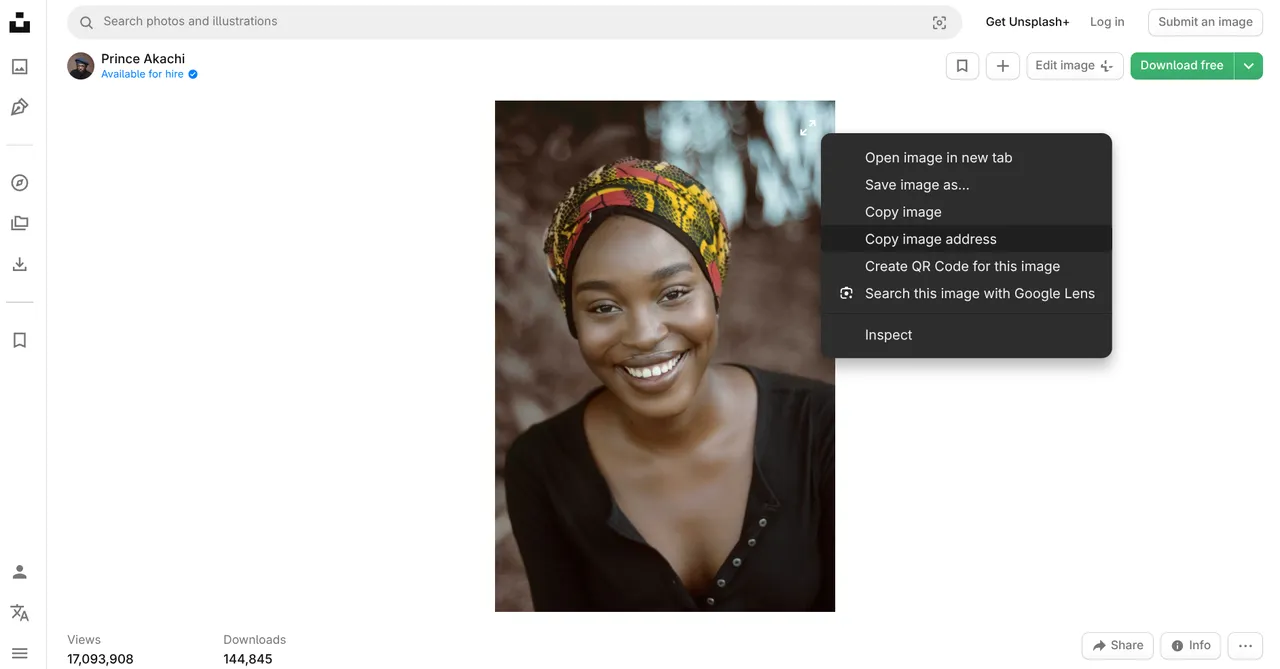
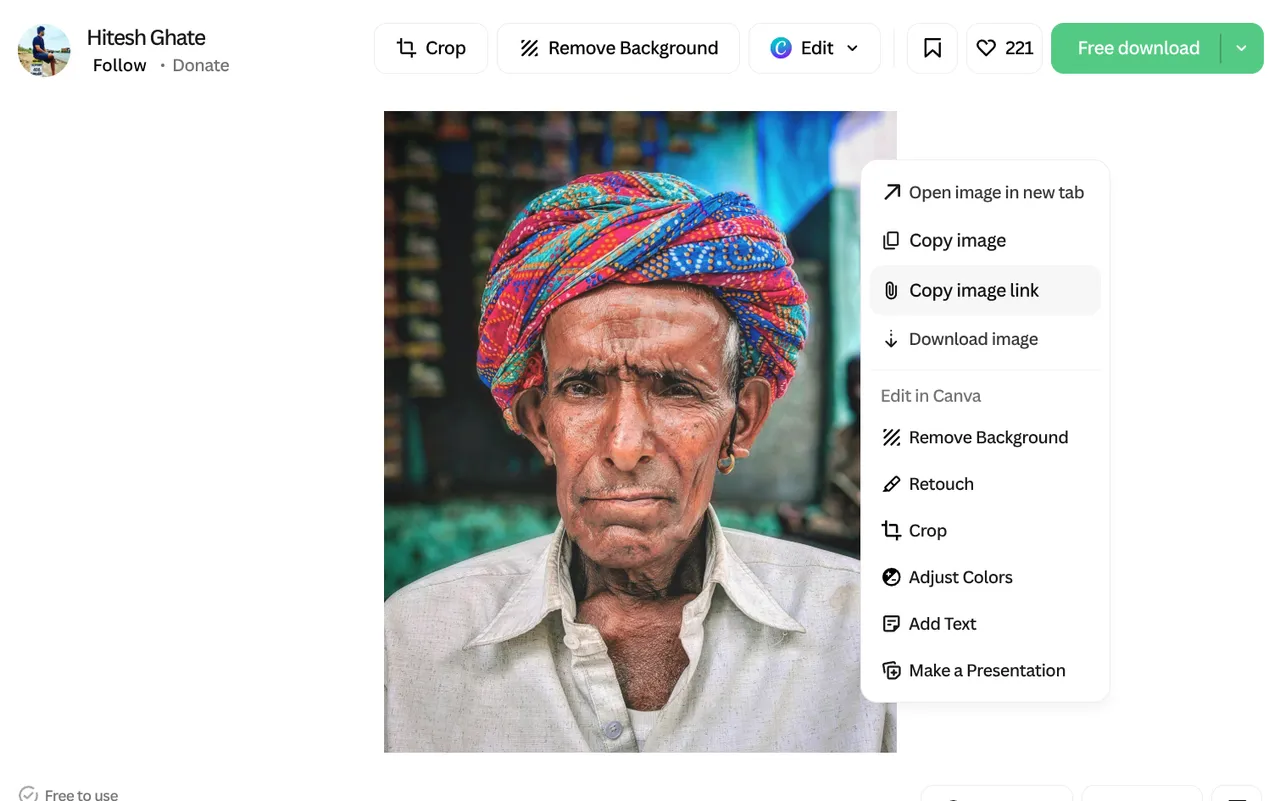
- AI-Generated Portraits: Lummi.ai is a fantastic resource. Just right-click and copy the image address!
Option 2: Uploading Files Directly
If you have images on your computer:
- Look for the
input_imagesfield in the actor input. - Click the upload button to select files from your computer. Apify will automatically handle uploading them and passing the secure URLs to the extractor.
Run the Extractor!
- Provide your images (via URLs or file upload) in the input configuration.
- Click Start and let the vision AI do its magic! ✨
- Once it's done, you can export your structured data as a CSV, Excel spreadsheet, or JSON file.
Tech details for developers 🧑💻
Input Example:
Output Example:
Parameters:
| Parameter | Type | Required | Description |
|---|---|---|---|
input_images | array of strings | Yes | List of direct image URLs or uploaded image files to extract portrait data from. |


