

YouTube Shorts Scraper
Pricing
from $5.60 / 1,000 results
YouTube Shorts Scraper
Ultra-fast, lightweight YouTube Shorts scraper extracting video metrics, audio tracks, viral engagement rates, channel statistics, and transcripts.
Pricing
from $5.60 / 1,000 results
Rating
0.0
(0)
Developer

REXREUS D.O
Maintained by CommunityActor stats
0
Bookmarked
2
Total users
1
Monthly active users
2 months ago
Last modified
Categories
Features
Share
YouTube Shorts Scraper & Analytics
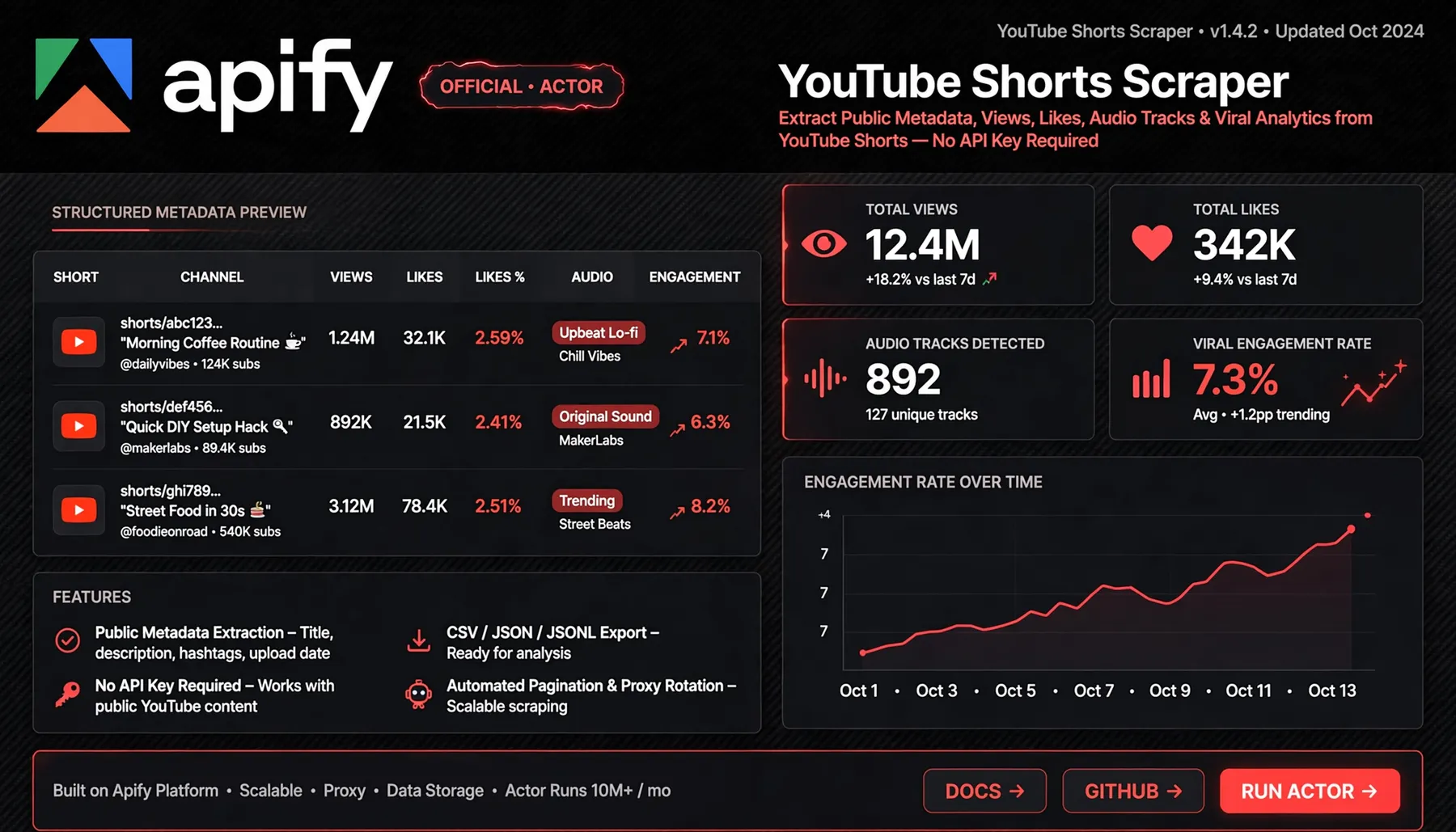
Ultra-fast, lightweight YouTube Shorts scraper extracting video metrics, audio tracks, viral engagement rates, channel statistics, and transcripts.
100% Pure HTTP-First Architecture • Zero Browser Overhead • 90% Cheaper Compute



Why this Actor?
| Feature | What you get |
|---|---|
| ⚡ 100% Pure HTTP-First | Runs on 256MB RAM with sub-second speeds. Completely avoids heavy Playwright/Puppeteer crashes. |
| 🎵 Audio & Music Track Pivot | Extracts background music track title, artist name, audio ID, and original sound indicators for trend analysis. |
| 📊 Automated Engagement Rate | Computes (likes + comments) / views * 100 automatically, eliminating manual post-processing. |
| 📝 Free Subtitles & Captions | Automatically extracts native and auto-generated transcripts without exorbitant per-minute charges. |
| 🎯 5 Versatile Input Modes | Accepts direct Short URLs, Channel /shorts tabs, Search keywords, Hashtags (#shorts), and Audio source links. |
| 👤 Creator & Channel Metadata | Captures channel handle (@...), channel ID, avatar image URL, and verification status. |
| 🛡️ Built-in Anti-Bot Defense | Native Apify Residential proxy support with automatic session rotation and exponential jitter backoff. |
| 📁 Clean Dataset Exports | Flat JSON/CSV/Excel format with zero debug provenance clutter and standardized status codes. |
Quick start
- Open the Actor on Apify Console and click Start.
- Enter YouTube Shorts URLs, Channel links (e.g.
https://www.youtube.com/@MrBeast/shorts), or search queries. - Download the results as JSON, CSV, or Excel from the Dataset tab.
How it works
Input Parameters
| Field | Type | Required | Default | Description |
|---|---|---|---|---|
startUrls | array | No | ["https://www.youtube.com/@MrBeast/shorts"] | List of YouTube Short URLs, Channel shorts tabs, Hashtags, or Audio sources. |
searchQueries | array | No | [] | Search terms to discover Shorts by keyword (e.g. ["tech gadgets", "gym tips"]). |
maxResults | integer | No | 50 | Maximum total number of Shorts to scrape across all inputs. |
maxResultsPerUrl | integer | No | 50 | Maximum number of Shorts to extract per channel or search query. |
downloadSubtitles | boolean | No | true | Whether to extract plain text transcripts and subtitles when available. |
includeComments | boolean | No | false | Whether to extract top comments for each Short. |
maxCommentsPerShort | integer | No | 10 | Maximum number of comments to extract per video if enabled. |
proxyConfiguration | object | No | { "useApifyProxy": true, "apifyProxyGroups": ["RESIDENTIAL"] } | Proxy configuration settings. Residential proxies recommended. |
Output Dataset Sample
Each item pushed to the default dataset represents a clean, flattened record:
Cost, Limits & Performance
- Memory Allocation: 256 MB – 512 MB RAM (Lightweight container).
- Execution Speed: 250ms – 400ms per Short.
- Compute Unit (CU) Consumption: ~0.01 – 0.02 CU per 1,000 items (up to 95% cheaper than browser scrapers).
- Proxy Recommendation: Apify Proxy with
RESIDENTIALgroup for high-volume scraping without 429 rate limits.
Recipes
Recipe 1: Channel Shorts Competitor Audit
Extract recent Shorts from top creator channels with audio info and engagement rates:
Recipe 2: Keyword Trend Discovery
Discover trending videos for specific search queries:
Recipe 3: Viral Sound / Audio Source Tracking
Track all Shorts using a specific viral sound:
Troubleshooting
| Status Code / Symptom | Root Cause | Solution |
|---|---|---|
BLOCKED (429) | YouTube detected high request volume on datacenter IP | Ensure Apify Proxy is set to RESIDENTIAL groups in input settings. |
NOT_FOUND (404) | Short was deleted or URL is invalid | Verify URL format. The item is safely marked with status: "NOT_FOUND". |
RESTRICTED (403) | Age-restricted or country-blocked video | Video requires account login; item is marked status: "RESTRICTED". |
PARTIAL | Basic details parsed but optional captions or comments absent | Video author did not provide subtitles or disabled comments. |
FAQ
Q: Do I need a Google or YouTube account or API key to use this Actor?
A: No. This Actor operates 100% on public endpoints without requiring any YouTube API keys, Google accounts, or login credentials.
Q: Can this Actor download the actual video files (.mp4)?
A: No. To keep execution ultra-fast and compute costs minimal, the Actor extracts structured metadata, thumbnails, audio tracks, and transcripts, but does not download raw heavy video binaries.
Q: How accurate is the engagement rate?
A: Engagement rate is calculated directly using YouTube's exact view count, like count, and total comment count via the formula: ((likes + comments) / views) * 100.
Q: Does it work for private or unlisted Shorts?
A: No. Only publicly accessible Shorts can be scraped.
Q: Can I run this locally using the Apify CLI?
A: Yes! Run apify run --purge in the repository directory to execute against your local input.
Limitations
- Scrapes publicly available data only.
- Users are responsible for complying with YouTube's Terms of Service and local data regulations.
Run it
Ready to extract YouTube Shorts data? Open the Actor on Apify Console and hit Start.
License
Proprietary. All rights reserved. Copyright (c) 2026 REXREUS.
You may run this Actor on Apify. You may not copy, rebrand, republish, or claim this Actor as your own. See ./LICENSE.


