


Trusted by industry leaders all over the world












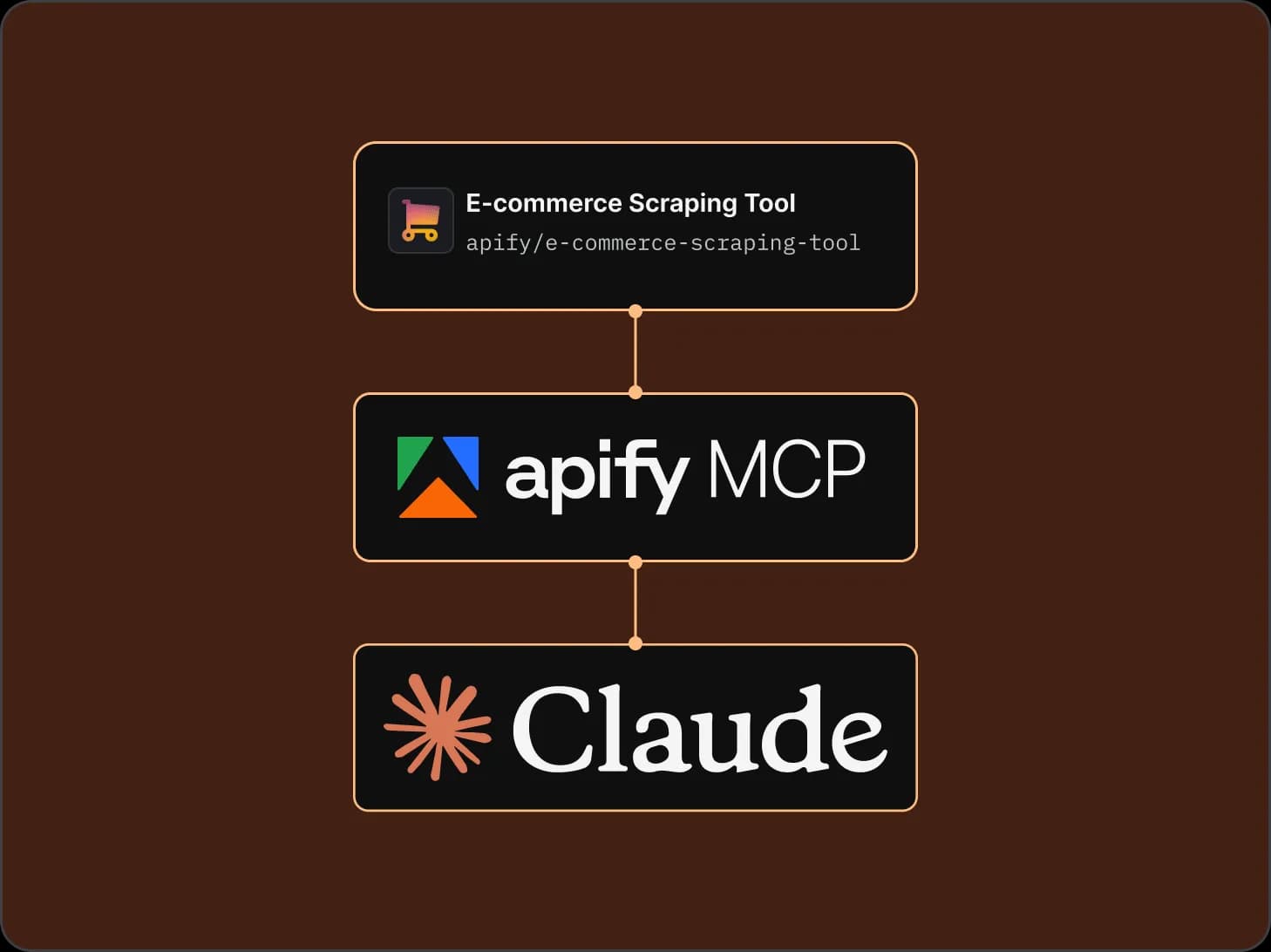
Claude + E-commerce Scraping Tool
What Claude gets back
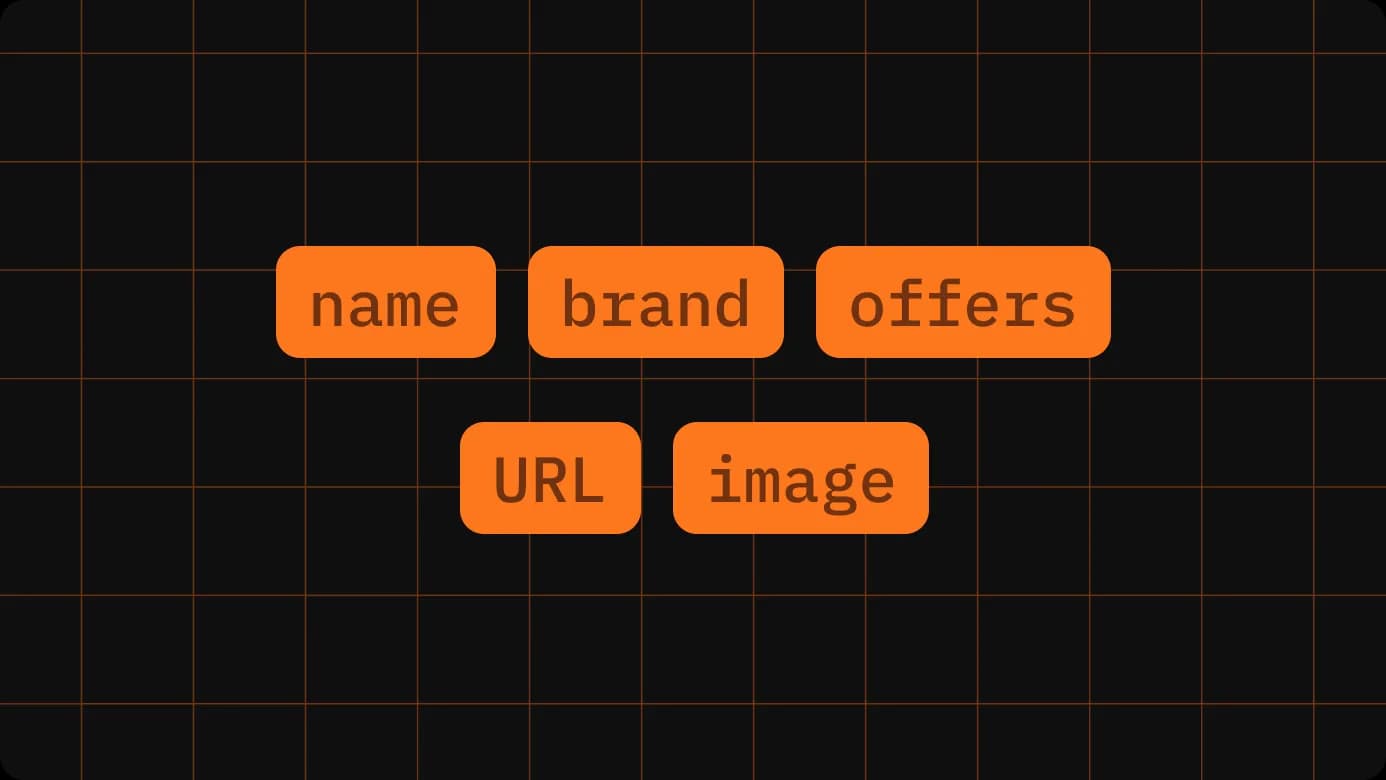
Typed fields read from the live page: name, brand, offers, image, url
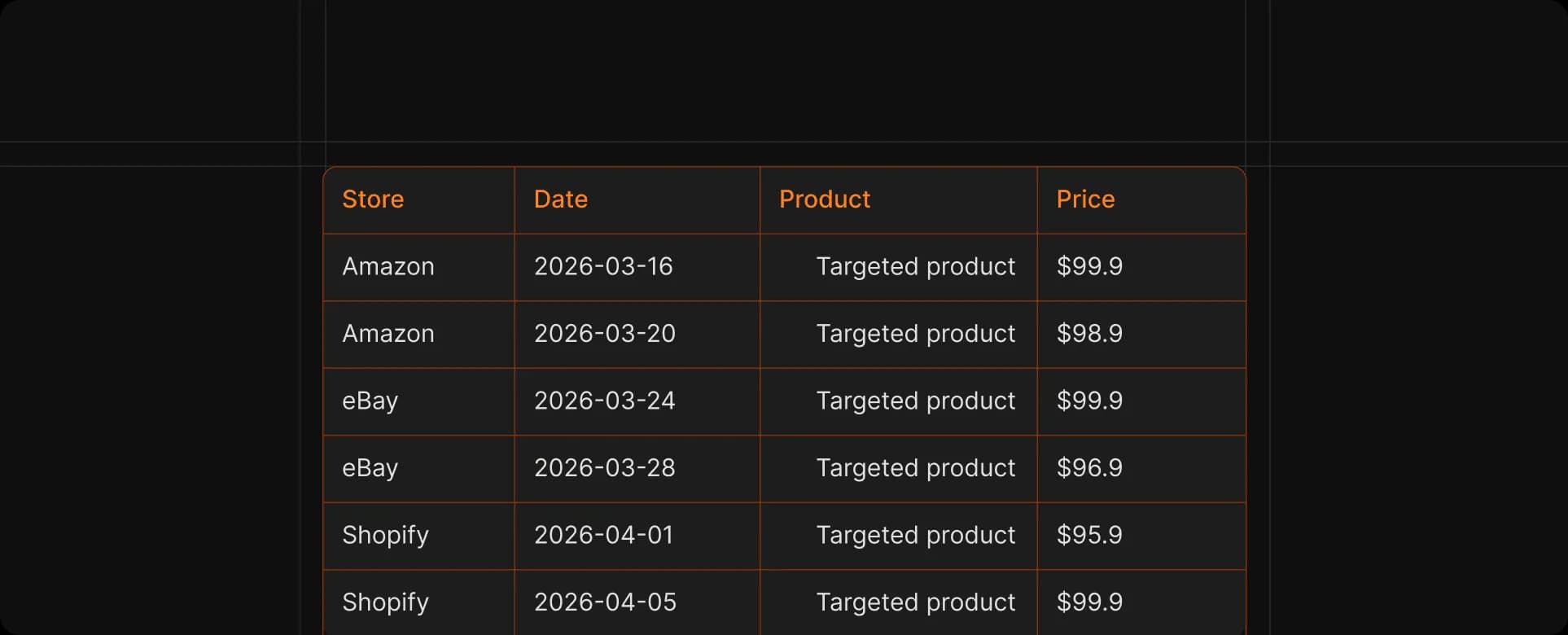
Comparing multiple products
175 products in 60 seconds on a recorded run
What it costs
About half a cent per product, $1 for 175 on a recorded run
What Claude gets back
Comparing multiple products
What it costs
Claude + E-commerce Scraping Tool
Typed fields read from the live page: name, brand, offers, image, url
175 products in 60 seconds on a recorded run
About half a cent per product, $1 for 175 on a recorded run
Claude on its own
A paraphrase of whichever page loaded, or training data
One page at a time, into the context window
Dependent of your plan, prohibitive at volume
Why builders connect Apify to Claude
Web search was built to read pages for people. Product questions need fields that an agent can compare and filter across many items at once, without paying for whole pages in tokens.
With Apify: typed fields
Claude gets name, brand, offers, image, and url on every call, so your parsing code is written once.
Without it: a paraphrase
Claude describes one page it read, with no guarantee the price it quotes is the one on screen.
Any online store, one call
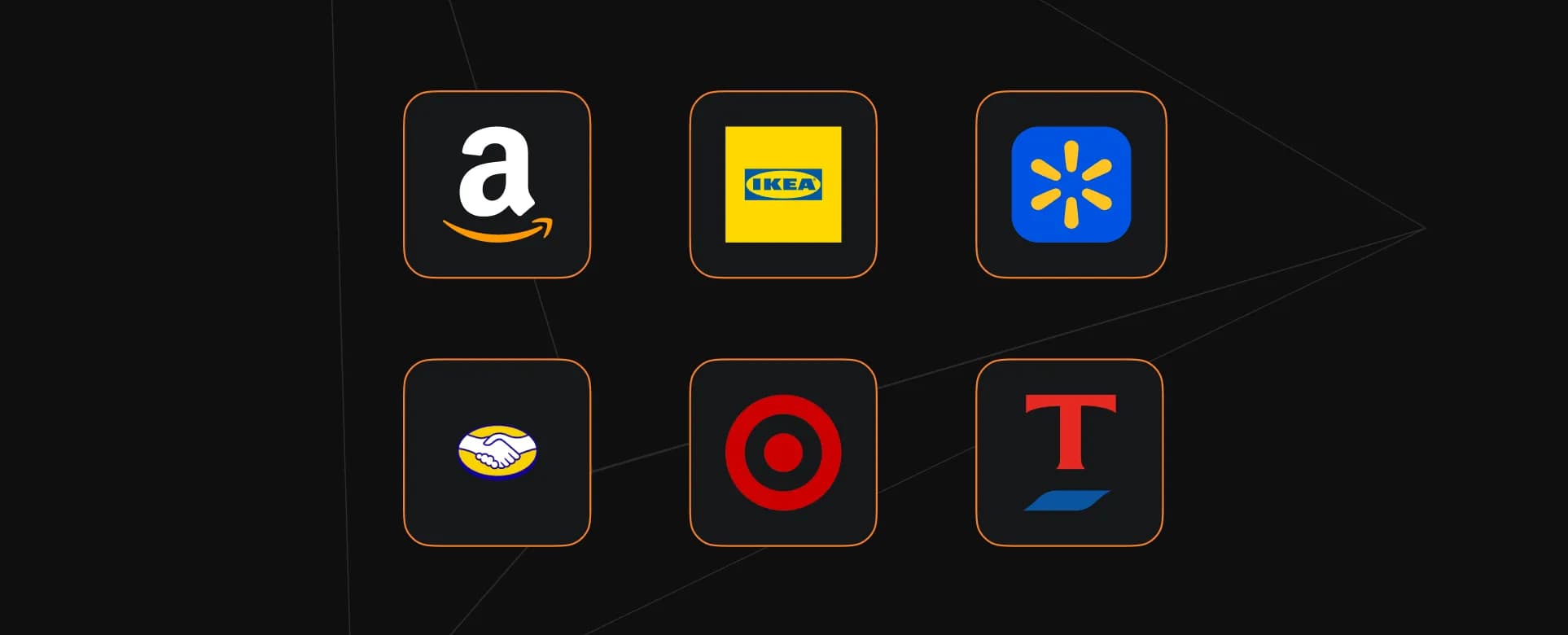
Amazon, Walmart, Target, eBay, Home Depot, IKEA, Tesco, Mercado Libre, and more behind one Apify Actor.
Runs inside Claude
Nothing to replace. Add E-commerce Scraping Tool to Claude Desktop or Claude Code over the Apify MCP server.
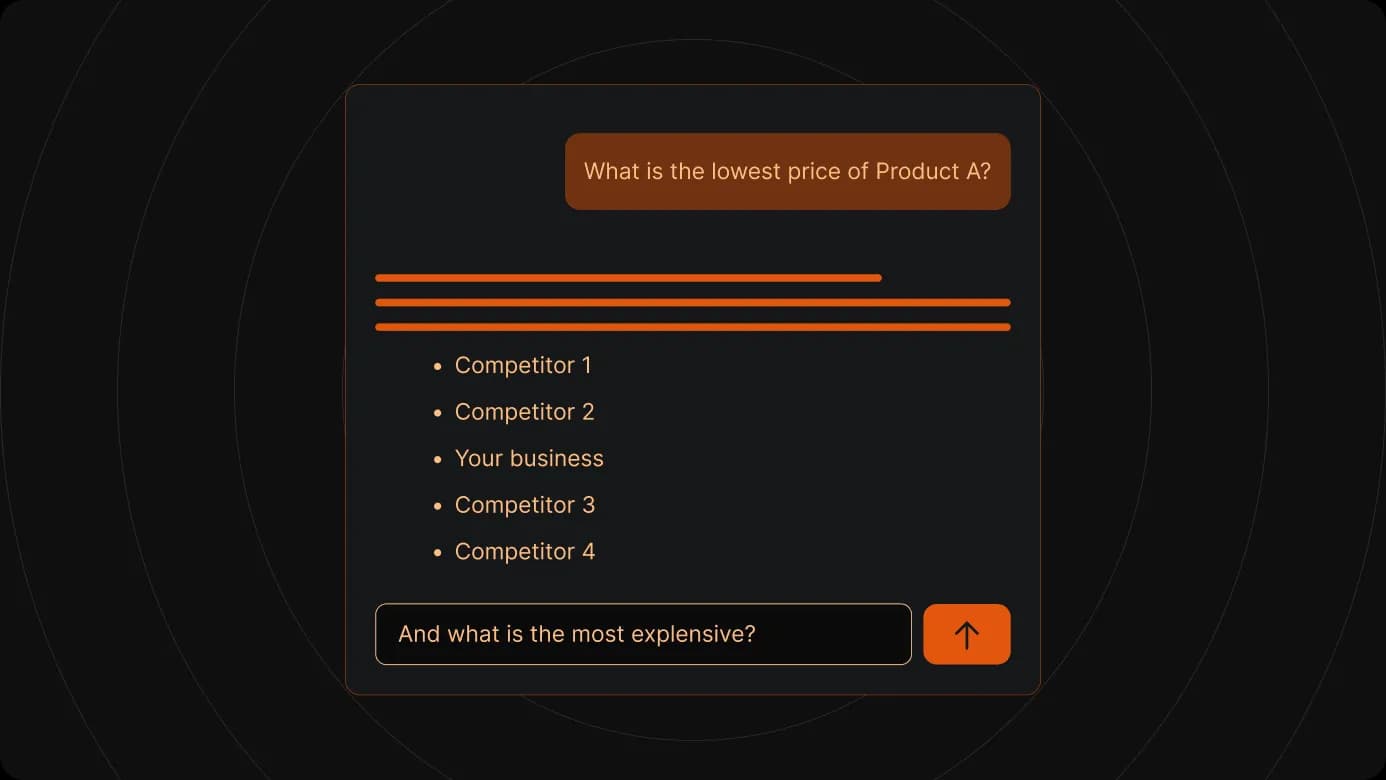
I tell Claude what I want, it finds the scraper on Apify, gets the data, and puts it in my database. It saves me one to two working days a week.

I don't pick Apify Actors anymore. I describe the outcome, and the agent finds the right combo through the Apify MCP Server.
Having everything on one platform makes things easier. I used to have 10 different accounts to make this automation work.

Note
This evaluation is based on our understanding of information available to us as of August 2026. Readers should conduct their own research for detailed comparisons. Product names, logos, and brands are used for identification only and remain the property of their respective owners. Their use does not imply affiliation or endorsement.