

Zillow Scraper: Listings, Zestimate, Agents & Deal Analysis
Pricing
$3.00 / 1,000 zillow listings
Zillow Scraper: Listings, Zestimate, Agents & Deal Analysis
Scrape Zillow for-sale, sold, and rental listings by city, ZIP, URL, or ZPID. Get prices, Zestimate, agent contacts, photos, and property history, plus built-in deal analysis: cap rate, cash flow, seller equity, and pre-foreclosure signals. Advanced filters and listing change monitoring included.
Pricing
$3.00 / 1,000 zillow listings
Rating
5.0
(2)
Developer

Kelopr_bk
Maintained by CommunityActor stats
4
Bookmarked
146
Total users
17
Monthly active users
a day ago
Last modified
Categories
Share
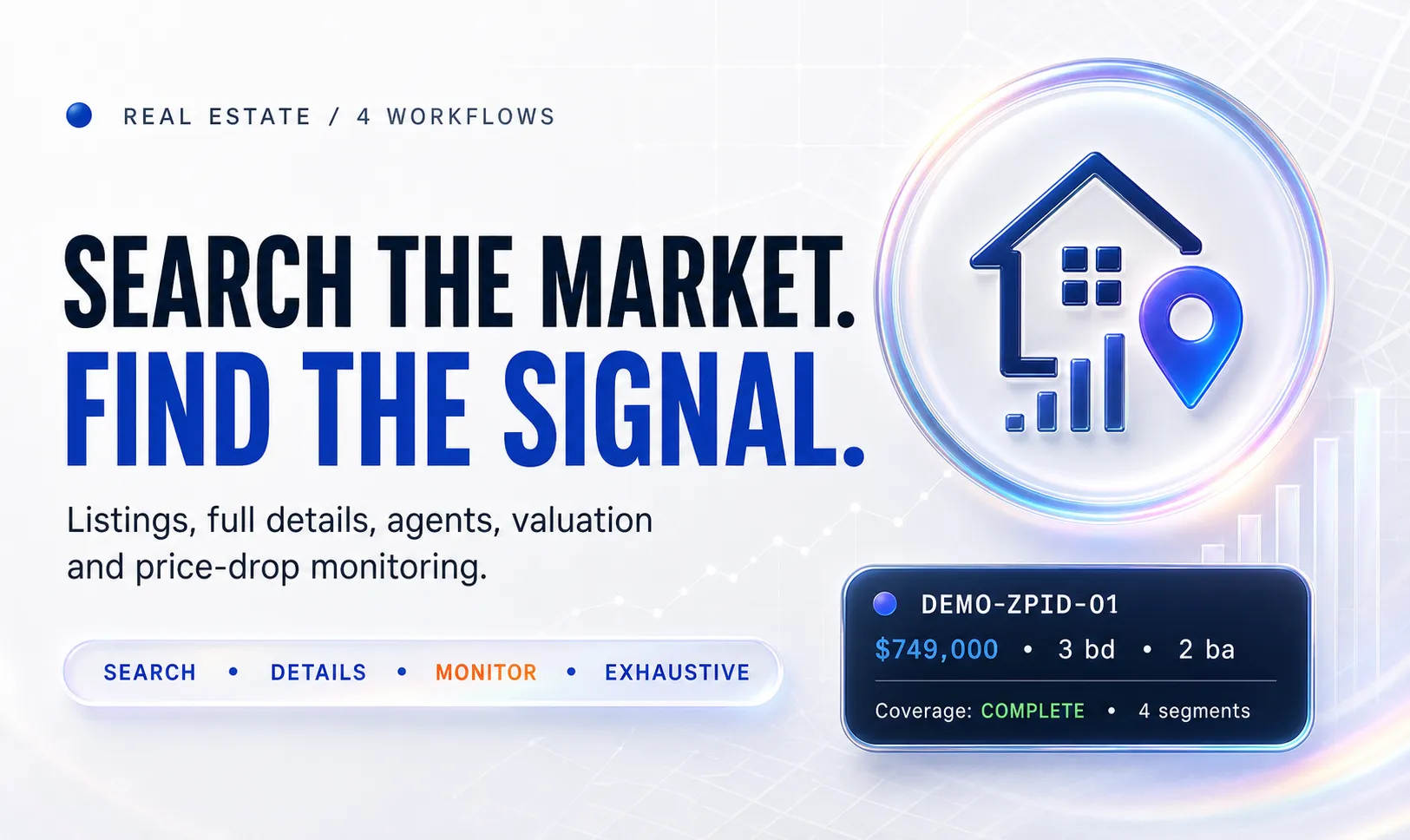
🏡 Zillow Scraper — Listings, Zestimate & Deal Finder
Search Zillow by city, ZIP code, neighborhood, search URL, property URL, or ZPID. Export quick listing cards, detailed property records, or investment-ready deal analysis with Zestimate comparisons, cap rate, cash flow, seller signals, and listing-agent details when Zillow publishes them.
No complicated setup is required: choose a workflow, enter a location or property, set the result limit, and run.
🚀 Quick start
- Open the Input tab.
- Choose what you want to collect.
- Enter a location for Search modes, or a Zillow URL/ZPID for Detail.
- Set Maximum saved results and click Start.
For a first test, keep the default filters and request 10–20 results.
🎯 Choose the right workflow
| Workflow | Use it when | Result |
|---|---|---|
⚡ SEARCH | You need a fast market list | Listing cards with price, address, beds, baths, area, type, photo, status, URL, and coverage fields |
✨ SEARCH_DETAILS | You need property-page data from a location | Available property-page fields, photos, contacts, and explicit detail-section coverage |
💎 DEALS | You want properties worth investigating | Property-page data plus investment metrics, seller signals, and optional deal filters |
🏠 DETAIL | You already have property URLs, ZPIDs, or a previous dataset | Zillow property-page records and detail-section coverage for the supplied properties |
DEALS automatically enables analysis. SEARCH stays lightweight and does not request full property details.
📦 What you receive
Core listing fields
zpid · displayAddress · streetAddress · city · state · zipcode · price · unformattedPrice · currency · homeStatus · statusType · homeType · bedrooms · bathrooms · livingArea · yearBuilt · imgSrc · detailUrl
Full property details
Available in SEARCH_DETAILS, DEALS, and DETAIL, depending on what Zillow publishes for the property:
- Zestimate and Rent Zestimate
- property facts and features
- price and tax history
- photos and media
- listing-agent and brokerage information
- open-house and listing-status data
- days on Zillow and price-reduction information
Conditional source fields remain empty when Zillow does not publish them. The Actor does not invent missing contact, valuation, or financial data.
Convenient fields and focused views
Native Zillow data is preserved. Source-backed flat aliases include propertyUrl,
unformattedPrice, agentName, agentPhoneNumber, agentLicenseNumber,
brokerName, brokerPhoneNumber, mlsName, mlsId, mainImage, photoUrls,
staticMapUrl, and extractedPhotoCount when available.
photoCount is Zillow's reported total; extractedPhotoCount is the number of
distinct gallery URLs actually extracted, which can be smaller for search cards.
Additional Output views organize Property details, Agents & brokers, Photos, Price history, Tax history, and Schools without creating extra billed records. History and school views only contain rows when the respective source arrays were returned.
Detail-source coverage
DETAIL, SEARCH_DETAILS, and DEALS retrieve the additional property sections,
including price history, tax history, schools, nearby homes, open-house schedules,
and detailed property facts. If that retrieval fails, the object is recorded in
Errors rather than saved as a paid incomplete detail result. Independent objects
continue processing. SEARCH remains a lightweight listing-card workflow.
detailSectionsPresent lists returned arrays, including explicitly empty arrays.
detailSectionsUnavailable identifies sections that Zillow explicitly returned
as unavailable; values are not guessed. detailSectionsMissing identifies
unreturned or malformed sections. SOURCE_SECTIONS_PRESENT means the arrays were
returned; SOURCE_SECTIONS_CHECKED also allows explicitly unavailable sections.
Neither guarantees that every possible field or historical event is published by
Zillow. Search coverage fields remain separate and describe pagination only.
Apartment-complex and community URLs are not interchangeable with individual
/homedetails/ listings. Some search pages include promoted complex cards; those
can be reported in Errors when full detail extraction is requested. For a direct
property test, use a /homedetails/ URL or ZPID.
Deal Finder fields
The analysis block can include:
pricePerSqft · priceVsZestimatePct · zestimateConfidence · grossYieldPct · capRatePct · monthlyPaymentUsd · monthlyCashFlowUsd · cashOnCashPct · breakEvenRentUsd · sellerEquityUsd · demandScore · motivatedSellerScore · motivatedSellerReasons · signals · assumptions · notes
Calculations use property values available in the source record. If a required value such as rent estimate or Zestimate is missing, the affected metric stays empty and notes explains why.
All names, addresses, IDs, and figures in this example are fictional.
🧭 Understand search coverage
Every search result explains how much of Zillow's visible result set was reached:
COMPLETE_VISIBLE_RESULTS— all pages reported by Zillow were fetched.PARTIAL_PAGE_LIMIT— the selected search depth stopped before the last visible page.PARTIAL_SOURCE_CAP— all visible pages were fetched, but Zillow reported more listings than those pages expose.PARTIAL_SOURCE_ERROR— a later page failed; records collected before the failure were preserved.
Related fields include coveragePagesFetched, coveragePagesAvailable, coverageResultsReported, coverageVisibleCapacity, coverageSourceCapDetected, and coverageNote. A compact per-location coverage report is also saved in the run OUTPUT summary.
This prevents a capped search from being presented as complete.
🔎 Filters without the clutter
The normal Input path contains only the fields most users need:
- workflow
- listing status
- location, URL, or ZPID
- result limit and search depth
- property type
- price range
- bedrooms and bathrooms
- sorting
Open More property filters only when you need living area, lot size, construction year, HOA, days on Zillow, photos, open houses, or price reductions.
Open Assumptions & deal filters only when you want custom financing assumptions or need distressed, absentee-owner, below-Zestimate, cap-rate, cash-flow, or motivated-seller filters.
Existing API integrations can continue using the original flat filter keys. The compact Form groups are expanded automatically.
▶️ Ready-to-use recipes
Find 50 homes under $750K
Collect complete property and listing-agent details
Find below-Zestimate properties with positive cash flow
Enrich known ZPIDs
📊 Output and exports
The Output tab provides:
- Results — the main property table with rendered photos and clickable listing links
- Deal analysis — investor metrics and seller signals
- Errors — unavailable or failed source items, separate from paid results
- Market report — an HTML summary for analyzed runs
- Run summary — saved count, filters, coverage, issues, duration, and charge-limit state
Download results as JSON, CSV, Excel, XML, or RSS from the default dataset, or connect the dataset to your existing Apify integrations.
A failed property does not erase successful records from the same run.
✅ Safe runs and clear errors
maxResultslimits successfully saved result rows.- Rejected deal candidates, failed property requests, and duplicates do not use result slots. Search modes continue within the loaded pages and detail limit until enough matching results are saved or the candidates are exhausted.
maxPagesPerSearchcontrols search depth for each location. The unsupported keymaxPagesis ignored with an explicit warning; it never changes the effective depth.- Custom sorting ranks the loaded search cards first and then enriches only the bounded candidate set.
maxDetailUrlsincludes failed attempts and filter enrichment;0uses the automatic safety cap. It normally equalsmaxResults; large unfilteredSEARCH_DETAILSruns can use up to 10% bounded recovery headroom for isolated source failures. The effective cap is reported inOUTPUT, so strict filters cannot silently multiply full-property work. - Temporary source retries are bounded. A failed property is reported in the separate Errors dataset while the Actor continues with independent inputs.
OUTPUTseparates all discovered unique properties from examined candidates and saved rows. It also includes per-location counts, page coverage, input warnings, and stop reasons such asmax_results,max_detail_urls,max_pages, andbudget_limit.- Duplicate listings are removed by property identity.
- Invalid URLs, ZPIDs, ranges, modes, or empty API inputs finish successfully with
status: "invalid_input"inOUTPUTand a corrected example. - Invalid input is rejected before property requests begin and is not written as a paid result.
- Temporary source failures are isolated in the Errors dataset whenever other inputs can continue.
- If the maximum run charge is reached, pending work stops and already saved records remain available.
❓ FAQ
Why is Zestimate missing for some rows?
Fast SEARCH rows contain listing-card data. Use SEARCH_DETAILS, DEALS, or DETAIL for full property data. Zillow may still omit Zestimate for individual properties.
Does every property contain an agent email or phone?
No. Listing-agent and brokerage fields are returned only when Zillow publishes them for that property. Missing contact values are not guessed.
Why does coverage say PARTIAL_PAGE_LIMIT?
The search has more visible pages than the selected Search depth per location. Increase that value if you need broader coverage.
Why can Deal Finder return fewer rows than the result limit?
Deal filters run after full property records are collected and analyzed. Properties with missing required metrics or values below your thresholds are excluded, and the Actor tries further candidates from the loaded pages. Fewer rows can still be correct if those pages contain too few matches, detail requests fail, or the detail or run-charge limit is reached. Check OUTPUT before increasing any limit.
Can I reuse a previous Search dataset?
Yes. Select it under Input dataset from a previous run in DETAIL mode. Records containing a ZPID or property URL can be enriched.
⭐ If the Actor saves you manual research, a short Apify Store review helps other users find it and shows which workflow should be improved next.


