Go to example tasks
Monitor new apify dataset to google sheets sync daily
Created by
Zentra
Automatically synchronize new entries from an Apify dataset into Google Sheets. Receive structured data with clear errors and match reasons.
Apify Dataset to Google Sheets Synczentrafoundry/apify-dataset-to-google-sheets-sync
Record id
Title
Source url
Source status
+10 fieldsTextNumberBooleanListObject
Input
Source mode:sample
Maximum items:25
Output mode:buyer-ready-records
Output fields
Record id
Title
Source url
Source status
Delta type
Score
Confidence
Detected at
Source dataset id
Attempted rows
Delivered rows
Rejected rows
Batch count
Destination type
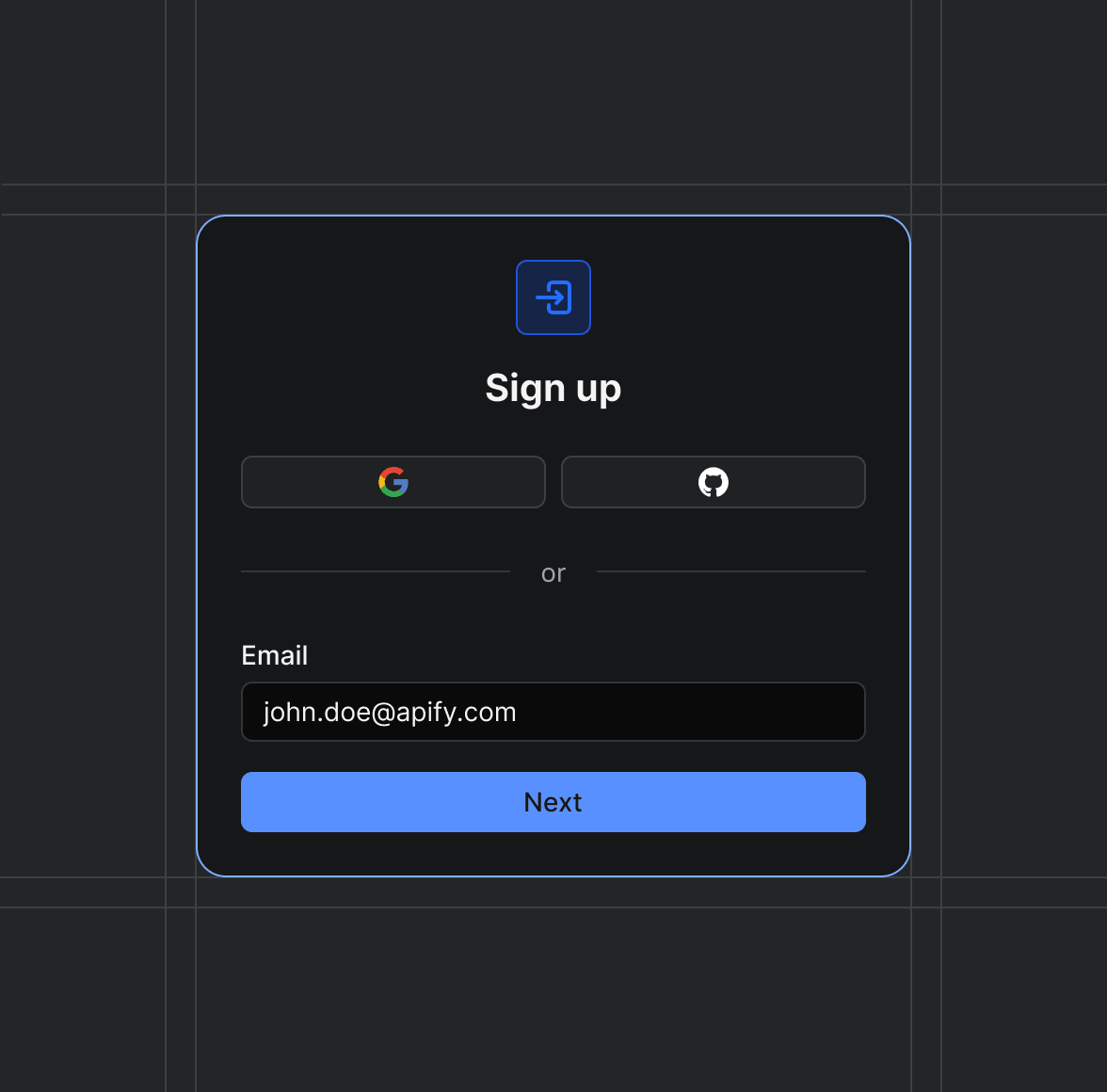
Sign up on Apify01
Create your Apify account to access the Apify Dataset to Google Sheets Sync.
Start the run02
The Actor will start running based on the input automatically.
Receive the output03
Monitor the progress in real-time. You will be notified as soon as your dataset is complete and ready for review.
Integrate into your workflow04
The final output is delivered in JSON, CSV, or Excel format, ready to be plugged into your workflow.