

Bluesky Monitor — Hashtags, Profiles & Webhooks
Pricing
from $0.80 / 1,000 post results
Bluesky Monitor — Hashtags, Profiles & Webhooks
Watch Bluesky hashtags live, pull profile feeds, and get webhook alerts for only-new posts. Built on Jetstream for cloud-friendly monitoring — schedule it, don’t babysit it.
Pricing
from $0.80 / 1,000 post results
Rating
0.0
(0)
Developer

Abaddon
Maintained by CommunityActor stats
0
Bookmarked
2
Total users
1
Monthly active users
23 days ago
Last modified
Categories
Share
Bluesky Hashtag Monitor & Scraper — Live Jetstream, Profile Feeds & Webhook Alerts
Bluesky Monitor by Abaddon is a production-ready Apify Actor for Bluesky hashtag monitoring, social listening, and scheduled only-new alerts. It listens on the public live Jetstream firehose for hashtags, pulls profile feeds by handle, and pairs with Apify Schedule + webhook so your agency stack gets new posts without babysitting a long run.
Use it for brand hashtags, campaign tags, competitor handles, and lightweight social listening on Bluesky / AT Proto — without pretending keyword AppView search or a full archive works from the cloud.
Honest limits up front: Jetstream is live + short free lookback, not a historical archive. Keyword AppView search is experimental and usually returns HTTP 403 from Apify cloud. Prefer hashtag or profile.
Screenshots
Store listing, Example tasks, and a Posts dataset from a real run:
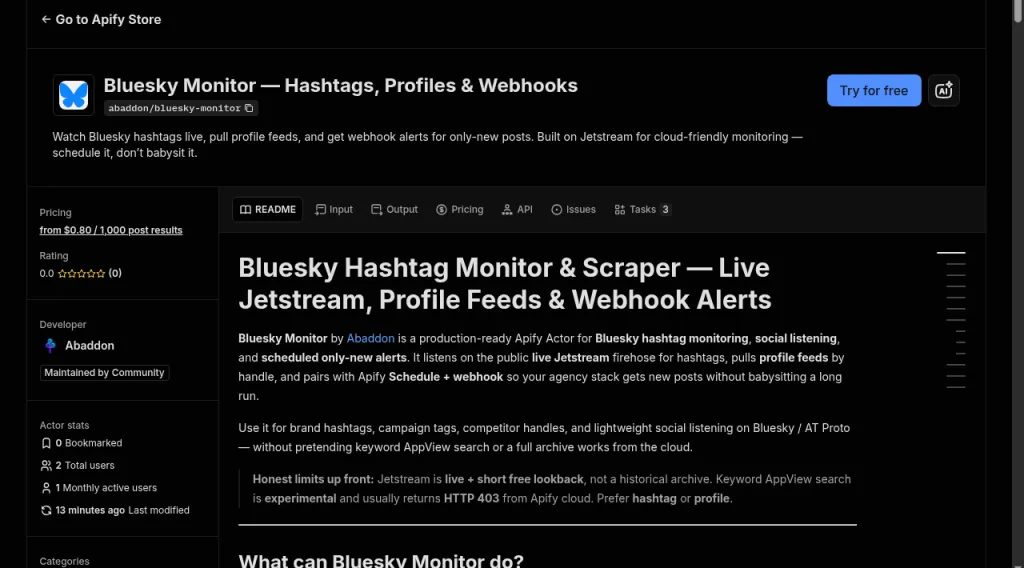
Store page — Try for free, PPE from $0.80 / 1k posts, Example tasks on the Tasks tab.
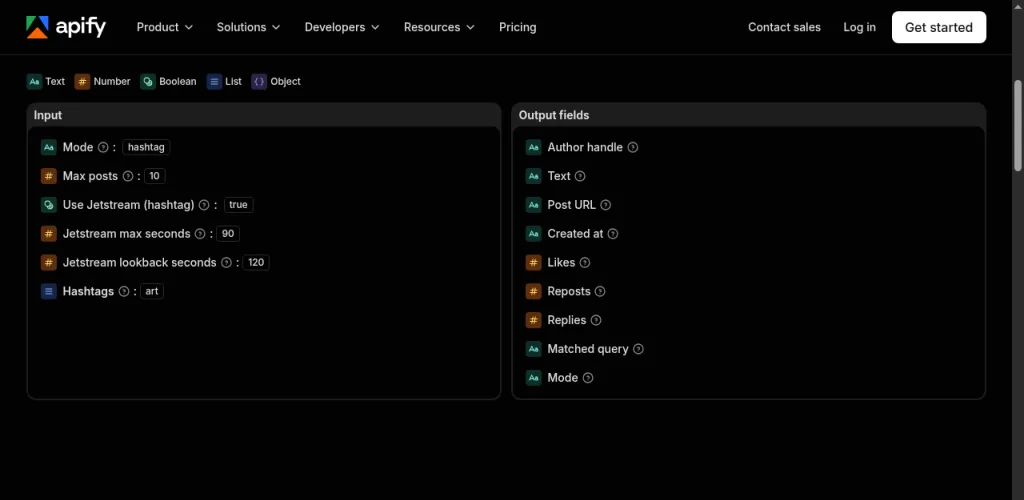
Example task input — hashtag mode, #art, max 10 posts, short Jetstream window.
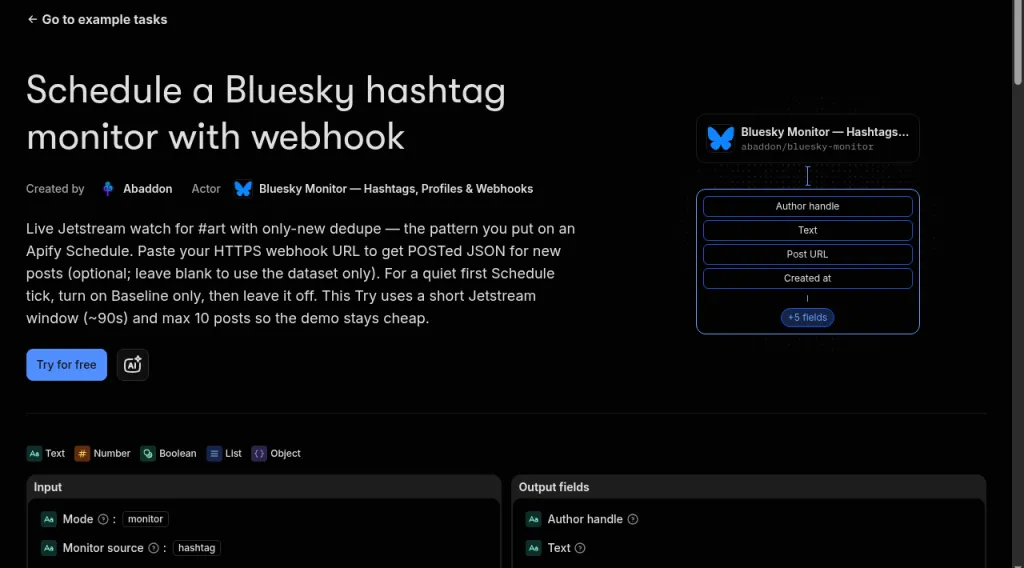
Published Example task: Schedule a Bluesky hashtag monitor with webhook — only-new + optional webhook for Apify Schedule.
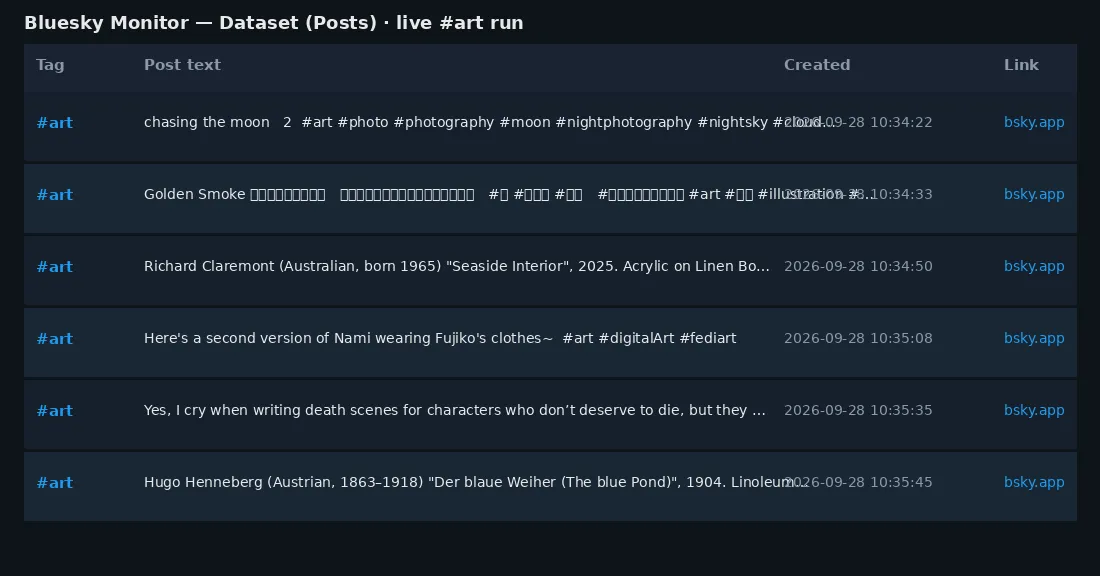
Posts dataset preview from a real #art Jetstream run (tag, text, time, link).
Also try: live #art hashtag · profile feed
What can Bluesky Monitor do?
| Use case | How |
|---|---|
| Brand / campaign hashtag monitoring | Live Jetstream listen for tags; Schedule every 5–15 min with mode=monitor |
| Webhook alerts for only-new posts | webhookUrl + KV watermarks — Slack, Make, n8n, or your own HTTPS inbox |
| Competitor or creator watches | profile mode on handles; optional monitor + monitorSource=profile |
| Topic / trend sampling | Short hashtag runs on busy tags (maxItems + jetstreamMaxSeconds) |
| Agency / automation pipelines | Dataset export (JSON/CSV/Excel) or Apify API → classifiers, digests, dashboards |
| What you collect | Features |
|---|---|
| Hashtag posts from the live network | Region failover + reconnect backoff |
| Profile / author feeds by handle | Schedule-friendly short listen windows |
| Only-new posts across runs | Optional webhook on new posts |
| Text, URI, time, author DID, matched tags | Clear OUTPUT stats for support |
Sample output
Each dataset item is one normalized Bluesky post:
Items also dual-write shared cross-check fields (platform, matchedOn, authorId, language, media) alongside the Bluesky names above — same row shape for joining with sibling monitors.
Live Jetstream rows often show likeCount / repostCount as 0 at create time, and handle may be unset until AppView enrichment — URI, text, createdAt, and author DID are the stable fields.
How much does Bluesky hashtag monitoring cost?
Pay-per-event (PPE) — platform usage included (no compute-unit pass-through on Store pricing):
| Event | When | Price (USD) |
|---|---|---|
actor-start | Once per run | $0.005 |
post-result | Per post written to the dataset | $0.0008 ($0.80 / 1k) |
monitor-check | Per watermark check (monitor mode) | $0.0003 |
Buyer math (examples):
- 1 scheduled monitor run, 5 new posts → ≈ $0.0093
- Quiet hashtag (0 matches) → $0.005 start (+ $0.0003 in monitor mode) — you are not billed invented posts
Keep jetstreamMaxSeconds short (60–120s) and use an Apify Schedule for ongoing watches instead of multi-hour single runs.
How to scrape Bluesky hashtags / monitor with Schedule + webhook
- Open Bluesky Monitor in Apify Console (or create a free Apify account first).
- Set mode to
hashtag(one-shot sample) ormonitor(only-new for Schedules). - Add hashtags (e.g.
art,atproto— with or without#). - Cap the run:
maxItemsandjetstreamMaxSeconds(default 90s). - Optional: paste a
webhookUrlfor alert flows. - Click Start. Open the Dataset for posts; check OUTPUT for
connectedHost,eventsSeen,matched,pushed. - For ongoing alerts: save as a Task → attach a Schedule (every 5–15 minutes) with
mode=monitor,monitorSource=hashtag,monitorEnabled=true. UsebaselineOnly: trueon the first run if you do not want a backlog dump.
Modes
| Mode | Input | Behavior |
|---|---|---|
hashtag (default) | hashtags[] | Live Jetstream WebSocket until maxItems or jetstreamMaxSeconds. Region failover on connect failure. |
profile | handles[] | AppView author feeds (works from Apify without proxy). |
monitor | + monitorSource | Same sources, only-new posts via KV watermarks. Pair with Schedule + optional webhookUrl. |
search (experimental) | query | AppView searchPosts — usually 403 from cloud. Soft-disabled unless forceAppViewSearch: true. Prefer hashtag or profile. |
Example inputs
Hashtag live scrape (Store demo — #art)
Profile feed
Monitor + webhook (schedule this)
Quiet tags that match nothing still SUCCEEDED — check OUTPUT eventsSeen vs matched.
FAQ
Why did I get 0 posts but the run succeeded?
Quiet hashtag or short listen window. OUTPUT shows eventsSeen vs matched: the stream was up; nothing matched. You pay start (+ monitor-check), not fake posts.
Why not keyword search?
Bluesky AppView searchPosts often returns HTTP 403 from datacenter / Apify IPs — even with proxies. Jetstream hashtag listening is the reliable cloud path.
Do I need a Bluesky login?
No for hashtag (public Jetstream) or normal profile feeds.
Do I need Apify Proxy?
Not for Jetstream hashtag mode. Profile AppView usually works without proxy too.
Will likes and handles always be filled?
Not on brand-new live posts. URI, text, timestamp, and author DID are the stable fields.
Is it legal?
Only collect public data for a legitimate purpose. You are responsible for Bluesky / AT Proto terms and applicable privacy law (e.g. GDPR).
Technical notes
- Jetstream: free, unauthenticated live firehose. Default preferred region
us-east(v2); on connect failure triesus-westthen v1 public endpoints. SettingjetstreamUrlforces one host (no failover). - Matching: facets +
#tagword boundaries. Short tags (≤2 chars) need a facet tag or a strict#tagtoken —#aiwill not match inside the wordsaid. - Lookback:
jetstreamLookbackSeconds(default 120) then live-tail — free cursor window, not metered archive. - Reconnects: up to 5 mid-listen reconnects with exponential backoff (never past
maxSeconds). - OUTPUT (default KV) includes:
mode/sourceMode,hostsTried/connectedHost,listenSeconds/eventsSeen,matched/pushed/deduped,webhookStatus/webhookError,isFirstRun(monitor), and ajetstreamblock when used. - Defaults:
mode=hashtag,useJetstream=true,maxItems=50,jetstreamMaxSeconds=90,jetstreamRegion=us-east.
Known gaps
- No reliable keyword search from Apify cloud (AppView 403)
- No historical hashtag backfill / metered archive replay
- Jetstream rows lack AppView enrichment at emit time (engagement often 0; handle may be missing)
Built by Abaddon for agencies and automation teams who need honest Bluesky social listening — live hashtags, profiles, and schedule-ready webhooks.


