

LinkedIn Learning Scraper
Pricing
from $1.40 / 1,000 results
LinkedIn Learning Scraper
[💰$2 / 1K] ⚡ Fast LinkedIn Learning scraper. No login, no cookies. Scrape courses by keyword or by search, topic, learning path or course URL: instructors, level, duration, learners, rating breakdown, skills, chapters, lessons and reviews.
Pricing
from $1.40 / 1,000 results
Rating
0.0
(0)
Developer

Aboo Script
Maintained by CommunityActor stats
0
Bookmarked
2
Total users
1
Monthly active users
5 days ago
Last modified
Categories
Features
Share
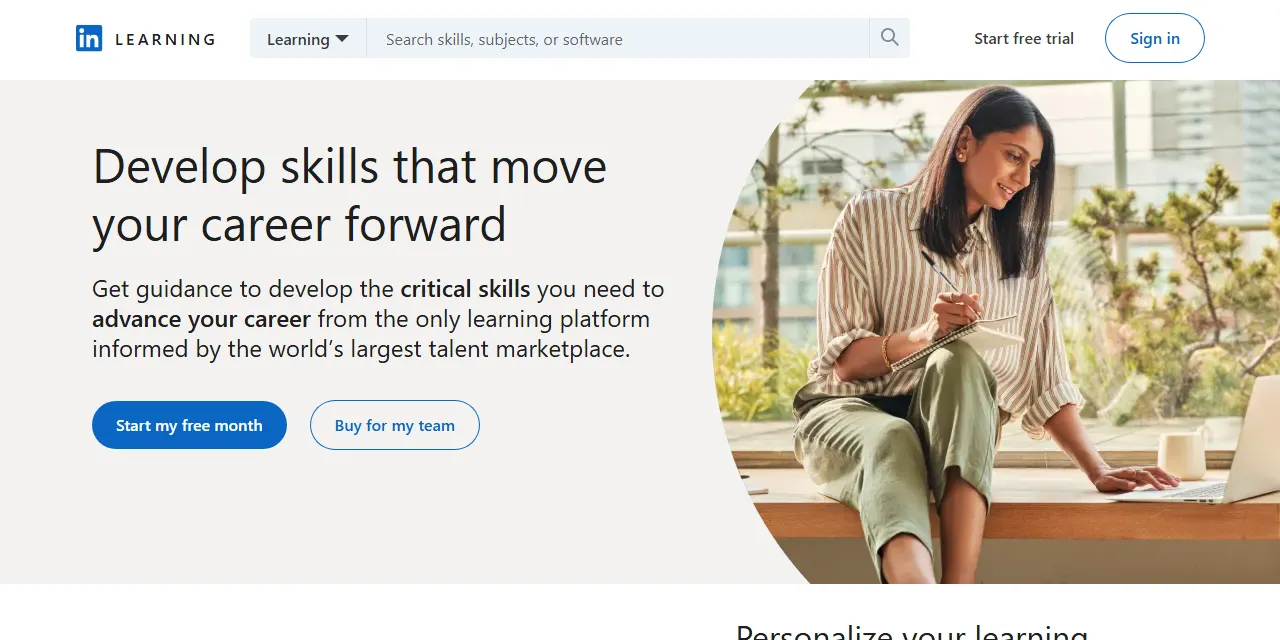
LinkedIn Learning Scraper extracts course data from LinkedIn Learning into clean, structured data you can download as JSON, CSV, Excel, or HTML. Type a few keywords or paste a LinkedIn Learning search, topic, learning path, or course URL, and get the title, instructors, skill level, duration, learners, rating, skills, full table of contents, and learner reviews for every course. No account or login required.
Introduction
LinkedIn Learning is LinkedIn's online learning platform, with thousands of video courses on business, technology, and creative skills taught by industry experts. Its catalog shows which skills are in demand, which instructors are popular, and how learners rate each course.
This actor collects the same public course information you see in your browser and turns it into a ready-to-use dataset. You can run it once, schedule it to run daily, or connect it to your own tools.
What data can you extract from LinkedIn Learning?
- 🏷️ Course title, course ID, full description, and short summary
- 👩🏫 Instructors with headline, profile URL, and photo
- 📊 Skill level, duration (text and seconds), release date, and language
- 👥 Number of learners and number of likes
- ⭐ Average rating, number of ratings, and the 5-to-1 star breakdown
- 🧠 Skills you gain, topics, and catalog categories
- 📚 Chapters and lessons with title, URL, duration, and whether the lesson is free to preview
- 📝 Exercise files, quizzes, and the certificate you earn
- 💬 Recent learner reviews with rating, date, and text
- 🖼️ Course image and preview video link
Use Cases
- 📈 Market research: see which skills and topics have the most courses, learners, and best ratings.
- 🕵️ Competitor monitoring: track how course creators and training companies position their content and how learners rate it.
- 🤝 Lead generation: build a list of instructors and expert trainers in a field.
- 🗂️ Database building: create your own searchable catalog of courses for an internal learning portal or a course comparison site.
- 🤖 AI and automation: feed clean course outlines and descriptions into spreadsheets, dashboards, or AI workflows.
How to scrape LinkedIn Learning step by step
- Type keywords into Search queries, or paste one or more LinkedIn Learning URLs into Start URLs.
- Optionally choose Sort by, Skill level, Duration, or Software to narrow your search queries.
- Set Maximum results to how many courses you want per query or per URL.
- Click Start and wait for the run to finish.
- Download your data in JSON, CSV, Excel, or HTML from the Output tab.
Input
- Search queries: keywords to search LinkedIn Learning courses for, such as python, leadership, or excel. Each query is searched separately.
- Start URLs: LinkedIn Learning URLs to scrape. Supported pages: search results, topic pages, learning paths, course pages, and lesson pages (the lesson's course is saved). Any filters you apply on the website, such as sort order, skill level, or duration, are kept.
- Sort by: most relevant, most popular, or newest courses first. Applies to search queries.
- Skill level: any level, beginner, intermediate, or advanced. Applies to search queries.
- Duration: keep only courses of a certain length, from under 10 minutes to over 3 hours. Applies to search queries.
- Software: keep only courses that teach a tool, using the name LinkedIn Learning shows, such as Python, Microsoft Excel, SQL, or ChatGPT. Applies to search queries.
- Maximum results: how many courses to collect for each search query or start URL. Set 0 for no limit.
You can use start URLs, search queries, or both in the same run.
Input Examples
Search by keywords:
Scrape a topic page and a learning path:
Output
Each course is saved as one item in the dataset. Here is an example of a single item (long lists are shortened):
You can download the dataset in JSON, CSV, Excel, XML, or HTML, or access it through the Apify API.
Notes
- Every result is a course. Single-lesson results are saved as their course, and learning paths are saved as the courses they contain.
- Without an account, LinkedIn Learning shows at most 50 results per search. To go further, the actor automatically repeats your search with other sort orders, skill levels, and durations and merges the new courses, so a broad query such as "python" returns a few hundred courses, not every course in the catalog.
- A course found by two queries or URLs in the same run is saved only once.
- Reviews are the most recent ones shown on the course page, not the full review history.
- Exercise files, quizzes, learner counts, and reviews are
nullor empty when the course does not offer them or is too new. - Only LinkedIn Learning pages are supported; other LinkedIn URLs are skipped.
Why use the LinkedIn Learning Scraper?
- ✅ No login needed: works with public data only, so there is no account to manage.
- 📚 Full course details by default: ratings, star breakdown, skills, chapters, lessons, and reviews in every result.
- 🎯 Keeps your filters: paste any search or topic URL from your browser and get what you see there.
- 🧹 Clean data: numbers are real numbers, dates use one standard format, and text is free of HTML.
- 💸 Pay for what you need: set a result limit per query or URL and keep every run small and cheap.
- 🔄 Ready for automation: schedule runs, export to Google Sheets, or connect to Make, Zapier, and n8n.
FAQ
How many results can I scrape?
You can set any number in Maximum results, or 0 for no limit. The actor keeps going until it reaches your limit or runs out of new courses. See Notes for the 50-results-per-search limit and how the actor goes past it.
Do I need a LinkedIn account?
No. The actor only collects publicly available course data. You do not need to log in or provide any account details.
Can I scrape data on a schedule?
Yes. Use Apify Schedules to run the actor every hour, day, or week, and get fresh data automatically.
Why are some fields empty?
Some courses simply do not show every piece of information. When a field is not available on the website, it is returned as null.
Can I request a new feature or filter?
Yes. Right now the actor supports search queries with sort, skill level, duration, and software filters, plus start URLs. If you need other inputs, such as instructor pages or more reviews per course, get in touch and they can be added.
Can I get a custom or private version?
Yes. The actor can be customized for your workflow, delivered as a private version, or a new scraper can be built for a different website. Use the contact details below.
Need to scrape other LinkedIn data?
- LinkedIn Articles Scraper: public LinkedIn articles with author, content, and engagement.
- LinkedIn Ad Library Scraper: ads from the LinkedIn Ad Library with advertiser and creative details.
Need help or want a custom solution?
- 📧 Email: aboo.script@gmail.com
- 🧩 More scrapers: Apify profile
Image Credit
Image credit: LinkedIn Learning


