Go to example tasks
Build a B2B prospect list from SERP with contact details
Created by
Apify

Turn any Google Search query into a B2B prospect list. For each ranked company, get a decision-maker's name, job title, work email, and LinkedIn URL.
Google Search Results Scraperapify/google-search-scraper
Title
URL
Description
Displayed url
+8 fieldsTextNumberBooleanListObject
Input
Search term(s)(required):best project management software for agencies
Max pages per search:10
⏩ Add-on: Extract business leads information: max leads per domain ($):5
Lead departments:marketing+2
⏩ Add-on: Email verification ($):true
Output fields
Title
URL
Description
Displayed url
Emphasized keywords
Site links
Date
Product info
Personal info
Lead enrichment
Website content
Organic results
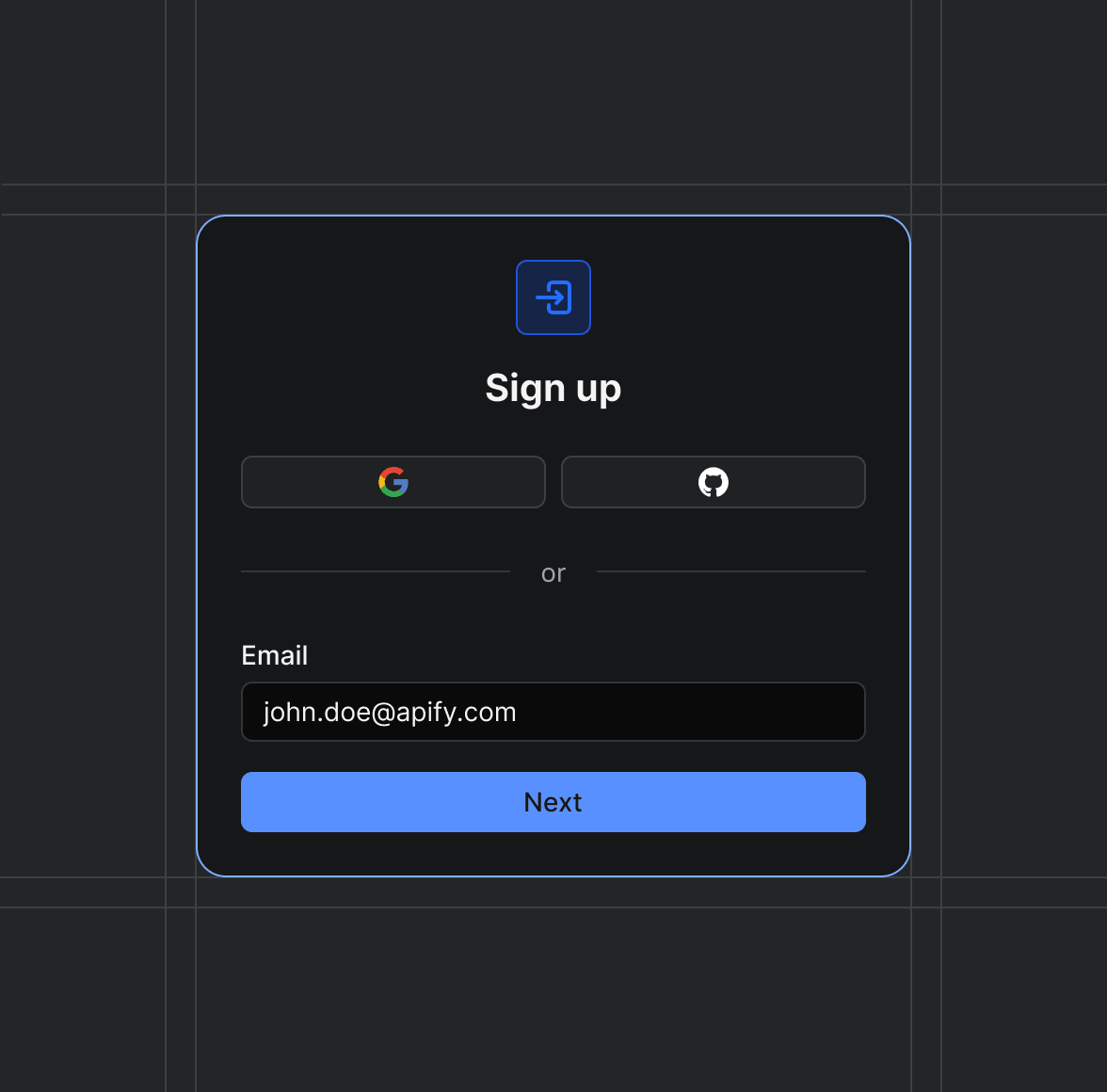
Sign up on Apify01
Create your Apify account to access the Google Search Results Scraper.
Start the run02
The Actor will start running based on the input automatically.
Receive the output03
Monitor the progress in real-time. You will be notified as soon as your dataset is complete and ready for review.
Integrate into your workflow04
The final output is delivered in JSON, CSV, or Excel format, ready to be plugged into your workflow.