

App Store Reviews Scraper — $0.02/1K · Filters & Countries
Pricing
from $0.02 / 1,000 useful app store review delivereds
App Store Reviews Scraper — $0.02/1K · Filters & Countries
Collect available Apple App Store review rows across apps and storefronts. Filter stars, dates, versions and keywords; deduplicated CSV/JSON/API export. $0.02/1K useful reviews plus resources. Public RSS window, not full history.
Pricing
from $0.02 / 1,000 useful app store review delivereds
Rating
0.0
(0)
Developer

Apivault Labs
Maintained by CommunityActor stats
0
Bookmarked
2
Total users
1
Monthly active users
16 hours ago
Last modified
Categories
Share
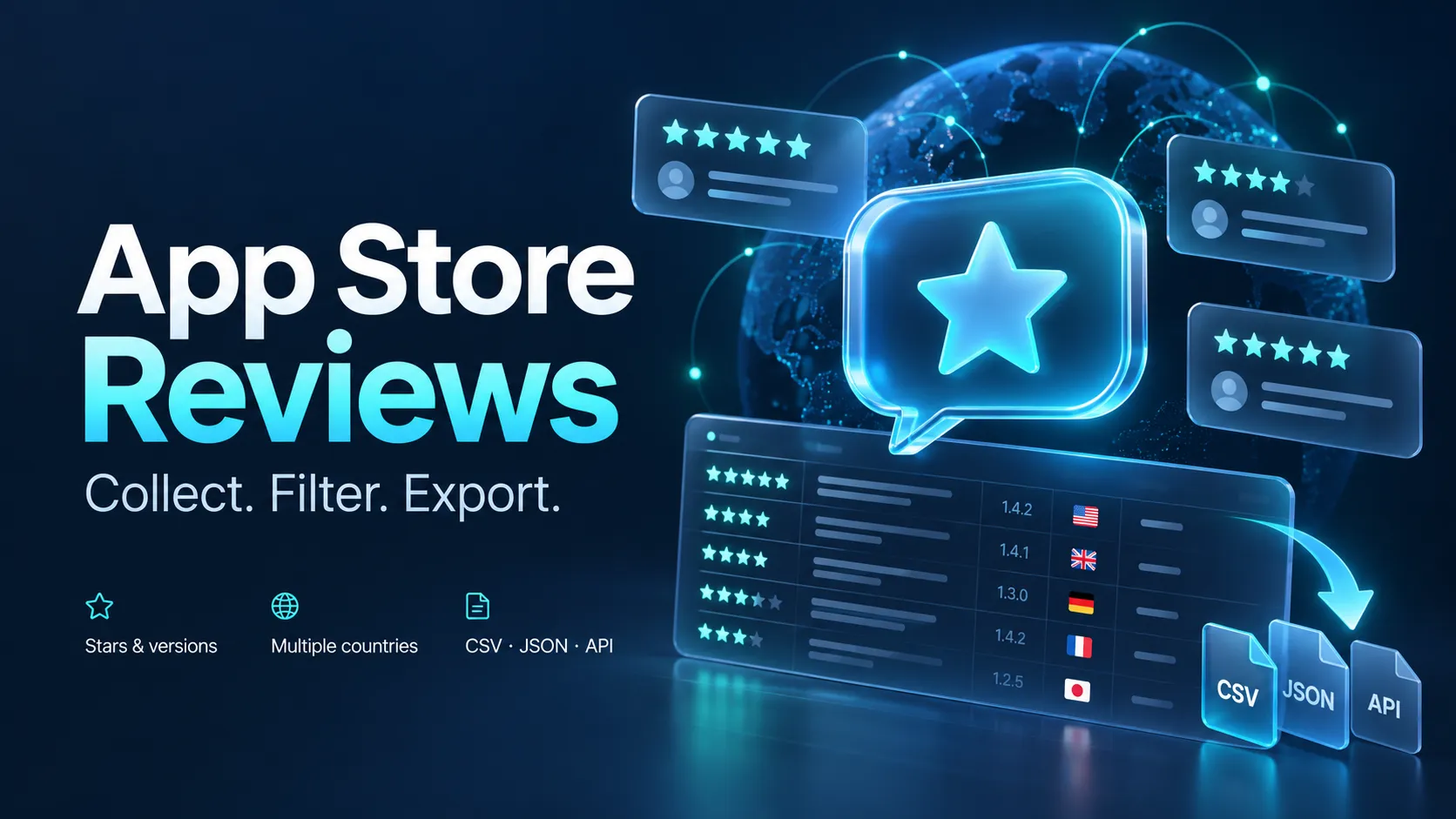
App Store Reviews Scraper — $0.02/1K · Filters & Countries
Turn available iOS app reviews into a clean, filtered dataset: review text, stars, versions, source update dates and helpful votes. Track complaints after a release, compare feedback across storefronts and export one useful review per row to CSV, JSON, Excel or API. $0.02 per 1000 delivered reviews, no startup event; platform resources extra.
For product teams tracking complaints, ASO researchers comparing apps and analysts studying public feedback. No Apple login, external API key or browser setup. Running on Apify requires an Apify account.
First useful run
Paste a numeric app ID or an apps.apple.com URL. The default source order is newest. The Actor returns matching review rows, free app context under APPS, and explicit SUMMARY, COVERAGE and ERRORS records in the run key-value store.
Apple's public RSS feed exposes up to 10 pages of 50 reviews per app, country and selected sort order. This Actor reads that window. It does not promise a full historical archive or more than 500 exposed reviews for one app-country-sort. Apple can return fewer reviews, delay updates or leave gaps.
Why use it
- One useful review per Dataset row, ready for CSV and analysis.
- Stars, source update dates, exact versions and case-insensitive keywords filter before billing.
- Multiple apps and storefronts, canonical input deduplication and review-ID deduplication across the run.
- Batch writes, bounded concurrency, per-pair and total delivery caps, and an Apify charge cap.
- Useful app context and diagnostics outside the paid review Dataset.
Choose your workflow
| Your question | Suggested settings | What to inspect |
|---|---|---|
| What are recent users saying? | newest,100reviews,onecountry | Review text and source updatedAt |
| What breaks for unhappy users? | ratings[1,2],keywords["crash","slow"] | Keyword leads, not verified defects |
| Did a release change complaints? | Exact versions plus an updated-date window | Sample coverage and version availability |
| Which feedback appears across storefronts? | countries["us","gb","de"] | First-delivered storefront; dedup across countries |
| Which comments does Apple rank helpful? | sort="helpful" | Helpful source order and vote fields |
Five corresponding scenarios were exercised privately on the candidate. Their public publication is not promised while the account's known Task quota is constrained. Every scenario can be run by copying its input into the Actor.
Output fields
| Field | Meaning |
|---|---|
appId, appTitle, developer | App identity and available lookup context |
reviewId | Source review ID; used with appId for run deduplication |
country | Storefront where this review was first delivered; not reviewer nationality |
rating, title, text | Source stars, title and review body |
version | Source review's app version, when provided |
updatedAt | Source updated timestamp, normalized to UTC; not verified original creation time |
helpfulVotes, voteCount | Source helpful-vote sum and vote count, or null if unavailable |
appUrl, reviewUrl | App and review-list links; reviewUrl is not a direct single-review permalink |
author | Optional public display name; omitted unless includeAuthors=true |
Reviews without valid ID, stars, date or any title/body text are skipped without a result event. Missing app lookup context stays null and does not fabricate a developer or rating. No developer reply or reply-status field is promised by this RSS source.
Filter low ratings and keywords
Ratings and other filter groups combine with AND. Values within ratings, keywords or versions combine with OR. Keywords are case-insensitive substring matches over title and text; they do not perform sentiment analysis or understand negation. Selective filters may scan the full exposed window and return fewer rows, including zero.
Dates and exact versions
Dates filter the source update timestamp. ISO timestamps are accepted; a date-only end includes its complete UTC day. Add versions: ["26.21.74"] for an exact, case-sensitive version match. Version availability depends on what Apple returns; use an observed version from your source data rather than assuming the example exists today.
Several apps and countries
Theoretical exposed window here is at most 2 apps × 3 countries × 500 reviews. Actual useful unique output can be lower. A duplicate (appId, reviewId) is delivered once even if exposed by multiple storefronts. The retained country is the first delivered storefront; do not use per-country output counts as a complete independent source census.
Explicit countries overrides URL countries. Without countries, each URL's country is used; bare IDs use country (default us). Up to 100 app inputs and 20 storefronts are accepted. The total maxResults capacity bound is 100000; it is not a claim of proven 100000-row performance or that one app has that much available history.
Most helpful source order
newest and helpful are distinct Apple RSS source orders. They can overlap. The Actor does not reinterpret ratings as a helpfulness order or rank all historical reviews. Each run selects one order; deduplication does not persist across separate runs.
Limits, status and resource controls
| Setting | Default | Bounds |
|---|---|---|
| maxReviews per app/country | 100 | 1–500 matching delivered rows |
| maxResults across run | 5000 | 1–100000 |
| maxPages per app/country | 10 | 1–10 |
| maxConcurrency | 4 | 1–10 |
| maxRunSeconds | 900 | 10–3300, soft limit |
Requests share a small pacing interval and bounded retries. Empty pages are retried once, then later pages are still examined; COVERAGE.emptyPages records gaps. Repeated identical pages stop that pair. FEED_WINDOW_SCANNED means the configured window was scanned, not that all historical reviews were obtained.
SUMMARY distinguishes SUCCEEDED, EMPTY, PARTIAL_ERRORS, PARTIAL_TIME, PARTIAL_BUDGET and RESULT_LIMIT. Source failures appear in ERRORS; individual pair statuses live in COVERAGE. A fully failed input/source run fails without paid error rows. A legitimate empty filtered window can finish successfully with status EMPTY and zero review events. App context is best effort and is not a prerequisite for using a valid review.
The soft time cap is checked before later review pages; current requests, retries and app-context lookup may complete afterward. There is no continuation checkpoint or persistent monitoring state. Smaller limits and maxPages help bound expensive selective scans. Concurrent requests already in flight may add platform resources after a stop.
Pricing
$0.02 per 1000 useful delivered review rows on every plan, plus user-paid Apify platform resources. No startup event, subscription or separate app-context fee.
Examples of review event fees: 100 reviews = $0.002; 500 = $0.01; 5000 = $0.10. These exclude platform resources and are arithmetic examples, not guarantees of source volume or final invoices. Failed lookups, errors, filtered rows, duplicates, retries, APPS and SUMMARY have no review result event. A zero-row run can still consume platform resources.
Delivery uses SDK-coupled Dataset writes and review billing. Set a maximum charge in Apify to constrain result fees; the platform and SDK can stop with a partial Dataset. No crash-time exactly-once or atomic billing guarantee is claimed.
Measured bulk run and price context
On 22 October 2026 the previous runtime-identical candidate0.1.4 returned 7500 unique review rows from 5 apps × 3 storefronts in 60.722 seconds. API, SDK and CSV contained identical ordered review IDs. Review fees $0.15000 + platform usage $0.06227664 = $0.21227664 total, or about $0.02830 per 1000 reviews in that test. This is a measurement of that workload, not a promised price or speed for every input. Selective filters, empty feeds and retries can increase resources per delivered row. The 100000 capacity bound was not cloud-tested.
Our review event rate is $0.02/1000 on all plans. A same-day primary API comparison found review rates of $0.10/1000 at Steady Data and Siftwright, and$0.07–0.10/1000 across Stratumics tiers, with different start/context fees. This is a lower review event rate within those three checked listings, not a claim of the lowest price across the market. Some alternatives offer deeper history or developer replies; this RSS product has a smaller documented scope. Compare useful output and platform resources along with the displayed event rate.
Export and API
After the run, use Apify Dataset export for JSON, CSV or Excel. App titles/developers depend on free context availability. Read SUMMARY and COVERAGE before interpreting counts.
Python with the official Apify client:
The example iterates every Dataset page rather than reading only the first API page. A process status of SUCCEEDED can still have a partial SUMMARY. Protect your Apify token. No actor-specific n8n node, Python package or verified n8n Cloud integration is claimed; official Apify API/SDK access works independently of such packages.
Coverage FAQ
Can I get every review ever written? No. This implementation uses Apple's bounded public RSS window. Ratings without written text are not review records. Country differences, source delays, empty pages and the source window all affect coverage.
Does this collect Google Play reviews? This product focuses on Apple App Store. The separate Google Play Reviews Scraper handles Android reviews. App Revenue Analyzer compares public app metrics and clearly labeled estimates.
Are authors or replies included? Public display names are opt-in. Developer replies are not supplied by this implementation. App/store dates and public text should not be mistaken for verified identity, geography or financial data.
Python client and n8n workflow
Use the thin Python client or install it from PyPI:
The client starts this hosted Actor through the Apify API and reads its dataset. An Apify account and your own API token are required. Actor result charges and infrastructure usage follow the current pricing. The client package has no subscription of its own. Set both Actor collection limits and run charge caps; the dataset download limit does not limit paid collection.
n8n node source and manual workflow are available on GitHub. The workflow is inactive and has no embedded credentials. Its Run operation starts a paid Actor run; Read Existing Run reads a previous run without starting another. npm version0.1.0 currently awaits npm staged-release approval; do not install the placeholder0.0.0-stage as an operational node. npm publication, when approved, does not establish n8n verification or availability in n8n Cloud.


