

YouTube Transcripts & Subtitles | Text, Timestamps, SRT
Pricing
from $1.50 / 1,000 video transcripts
YouTube Transcripts & Subtitles | Text, Timestamps, SRT
Extract public YouTube captions as clean text, timed segments and optional SRT/VTT. Preferred languages, manual/auto track selection, deduplicated video lists and diagnostics. No audio transcription or subscriber login.
Pricing
from $1.50 / 1,000 video transcripts
Rating
0.0
(0)
Developer

Apivault Labs
Maintained by CommunityActor stats
0
Bookmarked
2
Total users
1
Monthly active users
12 hours ago
Last modified
Share
YouTube Transcripts & Subtitles — Text, Timestamps, SRT & VTT
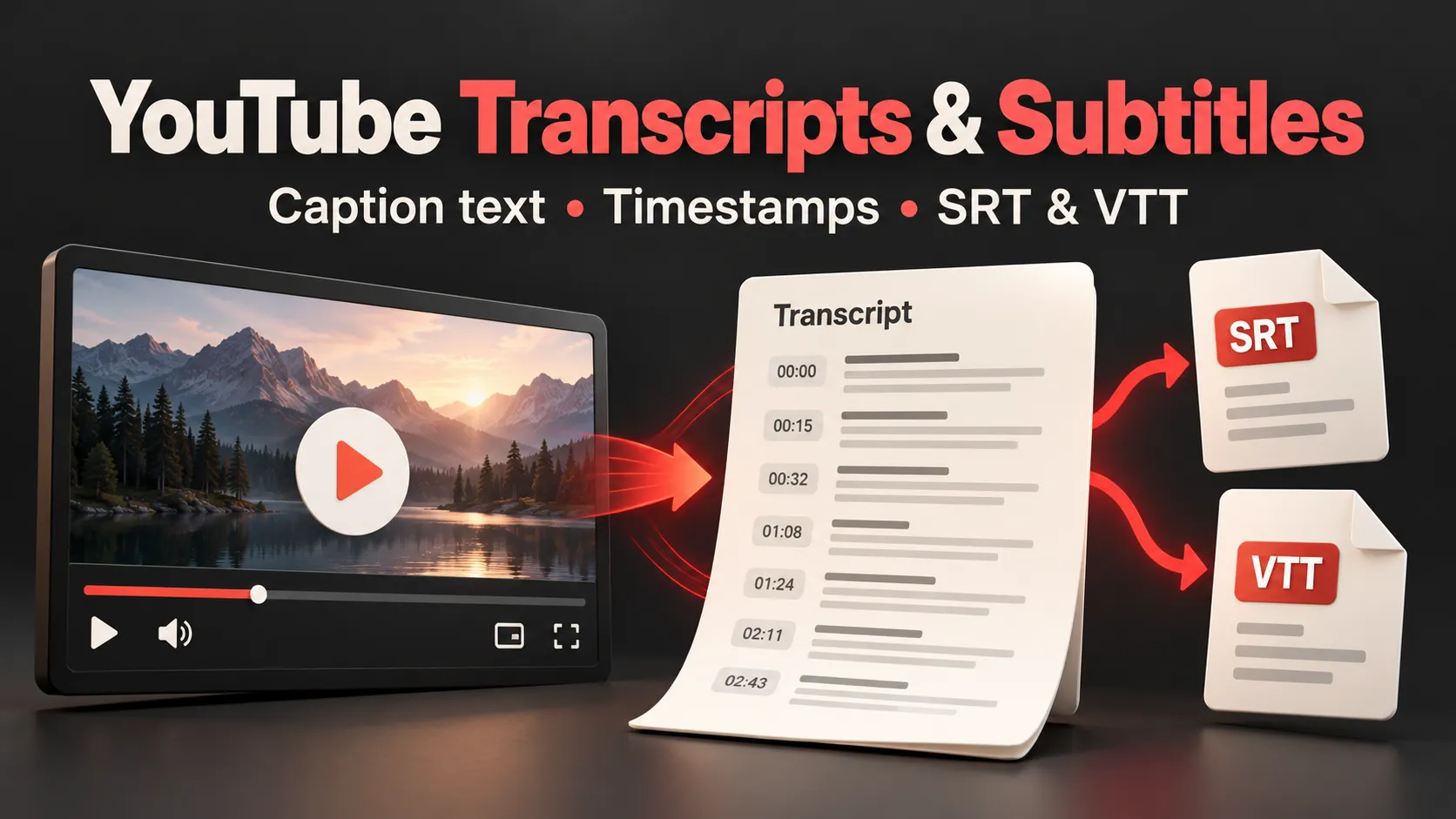
Turn explicit public YouTube video URLs or IDs into real caption text and timed segments for research, accessibility workflows, search indexing and subtitle processing. Pick preferred caption languages, prefer human or generated tracks, and export text, segments, SRT or WebVTT from the same result row.
This Actor reads existing public caption tracks. It does not listen to audio, generate missing speech recognition, log in, retrieve private videos or bypass age/subscriber restrictions. It does not discover videos from channels, playlists or keyword search. Video title/channel/view enrichment and machine translation are outside this version.
First transcript
The default input requests one short public video. The input schema's global delivery limit is3, but one supplied ID can only produce one useful row. YouTube access varies by IP and region; a video with captions in your browser is not guaranteed to be available from Apify.
Useful workflows
| Goal | Result |
|---|---|
| Collect video text for research | Clean caption text in the selected real source language. |
| Link text to video moments | Start, duration and end per caption segment. |
| Export subtitle files | Optional SRT and VTT strings in the same paid row. |
| Prefer a language | Ordered languages with explicit optional fallback; actual selected language is always returned. |
| Process a known video list | Canonical video-ID deduplication, small parallel waves and a global transcript limit. |
Input settings
| Setting | Default and limit | Behavior |
|---|---|---|
| videos | One example;1–1000 | Video ID, watch URL, youtu.be, Shorts, embed or public live-replay URL. Playlists/channels/search are rejected. |
| languages | ["en"]; up to20 | Actual caption track codes in preference order. No automatic translation. |
| preferManual | true | Human captions before generated within a matched language. False prefers generated. |
| fallbackToAnyLanguage | true | Use an available track when preferred codes are absent. Disable for strict language matching. |
| maxVideos | 3; up to1000 | Maximum delivered useful video transcripts. Failures do not consume result slots. |
| maxConcurrency | 2;1–5 | Small fetch waves; proxy traffic/compute for prefetched undelivered videos can still cost resources. |
| includeSegments | true | Add start/duration/end/text segments; plain text is always returned. |
| includeSrt / includeVtt | false | Add subtitle text formats; no separate result event for each format. |
| proxyConfiguration | Apify RESIDENTIAL | Residential proxy traffic is additional and user-paid. Direct access can be attempted with useApifyProxy=false but was unreliable in cloud QA. |
Ready-to-copy scenarios
Known video batch
Subtitle text formats
German first, then English, without another-language fallback
Compact plain text
Prefer an automatic caption track
Human/automatic preference does not create a missing track: when only one matching type exists, that available track is returned and labelled. A successful English fallback is not advertised as a German transcript.
What each useful row contains
| Field | Meaning |
|---|---|
| videoId, url | Stable requested video identity and canonical watch URL. |
| language, languageName | Actual returned caption track, not the requested first preference if fallback occurred. |
| isAutoGenerated | Source track classification. Automatic captions can contain recognition errors. |
| availableLanguages | Tracks visible to this request, with codes/names and generated flags. |
| text, segmentCount | Caption text and count of nonempty segments. |
| segments | Optional {start,duration,end,text}; seconds from the selected source captions. |
| srt, vtt | Optional subtitle strings of the same selected track. |
| source, scrapedAt, fetchAttempts | Caption provenance, observation time and1–2bounded fetch attempts. |
No fabricated transcript is returned for a missing video. Caption timing is source timing, not word-level alignment or a promise of transcription accuracy. Omitting segments does not change the underlying selected track or create a cheaper second source.
Errors, partial runs and continuation
The default Dataset holds useful transcripts only. Failed-video IDs and codes live in ERRORS; SUMMARY describes delivered, failed and remaining videos. Missing tracks, strict-language misses, unavailable videos, source IP blocks and timeouts are distinct diagnostics. An inaccessible source is not an assertion that the video has no captions.
A run with no useful transcripts and a source/network/proxy failure fails visibly. An accessible no-caption/no-matching-language batch can finish with NO_TRANSCRIPTS and zero transcript rows. Partial runs retain useful output and explicit failures. Check diagnostics instead of trusting platform SUCCEEDED alone.
After an item or charge cap, submit CONTINUATION.resumeInput for pending IDs. A temporary source/proxy failure gets at most one in-run retry with a fresh sticky proxy session; no-caption and strict-language misses are not retried. After both attempts fail, review the diagnostic before any explicit new run. CHECKPOINT is written after processed items. When a run crashes during Dataset delivery or before its checkpoint save, first reconcile Dataset video IDs; do not blindly repeat uncertain items and bill them again. This version does not guarantee atomic delivery/checkpoint or automatically restart a crashed run.
Pricing and resource costs
Result tariff: Free $2.00 per 1,000 useful video transcripts; all paid tiers $1.50 per 1,000. Text, segments, SRT and VTT share one result event. Actor Start is $0.00005 per GB of memory, minimum one. Platform resources and optional proxy traffic are additional and paid by the user. Read the Pricing tab for effective account rates.
One useful transcript row is one result even with segments, SRT and VTT. Diagnostics, duplicates, unavailable/no-caption videos and undelivered transcripts do not create transcript result events. Compute and proxy traffic can still cost money on failed or empty runs. Download the completed Dataset in other formats rather than starting another collection.
Start with512MB and900seconds for a small batch. Each source request has a25second timeout. Large inputs, long captions, blocking and proxy latency can exceed run limits or memory;1000is an input/delivery ceiling, not a verified1000video performance promise. The source adapter documents cloud-IP restrictions; direct and proxy reliability must be measured separately. The default uses Apify residential proxy, which requires proxy access on your account and charges traffic separately. A three-video source probe returned3/3 through residential versus1/3 directly; this small sample is not a success-rate guarantee. No external subscription or customer account cookies are used.
API, MCP and automation
Exact slug: apivault_labs/youtube-transcripts-scraper. Use asynchronous Actor runs, wait for a terminal status, then read the Dataset plus SUMMARY/ERRORS/CONTINUATION. Keep your Apify token in secure credentials. Dataset export supports JSON/CSV/Excel; SRT/VTT are strings per useful video row.
Official Python client, JavaScript client and Apify MCP can pass this input to the exact Actor. They are generic clients, not dedicated packages for this new product. No matching dedicated npm/PyPI or verified n8n node is currently confirmed. HTTP workflows in n8n/Make are possible; execution/verification is not implied.
Five useful scenario Tasks are prepared separately for verification. Public one-click availability depends on actual publication; private Tasks are not public templates. Use the JSON scenarios above even when public Tasks are unavailable.
FAQ
Can it transcribe a video without subtitles? No. It reads available captions and never invents audio-derived text.
Can it translate captions? No. Language preference and fallback select existing tracks; actual selected language is explicit.
Does it support channels/playlists? This version accepts explicit video IDs/URLs only. A playlist query on a valid watch URL does not expand other videos.
Why did a video work locally but fail in Apify? YouTube can treat datacenter/proxy IPs differently. Inspect SOURCE_BLOCKED or other diagnostics. No success guarantee follows from local access.
Do manual captions always win? Language priority wins first. Within the first matching language, preferManual chooses manual if available. False prefers generated; missing types fall back to a matching available track.
Are live broadcasts supported? Only a public replay with available captions may work. An ongoing live stream without a complete caption track is not promised.


