

Website Tech Audit Scraper: robots.txt, Sitemaps & Meta
Pricing
from $0.74 / 1,000 audit scrapeds
Website Tech Audit Scraper: robots.txt, Sitemaps & Meta
Audit any site's public technical files: robots.txt rules, sitemap discovery and URL counts, ads.txt sellers, security.txt contacts, meta tags, structured data and the detected tech stack with evidence.
Pricing
from $0.74 / 1,000 audit scrapeds
Rating
0.0
(0)
Developer

Arman Hossain
Maintained by CommunityActor stats
0
Bookmarked
1
Total users
0
Monthly active users
2 months ago
Last modified
Categories
Share
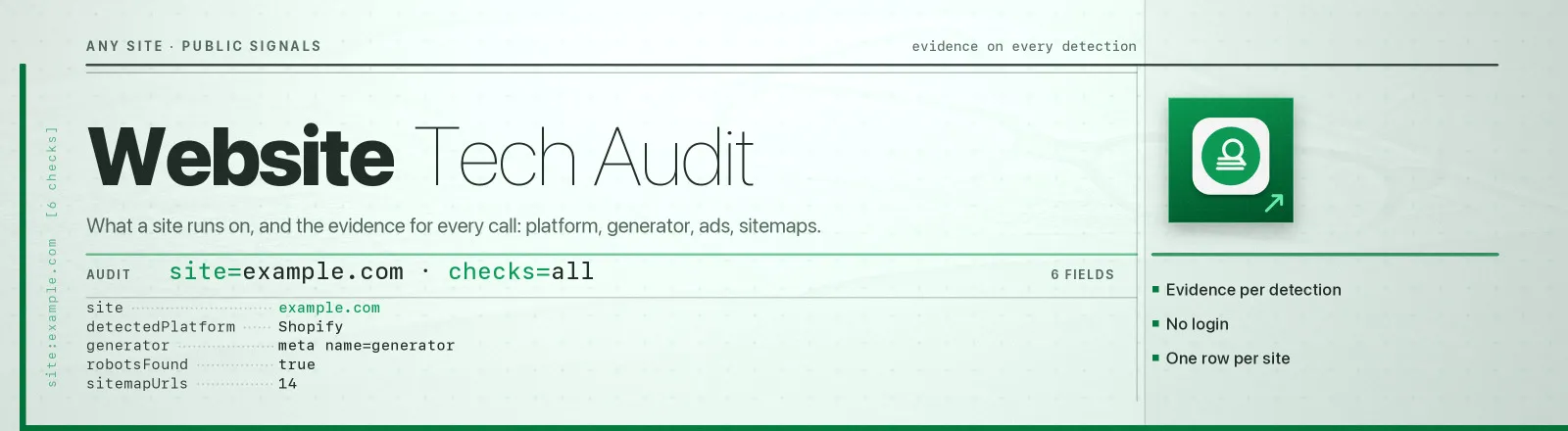
Website Tech Audit Scraper reads the public technical files every site publishes for machines, robots.txt, sitemaps, ads.txt, security.txt, plus the homepage's meta tags, structured data and technology fingerprints, and returns one structured record per site.
Every file it reads is explicitly published for automated consumption. No browser, no proxies, no login. One request per enabled check, and meta, schema and tech share a single homepage fetch.
Agent skill: SKILL.md
Every detection names its evidence
Most stack detectors hand you a list of technologies and ask you to trust it. This one ships the proof:
Detection runs from an explicit signal table, each entry is a technology, a category and one matcher against a named haystack (response headers, Set-Cookie, <meta name="generator">, or the raw HTML). Whatever text the matcher hit is copied into evidence, so you can audit any claim without re-running the audit.
Signals that a page can trip without running the technology are marked weak and never decide detectedPlatform on their own. The real case that motivated this: nytimes.com embeds a single Wirecutter logo from a /wp-content/ path. A naive detector calls the New York Times a WordPress site. This one reports WordPress as a weak signal with the image URL as evidence, and leaves detectedPlatform null.
What you get
| Output field | Meaning |
|---|---|
site | Origin audited |
robotsFound | Whether a real robots.txt was served |
robotsRules | Every user-agent group with its allow, disallow and crawlDelay |
crawlDelay, disallowedPaths | The wildcard (User-agent: *) group, surfaced separately |
sitemapUrls | Sitemaps declared in robots.txt, plus children found in sitemap indexes |
sitemapUrlCount | URLs counted inside those sitemaps (when expandSitemaps is on) |
adsFound, adsSellerCount | ads.txt presence and the number of authorised seller lines |
securityTxtFound, securityContacts | .well-known/security.txt presence and its Contact: values |
metaTitle, metaDescription, ogTags | Homepage <title>, meta description and every og:* tag |
schemaTypes | Unique JSON-LD @type values found on the homepage |
detectedPlatform | The single best-supported CMS / e-commerce / builder detection |
generator | Raw <meta name="generator"> content, joined |
technologies | Full detection list with category, confidence and evidence |
scrapedAt | Run timestamp |
A RUN_SUMMARY record in the key-value store holds per-run counts, the checks used, sites that failed, and sites that produced a partial audit.
Common use cases
- Bulk technical SEO audits. Crawlability, sitemap coverage and meta hygiene across a client portfolio.
- Pre-migration checks. Confirm what a site declares before and after a replatform.
- Lead qualification. Filter a prospect list down to the sites running a platform you integrate with.
- Attack-surface and OSINT work. Collect security contacts and infrastructure signals passively.
Quick start
Everything, on a handful of sites:
Stack detection only, one request per site:
Full crawlability audit with sitemap URL counts:
Input
| Field | Type | Default | Notes |
|---|---|---|---|
sites | array | - | Required. Domains or URLs. Paths are stripped, every file audited lives at the origin. |
checks | array | all seven | robots, sitemap, ads, security, meta, schema, tech. Fewer checks = fewer requests. |
expandSitemaps | boolean | false | Follow sitemaps, walk indexes into children, and count URLs. |
maxUrlsPerSitemap | integer | 1000 | Stop counting a site's sitemap URLs at this number. |
meta, schema and tech are served by one homepage fetch, so enabling all three costs the same as enabling one.
Output example
What it can detect
Around 60 technologies across CMS, e-commerce, site builders, static site generators, JS frameworks, hosting and CDN, web servers and runtimes, analytics, monitoring, support and payments, including WordPress, WooCommerce, Shopify, Magento, Salesforce Commerce Cloud, Drupal, Ghost, Wix, Squarespace, Webflow, Framer, Next.js, Nuxt, SvelteKit, Astro, Hugo, Vercel, Netlify, Cloudflare, Fastly, Akamai and more.
detectedPlatform picks the most specific platform category first, a WooCommerce store is also a WordPress site, and "WooCommerce" is the more useful answer.
API example
JavaScript example
Limits and behaviour
- HTML impostors are rejected. A WordPress site answers
/ads.txtwith its themed 404 page, and some hosts serve that at HTTP 200. Treating "we got bytes" as "the file exists" would report a 234 KB HTML document as an ads.txt with hundreds of sellers, so both the status and the shape of the body are checked before a file counts as found. ads.txtvariables are not sellers. Lines such asOWNERDOMAIN=example.comare declarations, not authorised sellers, and are excluded fromadsSellerCount. A site can legitimately publish an ads.txt with zero sellers to declare that nobody may sell its inventory.robots.txtis the source of truth for sitemaps./sitemap.xmlis only probed whenrobots.txtdeclares none.- Gzipped sitemaps are listed, not expanded.
.xml.gzfiles are served as raw gzip with nocontent-encodingheader, so their bytes cannot be read as text. They appear insitemapUrlsand are skipped by the URL counter. - A blocked homepage produces a partial audit, not a failure. If the homepage returns 403 behind a bot wall, the
robots/ads/securityfindings are still saved,meta/schema/techare left empty, and the site is listed inRUN_SUMMARY.partialAudits. - Bad sites don't kill the run. DNS failures and unreachable hosts are recorded in
RUN_SUMMARY.failures; the Actor only errors out if every site fails. - Transient errors are retried. 429, 5xx and network faults get three attempts with exponential backoff and a 30-second timeout.
- Passive collection only. Nothing is probed beyond documented well-known paths and the homepage. No authentication, no vulnerability scanning, no access-control bypass.
FAQ
Do I need a proxy? No. Proxy configuration is not required to run this Actor.
Why is detectedPlatform null when technologies lists a CMS? Because only a weak signal fired, something a page can trip by embedding a third-party asset. Check the evidence field: if it is a single CDN or image URL, the site probably just links to that platform rather than running it.
Why did a site return no technologies at all? Some sites serve a JavaScript challenge or a minimal shell to non-browser clients. There is nothing in that response to match, and inventing a detection would defeat the point of the evidence field.
Can I add my own signals? The signal table is a single readable array at the top of src/main.js, one line per matcher. Fork and add a row.
How many sites can I pass at once? There is no hard cap. Sites are audited sequentially at up to five requests each, so hundreds per run is normal.
Can I schedule it? Yes, it is designed for scheduled runs. Diff on detectedPlatform or robotsRules to detect replatforms and crawlability regressions.
Can I integrate it with something else? Yes, Apify API, client libraries, webhooks, scheduled runs, dataset exports (JSON/CSV/Excel) or MCP. Output is structured JSON.


