

YouTube Channel Feed Scraper: New Uploads, No API Key
Pricing
from $0.37 / 1,000 upload scrapeds
YouTube Channel Feed Scraper: New Uploads, No API Key
Monitor YouTube channels through official RSS feeds: video title, ID, publish date, description, thumbnail and channel details. No API key and no daily quota.
Pricing
from $0.37 / 1,000 upload scrapeds
Rating
0.0
(0)
Developer

Arman Hossain
Maintained by CommunityActor stats
0
Bookmarked
1
Total users
0
Monthly active users
2 months ago
Last modified
Categories
Share
YouTube Channel Feed Scraper: New Uploads, no credentials
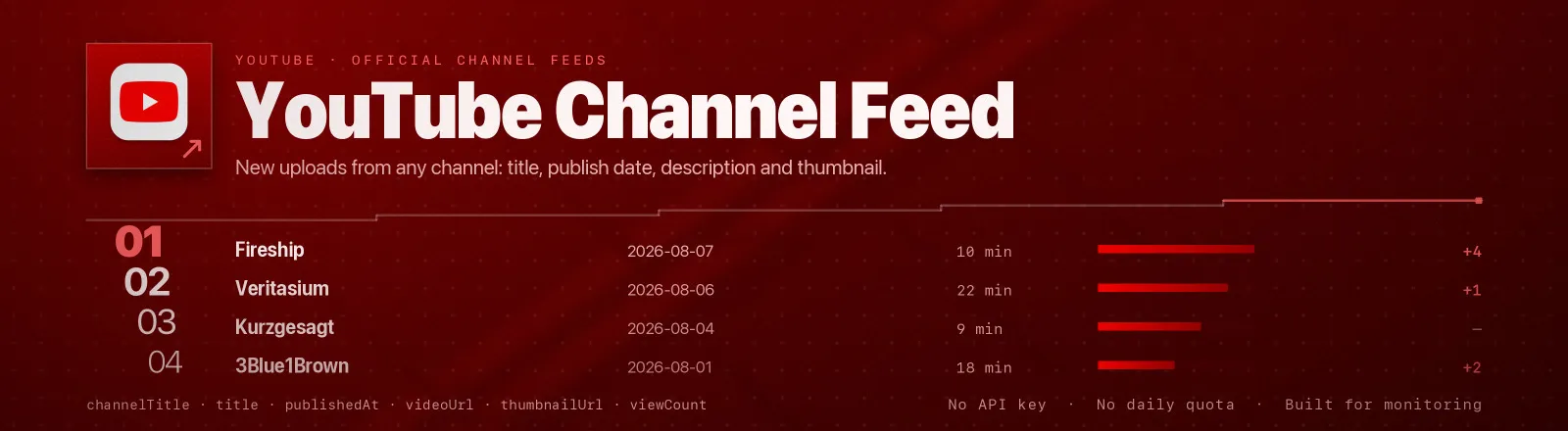
YouTube Channel Feed Scraper monitors YouTube channels through their own official RSS feeds, video title, ID, publish date, description, thumbnail, view count and channel details, with no credentials and no daily quota.
YouTube publishes a channel and playlist feed that is publisher-sanctioned, and unlike the official Data API it costs you no daily quota. This Actor reads it directly: no browser, no proxies, no login.
Agent skill: SKILL.md
What you get
| Output field | Meaning |
|---|---|
channelId, channelTitle | Channel the video belongs to, read per video, so playlists spanning many channels stay correct |
videoId, title | Video identifier and title |
description | Full description as published in the feed |
publishedAt, updatedAt | Upload timestamp and last feed update |
videoUrl | Canonical link, /watch?v= or /shorts/ as YouTube reports it |
thumbnailUrl | hqdefault thumbnail |
viewCount | Views at the moment the feed was read |
rating | { average, count } from the feed's star rating |
scrapedAt | Run timestamp |
A RUN_SUMMARY record in the key-value store holds per-run counts, the filters used, and any channel that failed.
Common use cases
- Competitor alerts. Run on a schedule and diff on
videoIdto catch new uploads within minutes. - Newsletter and digest building. A curated feed of every creator you follow, filtered by keyword.
- Brand monitoring. Watch for uploads mentioning your product in the title.
- Content research. Track upload cadence and early view velocity across a set of channels.
- Quota-free pipelines. Replace YouTube Data API polling that keeps hitting its daily unit cap.
Quick start
Two channels, everything in their feeds:
Recent uploads matching a keyword, capped:
A playlist instead of a channel:
Input
| Field | Type | Default | Notes |
|---|---|---|---|
channels | array | - | Required. Channel IDs (UC…), @handles, playlist IDs (PL…), or any youtube.com URL wrapping one of those. Mixed input is fine. |
maxVideosPerChannel | integer | 0 | Cap saved videos per channel after filtering. 0 = no limit. |
sinceDate | string | - | Keep only videos published on or after this date. YYYY-MM-DD or a full ISO timestamp. |
keywordFilter | array | [] | Keep only titles containing one of these terms (case-insensitive). Empty = all. |
Filters combine with AND: a video must be new enough and match a keyword.
Output example
Finding a channel ID
| What you have | What to paste |
|---|---|
youtube.com/@mkbhd | @mkbhd, resolved automatically |
youtube.com/channel/UC… | The whole URL, or just the UC… part |
youtube.com/user/LinusTechTips | The whole URL, legacy names are resolved too |
A playlist URL with ?list=PL… | The whole URL, or just the PL… part |
Handles and vanity names are resolved by reading the canonical channel link off the channel page, once per run and then cached.
API example
JavaScript example
Notes
- Feeds hold the latest 15 uploads only. That is YouTube's limit, not the Actor's. For continuous coverage, schedule the run more often than the channel publishes.
- Bad channels don't kill the run. An unknown ID returns 404 and is recorded in
RUN_SUMMARY.failures; the Actor only errors out if every channel fails. - The channel ID is read per entry. The feed-level
<yt:channelId>drops theUCprefix, a long-standing quirk, so the per-video value and the canonical channel link are used instead. Playlist feeds spanning several creators therefore attribute each video to its real channel. - Shorts keep their URL.
videoUrlis whatever YouTube marks canonical, so a short stays/shorts/…rather than being rewritten. - Entities are decoded twice. Atom escapes every reserved character and YouTube double-encodes some ampersands, so titles and descriptions come out as real text, not
&quot;. - Transient errors are retried. 429 and 5xx get four attempts with exponential backoff and jitter.
- No dependencies. The feed schema is fixed and tiny, so parsing is done in-house rather than pulling in an XML library.
- Public data only. No authentication, no personal data, no access-control bypass.
FAQ
Do I need a YouTube API key? No. You supply no credentials.
Do I need a proxy? No. Proxy configuration is not required to run this Actor.
Can I get more than 15 videos per channel? Not from the feed. That is its hard limit. Schedule regular runs and accumulate into a dataset instead.
Does it include likes or comments? The feed exposes viewCount and a star rating only. Comment counts are not published there.
Why is viewCount lower than on the video page? The feed's counters refresh on YouTube's own schedule and lag the page slightly.
What happens if a channel is unavailable? It is reported in RUN_SUMMARY.failures and the run continues.
Can I schedule it? Yes, it is designed for scheduled runs. Diff on videoId to alert only on new uploads.
Can I integrate it with something else? Yes, Apify API, client libraries, webhooks, scheduled runs, dataset exports (JSON/CSV/Excel) or MCP. Output is structured JSON.


