
Realtor Properties Contact Email
Pricing
from $4.99 / 1,000 results
Realtor Properties Contact Email
Realtor contact email extractor that fetches agent names, emails, phones, and office details from Realtor.com listings using property IDs or US addresses, returning one flat row per agent.
Pricing
from $4.99 / 1,000 results
Rating
0.0
(0)
Developer

B2B Lead Generation
Maintained by CommunityActor stats
0
Bookmarked
8
Total users
1
Monthly active users
5 months ago
Last modified
Categories
Share
Realtor Properties Contact Email: collect public agent contacts from Realtor.com listings
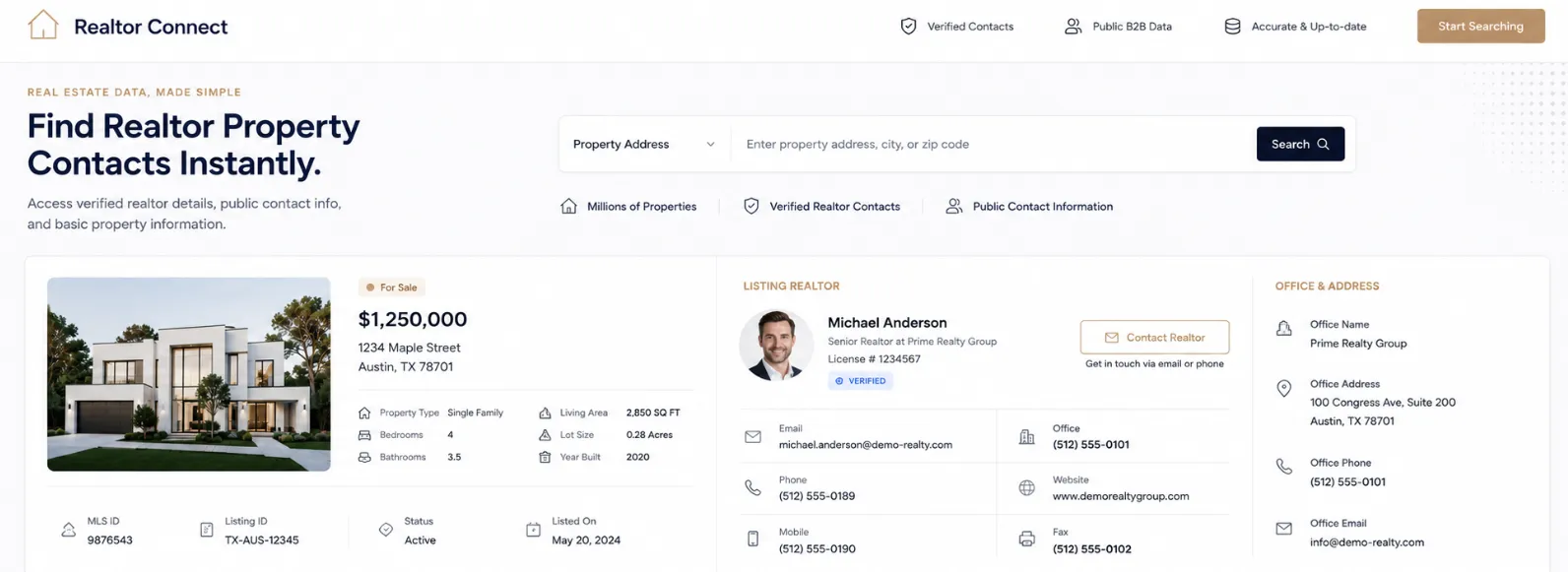
Realtor Properties Contact Email collects publicly available listing agent contact details from Realtor.com property listings. Pass in US property addresses or numeric property IDs and get back agent names, emails, direct phone numbers, brokerage names, and office contact info — all in a flat dataset, one row per agent.
A property listed by two agents gives you two rows. A property with three agents gives three. The property address, price, beds, baths, and square footage repeat on every row so the dataset stays self-contained. No Realtor.com account, no login, no API key. Plain addresses and numeric IDs both work, and you can mix them in the same run.
Use cases
- Direct mail and email campaigns: build targeted mailing lists of listing agents for new property announcements, open house invites, or market update newsletters
- Mortgage lead generation: reach out to listing agents on recently posted or price-reduced properties to introduce lender services and referral programs
- New listing alerts: collect agent contacts from freshly listed properties in a target zip code and trigger automated outreach the moment new inventory appears
- CRM and database enrichment: append verified agent emails and phone numbers to existing property records using addresses or listing IDs as the lookup key
- Real estate networking: build a structured contact database of active brokers and agents in any US market for professional outreach and partnership development
- Investor prospecting: identify listing agents on distressed, foreclosed, or price-reduced properties for acquisition conversations
- Brand awareness campaigns: collect agent emails to run awareness campaigns for fintech tools, property management software, inspection services, or other real estate adjacent products
- Market research: gather brokerage and agent data across listings to map which firms dominate specific property types, neighborhoods, or price ranges
- Referral program outreach: contact listing agents about referral partnerships, co-marketing opportunities, or preferred vendor programs
- Event and webinar promotion: pull agent emails from active listings in a region to promote real estate events, certifications, or local networking meetups
Input
| Parameter | Type | Default | Description |
|---|---|---|---|
searchQueries | array of strings | (required) | US property addresses or numeric Realtor.com property IDs. Mix both in the same run. One per line. |
maxItems | integer | 0 (no limit) | Maximum number of properties to process. Set 0 for no cap. |
timeoutSecs | integer | 30000 | Overall run timeout in seconds. Increase for very large batches. |
requestTimeoutSecs | integer | 30 | Per-request timeout in seconds. |
proxyConfiguration | object | Datacenter US | Proxy type and location. US proxies are recommended. Optional. |
Example input
What data does this actor extract?
One flat row per agent. Property header fields repeat on every agent row. A listing with two agents produces two rows with the same property details.
Sample output — single agent listing
Sample output — two agents on same listing (two rows)
Sample output — address not found or data unavailable
Output field reference
| Field | Type | Description |
|---|---|---|
searchQuery | string | The original address or property ID you passed in. |
propertyId | string | Resolved numeric Realtor.com property ID. |
address | string | Full street address of the property. |
city | string | Property city. |
state | string | Property state code (e.g. TX, FL, CA). |
postalCode | string | Property ZIP code. |
listPrice | number | Current listing price. |
beds | number | Number of bedrooms. |
baths | number | Number of bathrooms. |
sqft | number | Square footage. |
propertyType | string | Property type (e.g. single_family, condo, multi_family). |
agentName | string | Listing agent full name. |
agentEmail | string | Listing agent public email address. |
agentType | string | Agent role on this listing (e.g. seller, buyer). |
agentPhone | string | Agent primary direct phone number. |
agentHref | string | Agent or brokerage website URL. |
agentStateLicense | string | Agent state license number. |
officeName | string | Brokerage office name. |
officeEmail | string | Brokerage office public email address. |
officePhone | string | Brokerage office phone number. |
officeCity | string | City where the brokerage office is located. |
officeState | string | State code of the brokerage office. |
error | string | Set when a property could not be retrieved. Empty on success. |
How it works
- The actor reads each item from
searchQueries. - Numeric-only inputs are used as property IDs directly.
- Plain text addresses are resolved to a numeric property ID via Realtor.com's geocoding service.
- Full listing details are fetched for each resolved property ID.
- Each agent in the listing's advertiser list becomes its own output row, with the property header fields repeated.
- If a property has no agent data listed, the actor still writes a row with the property details and empty agent fields so nothing is silently skipped.
- Properties that fail to resolve or return no data write an error row with the original search query so you can identify and retry them.
Tips for best results
Use US proxies. Realtor.com heavily prefers US-based traffic. apifyProxyCountry: "US" is set by default. For high error rates on large batches, switch to Residential proxies.
Mix addresses and IDs freely. Plain addresses like "123 Main St, Austin TX" and numeric IDs like "3291777140" work in the same searchQueries list. The actor detects which is which automatically.
Check the error field. Any row with a non-empty error value means that input failed. Export those rows and re-run them in a separate smaller batch.
Set maxItems: 0 for no cap. The default has no limit. Use a number only when testing a subset of a large list.
Connect to your CRM or email tool. Use the Apify Google Sheets integration or a webhook to push agent contacts into HubSpot, Mailchimp, Airtable, or your outreach platform automatically when a run finishes.
FAQ
Can I pass plain addresses instead of property IDs? Yes. The actor resolves plain US addresses to property IDs automatically. Numeric IDs are also accepted. Both work in the same run.
How many rows will I get per property? One row per listing agent. A property with two agents gives two rows, both with the same property details repeated.
What happens if a property has no agent listed? The actor writes one row with the property details and empty agent fields. The property still appears in your dataset so you know it was processed.
What if an address or property ID returns no data?
The actor writes a row with error: "Data unavailable" so you can spot and retry it separately.
Do I need a Realtor.com account? No. No login, no API key, no credentials required. All contact data returned is publicly listed on Realtor.com.
Should I use a proxy? Yes, especially for large batches. US Datacenter proxies work for most runs. Switch to Residential if you see frequent failures.
Can I export results to CSV or Google Sheets? Yes. From the Apify dataset view, export directly to CSV, JSON, or Excel. The Apify Google Sheets integration can push results automatically.
Is this data public? Yes. All agent contact information returned by this actor (names, emails, phones, office details) is publicly listed on Realtor.com property pages. No private or restricted data is accessed.
Integrations
Connect Realtor Properties Contact Email with your tools using Apify integrations. Works with Make, Zapier, Slack, Airbyte, GitHub, Google Sheets, Google Drive, HubSpot, Mailchimp, and more. Use webhooks to push agent contacts into your CRM or email platform the moment a run finishes, with no manual steps needed.


![Realtor.com [$1.5💰] [Download All Agents] [No 3K Limit] avatar](https://images.apifyusercontent.com/CwDgmxDI8Ux8DHELzo1MEad3PZ4pjba6QwY4maZleWQ/rs:fill:76:76/cb:1/aHR0cHM6Ly9hcGlmeS1pbWFnZS11cGxvYWRzLXByb2QuczMudXMtZWFzdC0xLmFtYXpvbmF3cy5jb20vWktuNUxuSmtLTUxleXd3cFMvWW8zUzdVYm5maEY0bUFxTmQtcmVhbHRvci5wbmc.webp)