
Nyc Open Data Scraper
Pricing
Pay per usage
Nyc Open Data Scraper
Easily search and extract US federal grant opportunities by keyword or ID. Track deadlines, open status, agencies, and listing numbers without logging in. Results export seamlessly to JSON, CSV, or Excel datasets on Apify.
Pricing
Pay per usage
Rating
0.0
(0)
Developer

BigiByte
Maintained by CommunityActor stats
0
Bookmarked
2
Total users
1
Monthly active users
20 hours ago
Last modified
Categories
Share
NYC Open Data Scraper: 311, Permits, and Inspections
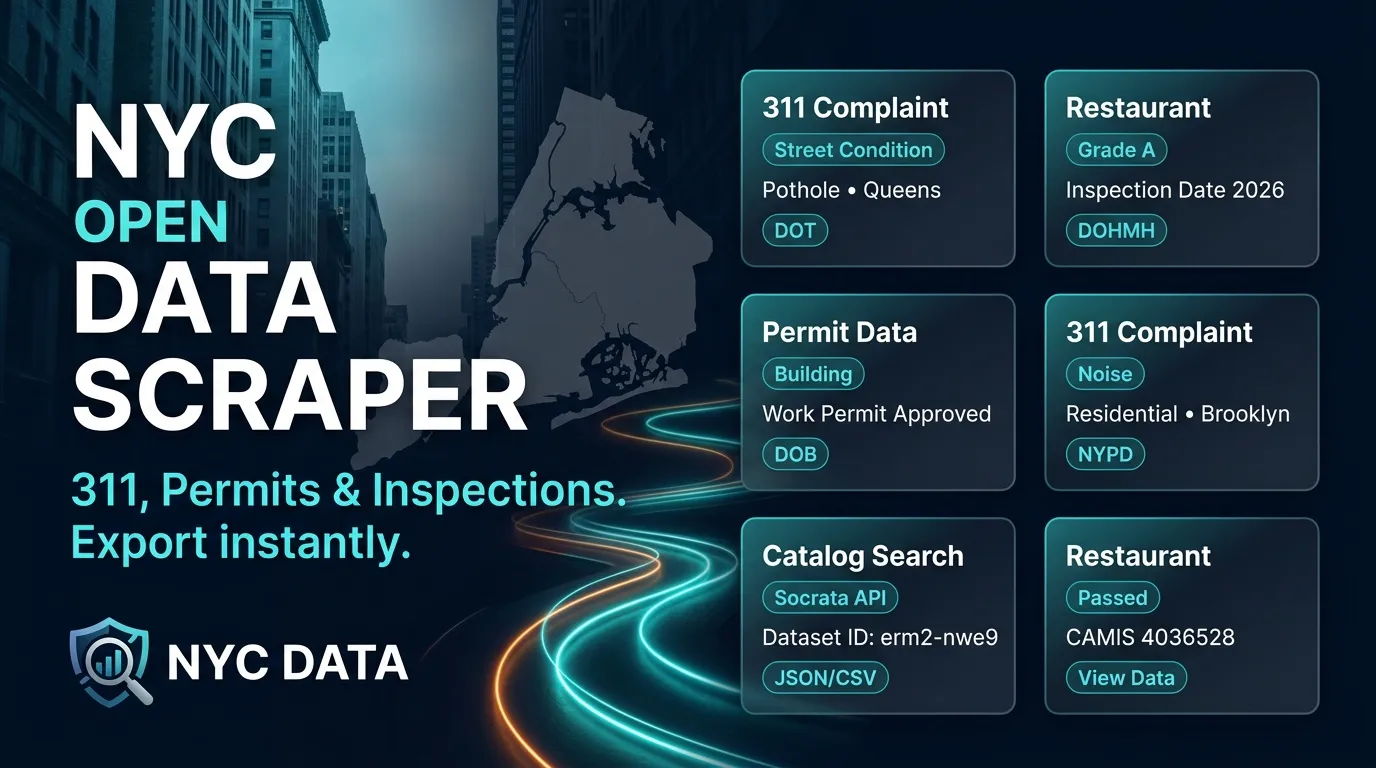
Extract NYC 311 service requests, restaurant inspections, and other municipal datasets into structured tables. Filter records using custom parameters, explore the NYC dataset catalog, and download your data in JSON, CSV, or Excel formats.
Use cases
- 311 Extracts: Pull complaint types, descriptors, ZIP codes, addresses, and responsible agencies for municipal service requests.
- Restaurant Inspections: Export CAMIS numbers, business names (DBA), borough details, and inspection dates.
- Permits & Custom Datasets: Point the scraper at any known NYC 311 or city dataset ID.
- Catalog Search: Search for specific city datasets by keyword before exporting full records.
- Filtering & Sorting: Apply queries and sort orders when custom data subsets are needed.
- Scheduled Exports: Set up recurring runs to download fresh, updated datasets on a schedule.
What the scraper extracts
- Rows Mode: Saves structured records for the requested dataset. The default overview includes fields such as unique key, creation date, agency, complaint type, descriptor, ZIP code, and incident address.
- Catalog Mode: Saves matching entries from catalog searches. Key details include dataset title, writeup, resource category, publisher attribution, and view stats.
Dataset fields vary depending on the schema. For example:
- 311 Records: Retain service-request properties like complaint type, locations, and timestamps.
- Restaurant Inspection Records: Retain inspection-specific details such as CAMIS ID, business name, borough, building, street, ZIP code, phone, inspection date, violation flags, and coordinates.
Input Parameters
| Parameter | Type | Default | Description |
|---|---|---|---|
| mode | string | rows | Choose rows for record extraction or catalog for dataset search. |
| datasetId | string | erm2-nwe9 | The NYC dataset ID for rows mode (e.g., erm2-nwe9 for 311 requests, 43nn-pn8j for restaurant inspections). |
| query | string | restaurant | Search keyword used when running in catalog mode. |
| where | string | empty | Custom filter condition for dataset queries. |
| order | string | :id | Sort order for extracted records. |
| maxItems | integer | 100 | Maximum number of rows to collect (capped at 1,000). |
| timeoutSecs | integer | 300 | Total maximum runtime in seconds. |
| requestTimeoutSecs | integer | 30 | Timeout per request in seconds. |
| proxyConfiguration | object | no proxy | Optional proxy setup. Default is {"useApifyProxy": false}. |
Example input (Rows mode):
Example input (Catalog mode):
Output Example
Field Descriptions
- unique_key: Unique identifier for the record or catalog entry (used for deduplication).
- created_date: Creation or record timestamp.
- agency / agency_name: Responsible city agency or department.
- complaint_type / descriptor: Type and description of the reported issue.
- incident_zip / incident_address / street_name: Location details for the record.
- camis / dba: Inspection ID and business name for restaurant data.
- datasetName / recordText / recordKind: Catalog dataset title, description, and item category.
- pageViewsTotal: Total view count for catalog items.
- scrapedAt: UTC timestamp indicating when the data was scraped.
- error: Present only on failed record processing turns.
Pagination & Execution Rules
- Records are gathered page-by-page (100 items per batch) until
maxItemsis reached. - Duplicate entries are automatically identified and skipped.
- If a dataset query returns no additional items, the run concludes cleanly.
- Network requests are spaced out smoothly (~0.75 seconds apart) to keep traffic steady and avoid unnecessary request failures. Transient errors are retried automatically up to 3 times before moving on.
- Total items per run are capped at 1,000.
FAQ
How do I export restaurant inspections?
Set mode to rows and use 43nn-pn8j as the datasetId.
How many records can I collect per run? You can request up to 1,000 records per execution.
What happens if a query filter contains a syntax error? The actor logs an error record describing the issue without crashing the overall process.
Can I download the results as Excel or CSV? Yes, once the run completes, you can export your data format directly as JSON, CSV, or Excel.
To learn more, read Apify's guide: Is web scraping legal?


