

LinkedIn Jobs Scraper
Pricing
from $15.00 / 1,000 results
LinkedIn Jobs Scraper
Scrape LinkedIn job listings without login. Search by keyword and location, filter by job type, seniority, work arrangement and date. Get titles, companies, salaries, descriptions, applicant counts and more. No account required.
Pricing
from $15.00 / 1,000 results
Rating
0.0
(0)
Developer

Yuliia Kulakova
Maintained by CommunityActor stats
0
Bookmarked
14
Total users
2
Monthly active users
2 months ago
Last modified
Categories
Share
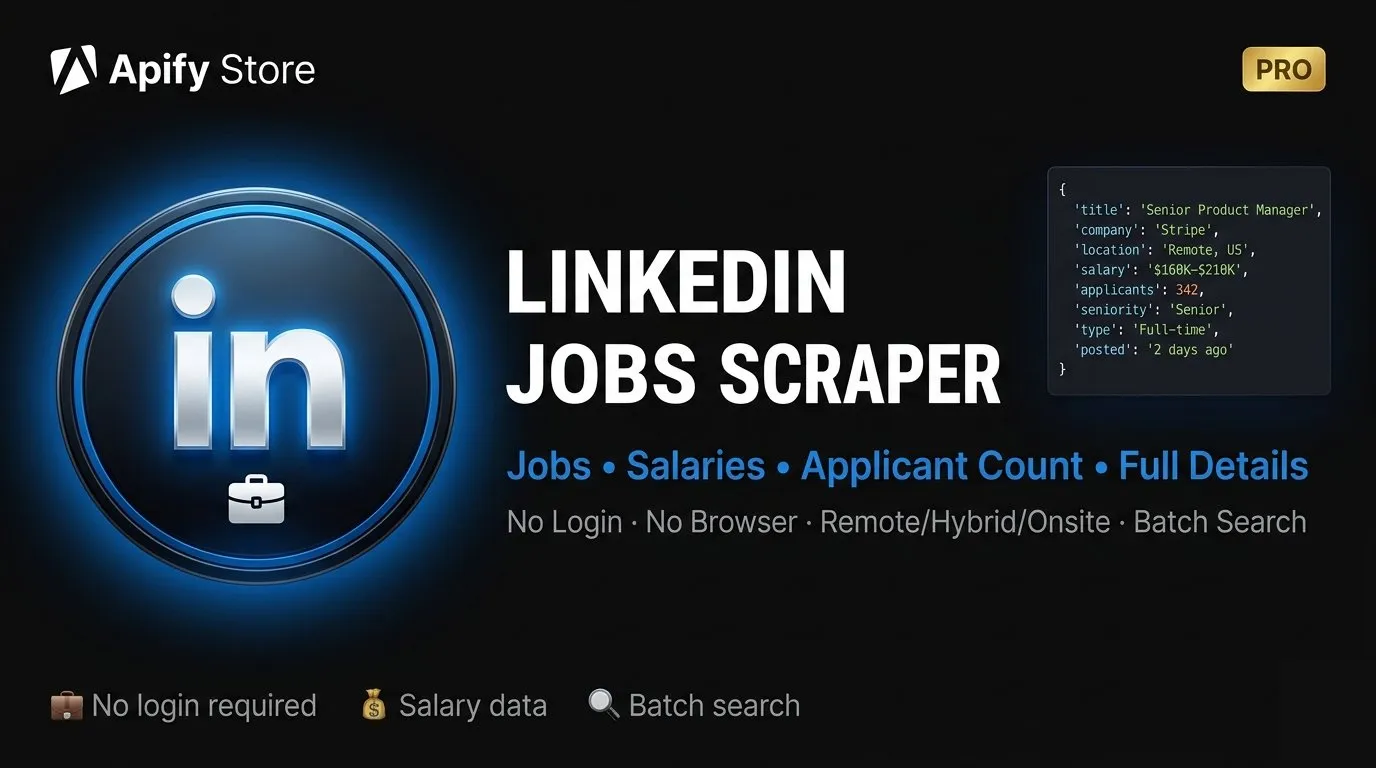
Scrape LinkedIn job listings without login — titles, companies, locations and posting dates, plus salaries, seniority, applicant counts and full descriptions when you turn on Include Full Details.
No LinkedIn account required. Uses LinkedIn's public guest API — fast, no browser needed.
What it does
Search LinkedIn job listings by keyword and location. Run multiple searches at once, apply filters, and optionally fetch full job details including salary ranges, seniority level, applicant count and job description.
- ✅ No LinkedIn account or login required
- ✅ Search multiple job titles in one run
- ✅ Filter by date posted and work arrangement; job type and seniority are matched from each job's own page (see the note under Input)
- ✅ Optional full details: salary, description, applicant count, industry
- ✅ Built-in deduplication across pages and queries
- ✅ Export to JSON, CSV or Excel
Input
| Field | Type | Description |
|---|---|---|
searchQuery | string | Job title or keywords (e.g. "software engineer") |
searchQueries | array | Multiple job titles in one run — overrides searchQuery |
location | string | City, country or region (e.g. "New York", "London", "Remote") |
maxResults | integer | Max jobs for the whole run, shared across all queries (default: 50, max: 1000). With Include Full Details on, a large run may return somewhat fewer — every job costs an extra request, and the run stops at its own time budget rather than at the run timeout |
datePosted | string | any · past24h · pastWeek · pastMonth |
jobType | array | fulltime · parttime · contract · temporary · internship · volunteer. Needs includeDescription: true — see the note below |
seniorityLevel | array | internship · entry · associate · mid_senior · director · executive. Needs includeDescription: true — see the note below |
workType | array | onsite · remote · hybrid. Passed through to LinkedIn; its public data does not expose a workplace type, so we cannot confirm how strictly it is applied |
includeDescription | boolean | Fetch full details per job (salary, description, applicants). One extra request and a short pause per job. The run stops and returns what it has once it reaches a time budget scaled to maxResults — about 3 minutes for a small request, 40 minutes at most — rather than hitting the run timeout. Default: false |
deduplication | boolean | Skip duplicate job postings. Default: true |
About
jobTypeandseniorityLevel. LinkedIn's public search endpoint accepts the matching URL parameters but does not apply them. Measured on 2026-08-26 with matched searches, sending them was never better and twice clearly worse:"freelance contract"returned 5 contract jobs in 6 without the filter and 2 in 6 with it;"senior director"returned 3 director-level jobs in 6 without it and 1 in 6 with it. So this Actor no longer sends them. It reads each job's own Employment type and Seniority level instead and keeps only the ones that match — which means these two filters work only when Include Full Details is on. With it off, they are skipped and the run log says so, rather than quietly returning an unfiltered list.A keyword beats the filter by two orders of magnitude. Measured twice:
"freelance contract"as a keyword returned 5 contract roles in 6, and"contract software engineer"returned 5 in 8 — while filtering plainsoftware engineerbyjobType: ["contract"]found 1 contract role in 200 job pages read. Contract roles are a fraction of a percent of an unfiltered result set, and the filter has to open and read every job to find them. If you want a specific kind of role, put the word insearchQuery. Use the filter to be certain about what came back, not to go looking for it.
Output fields
| Field | Description |
|---|---|
title | Job title |
company | Company name |
companyUrl | LinkedIn company page URL |
companyLogo | Company logo image URL |
location | Job location |
postedDate | Date posted (ISO format) |
jobUrl | Direct link to the LinkedIn job posting |
salaryText | Salary as published on the job page, read out of the free-text description — best effort: the Actor looks for a pay range, so a posting quoting a single figure ("$45/hour") is left empty, as is a range written in an unusual way. It leaves the field empty rather than guessing. LinkedIn does not put pay in search results at all, so this needs Include Full Details — how often it is there depends entirely on where the job is: a New York sample on 2026-08-29 stated pay in 7 of 8 postings, a mixed-location sample on 2026-08-26 in 1 of 5. States with pay-transparency laws publish it, others often do not |
salaryMin / salaryMax | Parsed salary range |
salaryCurrency | Currency (USD, EUR, GBP…) |
salaryPeriod | yearly / hourly / monthly |
seniorityLevel | Entry level, Mid-Senior, Director, etc. Many postings publish Not Applicable — 4 of 8 in a live run on 2026-08-29 — and those cannot satisfy a seniorityLevel filter |
employmentType | Full-time, Part-time, Contract, etc. |
jobFunction | Job category (Engineering, Sales, etc.) |
industries | Industry sector |
applicantCount | Number of applicants (when shown) |
description | Full job description text |
salaryText,salaryMin,salaryMax,salaryCurrency,salaryPeriod,seniorityLevel,employmentType,jobFunction,industries,applicantCountanddescriptionall require Include Full Details (includeDescription: true). Without it you get the search-card fields only: title, company, location, posted date, logo and links.
Example input
The kind of role is in the query, not in a filter — that is the faster and more
accurate way round, for the reason explained above. Add jobType or seniorityLevel
on top only when you need every returned row to be certified as that type; expect the
run to read a lot of job pages to do it.
Multiple searches in one run:
Pricing
$15.00 per 1,000 results — approximately $0.015 per job listing.
| Run | Results | Cost |
|---|---|---|
maxResults: 50 | up to 50 | ~$0.75 |
maxResults: 300, any number of queries | up to 300 | ~$4.50 |
maxResults: 1000, any number of queries | up to 1,000 | ~$15.00 |
maxResults is the budget for the whole run — three queries with maxResults: 300
return 300 jobs in total, not 900. A per-run start charge of $0.01 per GB of memory
applies as well ($0.04 at the default 4 GB).
One thing to expect from LinkedIn itself: its public search does not return a stable result set. Repeating an identical request can bring back a completely different page of jobs — measured on 2026-08-29, one of three repeats shared no listings at all with the first. Deduplication is on by default and covers a single run; across runs, treat the results as a sample rather than a fixed list.
Pay only for what you scrape — no subscriptions, no monthly plans.
Something looks wrong? Please tell us
If a run returns fewer jobs than you expected, or a field looks off, open an Issue on this Actor's page. It comes straight to us, and a run ID plus the input you used is usually enough for us to see the cause. LinkedIn changes its pages without warning — an Issue is how we find out quickly, and we would much rather hear it from you than not.
If a run broke on our side, write to us and we will sort it out.
If it did the job
If this Actor saved you time, please leave a rating on its Store page. Ratings are how small Actors get found here — without them, a scraper sits near the bottom of the search results no matter how well it works. It takes a moment, and it genuinely helps.


