

Social Media Posts Extractor
Pricing
$20.00 / 1,000 data requests
Social Media Posts Extractor
Effortlessly extract posts from Instagram, TikTok, YouTube, LinkedIn, and Twitter. Search by specific keywords and locations to quickly get structured results, including usernames, captions, engagement stats, and direct post links. Ideal for marketers, creators, and researchers.
Pricing
$20.00 / 1,000 data requests
Rating
0.0
(0)
Developer

Caprolok
Maintained by CommunityActor stats
9
Bookmarked
336
Total users
13
Monthly active users
10 days ago
Last modified
Categories
Share
Social Media Posts Extractor
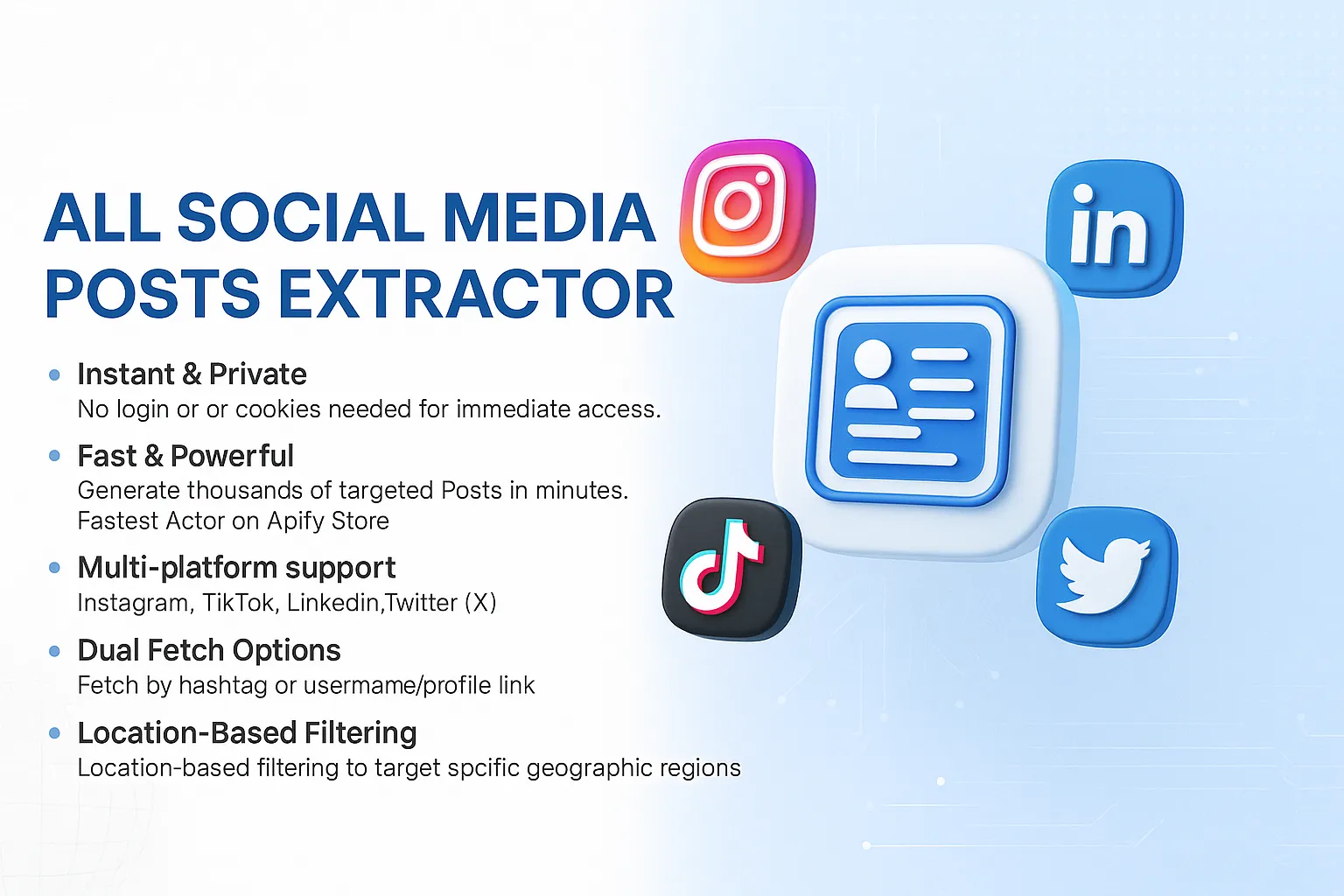
Pull recent posts from known accounts (profile URL or username) on Instagram, TikTok, LinkedIn, Twitter (X), YouTube, Threads, Reddit, Facebook, or VK. Hashtags (#tag) still work for power users; for niche breadth across many platforms, prefer the Hashtag Posts Extractor.
Media URLs
post_thumbnail / avatar URLs often come from CDN or search-index caches and can expire. Do not treat them as durable asset storage.
Optional: set rehost_thumbnails to download images into this run's Apify key-value store and fill post_thumbnail_apify (cloud runs only; download failures keep the original CDN URL). Default off.
What you can extract
- Caption, content type, author name / username
- Platform, post ID, post link, thumbnail
- Timestamp, likes / comments / replies when present
engagement_ratewhen authorfollowersis known- Original
search_input
How to use
- Create a free Apify account.
- Open the Social Media Posts Extractor on Apify.
- Add profile URLs or usernames (optional
#hashtags), pick one platform, set max results. Optionalsince(YYYY-MM-DD) keeps newer posts only (best-effort). - Click Start, then download JSON / CSV / Excel or use the API.
Pricing
This actor uses pay-per-event pricing.
data_request (primary) is charged once per real dataset row.
Free users are capped and may see upgrade placeholders after a small reveal.
Input parameters
| Field | Type | Description | Required |
|---|---|---|---|
search_inputs | array of string | Profile URLs or usernames (optional #hashtag) | Yes |
platforms | array of string | One of INSTAGRAM, TIKTOK, LINKEDIN, TWITTER, YOUTUBE, THREADS, REDDIT, FACEBOOK, VK | Yes |
max_results | integer | Maximum number of posts to fetch (default 10) | Yes |
location | string | Country filter (e.g. US) | No |
exclusions | array of string | Keywords/usernames/hashtags to exclude | No |
since | string | Keep posts on/after this date (YYYY-MM-DD); best-effort | No |
rehost_thumbnails | boolean | Cloud-only: store thumbnails in KV as post_thumbnail_apify (default false) | No |
Legacy platform / max_posts inputs are still accepted and mapped automatically.
Sample input
Output
The actor returns a structured dataset with the following fields for each record.
Sample Output (JSON)
Use Cases
- Build targeted influencer lists for brand collaborations
- Track competitor campaigns and engagement across platforms
- Monitor hashtags to spot trending topics in real time
- Target posts by geography with location-based filtering for localized marketing insights
- Feed social proof and testimonials into landing pages automatically
- Enrich CRM records with the latest customer posts and bios
- Collect user-generated content for market research or sentiment analysis
- Automate weekly social media performance reports for clients
- Train AI/ML models with fresh, labeled social content
Usage Tips
- Combine multiple hashtags and profile URLs in one run to save credits.
- Set
max_resultsto focus on fresh posts and speed up execution. - Use specific hashtags or handles for higher-quality matches.
Integrations
Social Media Posts Extractor fits seamlessly into your data pipeline. Thanks to built-in integrations on the Apify platform, you can connect this actor with virtually any cloud service or web app.
Popular integrations
- Make (Integromat) - automate multi-step workflows.
- Zapier - send data to 5,000+ apps.
- Airbyte - sync datasets into your data warehouse.
- Slack - push instant notifications.
- Google Sheets & Drive - store results in spreadsheets or cloud.
- GitHub - commit datasets directly to your repositories.
- AWS S3 / Azure Blob Storage - archive large exports securely.
Webhooks
Set up webhooks to trigger actions when the actor completes or fails, e.g., send email or Slack alerts.
🛠️ API Access
Prefer to automate with code? The Apify REST API lets you manage, schedule, and run this actor programmatically.
- Run & Schedule Actors
- Access Datasets
- Monitor Runs
- Version Control
Client libraries
| Language | Package | Install |
|---|---|---|
| Node.js | apify-client | npm install apify-client |
| Python | apify-client | pip install apify-client |
For complete API examples and detailed usage, visit the API documentation.
MCP Quickstart
You can use the Apify MCP Server in two ways:
**1. Standard Input/Output (stdio):**
- Set MCP client server command to
npx @apify/actors-mcp-serverand environment variableAPIFY_TOKENto your Apify API token.
2. HTTPS Endpoint mcp.apify.com:
- Connect your MCP client by including
Authorization: Bearer <APIFY_TOKEN>header in your requests.
For more details, see the MCP API documentation.
💬 Support
If you encounter any issues, have suggestions, or need assistance, please use the Issues tab. Our team actively monitors this section and will respond promptly.
Related scrapers
| Actor | Use for |
|---|---|
| Social Media Hashtag Posts Extractor | Niche keyword / hashtag posts across platforms |
| Social Media Profile Extractor | Enrich known usernames or profile URLs |
| Social Media Email Finder | Public emails by niche keyword |
| Social Media Phone Finder | Public phones by niche keyword |
| Social Media Influencer Finder | Creator shortlist by follower band + niche |
| TikTok Leads Generator | TikTok-focused lead discovery |
| LinkedIn Leads Generator | LinkedIn B2B lead discovery |


