

Substack Newsletter Scraper
Pricing
from $1.00 / 1,000 saved post metadata
Substack Newsletter Scraper
Substack newsletter scraper for metadata from known public RSS or Atom feeds. Get one stable row per unique item with titles, dates, authors, links, source IDs, and clear run outcomes. The Actor reads the feed only.
Pricing
from $1.00 / 1,000 saved post metadata
Rating
0.0
(0)
Developer

Cliqto Media
Maintained by CommunityActor stats
0
Bookmarked
2
Total users
1
Monthly active users
16 days ago
Last modified
Categories
Share
Get structured post metadata from known public Substack RSS or Atom feeds. This Substack newsletter scraper saves one stable Dataset row per unique feed item and never opens article pages.
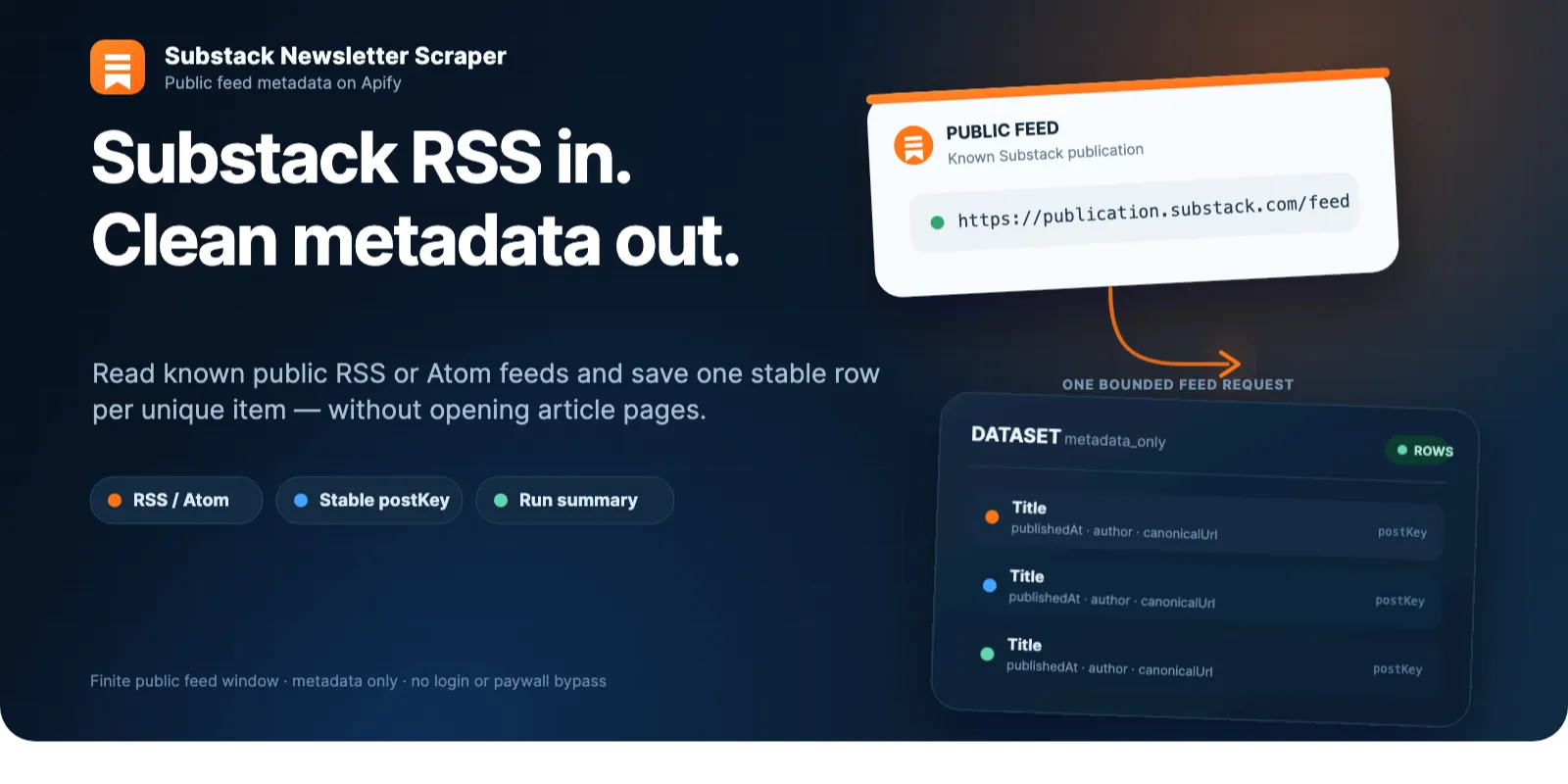
Use it when you already know the public https://<publication>.substack.com/feed URLs you want to read and need recent titles, dates, authors, links, source IDs, categories, paywall signals, and stable deduplication keys.
Table of contents
- Quick start
- What this Actor does
- Input
- Output
- Completeness and limits
- Pricing
- Errors and zero-row runs
- API example
- FAQ
- Support
Quick start
Open the Actor in Apify Console and run the prefilled form as-is. The form uses this small demo input:
The UI prefill is intentionally small. Runtime defaults are different: when you send only feedUrls, the Actor uses maxPostsPerFeed=20 and maxTotalPosts=100.
What this Actor does
The Actor reads each accepted public feed once, parses RSS 2.x or Atom metadata, normalizes dates to UTC, drops duplicate item identities, and writes bounded metadata rows to the default Dataset. A terminal RUN_SUMMARY record explains success, partial results, truncation, empty feeds, source errors, retries, and charge reconciliation.
Good fits include:
- monitoring recent posts from a known list of Substack publications;
- importing newsletter post metadata into a database or workflow;
- comparing publication cadence using public feed dates;
- building a lightweight feed index where stable item identity matters.
The Actor is deliberately metadata-only. It does not scrape article pages, discover newsletters, search Substack, paginate archives, resolve custom domains, download media, collect comments or engagement metrics, enrich authors, log in, or bypass paywalls.
Input
feedUrls
Array of 1–20 public feed URLs. Each URL must match this shape:
Accepted URLs use HTTPS, a real substack.com publication subdomain, and the exact /feed path. The Actor rejects homepages, /archive, post URLs, custom domains, query strings, credentials, IP addresses, and non-HTTPS URLs before fetching.
| Field | Type | Required | UI prefill | Runtime default | Limits |
|---|---|---|---|---|---|
feedUrls | string[] | yes | https://on.substack.com/feed | none; explicit input required | 1–20 URLs |
maxPostsPerFeed | integer | no | 5 | 20 | 1–20 |
maxTotalPosts | integer | no | 5 | 100 | 1–200 |
publishedFrom | ISO date or datetime | no | empty | none | inclusive lower bound |
publishedTo | ISO date or datetime | no | empty | none | exclusive upper bound |
feedUrls has a schema default for the form, but the runtime requires explicit URLs. API input {} returns INVALID_INPUT; it does not select the demo. All five input fields are top-level. feedUrls[] contains strings; unknown fields are rejected.
Duplicate normalized feed URLs are processed once, preserving the first input order.
Date filters
publishedFrom is inclusive and publishedTo is exclusive. Example:
Dates must be real calendar dates or UTC date-times ending in Z, with optional 1–3 fractional digits. publishedFrom must be earlier than publishedTo. Missing dates are null; an item without a valid publication date is rejected when a date filter is active. Dates refer to each post, not the time the Actor ran. Filtering applies only within the first maxPostsPerFeed source items; it does not search older pages.
Output
Each valid unique feed item becomes one Dataset row. This example is from a real on.substack.com/feed run on October 9, 2026:
enclosure is null when absent. An object is returned when the feed supplies enclosure metadata. The Actor records only its URL, type, and length metadata; it does not download the file.
Dataset fields
| Field | Type | Meaning |
|---|---|---|
schemaVersion | string | Output schema version. |
recordType | post | Dataset record type. |
postKey | string | Versioned SHA-256 key derived from normalized feed URL and preferred source identity. It is not a Substack platform ID. |
feedUrl | string | Normalized input feed URL. |
publicationKey | string | Stable source host/path key. |
publicationName | string or null | Feed channel/publication title when present. |
publicationUrl | string or null | Publication link supplied by the feed. It is not fetched. |
sourceGuid | string or null | RSS GUID or Atom ID. |
canonicalUrl | string or null | Item link supplied by the feed. It is not fetched. |
title | string | Feed item title. |
subtitle | string or null | Separate subtitle field when the feed supplies one. |
publishedAt | ISO string or null | Publication time normalized to UTC. |
updatedAt | ISO string or null | Update time normalized to UTC when available. |
author | string or null | Feed byline only; no enrichment. |
categories | string[] | Deduplicated source categories in source order. |
audience | enum | everyone, only_paid, or unknown. |
contentMode | metadata_only | Confirms that body content was not collected. |
contentAvailability | enum | available_metadata, paywalled_metadata_only, or unknown. |
enclosure | object or null | Source enclosure URL/type/length metadata only. |
retrievedAt | ISO string | Time the response was processed. |
sourceStatus | enum | POST_SAVED or PAYWALLED_METADATA_ONLY. |
enclosure.url is a string or null, enclosure.type is a string or null, and enclosure.length is a non-negative integer byte count or null. Every row includes all listed keys; absent source values are null, and absent categories are []. Titles and bylines are bounded feed text, not an HTML-to-plain article conversion. Optional metrics such as likes are absent, not zero.
The Dataset does not contain article bodies, HTML, Markdown, descriptions/excerpts, comments, reactions, Notes, subscriber counts, pricing, profile/contact enrichment, or downloaded media.
RUN_SUMMARY
The default Key-Value Store receives a terminal RUN_SUMMARY. It includes the product runStatus, one outcome per feed, emitted/rejected/duplicate counts, truncation and unprocessed counts, request/retry counts, bounded byte counters, duration, warnings, and the post-saved charge reconciliation.
OUTPUT contains the dataset and runSummary links. Open the Dataset to export JSON or CSV from Apify Console. Export does not add fields or fetch article content. See Apify Dataset documentation.
This is the first place to check when a run produces zero rows.
Completeness and limits
This Actor reads one finite feed response per accepted URL. It does not paginate an archive and does not claim full historical coverage.
- Up to 20 input feeds per run.
- Up to 20 saved items per feed.
- Up to 200 saved items total.
- One direct HTTPS feed request per successful source, plus at most two bounded retries for retryable failures.
- Internal run deadline is 60 seconds even if the Apify platform timeout is larger.
- Redirects are not followed to custom domains or other hosts.
- Response wire size, decompressed size, compression ratio, concurrency, retries, and DNS targets are bounded.
If a cap stops processing while source items remain, the feed outcome is TRUNCATED_BY_LIMIT. That is a partial finite-window result, not a full archive.
Pricing
The applied price is $0.00071 per start (apify-actor-start) plus $0.001 per unique saved metadata row (post-saved). Platform usage is included; it is not billed separately to buyers. Apify charges the standard start event automatically, once with 512–1,024 MB memory. Duplicates, rejected items, empty or fully filtered feeds, blocked feeds, and failures do not emit a post-saved event, but the start event still applies.
| Saved rows | Total price at 512 MB |
|---|---|
| 0 | $0.00071 |
| 1 | $0.00171 |
| 5 (demo) | $0.00571 |
| 26 (two public feeds in the current response window) | $0.02671 |
| 200 (product maximum) | $0.20071 |
A partial run pays the start plus its saved rows. A repeat is a fresh snapshot and pays again for rows saved in that run; this Actor does not keep an unchanged/delta state. At most 200 rows can be saved in one run, so 1,000 rows require several runs and start charges. A row estimate alone excludes the start fee. See Apify pay-per-event pricing.
The minimum selectable maximum cost is $0.001. This covers the start but not one saved row; allow at least $0.00171 for one row. Use Apify's maxTotalChargeUsd run option when you need a hard total charge ceiling, including the start. The Actor also stops before writing another chargeable row when that limit is reached.
Errors and zero-row runs
The Actor keeps source outcomes separate instead of turning errors into fake Dataset rows.
| Outcome | Meaning |
|---|---|
NO_POSTS | Valid feed with no eligible items for the requested window. |
PAYWALLED_METADATA_ONLY | The feed exposed a paid/audience signal; only allowed metadata was saved. |
TRUNCATED_BY_LIMIT | A per-feed, total, or charge cap stopped processing. |
NOT_FOUND | Source returned a missing-feed signal such as 404. |
BLOCKED | Source returned an access-denial signal such as 401/403. |
RATE_LIMITED | Source remained rate-limited after bounded retries. |
MALFORMED_FEED | XML could not be safely parsed. |
PARSER_DRIFT | Response was well-formed but did not match the accepted RSS/Atom contract. |
TECHNICAL_ERROR | DNS, TLS, timeout, network, storage, or unexpected adapter failure. |
A multi-feed run can save valid rows and finish with product runStatus=PARTIAL when another feed fails or a cap truncates the finite window. INVALID_INPUT is recorded before source requests; fix the supplied input. A terminal product TECHNICAL_ERROR exits with a failed platform status; do not treat it as a valid empty run. For 429 or temporary errors, wait before a small retry. For redirects, use an accepted public Substack subdomain feed; custom domains remain unsupported.
API example
JavaScript with the Apify client:
For direct REST calls, send the same JSON as Actor input. Keep credentials in your environment or secret store; do not place API tokens in source code.
FAQ
Can I give the Actor a publication homepage?
No. Supply the explicit public feed URL, for example https://on.substack.com/feed. Homepages, post URLs, /archive, and bare slugs are outside this contract.
Does it support custom-domain newsletters?
No. Inputs must be *.substack.com/feed, and redirects to custom domains are not followed. This keeps the network and SSRF boundary explicit.
Does it scrape the full Substack archive?
No. It reads one finite RSS/Atom response and applies the configured limits. There is no archive pagination.
Does it return article text or summaries?
No. Feed descriptions, summaries, content:encoded, article HTML, and Markdown are intentionally excluded. RUN_SUMMARY is a run-control record, not an article summary.
What happens with paid posts?
The Actor never bypasses a paywall. If the public feed exposes an audience/paywall signal, it can save allowed metadata with PAYWALLED_METADATA_ONLY. It does not request protected article content.
Why did a valid run return zero rows?
Check RUN_SUMMARY. A zero-row result can mean NO_POSTS for the chosen date window, NOT_FOUND, BLOCKED, RATE_LIMITED, parser drift, or another explicit source outcome.
Are duplicate feeds or posts charged twice?
Normalized duplicate input feeds are processed once. Duplicate item identities are first-wins and do not create another Dataset row or post-saved event.
Support
If a supported public /feed URL produces an unexpected result, open an issue on the Actor's Issues tab. Include the public feed URL, input limits/date filters, run ID, and the RUN_SUMMARY outcome. Do not include login cookies, tokens, private feed URLs, or other credentials.
For feature requests, note that page scraping, archive discovery, custom domains, login/paywall access, contact enrichment, schedules, and webhooks are outside the current product scope.
Source and privacy notice
The feed address follows Substack’s RSS instructions. Public feed content may change or disappear. Use publisher metadata only for purposes you are allowed to perform. Do not send private feeds, tokens, or cookies. Substack is a trademark of its owner. This Actor is independent and is not affiliated with or endorsed by Substack.


