

Universal Price & Stock Monitor
Pricing
from $2.00 / 1,000 results
Universal Price & Stock Monitor
Monitor product pages for price and availability changes. Extract structured data and compare each run with the previous state.
Pricing
from $2.00 / 1,000 results
Rating
0.0
(0)
Developer

Diego Daza
Maintained by CommunityActor stats
0
Bookmarked
2
Total users
1
Monthly active users
8 days ago
Last modified
Categories
Share
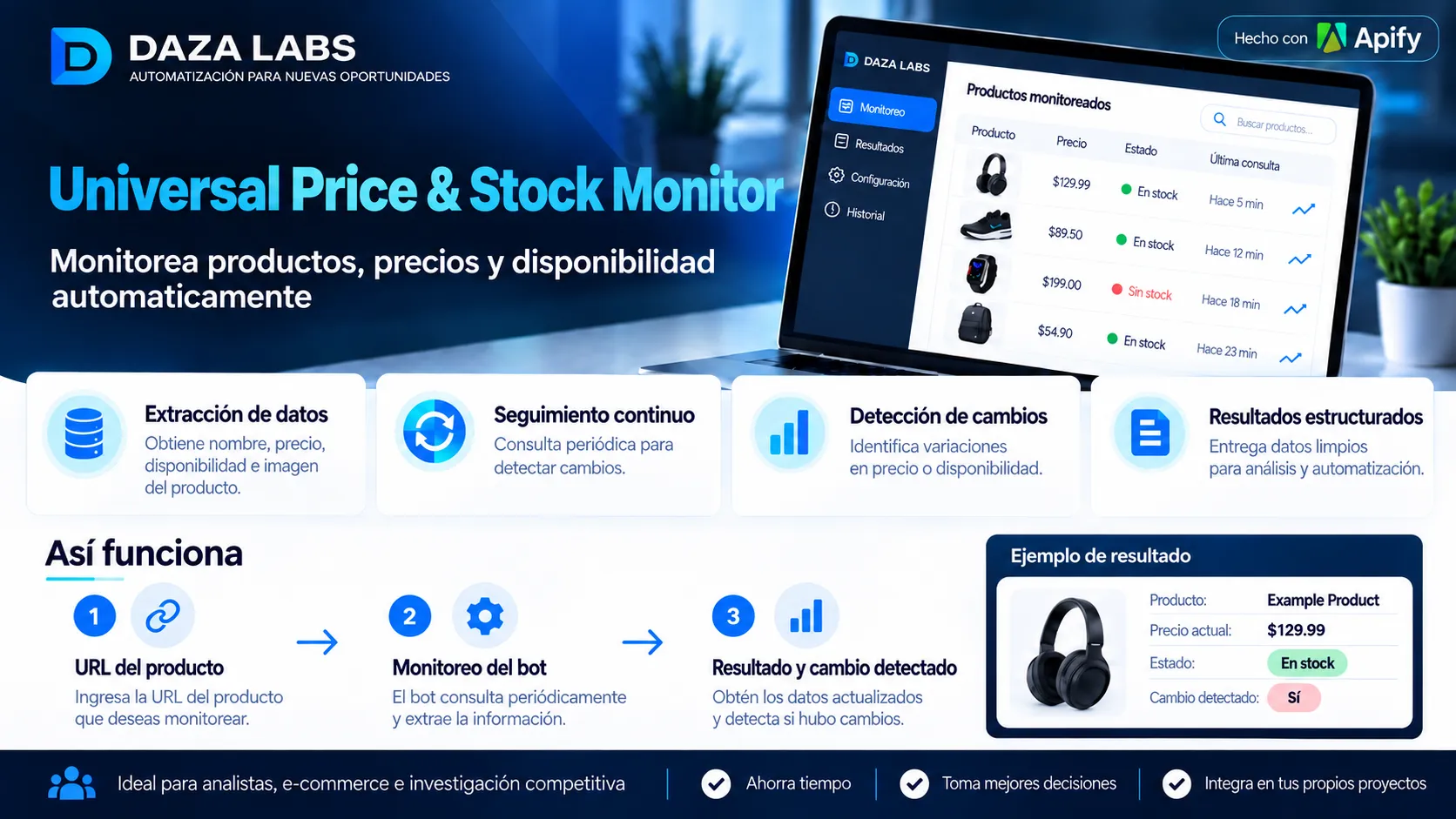
Illustrative product walkthrough. The actual Actor runs in Apify and monitors one product URL per run.
by DAZA LABS · Automated product intelligence
Monitor prices, check availability, and detect changes from public product pages.
Turn a product URL into structured data that can power competitor research, pricing reports, and scheduled product checks.
Pricing starts at $2 per 1,000 results, plus an Actor-start event fee.
How it works
| Step | What you do | What you get |
|---|---|---|
| 1. Add a product URL | Enter a publicly accessible product-page URL. | A targeted product check. |
| 2. Run the Actor | Start a run manually or with an Apify Schedule. | Price and stock information extracted from the page's HTML. |
| 3. Review the result | Open the Apify dataset or use its API. | Structured product data and any detected changes. |
One product URL per run. To monitor periodically, configure an Apify Schedule. The Actor does not send email, SMS, or app notifications by itself.
What you can track
- Product name: title extracted from available page metadata.
- Price: current product price when identifiable.
- Currency: when it can be reliably identified.
- Availability:
in_stock,out_of_stock,preorder, orunknown. - Changes between checks: previous and current price, price difference and percentage, and availability changes.
- Technical details: checked URL after redirects, HTTP status, extraction method, and timestamp.
The Actor uses JSON-LD, meta tags, itemprop markup, and HTML/DOM fallbacks. Field availability varies by website.
Quick start
Enter a single product URL:
Then click Start. Open the run's dataset to review the extracted product data.
Example output
The following sample demonstrates a change detected on a subsequent run. Values are illustrative, not a live product:
Observed test result
On October 13, 2026, a test run returned one product result for A Light in the Attic from Books to Scrape, reporting GBP 51.77 and in stock. This is a past example, not a guarantee of current stock or price.
Common use cases
- Competitor price checks: compare known public product listings over time.
- Price-drop research: identify differences between consecutive checks.
- Back-in-stock checks: identify changes in reported availability.
- E-commerce reporting: collect structured observations for dashboards and analysis.
- Scheduled monitoring: use Apify Schedules to run repeated checks.
Monitoring and change detection
The Actor maintains a previous observation for a monitored URL and compares it with the current observation on subsequent runs. Results indicate whether the price or availability changed.
A run is a point-in-time check, not continuous, second-by-second monitoring. Schedules, API usage, and additional notifications require their own configuration.
Important limitations
This is a lightweight HTML extractor; it does not render JavaScript. Some e-commerce pages load prices dynamically, require login, use anti-bot protection, or block automated requests. Extraction accuracy and supported fields depend on the target page's HTML and access policies.
The Actor checks only the URL provided for that run. Test a public URL before scaling your workflow, and comply with the relevant website's terms and applicable laws.
Support
If extraction fails for a public product page, contact us using the Actor's issue/support channel. Include the URL, run ID, expected result, and actual result. Never share account passwords or other secrets.
https://console.apify.com/actors/1SbUacMtaxReRoNvo/publication https://console.apify.com/actors/1SbUacMtaxReRoNvo/publication


