

Food Delivery Scraper
Pricing
from $1.00 / 1,000 menu items
Food Delivery Scraper
Scrape restaurant listings, full menus with prices, and customer reviews from food delivery sites — Uber Eats, DoorDash, Deliveroo, Just Eat, Grubhub, Wolt, Glovo, Foodpanda, Zomato, SkipTheDishes, Thuisbezorgd, Lieferando, Takeaway.com and more — by URL, keyword, or delivery address.
Pricing
from $1.00 / 1,000 menu items
Rating
5.0
(3)
Developer

E Commerce
Maintained by ApifyActor stats
3
Bookmarked
45
Total users
12
Monthly active users
2 days ago
Last modified
Categories
Share
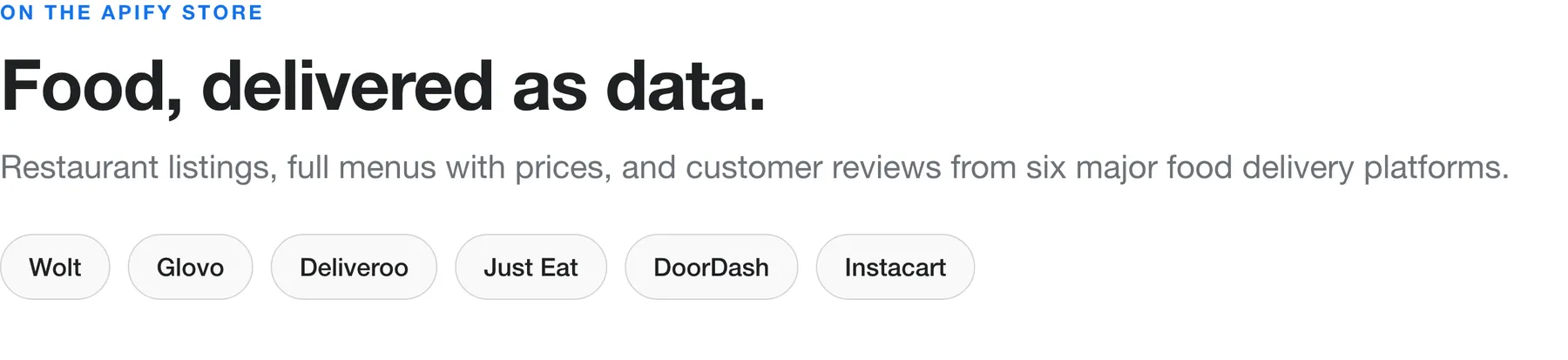
Food Delivery Scraper collects restaurant listings, full menus with prices, and customer reviews from six major food delivery platforms: Wolt, Glovo, Deliveroo, Just Eat, DoorDash, and Instacart. Give it a listing URL, a restaurant URL, a keyword, or a delivery address, and it returns structured records: dish name, offers.price, image, description, restaurant rating, address, delivery time, and review text with author and date. No login, no manual copy-paste.
What does Food Delivery Scraper do?
- Extracts restaurant listings: name, URL, rating, cuisine, and location.
- Pulls complete menus: every category, dish, description, price, and photo.
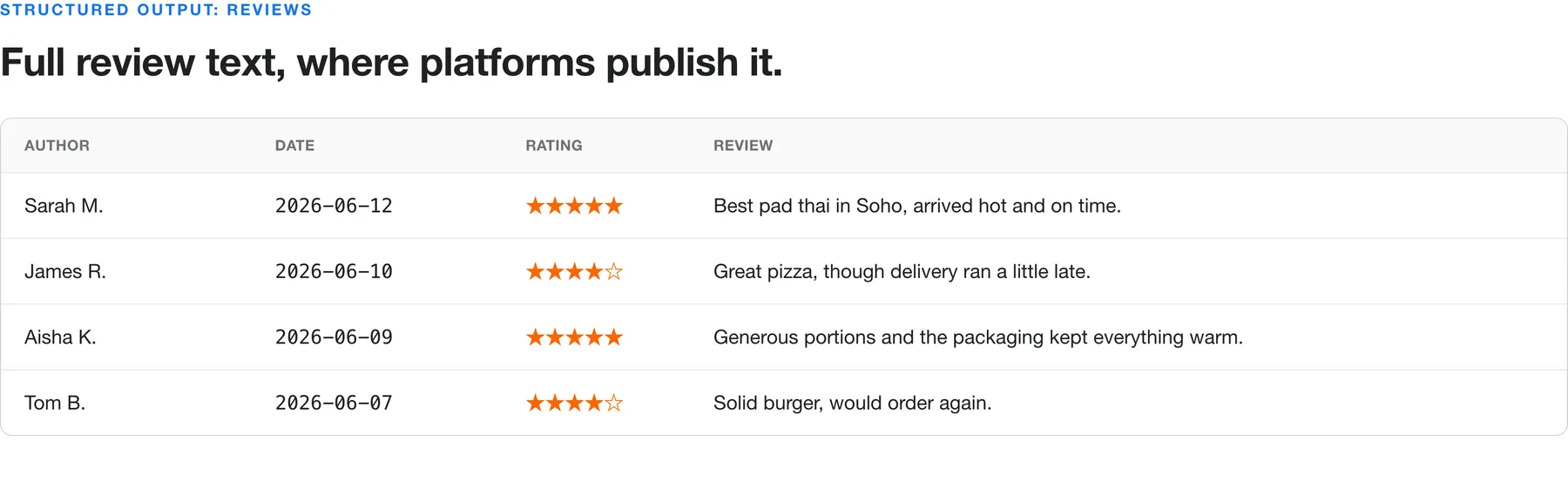
- Collects customer reviews: author, date, rating, and full text on Deliveroo and Just Eat.
- Runs three output modes: menu items, restaurants (sellers), or reviews, all joinable on the restaurant URL.
- Accepts four input types: listing URLs, restaurant URLs, keyword search, or delivery address.
- Returns clean JSON, ready to export to CSV, Excel, JSON, or Google Sheets.
Which food delivery platforms does it support?
| Platform | Listings | Menus | Reviews |
|---|---|---|---|
| Wolt | ✅ | ✅ | Aggregate rating only |
| Glovo | ✅ | ✅ | Aggregate rating only |
| Deliveroo | ✅ | ✅ | ✅ Full review text |
| Just Eat (UK) | ✅ | ✅ | ✅ Full review text |
| DoorDash | ✅ (keyword) | ✅ | Not available |
| Instacart | ✅ (keyword) | ✅ | Not available |
Wolt and Glovo do not publish individual review text, so an aggregate rating and rating count are returned with the restaurant and menu data instead.
Why scrape food delivery data?
- Menu price monitoring: track how competitors price the same dish across cities and platforms.
- Market research: map restaurant density, cuisine mix, and ratings for a delivery area before you expand.
- Menu intelligence: see which dishes, categories, and price points dominate a market.
- Review analysis: pull thousands of reviews to surface recurring complaints or standout items.
- Aggregator building: power a comparison site or dashboard with fresh menu and rating data.
How do I scrape food delivery data?
- Open Food Delivery Scraper and click Try for free.
- Choose your input: paste Delivery listing URLs for a whole area, add Restaurant detail URLs for specific venues, or type a Keyword with a Delivery address.
- Pick What to scrape: Menu items, Restaurants (sellers), or Reviews.
- Set Total maximum results to cap run time and cost.
- Click Start, then export the dataset as CSV, JSON, or Excel when the run finishes.
What input does Food Delivery Scraper accept?
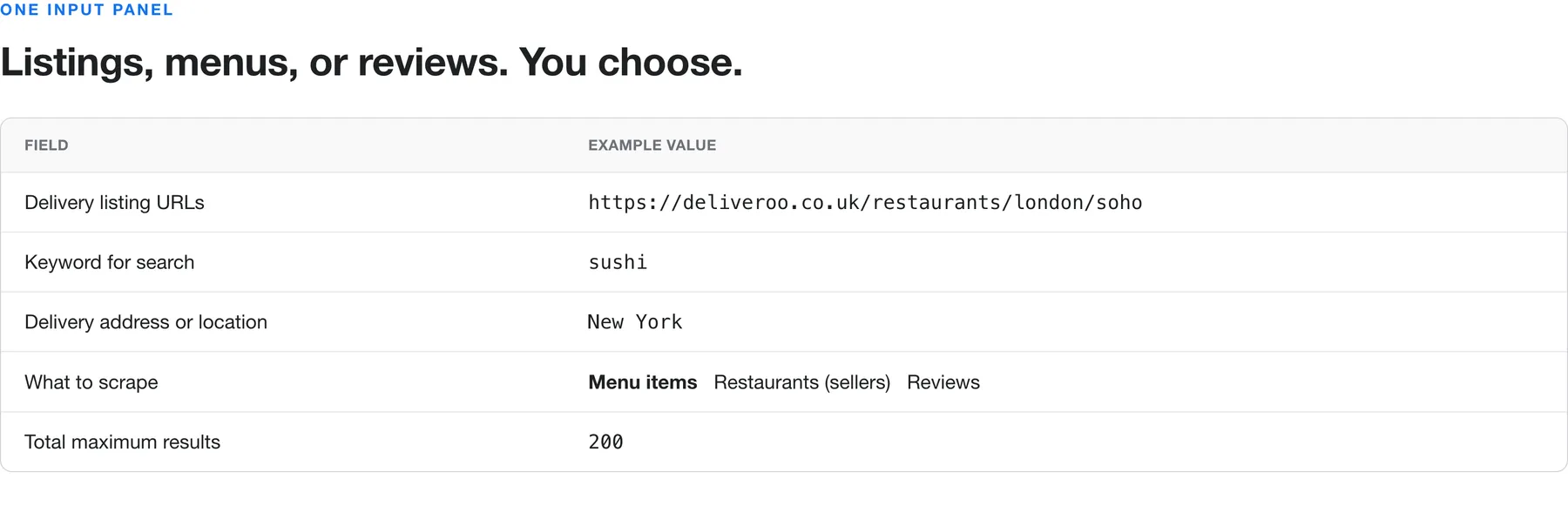
| Field | Type | What it does |
|---|---|---|
| Delivery listing URLs | Array | Area or category pages. Scrapes every restaurant found on them. |
| Restaurant detail URLs | Array | Individual restaurant pages with full menu and metadata. |
| Keyword for search | String | Finds dishes across the selected marketplaces. |
| Marketplaces for keyword search | Array | Which platforms the keyword runs against. |
| Delivery address or location | String | Localizes keyword results (city, ZIP, or address). |
| What to scrape | Select | Menu items, Restaurants (sellers), or Reviews. |
| Total maximum results | Integer | Caps the total items collected. |
Example input for a keyword search:
To scrape a whole delivery area instead, drop the listing URL into deliveryListingUrls and set scrapeModeDelivery to Restaurants (sellers).
What data does Food Delivery Scraper extract?
Menu items and restaurants follow a product schema, and reviews follow a review schema. Everything joins on the restaurant url.
| Field | Description |
|---|---|
url | Restaurant or dish page URL |
name | Dish or restaurant name |
offers.price | Item price with currency |
image | Dish or restaurant image URL |
description | Dish or restaurant description |
additionalProperties | Menu, cuisine, delivery time, minimum order, coordinates |
aggregateRating | Rating value and review count |
author, datePublished, reviewBody, reviewRating | Review fields |
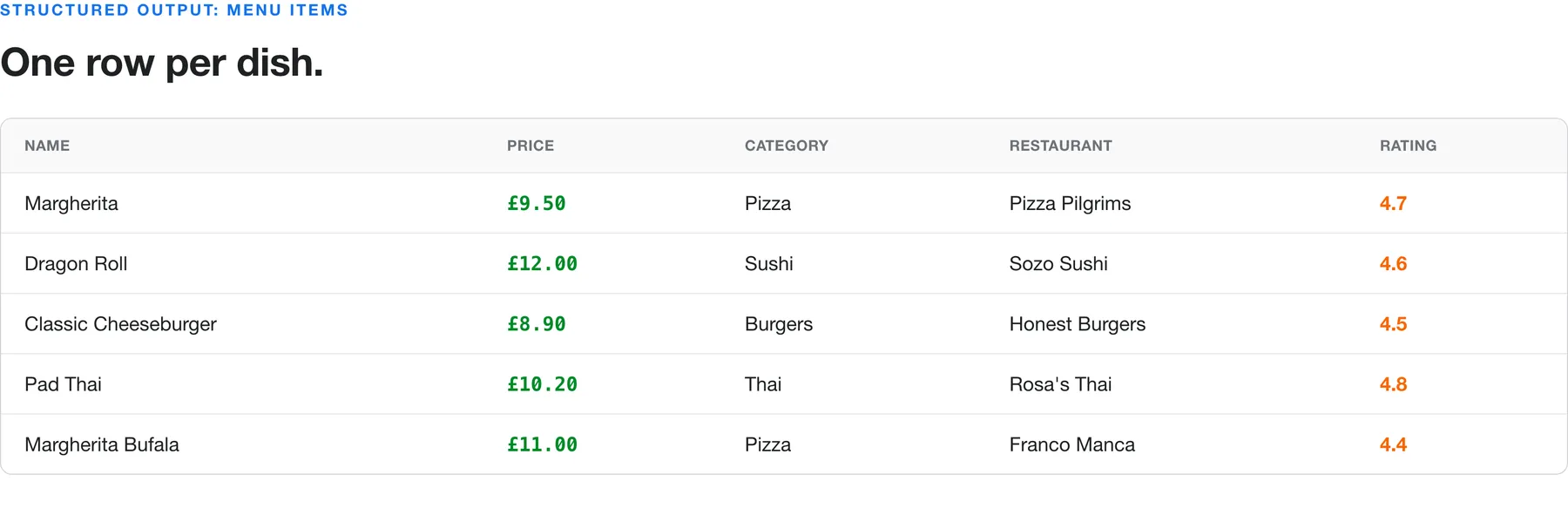
Sample menu-item output:
How do I run the scraper via API or schedule it?
Every run is available through the Apify API. Start a run and fetch results in a few lines:
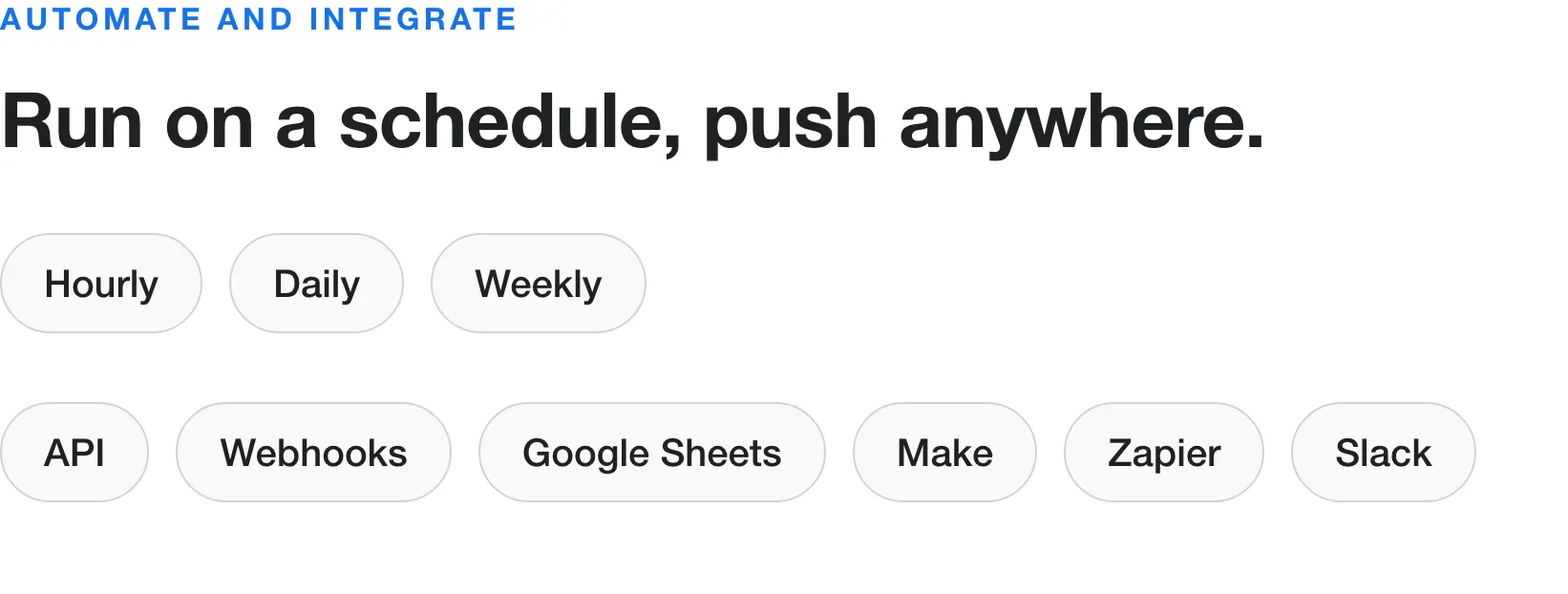
Use the Schedules tab to run the scraper hourly, daily, or weekly, and connect webhooks or integrations such as Google Sheets, Make, Zapier, and Slack to push fresh data wherever you need it.
How much does it cost to scrape food delivery data?
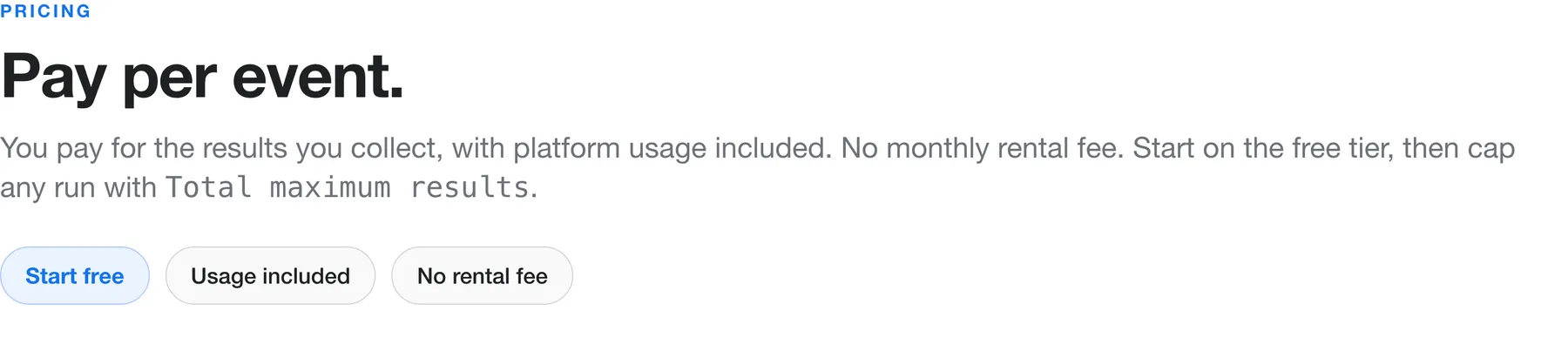
Food Delivery Scraper uses a pay-per-event pricing model: you pay for the results you collect, platform usage is included, and there is no monthly rental fee. Start on the free tier, then use Total maximum results to keep any run within budget.
Troubleshooting: common issues and solutions
| Issue | Solution |
|---|---|
| No results found | Widen the keyword (for example, "burger" instead of "double bacon burger"), or confirm the platform delivers to your address. |
| Keyword search returns 0 items | Set a Delivery address and select at least one marketplace. |
| Reviews are empty | Review text is available only on Deliveroo and Just Eat. Other platforms return an aggregate rating. |
| Run takes too long | Lower Total maximum results, or scrape fewer listing URLs per run. |
| Prices missing on some items | A few restaurants hide prices until checkout, so those items return without offers.price. |
| Wrong city or currency | Match the URL region (for example, deliveroo.fr) or the address to the market you want. |
Is it legal to scrape food delivery platforms?
Scraping publicly available data (restaurant listings, menus, prices, and public reviews) is legal in most jurisdictions. This scraper collects only public information and never accesses private accounts. You are responsible for how you use the data, so review each platform's terms and applicable laws such as GDPR before scraping personal data like reviewer names.
Frequently asked questions
Which platforms can I scrape? Wolt, Glovo, Deliveroo, Just Eat (UK), DoorDash, and Instacart. Deliveroo and Just Eat return full review text, and the others return aggregate ratings.
Can I scrape a whole city at once? Yes. Paste the area listing URLs and choose "Restaurants (sellers)" for every venue, or "Menu items" for every dish.
Do I need to log in or provide cookies? No. The scraper works with public pages only.
Can I use this scraper with the API? Yes. Start runs and fetch datasets through the Apify API or the JavaScript and Python clients shown above.
Does it work with the Apify MCP server? Yes. The Actor is available through the Apify MCP server, so AI agents and assistants like Claude can call it directly and receive structured data.
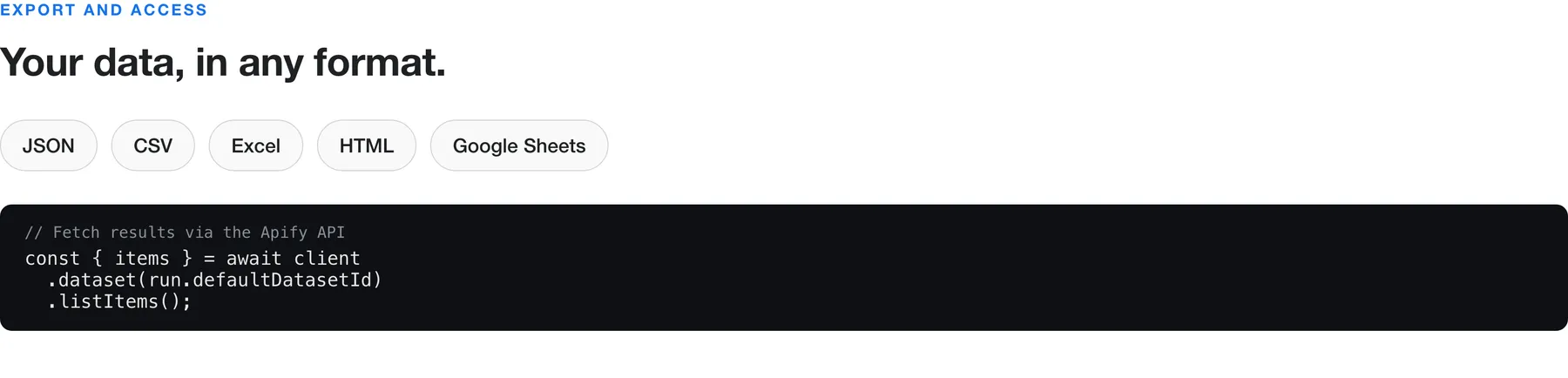
What formats can I export? JSON, CSV, Excel, HTML, or Google Sheets, plus webhooks and Make or Zapier integrations.
How fresh is the data? Every run scrapes live pages, so results reflect current menus, prices, and reviews.
Changelog
- Added a scrape-mode selector: choose Menu items, Restaurants (sellers), or Reviews.
- Added Just Eat menu prices with per-item currency handling.
Feedback
Found a bug or need another platform? Open an issue on the Actor's Issues tab. Feature requests help shape the roadmap.
Restaurant chains (brand menus)
Alongside the delivery marketplaces, the scraper reads per-store menus straight from restaurant
chains. Pass a chain store URL (or store id) to Restaurant detail URLs with
scrapeModeDelivery: "Menu items" and the store's menu comes back as one row per item.
Menu-capable chains today: Burger King, Domino's, Little Caesars, Pizza Hut, Taco Bell (per-store prices), and McDonald's, Dunkin', Starbucks (national menu, no prices — per-store pricing is app-only), plus Subway and Wendy's (store-resolved). The other ~89 chains are recognised for hostname but have no menu route yet.
Input example:
Store URL forms accepted: the store-locator URL the chain's own locations emit
(https://www.bk.com/store-locator/store/<id>, https://locations.tacobell.com/<state>/<city>/<slug>).
Starbucks takes its API store id ("849-2059") rather than the store-locator URL number.


![🍴Uber Eats Scraper [PPR] avatar](https://images.apifyusercontent.com/VyczuTihxTYqu82dr0B6HepFaoDhEkqNx7bRIXZtSIc/rs:fill:76:76/cb:1/aHR0cHM6Ly9hcGlmeS1pbWFnZS11cGxvYWRzLXByb2QuczMudXMtZWFzdC0xLmFtYXpvbmF3cy5jb20vbnJRZVVKUGJlSkxWVnNYUEgvNEluWnUzcDBTdDc3cmoxTngtc01Ha0xwSDZXTUlhejFIejctdWJlci1lYXRzLWxvZ28tMS0zMDB4MzAwLnBuZw.webp)


