

Review to Image Generator
Pricing
from $0.01 / 1,000 results
Review to Image Generator
Instantly transform customer reviews from Google, Facebook, Trustpilot, etc.. into stunning social media images. Boost social proof with this fully customizable Review to Image Generator featuring auto-fetch capabilities, custom branding, and multi-platform support
Pricing
from $0.01 / 1,000 results
Rating
5.0
(7)
Developer

HappiTap
Maintained by CommunityActor stats
20
Bookmarked
103
Total users
2
Monthly active users
3 months ago
Last modified
Categories
Share
🎨 Review to Image Generator
Transform customer reviews and testimonials into beautiful, shareable images for social media.

Perfect for showcasing social proof, creating marketing content, and building trust with potential customers. Generate professional review images in seconds with customizable themes, colors, and layouts.
📋 Table of Contents
- Features
- Output Examples
- Quick Start
- Configuration
- Design Customization
- Supported Platforms
- Pricing
- Output
✨ Features
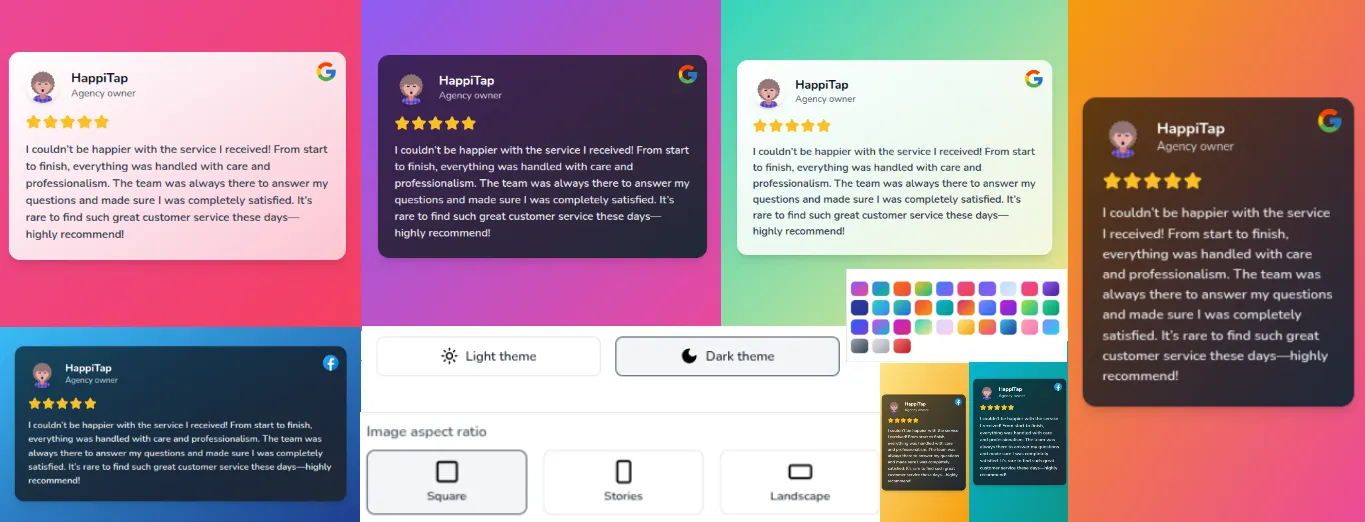
📸 Output Examples
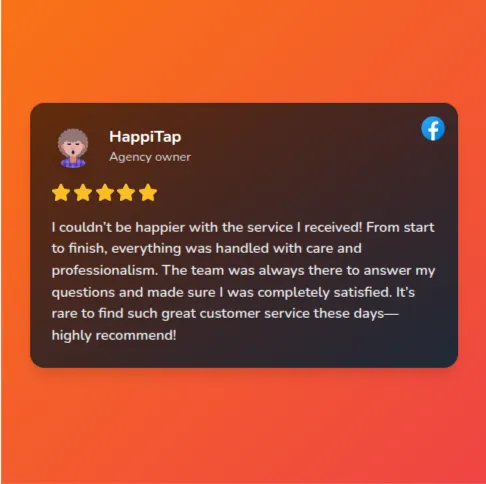
Square Format (1080×1080)
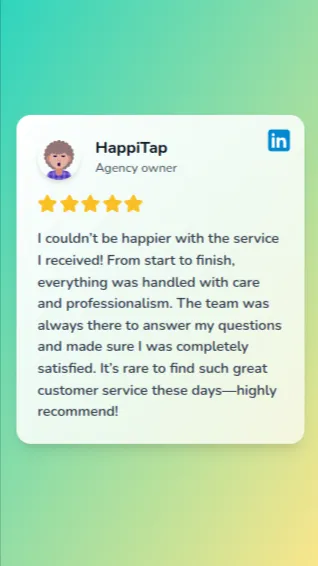
Stories Format (1080×1920)
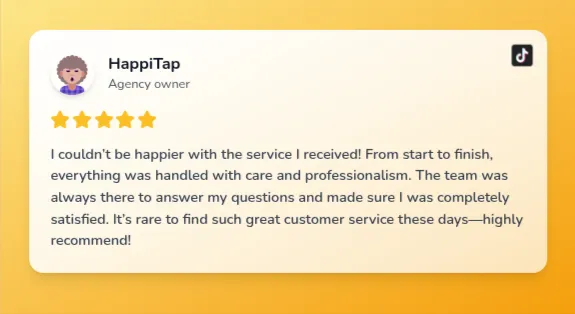
Landscape Format (1920×1080)
🚀 Quick Start
Option 1: Manual Input
Enter your reviews directly in the input:
Option 2: Auto-Fetch from Scrapers
Automatically import reviews from Apify review scrapers:
⚙️ Configuration
Input Parameters
| Parameter | Type | Default | Description |
|---|---|---|---|
inputMode | string | manual | Input method: manual or apify_scraper |
theme | string | light | Color theme: light or dark |
aspectRatio | string | square | Image dimensions: square, stories, or landscape |
fontSize | string | medium | Text size: small, medium, large, or xlarge |
colorStyle | string | gradient | Background style: gradient or solid |
primaryColor | string | #667eea | Primary/background color (hex code) |
secondaryColor | string | #764ba2 | Secondary gradient color (hex code) |
showRating | boolean | true | Display star rating |
showAuthorPhoto | boolean | true | Display author profile picture |
showSourceIcon | boolean | true | Display platform logo badge |
outputFormat | string | png | Image format: png, jpg, or webp |
🎨 Design Customization
Font Sizes
Choose from 4 font size options that work with intelligent auto-fitting:
| Size | Use Case | Best For |
|---|---|---|
| Small | Compact text | Long reviews, detailed testimonials |
| Medium ⭐ | Balanced (default) | Most reviews, general use |
| Large | Emphasis | Short impactful quotes |
| Extra Large | Maximum impact | Very short reviews, headlines |
💡 Tip: Font size automatically adjusts based on review length to ensure text always fits perfectly.
Platform Branding
Each platform displays its authentic logo and brand color:
|
|
Smart Text Handling
|
Auto-Adjustment
|
Text Processing
|
Color Customization
💡 Leave
textColorempty for automatic selection based on theme.
🌐 Supported Platforms
💰 Pricing
Pay-Per-Event Model: $0.005 per image generated
| Images Generated | Total Cost |
|---|---|
| 10 images | $0.05 |
| 100 images | $0.50 |
| 1,000 images | $5.00 |
| 10,000 images | $50.00 |
⚠️ Note: When using auto-fetch mode, scraper runs consume additional Apify credits based on the scraper's pricing.
🔗 Supported Review Scrapers
Compatible with popular Apify review scrapers:
| Scraper | Actor ID | Platform |
|---|---|---|
| Google Maps Reviews | compass/google-maps-reviews-scraper | Google Maps |
| Facebook Reviews | apify/facebook-reviews-scraper | |
| Trustpilot Scraper | apify/trustpilot-scraper | Trustpilot |
| Yelp Scraper | apify/yelp-scraper | Yelp |
| TripAdvisor Scraper | apify/tripadvisor-scraper | TripAdvisor |
💡 You can also use any custom Apify actor that outputs review data.
📤 Output
Storage
All generated images are automatically stored in the Apify Key-Value Store with:
- ✅ Direct download URLs
- ✅ Permanent storage
- ✅ Easy sharing and embedding
Dataset Output
Each run produces a dataset with:
- Image URLs and metadata
- Author information
- Review details
- Generation statistics
- Success/failure status
Access Your Images
📄 License
Apache-2.0


![Realtor.com [$1.5💰] [Download All Agents] [No 3K Limit] avatar](https://images.apifyusercontent.com/CwDgmxDI8Ux8DHELzo1MEad3PZ4pjba6QwY4maZleWQ/rs:fill:76:76/cb:1/aHR0cHM6Ly9hcGlmeS1pbWFnZS11cGxvYWRzLXByb2QuczMudXMtZWFzdC0xLmFtYXpvbmF3cy5jb20vWktuNUxuSmtLTUxleXd3cFMvWW8zUzdVYm5maEY0bUFxTmQtcmVhbHRvci5wbmc.webp)


