
PDF Split — Extract Pages & Ranges
Pricing
from $0.0025 / pdf part created
PDF Split — Extract Pages & Ranges
Split one PDF into multiple files by page ranges, every N pages, or one file per page. Break big scans, statements and reports into per-record documents in one run.
Pricing
from $0.0025 / pdf part created
Rating
0.0
(0)
Developer

Hipersoft
Maintained by CommunityActor stats
0
Bookmarked
2
Total users
0
Monthly active users
4 days ago
Last modified
Categories
Features
Share
Split one PDF into multiple files — by page ranges, every N pages, or one file per page. Break big scans, statements and reports into per-record documents in a single run.
What it does
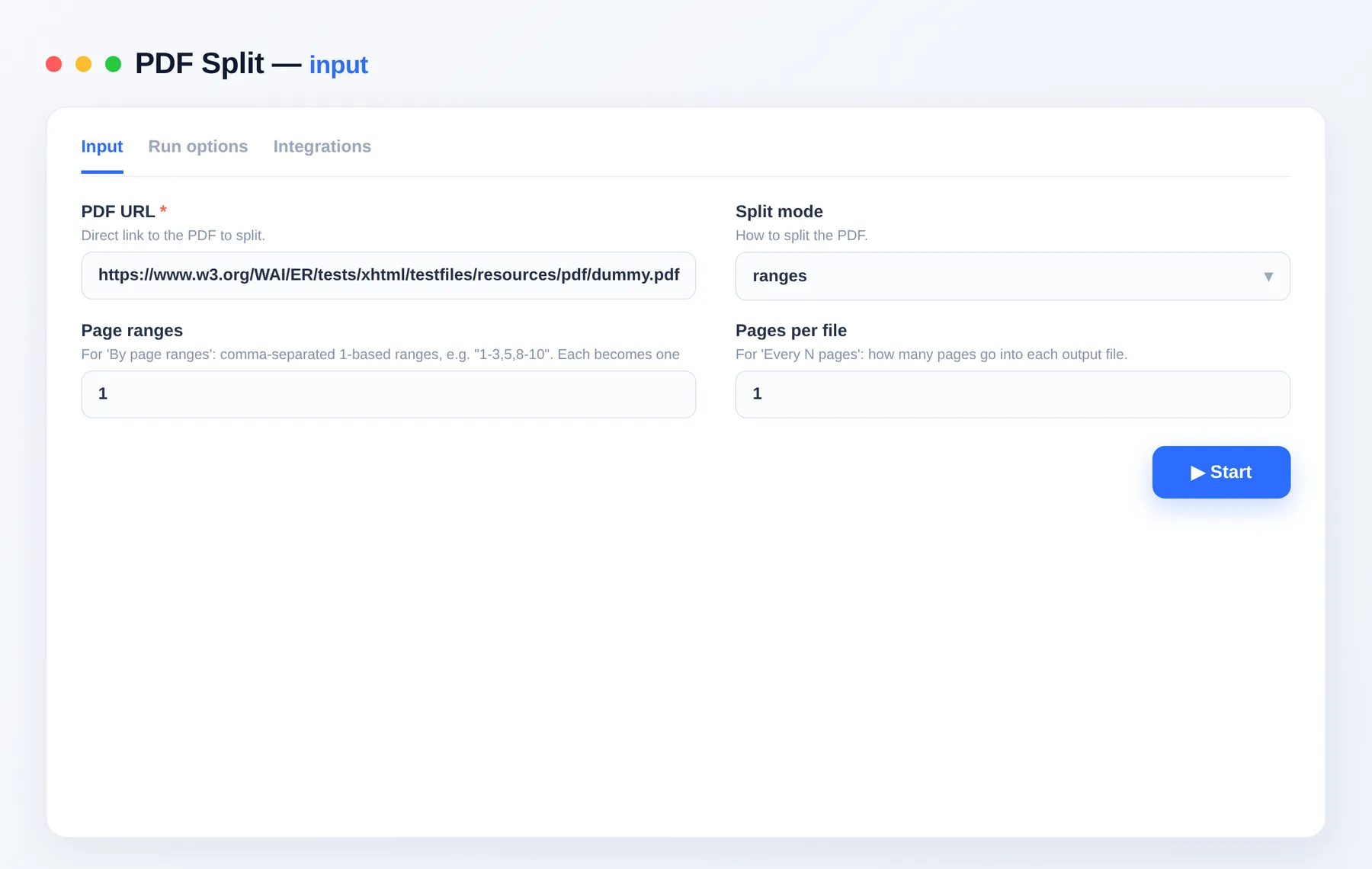
- By ranges —
1-3,5,8-10produces one file per range. - Every N pages — chunk a long PDF into equal parts.
- One file per page — explode a PDF into single pages.
Use cases
- Office — split a merged scan back into individual documents.
- Statements/invoices — break a combined PDF into per-customer files.
- Prep — extract just the pages you need.
Input
| Field | Type | Description |
|---|---|---|
pdfUrl | string | PDF to split. |
mode | string | ranges, everyN or each. |
ranges | string | 1-based ranges like 1-3,5,8-10 (ranges mode). |
everyN | integer | Pages per output file (everyN mode). |
Output
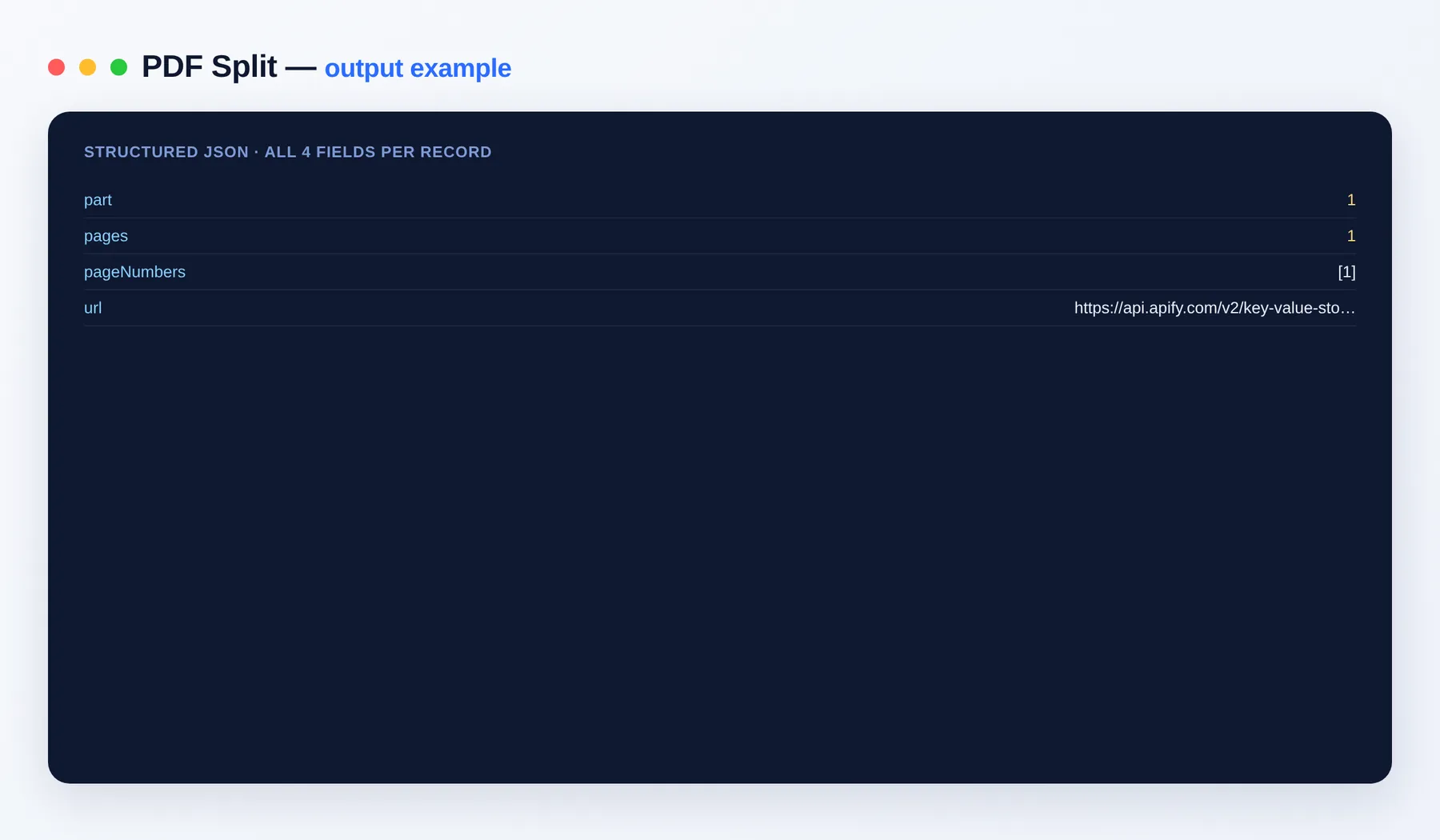
Each output file is one dataset row, saved to your key-value store.
Output schema
| Field | Type | Description |
|---|---|---|
part | integer | Output file number. |
pages | integer | Pages in this file. |
url | string (URL) | Link to the split PDF. |
FAQ
Which split modes are available? Three: ranges (one file per page range such as 1-3,5,8-10), everyN (equal chunks of N pages each), and each (one file per single page).
How do I write page ranges? Use 1-based page numbers separated by commas, with hyphens for spans — for example 1-3,5,8-10 yields three files. Pages can be listed in any order.
Where do the split files go? Each output PDF is saved to your run's key-value store and listed as a dataset row with its part number, pages count and a direct url.
Is there a page limit? No fixed cap — split a two-page statement or a thousand-page archive in a single run.
Can I automate it? Yes — via integrations on the Apify platform and the Apify API, so splitting can run on a schedule or be triggered from your own app.
Notes
Original clean-room implementation. Pairs with PDF Merge.


