

9 Vids Video Downloader | How to Download 9 Vids Videos
Pricing
Pay per usage
9 Vids Video Downloader | How to Download 9 Vids Videos
Download a 9 Vids video from the tab that's already open, without pasting any links or visiting an outside site.
Pricing
Pay per usage
Rating
0.0
(0)
Developer

how-to-download-videos
Maintained by CommunityActor stats
0
Bookmarked
9
Total users
0
Monthly active users
18 days ago
Last modified
Categories
Share
Download a 9 Vids video from the tab that's already open, without pasting any links or visiting an outside site.
Spotting a 9 Vids video worth keeping doesn't have to mean pausing your browsing. Load the page, then switch the extension on when you're ready. It checks the page for a direct video source that the page itself supplies, lets you choose among the formats it finds, and sends the download through your browser's own saving routine. The video's page title helps name the file.
Get it Here
👉 Get it here: 9 Vids Video Downloader
- ✅ Downloaded videos never travel through our servers
- ✅ The extension itself has no ads, trackers or analytics
- ✅ Usable on Windows, Mac and Linux computers
Preview
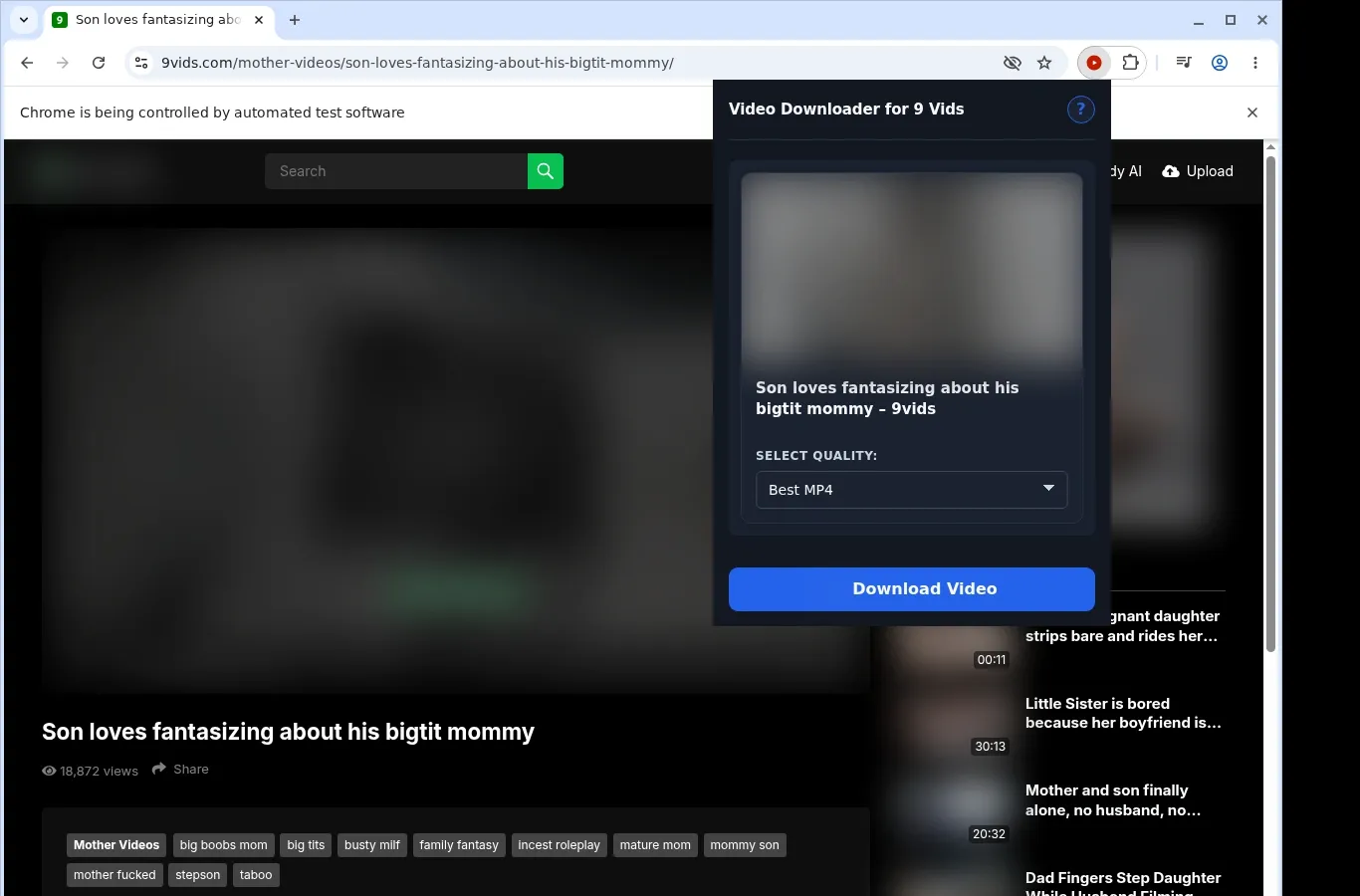
How It Works
- Open the 9 Vids page: Open the 9 Vids page that holds your video and give it a moment to load fully.
- Let the extension scan: Turn on the extension; it checks the page for a usable video source and shows a download option for what it found.
- Select a format and save: Open the format menu, choose one of the file options on offer, and save the completed video to your device.
What It Does
- Turns the video you're viewing on 9 Vids into a local file in a click.
- A button sitting on the page of the video you're viewing lets you trigger the save.
- The extension's toolbar popup works as an alternative starting point.
- Each job covers a single video, so you always know which one is in progress.
- Your browser's built-in saving system is relied on, which adds dependability.
- Check on the file's arrival through the download manager built into the browser.
9 Vids Video Downloader vs. Online Downloader Site
Saved files arrive neatly organized, and there's no results page to wade through along the way.
| 9 Vids Video Downloader | Online Downloader Site |
|---|---|
| Each MP4 goes directly into a folder named 9 Vids. | Generic names from certain web tools can leave your downloads cluttered. |
| You get the site's MP4 untouched; no format change takes place. | A site may re-wrap the file or give it a new name without telling you. |
| Play the completed MP4 with the player you prefer. | Finding the file might require going through a results page. |
| The videos live on your own device, which means offline viewing. | A results page can add extra clicks prior to saving. |
| No external results page stands between you and your file. | A button-heavy page frequently appears before saving can start. |
Compatibility
Browsers: Chrome, Firefox, Edge, Brave, Opera, Whale, Yandex
Where It Works:
- 9 Vids pages that have a video to play
- Desktop browsers that can run extensions
- Videos your browser session can currently reach
- Pages with a direct video source it's compatible with
- Systems running Windows, macOS or Linux
Where It Doesn't:
- Safari, as well as any mobile browser
- Video guarded by DRM
- Videos that have been pulled from 9 Vids
- Collecting videos in volume or scraping galleries
- Getting around sign-ins, payment walls, age verification, regional restrictions or the site's permissions
FAQ
What do I do to save a 9 Vids video? Once the video page has loaded in your browser, start the save from the button on that page, or from the popup in the extension's toolbar.
Is it possible to download several at once? No. Each video is handled on its own, which makes it easy to see where every file stands in your browser's list of downloads.
Where do the MP4 files end up? They go into a folder called 9 Vids, which is created where your browser normally puts downloads, and you can open them from there as soon as each transfer completes.
Is any link copying involved? Nope. It runs on the 9 Vids page you have open, identifies the video source there, and begins downloading from that same tab.
Know Before You Use It
- The page needs to supply a direct video source that can be saved.
- The video should already play for you in the browser before you try to save it.
- Sometimes the source only shows up after playback has started.
- The quality you get is whatever the page's source offers.
Only download videos you own or have permission to save.


