

BJRaw Video Downloader | How to Download BJRaw Videos
Pricing
Pay per usage
BJRaw Video Downloader | How to Download BJRaw Videos
Keep BJRaw videos on your device and watch them offline whenever you like, all from within your browser.
Pricing
Pay per usage
Rating
0.0
(0)
Developer

how-to-download-videos
Maintained by CommunityActor stats
0
Bookmarked
2
Total users
1
Monthly active users
20 days ago
Last modified
Categories
Share
Keep BJRaw videos on your device and watch them offline whenever you like, all from within your browser.
Want to replay a BJRaw clip with no connection? This extension lets you hold on to a personal copy of whatever you're viewing. Load the page, wait for the player, and the extension picks up the file that can be saved.
Get it Here
👉 Get it here: BJRaw Video Downloader
- ✅ Nothing you download is routed through our servers
- ✅ The product has no ads, tracking or analytics
- ✅ Runs on Windows, Mac and Linux
- ✅ Support by email comes from the team that made it
Preview
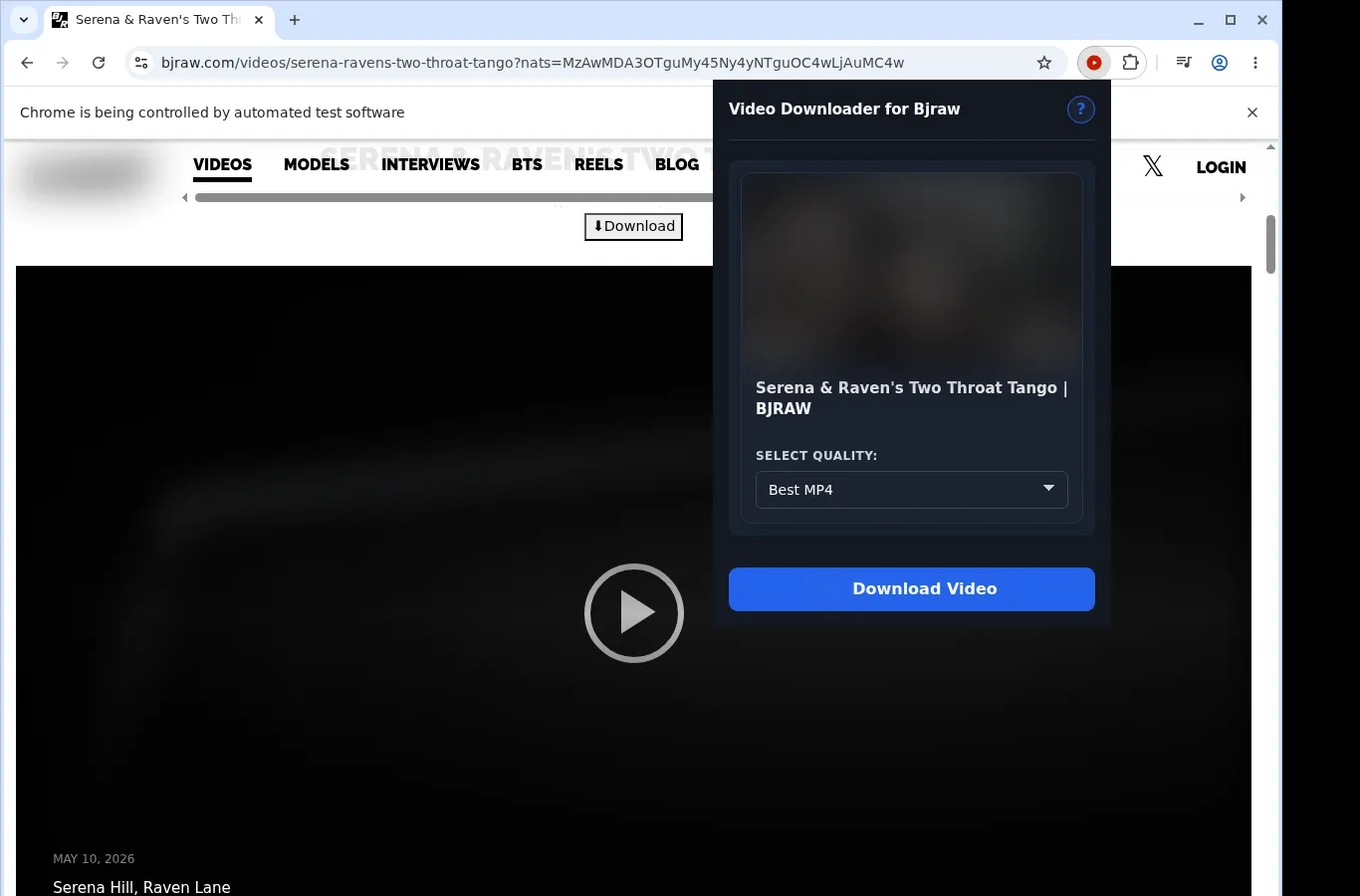
How It Works
- Visit the BJRaw page: Navigate to the BJRaw video you want and give it time to finish loading in the browser.
- Let the extension find the source: Launch the extension, which looks for the video on the current page and offers a download choice.
- Pick a file and save it: Use the format menu to select the option you prefer, then store the finished video on your device.
What It Does
- Stores BJRaw videos on your own device.
- Starts a download from a button placed on the video page you have open.
- Offers the toolbar popup as a second way to begin.
- Works on one video download per run.
- Passes the transfer to your browser's own download manager.
- Lets you follow progress in the browser's native download tracker.
BJRaw Video Downloader vs. External Link Tool
Stay on BJRaw with the player in view, rather than pasting links into some other site.
| BJRaw Video Downloader | External Link Tool |
|---|---|
| Starts saving from the BJRaw video page you're on | Needs the page address copied and submitted somewhere else |
| The video link stays with you | The page address goes to an outside service |
| Runs inside the tab already open | Takes you to a new tab on a separate downloader site |
| Picks up the video in BJRaw's own player | A pasted link might lack player session details |
| You remain in the BJRaw interface you know | Video context or embed detection may be lost |
Compatibility
Browsers: Chrome, Firefox, Edge, Brave, Opera, Whale, Yandex
Supported Setups:
- BJRaw video pages
- Desktop browsers that support extensions
- Videos your current browser session can access
- Pages that expose a usable video source
- Windows, macOS or Linux desktops
Outside Its Scope:
- Mobile browsers
- Safari
- Streams that are DRM-encrypted or protected
- Removed or unavailable videos
- Crawling in bulk or scraping galleries
- Bypassing private, paid, regional or age-gated restrictions or permissions
FAQ
How can I begin saving a video from BJRaw? Let the video page finish loading, then press the download button on the page or open the toolbar popup. The extension finds the source and lists what is available.
Where do saved videos end up? A dedicated Bjraw folder receives them, using your browser's regular download system. Look in the browser's download list or open the folder in your file manager.
Which video format does it save? MP4, the same as BJRaw supplies. The file stays an MP4 from start to finish and plays in any compatible video player.
Is it possible to download several videos simultaneously? No, only one video is handled at once. Work on the BJRaw page in front of you and let the transfer complete before you begin another.
Know Before You Use It
- A saveable video option has to be exposed by the source page
- You need to be able to view the video in your browser already
- The extension may need playback to start before it can detect the active source
- Available quality depends on what the player or host offers
Only download videos you own or have permission to save.


