

Chiggywiggy Video Downloader | Download Chiggywiggy Videos
Pricing
Pay per usage
Chiggywiggy Video Downloader | Download Chiggywiggy Videos
Chiggywiggy Downloader picks up the page's video files once it loads, so there's no hunting for them yourself.
Pricing
Pay per usage
Rating
0.0
(0)
Developer

how-to-download-videos
Maintained by CommunityActor stats
0
Bookmarked
2
Total users
1
Monthly active users
18 days ago
Last modified
Categories
Share
Chiggywiggy Video Downloader | How to Download Chiggywiggy Videos
Chiggywiggy Downloader picks up the page's video files once it loads, so there's no hunting for them yourself.
Finding video sources on Chiggywiggy by hand takes effort, and the extension spares you that. It keeps an eye on the tab you're in, and when playback starts it lists the exact files the page serves. You don't have to dig through network activity or work out stream addresses.
Get it Here
👉 Get it here: Chiggywiggy Downloader
- ✅ Downloads go straight to your device and skip our servers
- ✅ Free of ads, tracking and analytics
- ✅ Runs on Windows, Mac and Linux
- ✅ Support by email from the team that built it
Preview
How It Works
- Visit Chiggywiggy: Browse to the Chiggywiggy page that has the video you'd like to keep and allow it to load in the normal way.
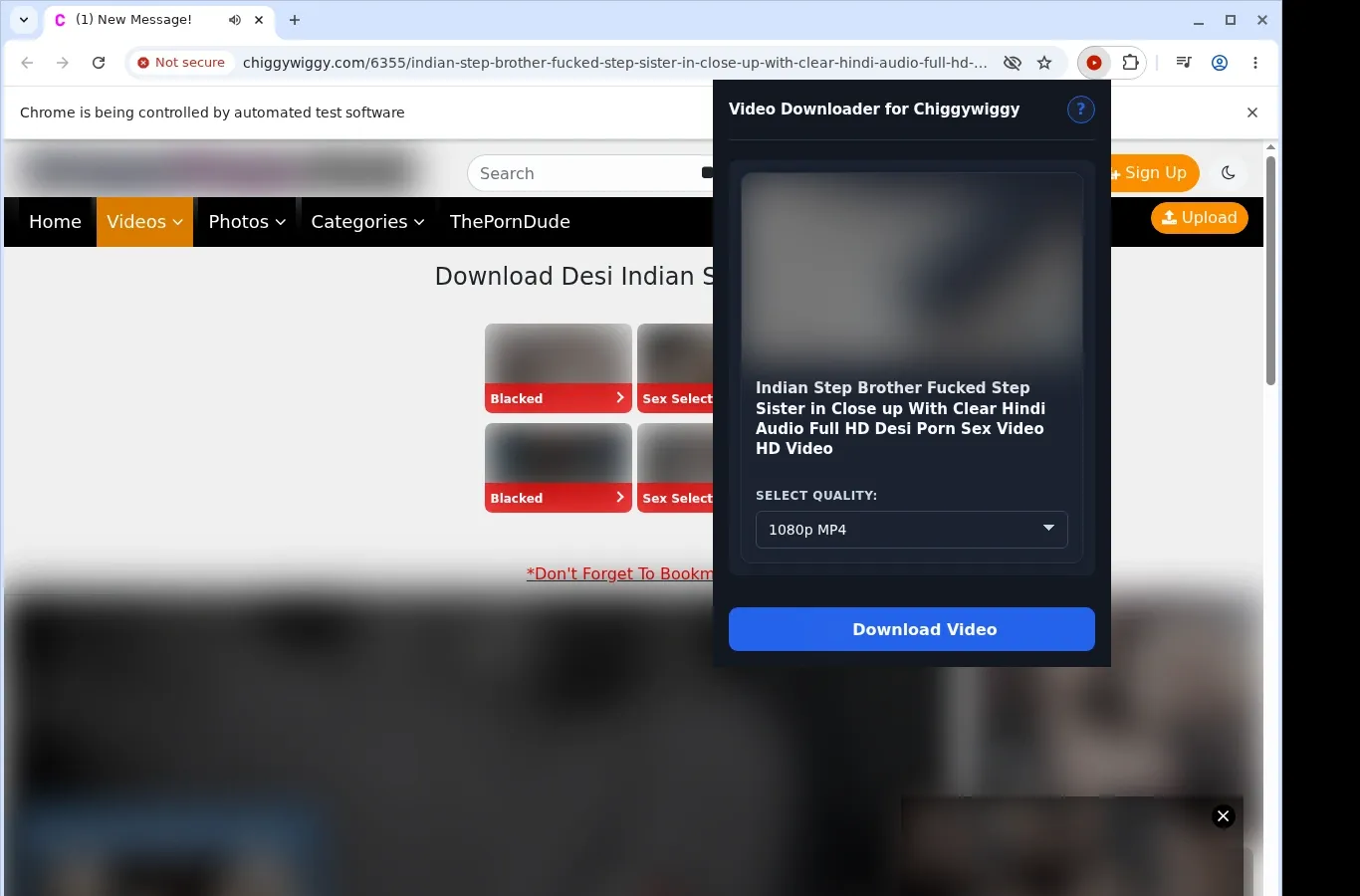
- Let it find the video: Launch the extension. It looks up the video source on this page and displays a download option.
- Pick a format and download: Choose a file option from the format menu, then save the finished video onto your device.
What It Does
- Saves Chiggywiggy videos to your device for viewing offline.
- Begins when you click the button shown on the video page.
- Provides the extension's toolbar popup as a second route.
- Deals with one video per session, so there are no parallel transfers to track.
- Leaves the work to your browser's own download engine.
- Shows status in the standard browser download list.
Chiggywiggy Downloader vs. Online Downloader Website
Because it reads the video that's playing, the extension avoids the lost context that comes with submitting a link elsewhere.
| Chiggywiggy Video Saver | Online Downloader Website |
|---|---|
| Aims at the video that's open right now | A pasted Chiggywiggy link can overlook embedded video sources |
| Remains on the Chiggywiggy page you're viewing | Navigating away may break the player or session context |
| Handles MP4 video from the site | Certain web tools don't pick the right video stream |
| Skips copying the page address | The Chiggywiggy page address has to be sent to another service |
| Only works with the active Chiggywiggy tab | Link-driven tools may lose track of the active player |
Compatibility
Browsers: Chrome, Firefox, Edge, Brave, Opera, Whale, Yandex
Covered:
- chiggywiggy.com playback pages
- Configured Fluid Player wrapper
- Media the browser can reach directly
- HLS streams that are compatible
- Desktop browsers capable of running extensions
Not Covered:
- Bypassing DRM or protected streams
- Phone and tablet browsers
- Safari browser
- Crawling pages in bulk
- Bypassing accounts or regions
FAQ
How can I download a Chiggywiggy video? Open a supported Chiggywiggy video page and wait for the player to load. Then use the download button on the page, or the extension's toolbar popup, to save the MP4 file.
Which video format does Chiggywiggy give me? An MP4, just as the site serves it. The extension doesn't convert or change the source, so you get the format the page offers.
Is downloading several videos together possible? No. Only one video is handled per session, and the extension stays on the current page, so there are no simultaneous transfers to juggle.
What folder do finished videos go to? Completed files are placed in a Chiggywiggy folder inside your browser's default download location, where they're quick to reach.
Know Before You Use It
- Compatible direct media or HLS sources must be exposed by the page
- The player might need to initialize before anything is detected
- The page itself determines which quality options exist
- Desktop browsers are the only supported environment
Only download videos you own or have permission to save.


