

FemdomVC Video Downloader | How to Download FemdomVC Videos
Pricing
Pay per usage
FemdomVC Video Downloader | How to Download FemdomVC Videos
Grab FemdomVC videos from the very page you're watching, without opening extra tabs or taking extra steps.
Pricing
Pay per usage
Rating
0.0
(0)
Developer

how-to-download-videos
Maintained by CommunityActor stats
0
Bookmarked
2
Total users
1
Monthly active users
14 days ago
Last modified
Categories
Features
Share
Grab FemdomVC videos from the very page you're watching, without opening extra tabs or taking extra steps.
Open the FemdomVC video page and let it load as usual. Because the extension runs right there, you never copy links or jump to a different site. Detection can sometimes need playback to start first, yet the flow stays simple.
Get it Here
👉 Get it here: FemdomVC Video Downloader
- ✅ Files are saved without passing through our servers
- ✅ There are no ads, tracking or analytics
- ✅ Runs on Windows, Mac and Linux
- ✅ Support comes by email from the team that built the extension
Preview
How It Works
- Start on FemdomVC: Visit the FemdomVC page that holds the video and wait for it to finish loading in the browser.
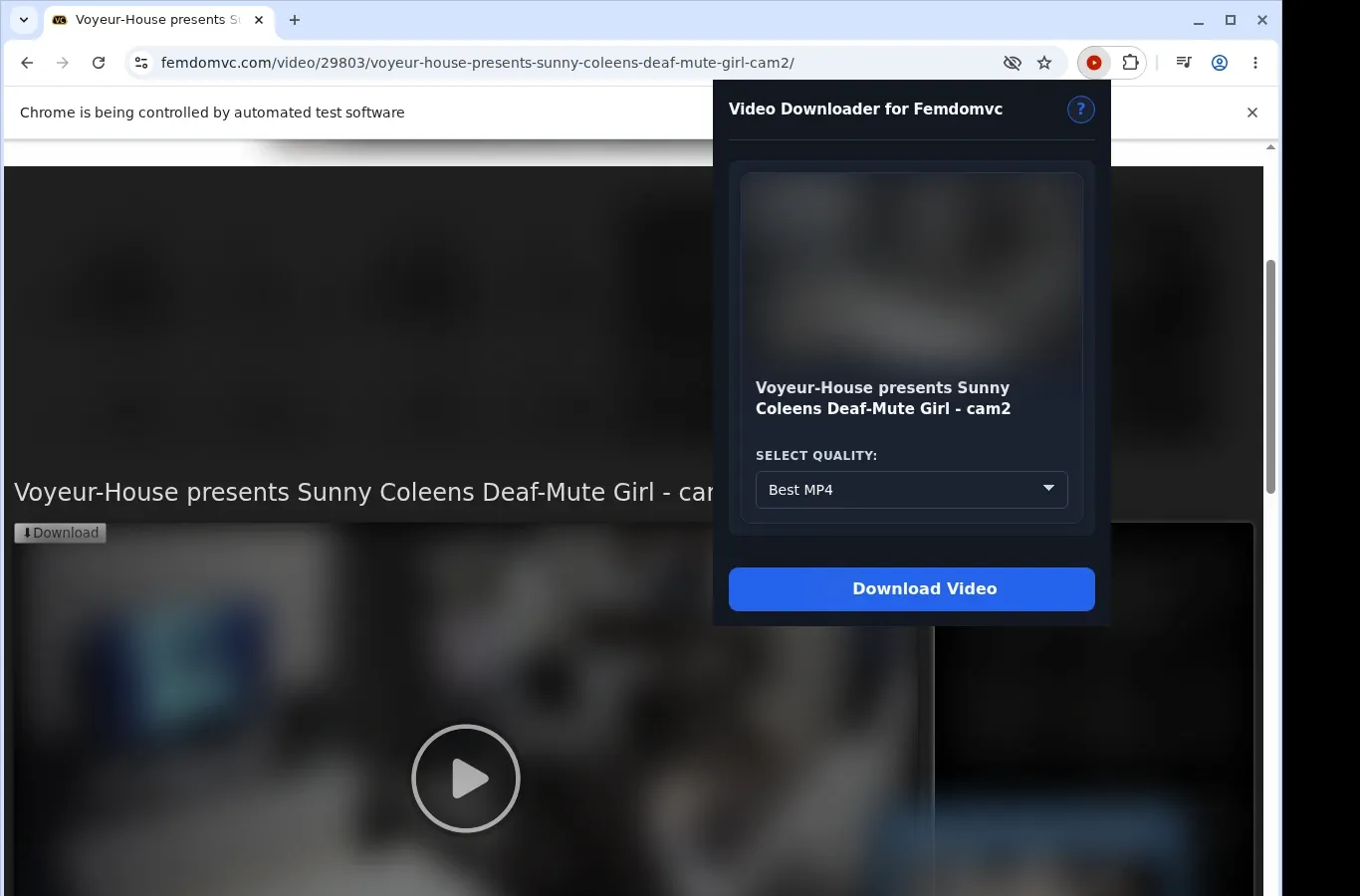
- Let it spot the video: Click the extension so it can look for the playable source and offer a download for the page you are on.
- Pick a file and save: Choose one of the listed file options from the format menu, then store the video on your device.
What It Does
- Stores FemdomVC videos on your local machine for offline viewing.
- Lets you use the page's own download control to capture the clip.
- Gives you one more one-click entry point in the extension's toolbar panel.
- Handles a single video per session, which keeps each download tidy.
- Hands every file to your browser's regular download manager.
- Shows progress in the browser's built-in download shelf.
FemdomVC Video Downloader vs. Online Downloader Site
Direct, organized saving set against the extra steps and unpredictable results of online downloaders.
| FemdomVC Video Downloader | Online Downloader Site |
|---|---|
| MP4 videos go straight into their own Femdomvc folder. | Files may land in a general downloads folder under unpredictable names. |
| The original MP4 format stays as it is, with no conversion. | Certain sites may change the format or ask you to choose conversion options. |
| Finished MP4 files open right away in the player you prefer. | The output may need more steps before it plays. |
| Videos are kept on your device for watching later. | Success hinges on whether the site's download link is available in time. |
| Your browser's regular download manager takes care of each file. | Progress and results usually come from the site's own interface. |
Compatibility
Browsers: Chrome, Edge, Brave, Opera, Whale, Yandex
Works With:
- FemdomVC video pages
- Desktop browsers that support extensions
- Videos your current browser session can already view
- Pages exposing a video source that can be used
- Windows, macOS and Linux
Not Designed For:
- Mobile browsers
- Safari
- DRM-encrypted or otherwise protected streams
- Videos that were removed or are unavailable
- Bulk crawling or scraping galleries
- Bypassing private, paid, regional or age-gated access
FAQ
How do I save a FemdomVC video? Open the video page and wait for it to load. Press the page's download button or the extension's toolbar icon so the video is detected, then pick a format and save it through the browser.
Where do my saved videos go? They go straight into a FemdomVC folder on your device, which keeps your collection tidy and easy to locate with no sorting required.
Which format will the file be? You get MP4 files the way FemdomVC serves them. The extension doesn't convert anything, so what you save matches what the site provides.
Is it possible to download several videos together? No. The extension takes one video per session, which keeps things simple, avoids clashes and lets you stay on the page you have open.
Know Before You Use It
- The page has to expose a video that can be saved
- You need to be able to watch the video in your browser already
- The extension may need playback to begin before it can detect the source
- Available quality choices depend on the player or host
Only download videos you own or have permission to save.
