

Fetfembdsm Video Downloader | How to Download Fetfembdsm Videos
Pricing
Pay per usage
Fetfembdsm Video Downloader | How to Download Fetfembdsm Videos
Save Fetfembdsm videos straight from the page, with no code inspecting and no need to leave the browser.
Pricing
Pay per usage
Rating
0.0
(0)
Developer

how-to-download-videos
Maintained by CommunityActor stats
0
Bookmarked
2
Total users
1
Monthly active users
14 days ago
Last modified
Categories
Features
Share
Save Fetfembdsm videos straight from the page, with no code inspecting and no need to leave the browser.
Digging through developer tools just to save one video gets old fast. Fetfembdsm Downloader keeps an eye on the page while it loads and locates the media source behind the player by itself. After it finds the file, a clear download option appears where you can use it.
Get it Here
👉 Get it here: Fetfembdsm Downloader
- ✅ Files are saved without passing through our servers
- ✅ There are no ads, tracking or analytics
- ✅ Runs on Windows, Mac and Linux
- ✅ Support comes by email from the team that built the extension
Preview
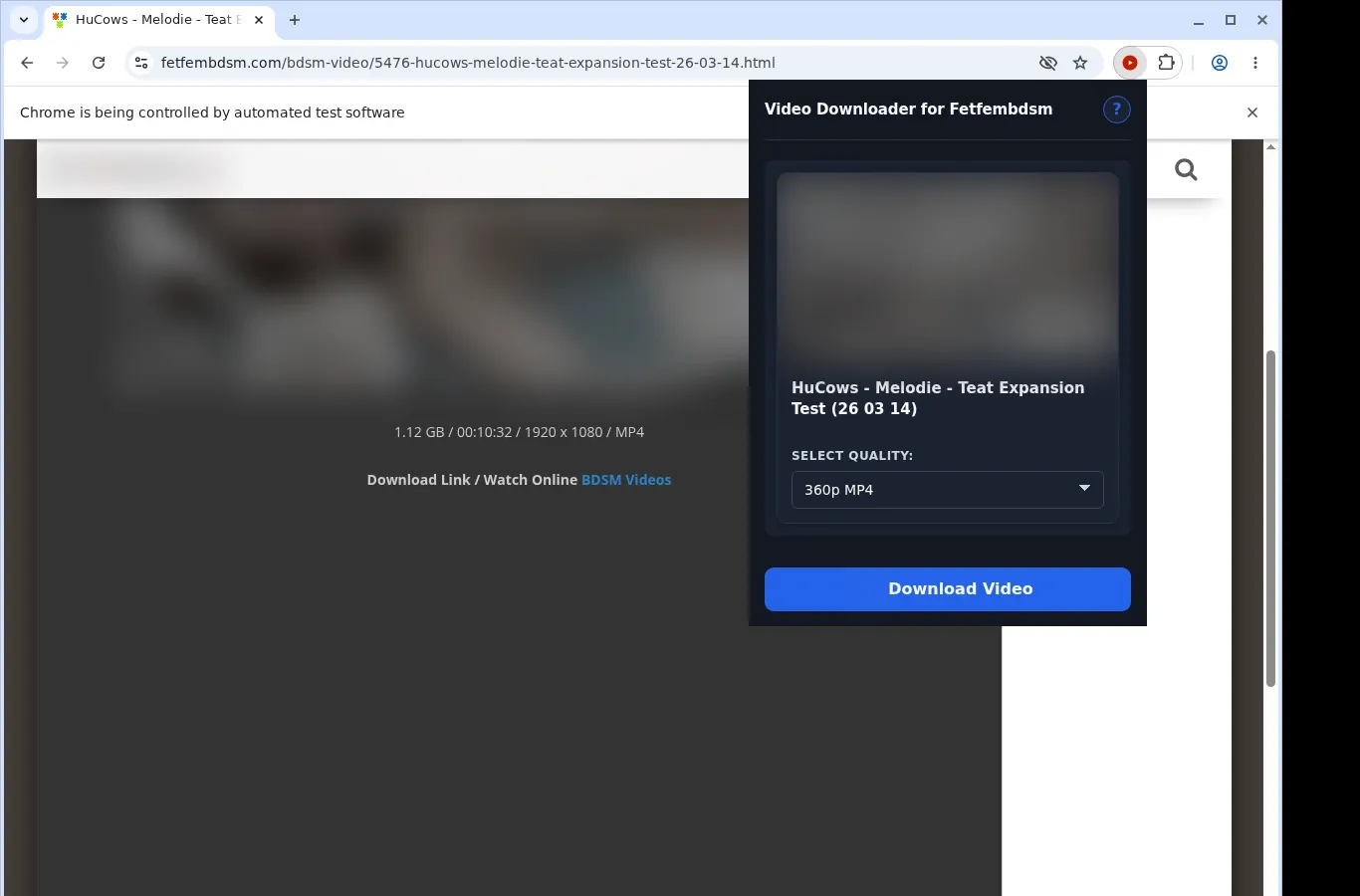
How It Works
- Start on Fetfembdsm: Visit the Fetfembdsm page that holds the video and wait for it to finish loading in the browser.
- Let it spot the video: Click the extension so it can look for the playable source and offer a download for the page you are on.
- Pick a file and save: Choose one of the listed file options from the format menu, then store the video on your device.
What It Does
- Keeps Fetfembdsm videos on your local drive for offline watching.
- Puts a download button right on the video page you have open.
- Gives you the toolbar popup as a second way to get started.
- Runs each download on its own, so you decide what happens next.
- Leaves the transfer to your browser's regular file-saving dialog.
- Lets you check status in the browser's built-in download list.
Fetfembdsm Downloader vs. Typical Online Downloader
Unlike online tools, files are sorted into folders for you automatically.
| Fetfembdsm Downloader | Typical Online Downloader |
|---|---|
| MP4 goes directly into its own Fetfembdsm folder | Generic filenames may mean sorting by hand |
| Relies on the download system built into your browser | Relies on the outside site's download interface |
| The finished file remains MP4 | The format can change with the site or its settings |
| Videos can be watched later from local storage | Some sites don't give direct offline access |
| Needs no additional conversion | Some web tools alter the file type |
Compatibility
Browsers: Chrome, Edge, Brave, Opera, Whale, Yandex
Supported:
- Fetfembdsm video pages
- Archive-style video paths
- Configured player containers
- Direct media exposed to the browser
- Compatible HLS streams
Not Supported:
- Bypassing protected streams
- Mobile browsers
- Safari
- Bulk crawling
- Bypassing account, payment or regional restrictions
FAQ
How do I begin saving on Fetfembdsm? Open a video page and let it load. Press the download button on the page or open the extension's toolbar popup, and your browser's regular save dialog handles the transfer.
Where do the saved videos end up? Finished files go into a Fetfembdsm folder inside your browser's default download location, where you can find them once each download completes.
Which video format does it support? It works with the MP4 format Fetfembdsm serves and leaves the file as MP4, with no conversion.
Can I run several downloads together? No. Every download runs on its own so you stay in control, and you save one video at a time from the current page.
Know Before You Use It
- The chosen page needs to expose compatible direct media or HLS sources
- Detection may need playback to begin first
- Quality options depend on the page or file host
- Works on desktop browsers only
Only download videos you own or have permission to save.
