

FilmyFantasy Video Downloader | Download FilmyFantasy Videos
Pricing
Pay per usage
FilmyFantasy Video Downloader | Download FilmyFantasy Videos
Put FilmyFantasy videos on your computer with one click, without extra software or complicated steps.
Pricing
Pay per usage
Rating
0.0
(0)
Developer

how-to-download-videos
Maintained by CommunityActor stats
0
Bookmarked
2
Total users
1
Monthly active users
14 days ago
Last modified
Categories
Features
Share
FilmyFantasy Video Downloader | How to Download FilmyFantasy Videos
Put FilmyFantasy videos on your computer with one click, without extra software or complicated steps.
Found something on FilmyFantasy you'd like to keep? The FilmyFantasy Video Downloader makes saving feel like part of normal browsing. Go to the page and press play, and the extension finds the available video source for you.
Get it Here
👉 Get it here: FilmyFantasy Video Downloader
- ✅ Files are saved without passing through our servers
- ✅ There are no ads, tracking or analytics
- ✅ Runs on Windows, Mac and Linux
- ✅ Support comes by email from the team that built the extension
Preview
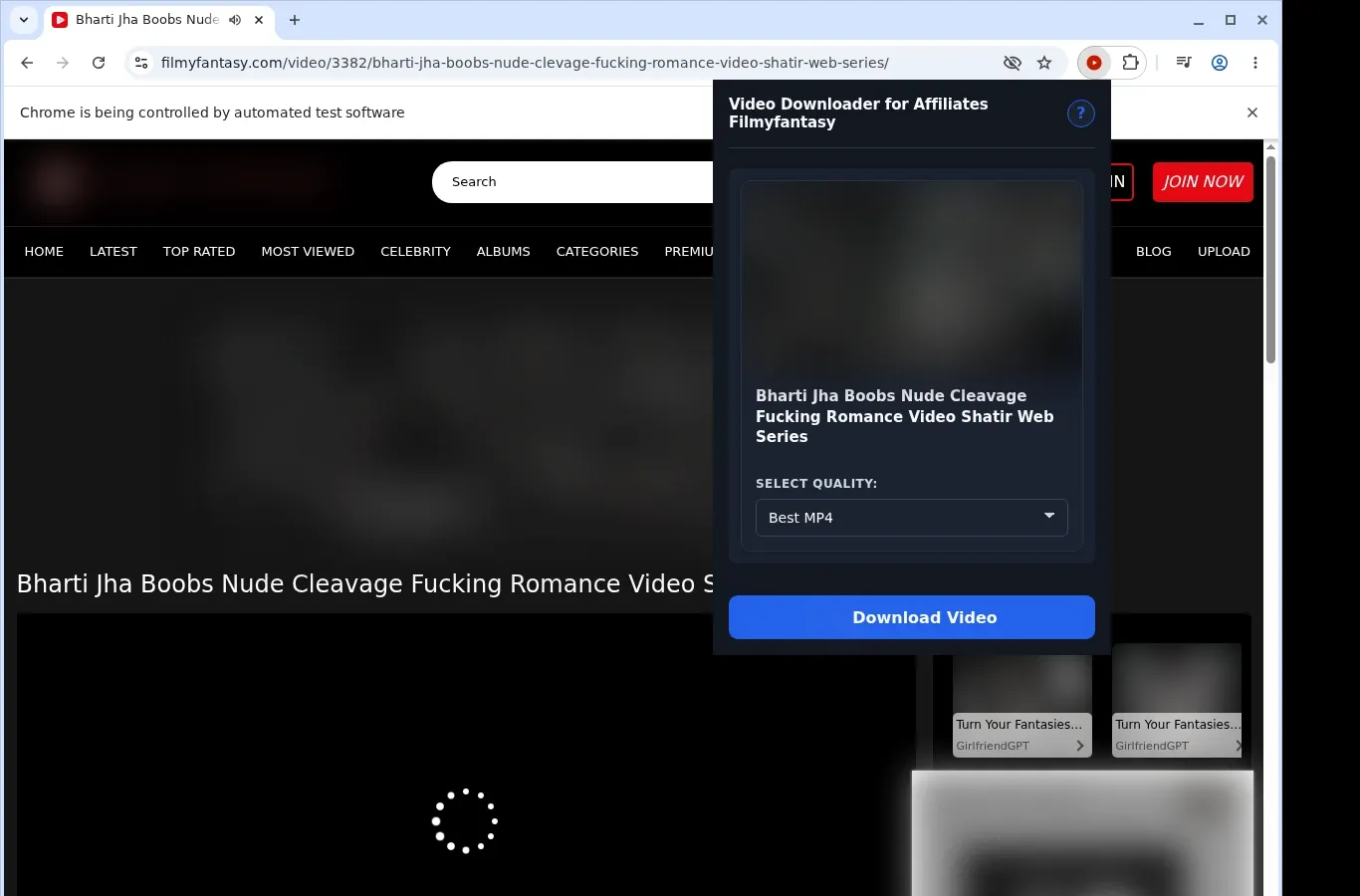
How It Works
- Go to a video: Visit FilmyFantasy and play the video you'd like to keep.
- Wait for the player: Give the video time to start so the extension can pick up its source.
- Hit save: Press the extension button and the video is stored on your device.
What It Does
- Brings FilmyFantasy clips to your hard drive so they play without a network connection.
- Starts a download while you're in the middle of watching on FilmyFantasy.
- Offers the extension's toolbar popup as another way to begin.
- Concentrates on whichever video is open in the browser right now.
- Leaves each file transfer to your browser's built-in download manager.
- Lets you follow progress and completion in the browser's regular download list.
FilmyFantasy Video Downloader vs. External Downloader Site
Start a FilmyFantasy download while the video stays open in front of you.
| FilmyFantasy Extension | External Downloader Site |
|---|---|
| Downloads as you view the FilmyFantasy video | Takes you away from the watch page to another site |
| The toolbar popup gives you a second route | A new tab opens and you paste the link in |
| Either route keeps you on FilmyFantasy | The page address has to be carried over to a different service |
| The page URL never needs copying or typing | An added step asks you to submit the video link by hand |
| Operates while the player is active | A tool may lose context when the page isn't loaded |
Compatibility
Browsers: Chrome, Edge, Brave, Opera, Whale, Yandex
Works With:
- FilmyFantasy video pages
- Desktop browsers that support extensions
- Videos your current browser session can already view
- Pages exposing a video source that can be used
- Windows, macOS and Linux
Not Designed For:
- Mobile browsers
- Safari
- DRM-encrypted or otherwise protected streams
- Videos that were removed or are unavailable
- Bulk crawling or scraping galleries
- Bypassing private, paid, regional or age-gated access
FAQ
How do I save a FilmyFantasy video? Open the video page, press play and click the extension icon. The downloader finds the source and passes the file to your browser's download manager, which puts it in a FilmyFantasy folder.
Where do the saved videos go? Inside your browser's default download location, in a folder named after FilmyFantasy. You can open finished videos from the browser's downloads list.
Do I have to leave the video page to download? No. The extension runs on the FilmyFantasy page itself. Use the save option while you watch and the download starts without a switch to another site or program.
What should I do if the download button is missing? Check that the video is playing and the player has loaded. The save control shows up once the extension detects a compatible source in your current browser session.
Know Before You Use It
- The page has to expose a video that can be saved
- You need to be able to watch the video in your browser already
- The extension may need playback to begin before it can detect the source
- Available quality choices depend on the player or host
Only download videos you own or have permission to save.
