

Freeze Video Downloader | How to Download Freeze Videos
Pricing
Pay per usage
Freeze Video Downloader | How to Download Freeze Videos
Keep Freeze videos for offline viewing using a tidy browser extension that operates right on the video page.
Pricing
Pay per usage
Rating
0.0
(0)
Developer

how-to-download-videos
Maintained by CommunityActor stats
0
Bookmarked
2
Total users
1
Monthly active users
8 days ago
Last modified
Categories
Features
Share
Keep Freeze videos for offline viewing using a tidy browser extension that operates right on the video page.
Pull up a Freeze video page in your desktop browser and let it load as usual. The extension acts on the page itself, so you don't change apps or copy links. Everything stays in the browser, which keeps things simple.
Get it Here
👉 Get it here: Freeze Video Downloader
- ✅ Your downloads bypass our servers
- ✅ Ads, tracking and analytics are absent
- ✅ Use it on Windows, Mac, or Linux
- ✅ Support by email comes from its makers
Preview
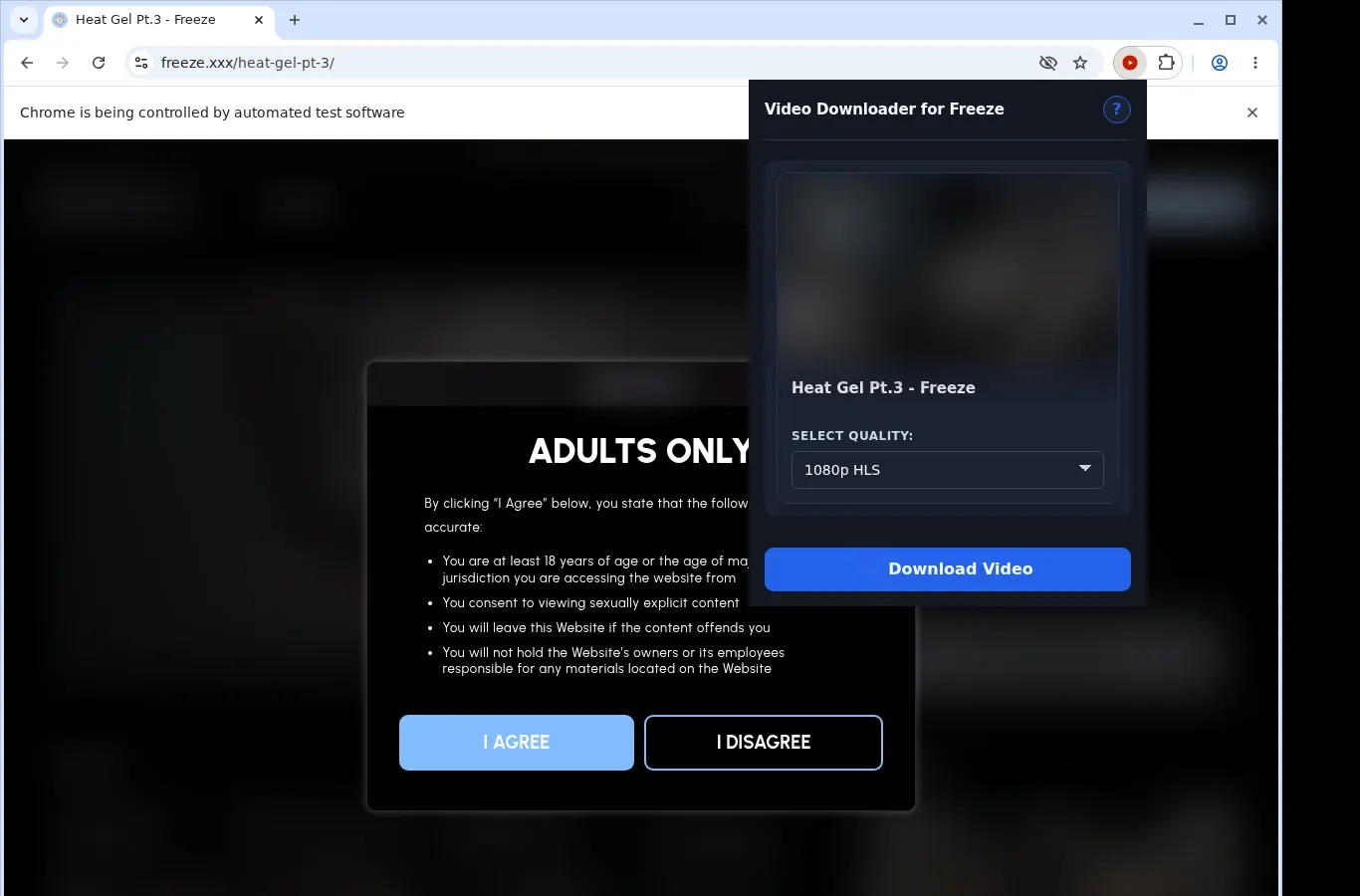
How It Works
- Start at Freeze: Visit the Freeze page that has the video you want and let it load the normal way.
- Find the source: Activate the extension to have it find the video source and show the page's download option.
- Save your pick: Open the format menu, choose one of the file options, and the finished video is saved to your device.
What It Does
- Take Freeze videos with a quick click as you browse.
- Begin a save with the download button on the video page.
- Your toolbar's extension popup is a second way to start a download.
- A single video is handled at a time, leaving you in control.
- The browser's own download manager does the file transfer smoothly.
- Progress is visible in the browser's built-in download list.
Freeze Video Downloader vs. Web-Based Downloader
It works from the source Freeze provides and stores a local file, so the result isn't a moving target.
| Freeze Video Downloader Extension | Web-Based Downloader |
|---|---|
| Uses the same video source that Freeze does. | Format and quality may differ between visits. |
| A finished download turns into a local video file. | Some sites re-encode or limit resolution choices. |
| Open the format menu and choose an available file option. | You might have to try several buttons labeled 'download' or 'convert'. |
| The transfer is handled by your browser's own download manager. | Downloads frequently hinge on that site's server speed and limits. |
| Files are saved automatically into a dedicated Freeze folder. | Certain sites add watermarks or extra branding. |
Compatibility
Browsers: Chrome, Edge, Brave, Opera, Whale, Yandex
Supported:
- Freeze video pages
- Extension-capable desktop browsers
- Videos your current browser session can access
- Pages that supply a usable video source
- macOS, Windows, and Linux
Not Intended For:
- Mobile browsers
- Safari
- Streams that are DRM-encrypted or protected
- Videos that were removed or are unavailable
- Gallery scraping or bulk crawling
- Bypassing private, paid, regional, age-gated, or permission restrictions
FAQ
How can I begin saving a Freeze video? Open the video page and let it play. Then press the download button on the page, or use the extension popup, to begin saving.
Where do the saved videos go? Your browser's download manager puts them in a dedicated Freeze folder on your device, and you can open them from the browser's downloads list.
Is it possible to save multiple videos simultaneously? No. One video is handled at a time, keeping you in control, and it applies to the current Freeze page and its active video.
Which quality settings are available? Options such as 1080p or 720p depend on what the Freeze page offers. The extension lists whichever choices it detects.
Know Before You Use It
- The source page has to expose a saveable video option
- The video must already be viewable in your browser
- The extension may need playback to start before it detects the active source
- Quality options are whatever the current player or host provides
Only download videos you own or have permission to save.
