
Google Maps Scraper: Leads with Emails + Website Audit
Under maintenancePricing
from $6.00 / 1,000 audited leads
Google Maps Scraper: Leads with Emails + Website Audit
Under maintenanceFind local businesses on Google Maps and get emails, socials and a website audit (mobile, HTTPS, speed, Meta pixel, Google Analytics, booking, WhatsApp), an opportunity score and AI-written outreach openers.
Pricing
from $6.00 / 1,000 audited leads
Rating
0.0
(0)
Developer

Ingeniela
Maintained by CommunityActor stats
0
Bookmarked
2
Total users
1
Monthly active users
11 days ago
Last modified
Categories
Features
Share
Google Maps Leads + Website Audit & Lead Score
Find local businesses on Google Maps (dentists in Valencia, gyms in Austin, roofers in Leeds…) and get, for each one, email, phone and social profiles, a website audit (mobile, HTTPS, speed, Google Analytics, Meta pixel, online booking, WhatsApp, CMS, SEO basics), an opportunity score that tells you who needs help the most, and an optional AI-written opener for your cold email or DM based on what the audit found.
🔁 Turn on Only new leads and schedule it weekly: a fresh list of businesses you have not contacted yet, every week.
Made for agencies, freelancers and SaaS teams who sell websites, SEO, ads, booking systems or reviews to local businesses.
Tutorial (1 minute)
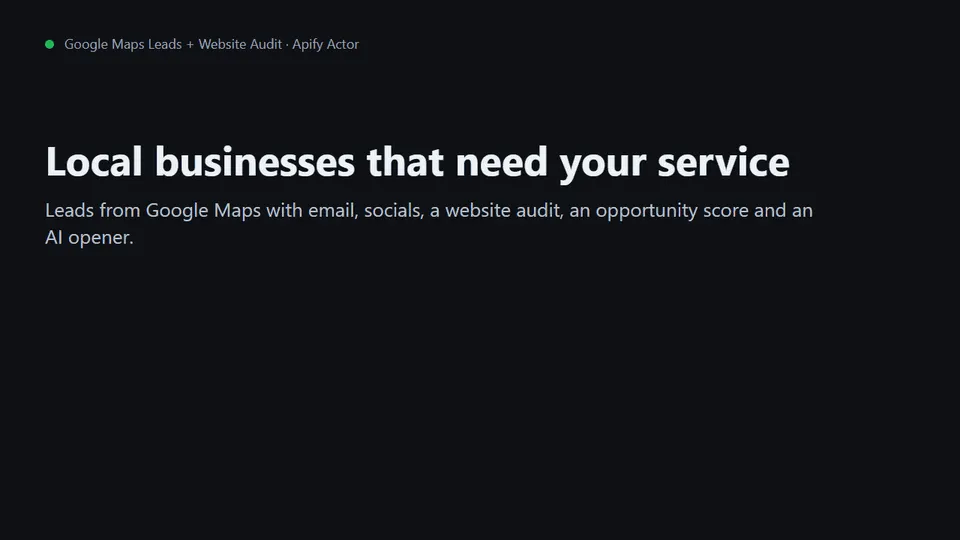
Every result in this tutorial comes from a real run.
What you get (one row per business)
- Business: name, category, address, city, phone, website, Google rating and reviews, Google Maps link, coordinates.
- Contacts from the website: emails (from the home and contact pages), phones, Instagram, Facebook, TikTok, LinkedIn.
- Website audit: loads or not, HTTPS, load time, page size, mobile-friendly, meta description, H1, structured data, Open Graph, CMS (WordPress, Shopify, Wix, Squarespace, Webflow…), Google Analytics / Tag Manager, Meta and TikTok pixels, online booking, chat or WhatsApp button.
- Opportunity score (0-100) with the issues in plain words ("No website", "Not mobile-friendly", "No Meta pixel for ads", "Low Google rating (3.6)", "Few Google reviews (8)"). Results come sorted, best leads first.
- AI opener (optional): two sentences that mention one real issue and ask a soft question.
- Lead grade (A–D) for B2B lists: A = email + phone + working website, B = two ways to reach them, C = one, D = none. Plus the contact channels and the website domain, ready for CRM import and deduplication.
B2B lead lists at scale
- Several cities in one run: add them under More locations (
Madrid, Spain,Sevilla, Spain…). Businesses found in more than one search are kept once. - Only leads with an email: keep only businesses whose website shows an email, and pay only for those.
- Only new leads: skip every business you already got in earlier runs, so a weekly schedule only brings fresh leads and you never pay twice for the same one.
Real run: yoga studios in Valencia and Sevilla gave 8 leads in one run, 6 with grade A (email, phone, website and social profiles).
How to use it
- Type the business type and the location.
- Choose how many businesses, and filters (minimum rating, only with or without a website).
- Optional: turn on AI openers and describe what you sell.
- Click Start. Export the leads to CSV or Excel, or send them to your CRM.
Example output
How it works
- Collects the basic business data from Google Maps on your Apify account (about US$0.004 per place). Contacts are not bought: this Actor reads the websites itself, which is cheaper.
- Opens each website without a browser (home page and up to 2 contact/about pages) and runs the audit.
- Scores each lead and, if you want, writes the openers with AI.
Pricing
| Event | Price |
|---|---|
| Lead with contacts and website audit | $0.006 |
| AI opener with the built-in AI (not charged with your own key) | $0.005 |
Example: 200 dentists with openers: 200 × ($0.006 + $0.005) = $2.20, plus the Google Maps data (about $0.80).
Good to know
- Emails come only from the business's own website. Use them for B2B outreach and follow the laws of your country (GDPR in the EU, CAN-SPAM in the US): give a way to opt out.
- Sites that only render with JavaScript may show fewer contacts.


