
YouTube to Blog Post, Threads & Reels: AI Repurposer
Pricing
from $20.00 / 1,000 repurposed sources
YouTube to Blog Post, Threads & Reels: AI Repurposer
Turn a YouTube video, podcast transcript or article into a blog post, X thread, LinkedIn post, newsletter, Instagram carousel, short-video scripts, quotes and SEO titles with AI, in your brand voice.

Content Repurposer: YouTube to Blog, Threads, LinkedIn & Reels
You made one great video. Now it needs to become a blog post, a thread, a LinkedIn post, a newsletter, a carousel and three Reels. This Actor takes a YouTube video, an article or a pasted transcript (podcast, webinar, notes) and writes the whole content pack with AI, in your brand voice and with your call to action, without inventing facts that are not in the source.
Tutorial (1 minute)
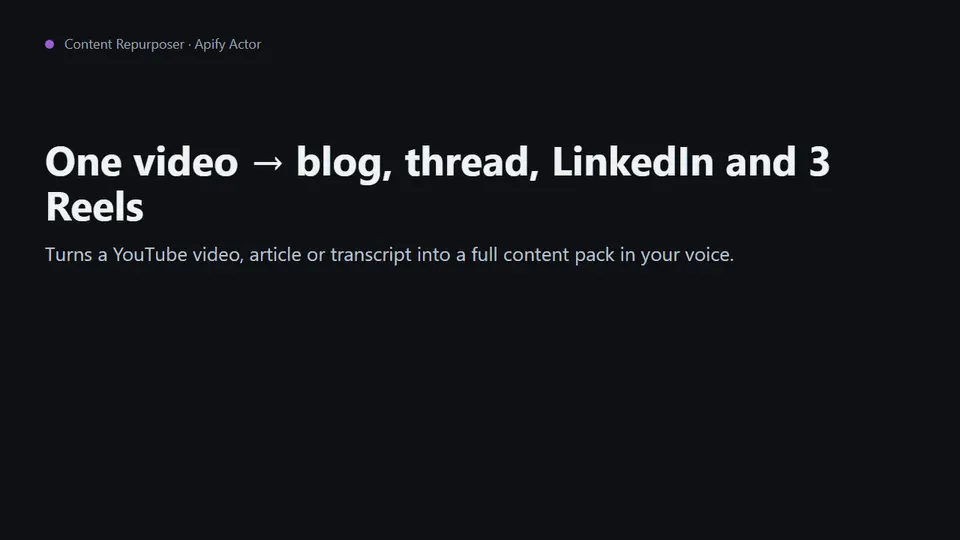
Every result in this tutorial comes from a real run.
What you get per source
| Format | What it is |
|---|---|
| Blog post | SEO article in Markdown, 900-1,400 words, with H2 sections and a call to action |
| X / Twitter thread | 7-10 posts, the first one is the hook |
| LinkedIn post | 150-250 words, strong first line, short paragraphs |
| Newsletter | Subject line, preview text and body |
| Instagram carousel | 7-9 slides plus a caption with hashtags |
| 3 short-video scripts | Hook, beats, on-screen text and CTA for TikTok, Reels and Shorts |
| Quotes | 8 quotable lines for graphics |
| SEO | 5 titles, meta description, 10 keywords and a 5-question FAQ |
Everything comes in the dataset (one row per source, every format as its own field, easy to send to Notion, Airtable or Google Sheets) and as a Markdown file you can open and copy from.
How to use it
- Paste one or more YouTube links or article links, or paste a transcript.
- Choose the formats and the language (keep the source language or translate).
- Optional: describe your brand voice and your call to action.
- Click Start. Each source takes about 1 minute.
Input example
How it works
- YouTube: the subtitles (human ones first, automatic otherwise) are fetched on your Apify account, about US$0.004 per video. Articles are read directly, without a browser.
- One AI call writes all the formats you chose from the full text (up to ~60,000 characters, about 1.5 hours of speech).
Pricing
| Event | Price |
|---|---|
| Source repurposed | $0.02 |
| Content pack written with the built-in AI (not charged with your own key) | $0.25 |
Example: 4 videos a month with the built-in AI = 4 × $0.27 = $1.08.
FAQ
My video has no subtitles. Most YouTube videos have automatic ones. If not, paste the transcript in the text field.
Can I use Claude, GPT or Gemini? Yes: add your Anthropic, OpenAI or OpenRouter key and pick the model. Then the writing is not charged.


