Apify Store Radar — New and Rising Actors
Pricing
from $10.00 / 1,000 dataset items
Apify Store Radar — New and Rising Actors
Scan the Apify store for newly-published actors that are gaining traction (new + rising user growth).
Pricing
from $10.00 / 1,000 dataset items
Rating
0.0
(0)
Developer

IntelScrape
Maintained by CommunityActor stats
0
Bookmarked
2
Total users
1
Monthly active users
3 days ago
Last modified
Categories
Share
Apify Store Radar — find new Actors that are gaining traction
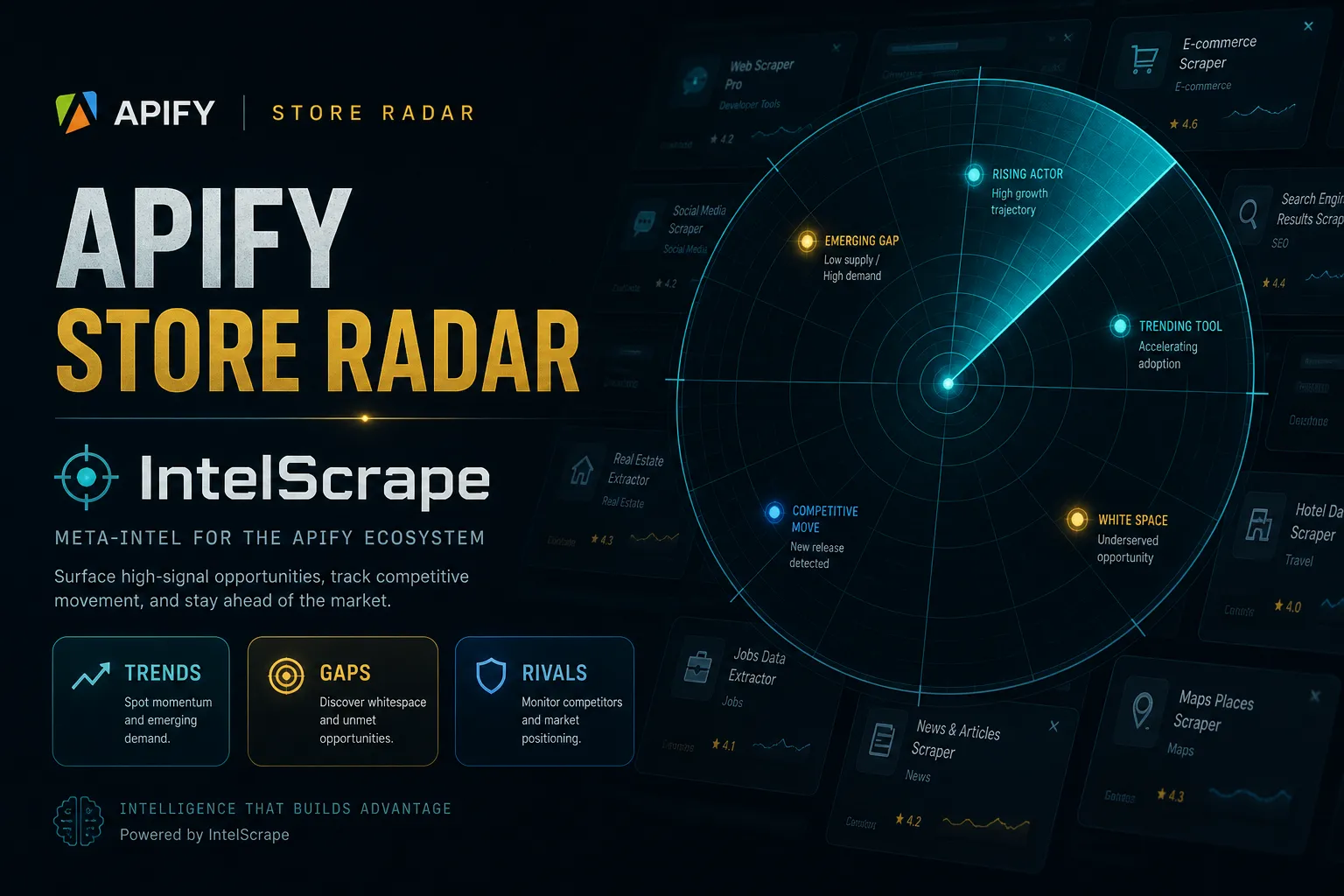
Scans the public Apify Store and surfaces the Actors that are young and growing, not the ones that have been sitting at the top of the charts for two years.
Useful if you build Actors and want to see which niches are opening up, or if you buy Actors and want the rising tools before they get crowded.
SoftCTA mesh (0.2.7)
Every riser row (and optional risers-summary) includes a softCta object with
next-step links into IntelScrape tools for maker outreach, phone validation,
reviews/licenses, and people enrichment. Skip Trace PRO is SoftCTA-only
(links — code frozen). No self-link to this Actor. No extra SoftCTA PPE events.
How "new & rising" is decided
The Store feed does not expose a creation date, so newness is inferred from the user-count windows the Store publishes for every Actor:
| Metric | Formula | Meaning |
|---|---|---|
newnessPct | totalUsers90Days / totalUsers | 100% = every user this Actor has ever had arrived in the last 90 days, i.e. it is young |
users30d | totalUsers30Days | recent active volume — the traction signal |
accel | (users7d × 30/7) / users30d | above 1.0 = this week is outpacing the 30-day average |
score | users30d × newness | recent volume, weighted toward fresh Actors |
Results are filtered by minUsers30d and minNewness, sorted by score, and cut
to topN.
newnessPct is a proxy, not a creation date. An older Actor that recently went
viral will score as "new" because most of its users are recent. That is usually
what you want from a radar, but it is not the same as "published in the last 90 days".
Input
| Field | Default | Notes |
|---|---|---|
scanLimit | 2000 | How many Actors to pull from the Store before filtering. Higher = deeper, slower. |
minUsers30d | 30 | Minimum recent users to count as traction. |
minNewness | 0.65 | Minimum fraction of users acquired in the last 90 days (0–1). |
topN | 30 | How many risers to return. |
category | — | Optional single Store category, e.g. LEAD_GENERATION, SOCIAL_MEDIA, AI, SEO_TOOLS. |
sortBy | popularity | Ordering used while scanning: popularity, totalUsers, relevance, lastUpdate. |
demoMode | false | Synthetic risers + SoftCTA for Store demos. |
includeRisersSummary | true | Push one risers-summary row with SoftCTA. |
Output
One dataset item per riser (plus optional summary):
A SUMMARY record is also written to the key-value store with how many Actors were
scanned, how many passed the filters, and the filter values used.
Notes
- Reads only the public Apify Store API. No token, no login, no private data.
- If your filters are strict you can legitimately get zero results — the run reports that in its status message rather than failing.
- SEEK untouched. SoftCTA deepen only.