

Google Play Store Scraper — Apps, Installs, Ratings & Charts
Pricing
Pay per event
Google Play Store Scraper — Apps, Installs, Ratings & Charts
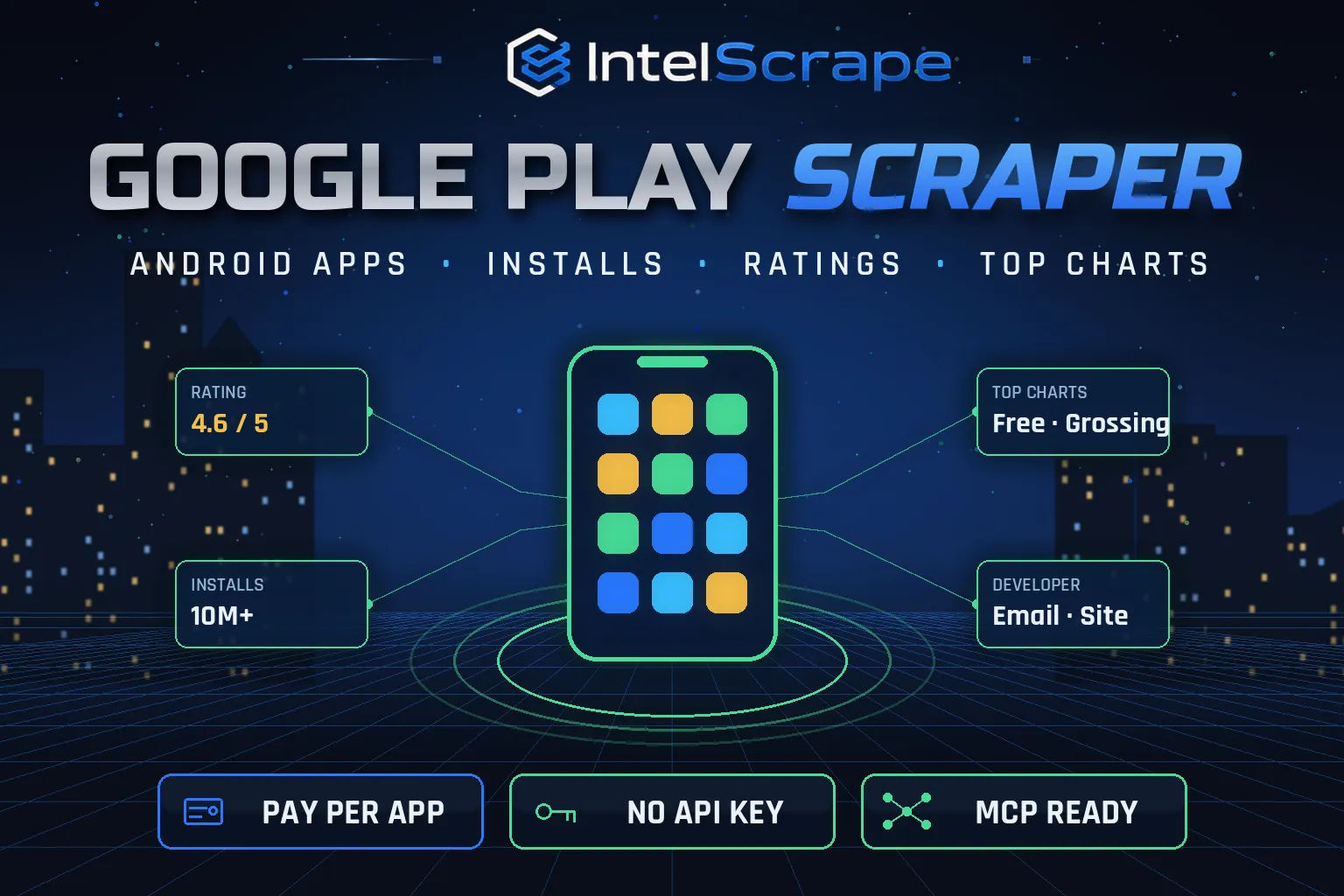
Google Play Store Scraper: Android apps by keyword, package name, URL, developer or Top Free/Paid/Grossing chart. Exports installs, rating, rating count, star histogram, price, in-app purchases, ads, version, last update, developer email and website. No API key. Pay per app.
Pricing
Pay per event
Rating
0.0
(0)
Developer

IntelScrape
Maintained by CommunityActor stats
0
Bookmarked
2
Total users
1
Monthly active users
4 days ago
Last modified
Categories
Share
Google Play Store Scraper — App Details, Installs, Ratings & Charts
🇨🇳 Google Play 应用数据采集器:按关键词搜索、按包名/链接查询、按开发者列出应用,或抓取免费榜、付费榜和畅销榜。导出安装量、评分、评分数、星级分布、价格、应用内购买、广告、版本、更新时间以及开发者邮箱和网站。无需 API 密钥,按应用付费。
🇸🇬 Pengikis Google Play Store: cari aplikasi Android mengikut kata kunci, nama pakej atau pembangun, atau dapatkan carta teratas. Eksport pemasangan, penarafan, histogram bintang, harga, pembelian dalam aplikasi, versi, tarikh kemas kini serta e-mel dan laman web pembangun.
🤖 NEW: Connect This To Your AI!
Use this actor from Claude, ChatGPT, Cursor or any MCP client through the IntelScrape MCP Server, or call it directly over the Apify API.
🏆 Featured Bots by IntelScrape
- Skip Trace Pro
- TruePeopleSearch Scraper
- TikTok Email Scraper
- Amazon Product Reviews Scraper
- Website Contact Scraper
- Skip Trace MCP Server
⚡ Works with n8n, Make, Zapier, Google Sheets and the Apify API.




Android app data in bulk: installs, ratings, star histograms, prices, IAP and ads flags, versions, update dates and developer contacts.
Honest coverage & billing: Install counts are ranges published by Google, not exact downloads. You pay only for results actually delivered, and a built-in cost guard stops the run at your max-charge limit.
🌍 Built for teams in the US, China and Singapore, and anyone who needs this data in a spreadsheet or pipeline.
⭐ Found it useful? Please leave a review; it helps others find it.
⚖️ Lawful business use only. Collect public data only, and comply with the source site's terms, copyright and data-protection laws (GDPR, CCPA, China PIPL, Singapore PDPA).
Examples below are illustrative; names and values may be fictional or out of date.
What is Google Play Store Scraper?
Google Play shows install ranges, ratings and developer contact details on every app page, but offers no bulk export. Google Play Store Scraper collects that data for any keyword, package name, developer or top chart and returns one clean row per app, ready for spreadsheets, BI dashboards, CRMs or AI agents.
What does it do?
- Keyword search with the Google Play search rank
- App lookup by package name (com.spotify.music) or Play Store URL
- Developer catalogs by developer name or developer page URL
- Top charts: Top Free, Top Paid and Top Grossing, optionally for a category (e.g. GAME_PUZZLE)
- Full details (on by default): installs and min/max installs, rating, rating and review counts, 1–5 star histogram, price, in-app purchases and price range, contains-ads flag, content rating, version, Android version, last update, recent changes, description
- Developer contacts: developer email, website, address and privacy policy when published
- Any market: country and language parameters for localised data
Why choose us over cheaper scrapers?
- Honest output: limits are documented, missing data is labeled, never invented
- Clean, consistent schema ready for Excel, Sheets, BI tools or an LLM
- No account risk: no logins, no cookies, no API keys
- Pay per result with a built-in cost guard; no subscription, failed items are never charged
- Fast and light: no browser, no residential proxy, so runs finish in seconds and stay cheap
- Maintained by IntelScrape and fixed fast when the source changes
Who is it for?
- ASO and competitor tracking: monitor rivals' installs, ratings, update cadence and changelogs
- Lead generation: build lists of Android developers with their published support emails and websites
- Market sizing: compare categories and countries by installs and ratings
- Mobile ad networks and SDK vendors: find apps that show ads or sell in-app purchases
- Investors: spot fast-growing apps in top charts
- AI and analytics pipelines: feed structured app data into LLMs, dashboards or warehouses
How to use it
In Apify Console (no code)
- Click Try for free / Start. The form is prefilled with a working example.
- Change the inputs (see examples below).
- Click Start, then export the results as JSON, CSV, Excel, XML or HTML, or open them in Google Sheets.
- Optional: Schedule the actor to run hourly, daily or weekly.
Via API
Or use the official Apify JavaScript and Python clients:
With AI agents (MCP)
Add Apify's MCP server (https://mcp.apify.com) or the IntelScrape MCP Server to Claude Desktop, Cursor, ChatGPT or any MCP client, then ask in plain language, e.g. "Run intelscrape/google-play-store-scraper with the default input and summarise the results."
Input examples
Keyword search (default)
Specific apps
All apps from a developer
Top Grossing puzzle games in the UK
Output fields
| Field | Description |
|---|---|
appId / name / url | Package name, app title and Play Store link |
developer / developerId | Developer name and ID |
developerEmail / developerWebsite / developerAddress / privacyPolicyUrl | Published developer contact details |
installs / minInstalls / maxInstalls | Install range shown on Google Play |
rating / ratingCount / reviewCount / histogram | Average rating, counts and 1–5 star distribution |
price / currency / isFree / offersIAP / iapRange / containsAds | Monetisation |
genre / genreId / contentRating | Category and age rating |
version / androidVersion / released / updated / recentChanges | Release info |
summary / description | Short and full description |
iconUrl / headerImageUrl / screenshotUrls / videoUrl | Media |
searchTerm / searchRank, chart / chartRank, developerQuery | How the app was found |
Sample output
Pricing (pay per event)
| Event | When it is charged | Price |
|---|---|---|
| Actor start | once per run | $0.005 |
| App | per app row | $0.0015 |
Cost examples
| Run | Cost |
|---|---|
| Default run: 1 keyword, 20 apps | $0.035 |
| Top Free 100 | $0.155 |
| 50 keywords × 100 apps | ≈ $7.51 |
Platform usage is included in these prices. Set Max charge per run in the run options to cap spend; the actor stops cleanly when the limit is reached and keeps everything collected so far.
FAQ
Do I need a Google account or API key?
No. The actor reads public Google Play pages with the open-source google-play-scraper library. No login, no key.
Does it include reviews?
No; this actor exports app details. For review text use our Google Play Reviews Scraper.
Are installs exact?
Google Play only publishes install ranges such as 1,000,000+. minInstalls is the lower bound; we never invent an exact number.
Why is version "VARY"?
Some apps ship different builds per device. Google Play then shows "Varies with device", and we return that as-is.
Can I turn off full details?
Yes. Set fullDetails to false for faster, lighter rows from search and chart listings only.
Which countries and languages work?
Any Google Play country code and language code. Prices, ranks and descriptions follow the market you choose.
Are developer emails verified?
They are exactly what the developer published on Google Play. We do not guess or generate emails.
How often should I run it?
Daily or weekly schedules work well for tracking ratings, installs and updates over time.
Honest limits
- Install counts are ranges published by Google, not exact downloads.
- Top chart contents come from Google Play's public chart listings and can differ from what a signed-in device shows.
- Google may rate-limit very large runs; the actor retries with back-off.
- Fields a developer leaves empty (website, address) stay empty.
Related IntelScrape bots
- Apple App Store Scraper: iOS app details, ratings & charts
- Google Play Reviews Scraper: Android review text & ratings
- App Store Reviews Scraper: iOS review text & ratings
- Google Autocomplete Scraper: keyword suggestions from Google, YouTube, Amazon & Bing
- Website Contact Scraper: emails, phones & socials from sites
- Skip Trace MCP Server: IntelScrape tools for AI agents
Legal
This actor collects publicly available data only. You are responsible for using the results lawfully and in line with the source's terms and applicable privacy laws (GDPR, CCPA, PIPL, PDPA). Process personal data only with a legitimate purpose. IntelScrape is not affiliated with, endorsed by or sponsored by the data source; all trademarks belong to their owners.


