
Doaj Open Access Scraper
Pricing
from $2.99 / 1,000 results
Doaj Open Access Scraper
Search open-access articles and journals instantly by subject or keyword. Extract publication titles, publishers, ISSNs, licenses, and DOIs into CSV, JSON, or Excel.
Pricing
from $2.99 / 1,000 results
Rating
0.0
(0)
Developer

Kawsar
Maintained by CommunityActor stats
0
Bookmarked
2
Total users
1
Monthly active users
6 days ago
Last modified
Categories
Share
DOAJ Scraper: Open Access Journals & Articles
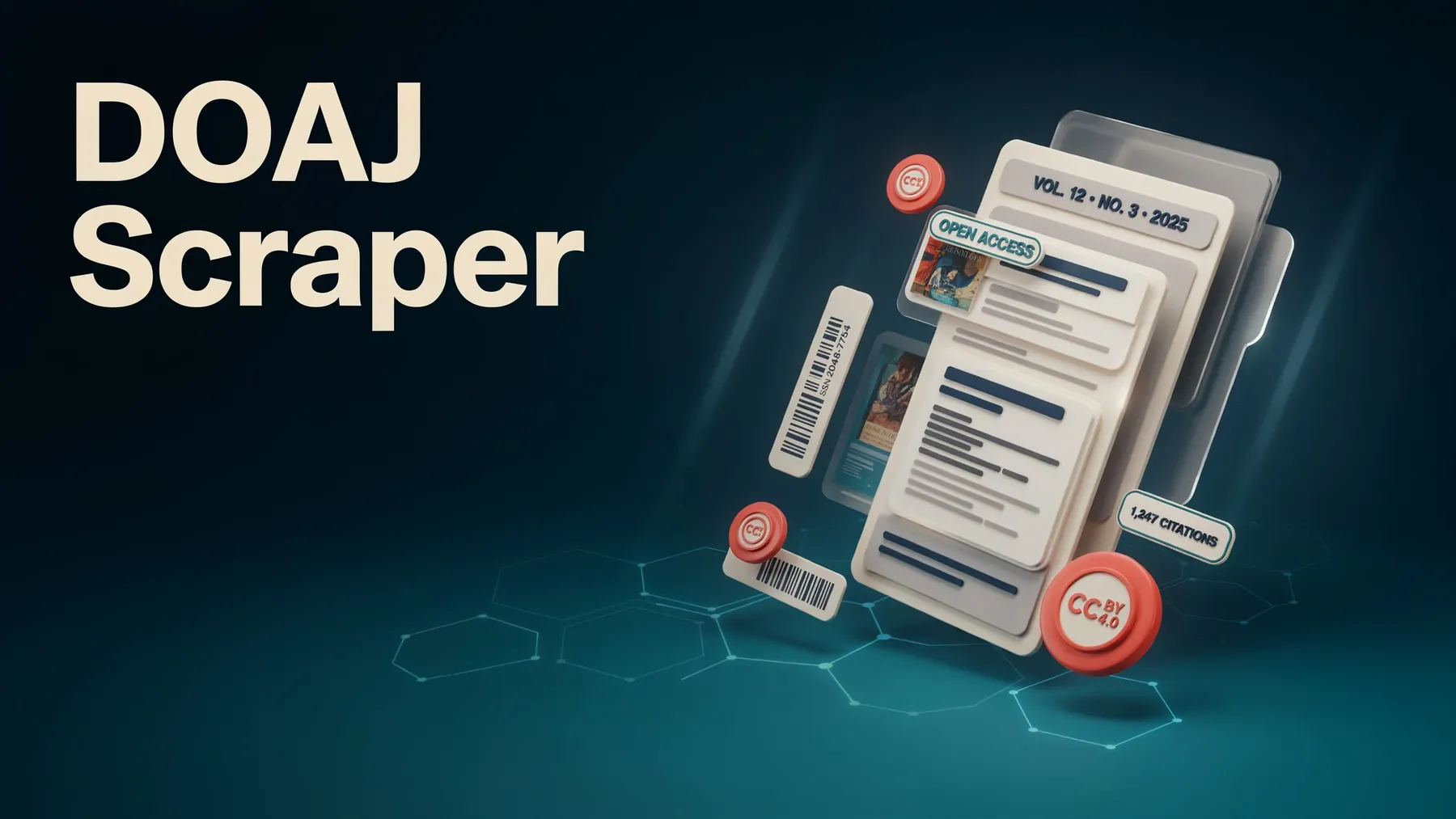
Search and extract open-access scholarly journals and research articles directly from the public Directory of Open Access Journals (DOAJ) registry. Gather clean bibliographic records—including titles, ISSNs, publishers, licenses, DOIs, and full JSON payloads—into structured datasets ready for instant export as JSON, CSV, or Excel.
Instead of manually navigating web directories, you can collect comprehensive open-access research lists and journal inventories in bulk for literature reviews and academic tracking.
Use Cases
- Open access discovery: Search subjects like climate science or public health to export matching research articles.
- Journal directory building: Pull ISSNs, publishers, and licensing terms for active academic journals in a specific discipline.
- Library & compliance checks: Keep journal title lists and metadata updated with scheduled recurring runs.
- License review: Analyze publishing licenses directly alongside article and journal titles.
- Free API extractions: Query public endpoints directly without needing an API account or authentication keys.
Extracted Data Points
Article Records
- Article title and DOI identifier
- Journal title, publisher name, and ISSN values
- Licensing labels (e.g., CC BY)
- Creation and last-updated timestamps
- Complete bibjson metadata payload
Journal Records
- Journal titles and publisher metadata
- ISSN and eISSN numbers
- Licensing information and publication flags
Input Parameters
| Parameter | Type | Default | Description |
|---|---|---|---|
mode | String | articles | Operating mode (articles to search research papers, journals to search publications). |
query | String | climate | Search terms sent to the DOAJ query endpoint. |
type | String | articles | Optional alias for mode (mode takes precedence if both are set). |
maxItems | Integer | 100 | Maximum number of successful rows to save (up to 1,000). |
timeoutSecs | Integer | 300 | Overall execution limit in seconds. |
Example Input
Output Format
How It Works
- Processes configuration inputs, applying search queries and selecting between article or journal modes.
- Paginates through API results efficiently while automatically skipping duplicate record IDs.
- Manages connection interruptions smoothly with structured retry intervals.
- Logs invalid queries or HTTP errors as clean error entries without interrupting execution flow.
- Generates export-ready datasets available instantly in JSON, CSV, or Excel formats.
Frequently Asked Questions
How do I search for journals instead of articles?
Set the mode parameter to journals. Article search is used by default.
What happens if a query yields no results?
An empty result set logs a completion note without generating error rows, allowing your workflow to finish cleanly.
Can I export datasets directly to CSV or Excel?
Yes. Completed datasets can be downloaded instantly in JSON, CSV, or Excel formats from your run overview.
Legal & Compliance
Trademark Notice
DOAJ Open Access Journals and related names, logos, and trademarks belong to their respective owners. Their mention in this documentation is strictly to identify data utility and compatibility, and does not imply affiliation, sponsorship, or endorsement.
Disclaimer
This tool is an independent utility and is not affiliated with, endorsed by, or officially connected to third-party open-access database providers. Users are responsible for ensuring their usage complies with relevant terms of service, rate limits, and guidelines.
Is web scraping legal?
This tool collects publicly available bibliographic records without bypassing access controls. Collecting public data is standard practice, but proper compliance requires considering how the data is used:
- Personal data: Ensure dataset usage respects regional privacy regulations (such as GDPR or CCPA) when combining outputs with personal records.
- Copyright & Terms: Respect the terms of use, usage limits, and licensing terms (such as Creative Commons CC BY-SA or CC0 dedications) set by data sources.
- Legal advice: This summary is provided for general informational purposes and does not constitute formal legal counsel. To learn more, read Apify's guide: Is web scraping legal?


