

Gametime Scraper
Pricing
from $1.90 / 1,000 events
Gametime Scraper
Scrape Gametime event listings and ticket prices from search, performer, and event pages. Extract event details, venue data, seating, inventory, deal ratings, and live pricing in JSON, CSV, or Excel with a fast, low-cost Apify actor.
Pricing
from $1.90 / 1,000 events
Rating
0.0
(0)
Developer

Lexis Solutions
Maintained by CommunityActor stats
0
Bookmarked
24
Total users
5
Monthly active users
6 months ago
Last modified
Categories
Share
Gametime.co Scraper
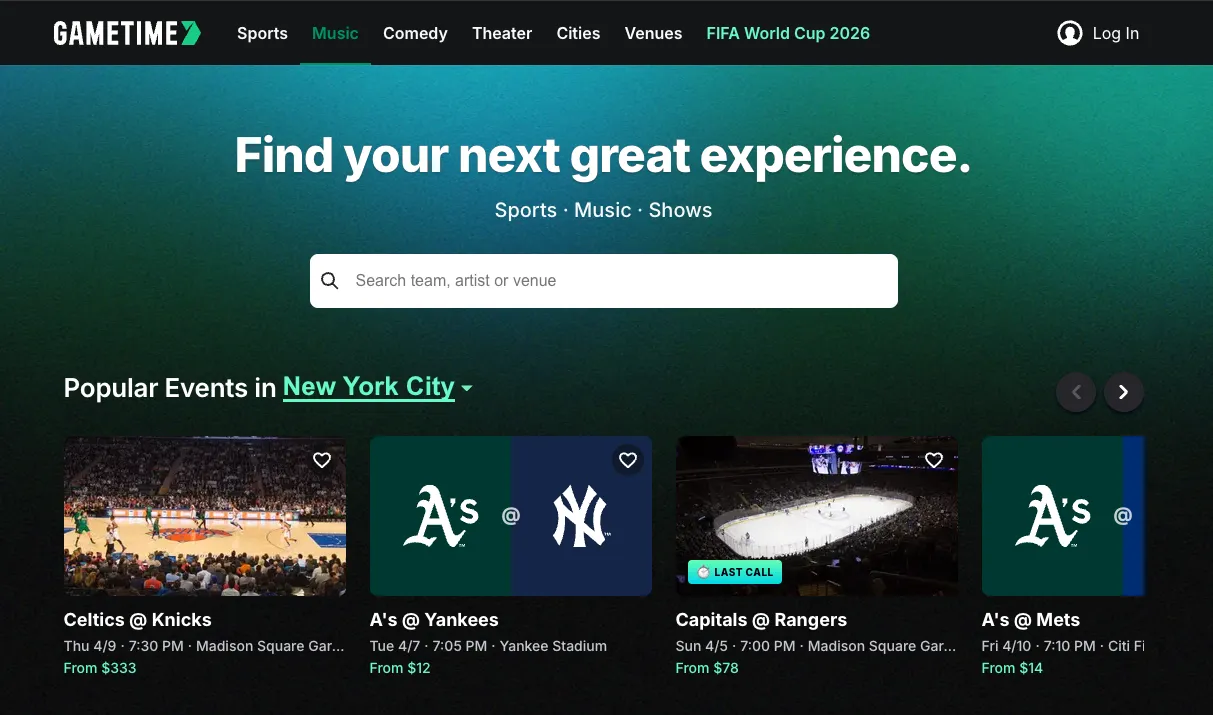
The Gametime Scraper is an Apify Actor that extracts event listings and ticket pricing data from Gametime. It captures event catalogs by search query or performer category, and takes snapshots of available ticket listings with price bands, seating details, and inventory counts.
What does Gametime Scraper do?
This scraper collects structured event and ticket data from Gametime, a platform focused on last-minute event deals. It supports three types of input URLs:
- Search URLs to find events by keyword
- Category/Performer URLs to list all events for a specific performer
- Event Detail URLs to scrape ticket listings for a specific event
For each event, the scraper outputs event metadata (name, date, venue, performers) along with all available ticket listings including section, row, price, deal rating, and delivery type.
Why use Gametime Scraper?
- Price monitoring: Track ticket price movements over time for sports, concerts, comedy, and theater events.
- Inventory analysis: Monitor how many listings are available and at what price points.
- Market research: Compare pricing across venues, performers, and event dates.
- Deal detection: Identify events with significant price drops or "amazing" deal ratings.
Who is it for?
- Ticket resellers monitoring market prices and inventory levels.
- Event organizers benchmarking ticket pricing against secondary markets.
- Data analysts studying event pricing trends and demand patterns.
- Developers building dashboards or alerts around live event pricing.
How to use Gametime Scraper
- Navigate to the Gametime Scraper on the Apify platform.
- Enter one or more start URLs in the Start URLs field (search, category, or event detail URLs).
- Set the Max Items to control how many events to scrape per start URL.
- Click Start to run the scraper.
- Download the results from the Dataset tab in JSON, CSV, or Excel format.
Input
| Field | Type | Description | Default |
|---|---|---|---|
startUrls | array | URLs to scrape (search, category, or detail pages) | Search for "imagine" |
maxItems | integer | Maximum events to scrape per start URL | 5 |
proxyConfiguration | object | Proxy settings | No proxy |
Example input
Output
Each dataset item represents one event with its ticket listings. You can download the dataset in various formats such as JSON, CSV, or Excel.
Data fields
| Field | Description |
|---|---|
url | Event page URL on Gametime |
eventId | Unique event identifier |
name | Event name |
category | Event category (sports, comedy, music, theater) |
dateTimeLocal | Event date/time in local timezone |
venue | Venue details (name, city, state, country, coordinates) |
performers | List of performers with name, category, and slug |
minPriceCents | Lowest ticket price in cents (all-in pricing) |
maxPriceCents | Highest ticket price in cents (all-in pricing) |
totalListings | Number of available ticket listings |
listings | Array of individual ticket listings with section, row, price, and deal rating |
Cost estimation
The scraper uses only HTTP requests (no browser), keeping compute costs low. A typical run scraping 5 events with their listings completes in under 1 minute and costs less than $0.01 in platform credits.
Tips
- Use search URLs for broad discovery and category URLs for comprehensive performer coverage.
- Set
maxItemsto a small number (3-5) for quick monitoring runs. - Prices are returned in cents (e.g., 242500 = $2,425.00) to preserve precision.
- Schedule periodic runs to track price changes over time.
FAQ and support
Is it legal to scrape Gametime? This scraper accesses publicly available data. Always review the website's Terms of Service before scraping.
Why are some prices zero? Events without active ticket listings may show zero prices. This usually means tickets are not yet on sale.
👀 p.s.
Got feedback or need an extension?
Lexis Solutions is a certified Apify Partner. We can help you with custom solutions or data extraction projects.
Contact us over Email or LinkedIn
Image Credit
Image credit: gametime.co


