

npm Package Release Monitor - Versions & Dependency Changes
Pricing
from $1.20 / 1,000 package observations
npm Package Release Monitor - Versions & Dependency Changes
Watch npm releases, dependencies, engine requirements and declared metadata. Optional saved comparisons and changes-only output. Public registry; no API key or package installation.
Pricing
from $1.20 / 1,000 package observations
Rating
0.0
(0)
Developer

Brandt May
Maintained by CommunityActor stats
0
Bookmarked
2
Total users
1
Monthly active users
2 days ago
Last modified
Categories
Share
Know what changed in a package
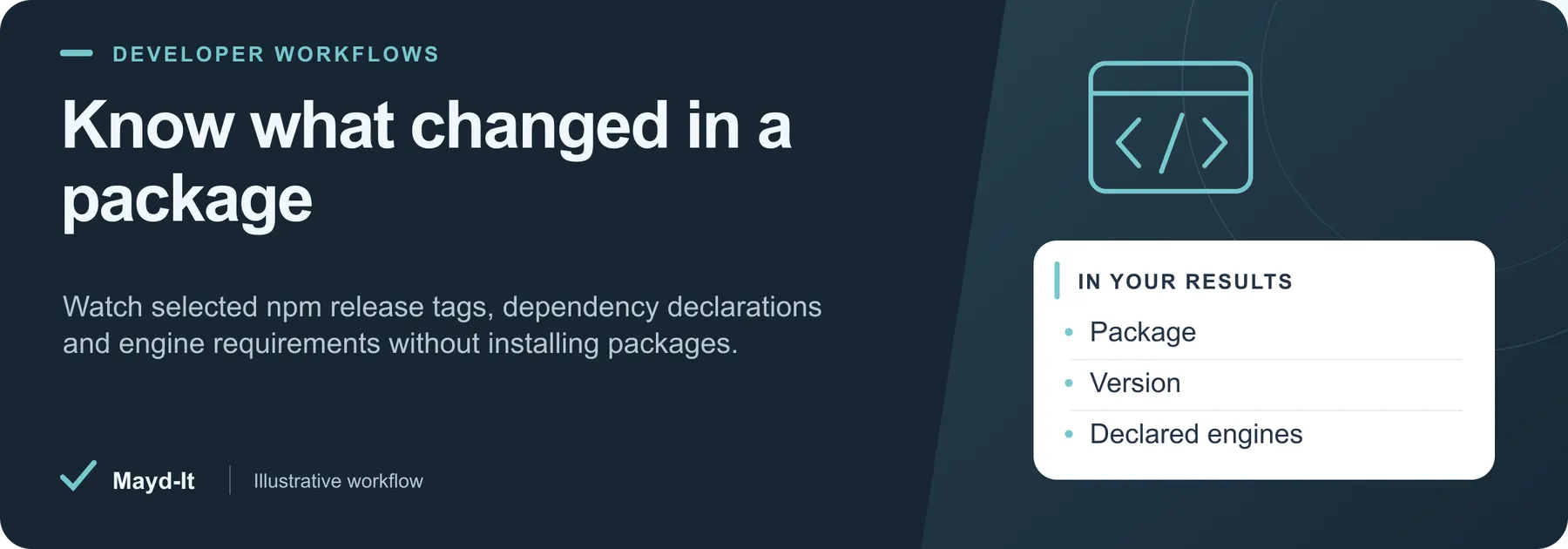
For maintainers following dependencies: collect the public npm metadata behind a selected release tag, including version, declared dependencies and engine requirements. The Actor does not install packages, download tarballs or execute package scripts.
Open this Actor in Console · First run · Results · Cost · Full guide
Try this Actor
- First run: Use Latest release watchlist below: apify, cheerio and lodash, with three saved observations. Inspect the selected tag and version before turning on changes-only output.
- Read the results: Open the default Dataset for package observations and SUMMARY for registry coverage. Saved comparisons identify new packages or changed metadata within your watchlist.
- Keep in mind: Dependency ranges and licenses are registry declarations, not resolved dependency trees or verified legal conclusions. Version monitoring is not a package safety or malware assessment.
Check Apify, Cheerio and Lodash Releases — copy this input into the JSON editor in Console.
Result preview
The dataset view highlights these columns:
- Package ·
packageName - Release tag ·
distTag - Version ·
version - Published ·
publishedAt - Declared license ·
license - Comparison ·
comparisonStatus
Use the original source links and the field definitions below when interpreting the results. CSV works well for flat columns; JSON preserves nested values.
Usage and pricing
Base result rate on the FREE tier: $2 per 1,000 package observations. The Pricing tab shows your plan's result rate and any Actor Start charge. Set a small result limit for the first run; the requested limit is not a guarantee of that many results.
Full guide
Read a watchlist of public npm packages and compare their selected release metadata over time. This Actor helps engineering teams and agencies feed release and dependency changes into scheduled workflows. It uses the documented public registry, requires no API key, and never downloads tarballs or executes package scripts.
Quick start
Run with {} for apify, cheerio and lodash. The default follows each package's latest distribution tag. Supply exact package names, including scoped names such as @apify/log; arbitrary URLs and private registries are unsupported.
Each saved row contains packageName, distTag, version, exact source publishedAt, dependency maps, engine requirements, lifecycle script declarations, public maintainer usernames, source links and observedAt. Source-provided description, declared license, deprecation text, integrity/shasum and unpacked size/file count are included when present. Empty maps mean no declarations were supplied. Maintainer emails and other contact fields are omitted.
Saved comparisons
Set comparePrevious: true and a snapshotName. The first observation has comparisonStatus: "new"; later observations are changed or unchanged. Without comparison the status is not_requested. changedFields, previous and previousObservedAt retain the comparison evidence. onlyChanges: true implies comparison and omits unchanged results; its first run still saves initial observations.
Watched fields are version, release publication time, description, declared license, deprecation text, dependencies/optional dependencies/peer dependencies, engines, lifecycle scripts, maintainer usernames, integrity, shasum and source file-size/count metadata. registryModifiedAt is provenance only: an update to another version or tag does not alone trigger a change. The selected tag can move backward; the Actor reports the observed version without declaring an upgrade or security event.
History is isolated by package and tag within the named store. Only confirmed saved rows advance history. Failed requests, rejected spending-limit rows and unchanged rows suppressed by onlyChanges preserve previous observations. A reread detects known overlapping writes, but key-value storage has no atomic compare-and-swap: run the same snapshot namespace sequentially. Time expiry or a concurrent history change can leave a saved row without a history update; inspect SUMMARY before assuming the next run will suppress it. A malformed stored snapshot is preserved and reported as a failed source. No package disappearance or version removal is inferred.
Inputs and limits
| Input | Default | Meaning |
|---|---|---|
packages | Empty, using three demo packages | Up to 100 exact public names |
distTag | latest | A registry tag such as latest, next or beta |
maxResults | 25 | 1–100 confirmed saved observations |
comparePrevious / onlyChanges | false | Optional persistent comparison |
snapshotName | default | 1–40 letters, digits, underscores or hyphens |
maxRunSeconds | 240 | 30–3600 seconds, also bounded by the platform deadline |
Sources are processed sequentially. The result limit selects a bounded watchlist sample and does not imply all requested packages were checked. Each full registry document is limited to 8 MiB; extremely large package histories may be rejected. HTTP 429/5xx retries honor Retry-After within the remaining deadline. Robots rules, public-address checks, TLS and response/decompression limits apply. Redirects on the fixed registry endpoint are rejected. No proxies are required.
SUMMARY reports real rowsSaved, rowsObserved, unchangedSkipped, historyUpdated, source coverage, failed sources and stop flags. All-source failures and zero-output deadline failures fail the run. A clean unchanged repeat succeeds with zero results. A selected result cap is reported separately from operational incomplete coverage.
Three exact examples
Latest release watchlist
Use the copyable first-run input above.
Scoped packages
Persistent release comparison
Repeat the last input with onlyChanges: true to emit only changed or new observations. Use a separate snapshotName for production workflows.
Scope and pricing
This is a declared metadata monitor. Dependency ranges are not resolved, tarball content and signatures are not verified, scripts are not run, and licenses are not legally interpreted. Maintainer lists are source declarations, not proof of authorization. This Actor does not detect malware or certify package safety. Use the official registry and your normal dependency-review tools to investigate changes.
Pricing is $0.002 per saved package observation ($2 per 1,000), plus the listed Actor-start event. Unchanged rows are charged when saved; onlyChanges can suppress them. Failed sources and SUMMARY are not result rows.
Source documentation: npm Public Registry API and package metadata format. Node.js 20.19+; pinned Apify SDK 3.7.2. Run npm ci and npm test for local fixture tests.
Help with your run
Open the Issues tab on this Actor with the run URL, the input field that caused trouble and what you expected to receive. Remove API keys and private information before posting.
Understand your run
Open Run report in the run’s Output tab for saved-record counts, reported source issues and limits, and suggested next steps. Use CSV export to take the saved results into a spreadsheet. The existing JSON results and detailed machine-readable summary remain available.
The report reflects this run’s recorded coverage. A successful run or a saved result does not establish that every possible source record was collected.


