

Podcast Episode Monitor - RSS Updates & Show Notes
Pricing
from $1.20 / 1,000 episode observations
Podcast Episode Monitor - RSS Updates & Show Notes
Monitor public podcast feeds for new episodes and edited show notes. Stable IDs, topic evidence, audio URLs and published transcript/chapter links. No API key or audio downloads.
Pricing
from $1.20 / 1,000 episode observations
Rating
0.0
(0)
Developer

Brandt May
Maintained by CommunityActor stats
0
Bookmarked
2
Total users
1
Monthly active users
2 days ago
Last modified
Categories
Share
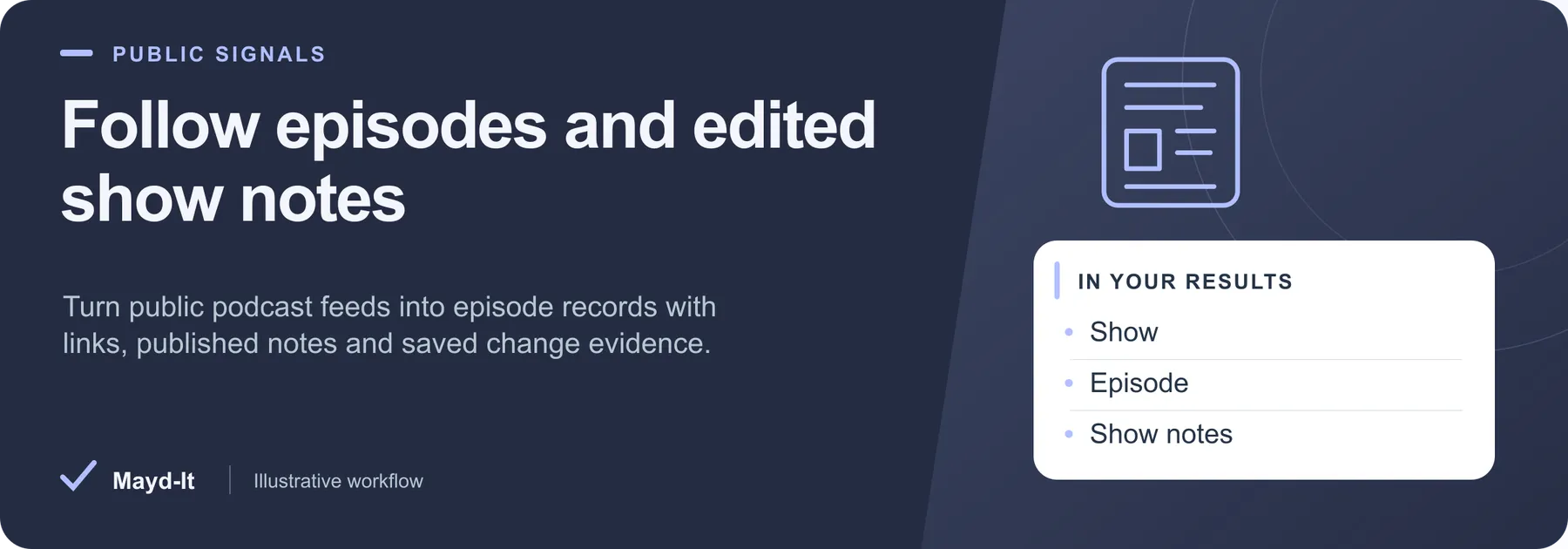
Follow episodes and edited show notes
For editorial research and podcast tracking: read public RSS or Atom feeds for episode metadata, show notes and published audio, transcript or chapter links. Topic matches keep the terms that matched the source.
Open this Actor in Console · First run · Results · Cost · Full guide
Try this Actor
- First run: Use the existing NASA Curious Universe example below: up to 10 saved episodes from a 30-episode feed window. Inspect the first set before using new-or-edited-only output.
- Read the results: Open the default Dataset for episode rows and SUMMARY for feed coverage. Episode links and changed fields let you check the source behind a saved observation.
- Keep in mind: Audio is not downloaded or transcribed, and linked transcript or chapter files are not fetched. A feed is a bounded window, not a complete archive; check feed failures before interpreting zero rows as no new episodes.
NASA Curious Universe - Latest Podcast Episodes — copy this input into the JSON editor in Console.
Result preview
The dataset view highlights these columns:
- Episode ID ·
episodeId - Show ·
showTitle - Episode ·
title - Published ·
publishedAt - Duration (seconds) ·
durationSeconds - Observation ·
changeType
Use the original source links and the field definitions below when interpreting the results. CSV works well for flat columns; JSON preserves nested values.
Usage and pricing
Base result rate on the FREE tier: $2 per 1,000 episode observations. The Pricing tab shows your plan's result rate and any Actor Start charge. Set a small result limit for the first run; the requested limit is not a guarantee of that many results.
Full guide
Turn a public podcast watchlist into a deduplicated episode catalog. Track new episodes, corrected show notes, publication details, audio links and resource links supplied by the publisher. Use the results to keep a content catalog current or decide which episodes match your research topics.
No API key, account or proxy is required. The Actor fetches public RSS 2.0 and Atom feeds, respects robots rules, and rejects private networks and credential-bearing URLs. It does not download audio, transcribe recordings or fetch transcript/chapter files.
Quick start
Run with {} for 20 episodes from NASA's Curious Universe public feed. This is a demonstration, not a NASA endorsement. Supply your own feedUrls to create a watchlist.
Use the copyable first-run input above.
Repeat monitoring
Set onlyNewOrChanged: true and use the same snapshotName, feed URLs and filters on subsequent runs. The first observation emits matching episodes. Later runs emit newly observed episodes or records whose tracked metadata changed; unchanged runs correctly produce zero rows.
History is stored in the named key-value store maydit-podcast-episode-history. The scope includes the sorted requested feed URLs, keywords, match rule, date filter and per-feed window. Changing those values starts an independent scope. Changing maxResults does not reset history.
Each baseline advances only after its result row is saved. A rejected billing write, failed source or unprocessed episode leaves previous history intact. Run only one job at a time per scope: key-value storage does not provide a concurrent transaction lock. If a process stops after saving a row but before committing history, that episode can be replayed next time; deduplicate downstream using episodeId and showNotesHash.
Episodes use a hash of the final feed URL and GUID, falling back to the episode-page link or media URL when GUID is missing. Within a run, exact shared episode-page or media URLs also deduplicate mirrored feeds, retaining sourceFeeds. Feed moves to a new final URL can change IDs; different mirror inputs/scopes do not promise permanent cross-provider identity.
Inputs
| Field | Default | Behavior |
|---|---|---|
feedUrls | NASA Curious Universe | Up to 20 public RSS 2.0 or Atom feed URLs |
maxResults | 20 | Maximum saved matching episodes, up to 1,000 |
maxEpisodesPerFeed | 100 | Newest usable episodes currently visible in each feed, up to 1,000 |
keywords | none | Literal case-insensitive title/show-note phrases with evidence excerpts |
keywordMode | any | Require any or all phrases |
publishedAfter | none | Inclusive YYYY-MM-DD date at 00:00 UTC; unknown dates are excluded |
onlyNewOrChanged | false | Compare with saved observations |
snapshotName | default | Named monitoring scope, 1–100 characters |
maxRunSeconds | 240 | All-network deadline, also bounded by platform timeout minus 25 seconds |
Keyword matching examines the title and first 100,000 characters of normalized show notes. It is literal phrase matching, not an AI topic or sentiment judgment. A published date is kept as both normalized publishedAt and original publishedRaw; missing/unparseable dates are not invented.
Output
One real episode per saved row:
episodeId,guid,identityBasis,showTitle,showUrl,feedUrl,sourceFeedstitle,episodeUrl,publishedAt,publishedRaw,updatedAtenclosureUrl,enclosureType,audioUrl,durationSeconds,season,episodeNumber,episodeTypeshowNotes,showNotesHash,showNotesTruncatedtranscriptLinks,chapterLinks: only links declared using the Podcasting 2.0 namespace; these can be emptymatchedTerms: phrase, matched field and short source excerptchangeType:snapshot,neworedited;changedFields,previousObservedAt,observedAt
Video podcast enclosures are supported through enclosureUrl; audioUrl remains null for video-only episodes. A note correction changes showNotesHash; a first observation is new without claiming that the episode itself was recently published. Publisher-supplied audio URLs may contain redirects or tracking parameters; they are copied as source metadata and never requested.
Coverage and failures
The Actor fetches at most 20 MiB per feed and inspects the requested episode window. Feeds can omit older episodes or shorten their archive; disappearing items are never reported as deleted. It reads feeds only and does not follow archive pagination or episode pages. It does not estimate audience size, verified sponsors, contact reachability or listening statistics.
SUMMARY reports source failures, visible/selected/invalid entry counts, deduplication, filters, unchanged episodes, normal window/result caps and deadline/spending stops. A successfully requested bounded window is ok even if the visible feed contains more episodes. Actual failures, rejected entries, time stops and spending stops set incomplete.
Malformed XML, DTD/entity declarations, robots blocks and source errors are not paid episode rows. If all feeds fail, the run fails. A valid feed with no matches succeeds with an explicit empty warning. If one feed fails, usable rows from the others are preserved with partial coverage. Ordinary body-size limits reject the feed as a whole; they do not parse an incomplete XML fragment as a successful feed.
Only saved dataset rows count as results. A spending cap stops output; unsaved episodes do not advance monitoring history. Repeated snapshot mode emits matching rows each time. New/edited mode is the option for avoiding unchanged redelivery.
Public feeds support syndication, but users remain responsible for their downstream content rights. This Actor returns source links and publisher-provided notes; it does not grant rights to redistribute recordings or transcripts. No private subscriber feeds or credentials are supported.
Three ready examples
NASA Curious Universe
NASA Houston We Have a Podcast
Mars rover topic evidence
Sources
- Apple's public RSS feed requirements
- Podcasting 2.0 transcript and chapter tag specification
- NASA Curious Universe
Local verification: npm test. Live behavior can differ by feed host and environment; inspect SUMMARY before treating a watchlist as fully checked.
Help with your run
Open the Issues tab on this Actor with the run URL, the input field that caused trouble and what you expected to receive. Remove API keys and private information before posting.
Understand your run
Open Run report in the run’s Output tab for saved-record counts, reported source issues and limits, and suggested next steps. Use CSV export to take the saved results into a spreadsheet. The existing JSON results and detailed machine-readable summary remain available.
The report reflects this run’s recorded coverage. A successful run or a saved result does not establish that every possible source record was collected.


