

US Trade Data Scraper - Comtrade & Census Aggregates
Pricing
from $1.80 / 1,000 results
US Trade Data Scraper - Comtrade & Census Aggregates
Collect country and commodity trade aggregates from keyless UN Comtrade preview, plus optional Census import data with your key. Source links and status included. No shipment or consignee records.
Pricing
from $1.80 / 1,000 results
Rating
0.0
(0)
Developer

Brandt May
Maintained by CommunityActor stats
0
Bookmarked
2
Total users
1
Monthly active users
6 days ago
Last modified
Categories
Share
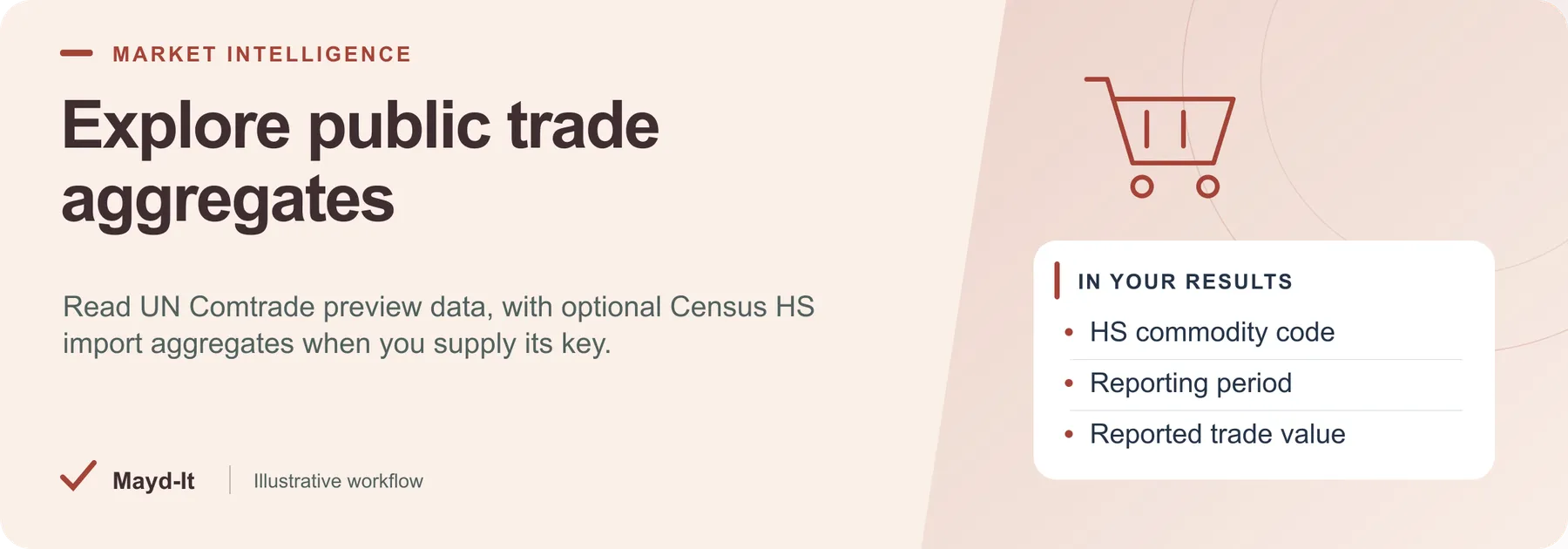
Explore public trade aggregates
For trade researchers, collect commodity and country aggregates from public statistical sources without treating them as shipment records.
Coverage: Keyless UN Comtrade preview by default. Optional Census HS import aggregates require a free Census API key. No bills of lading are returned.
Open this Actor in Console · First run · Results · Cost · Full guide
Try this Actor
- Use the existing Comtrade defaults and keep the maximum saved-row cap small. Add Census only after supplying its required key.
- Review aggregate rows in the run's dataset and read
SUMMARYfor source status, completeness and stop reasons.
Read the results correctly: These rows do not identify individual shipments, importers or consignees. With soft-fail enabled, a successful run can still contain no collected data.
Result preview
The dataset view highlights these columns:
- Aggregate record type ·
recordType - Commodity code ·
commodityCode - Reported trade partner ·
partner - Reporting period ·
period - Reported trade value ·
value - Statistical source ·
source
Use the original source links and the field definitions below when interpreting the results. CSV works well for flat columns; JSON preserves nested values.
Usage and pricing
Base result rate on the FREE tier: $3 per 1,000 results. The Pricing tab shows your plan's result rate and any Actor Start charge. Set a small result limit for the first run; the requested limit is not a guarantee of that many results.
Full guide
Honest scope: this Actor returns public trade aggregates, not bills of lading. Default source is UN Comtrade public preview (keyless). Optional Census Bureau HS import aggregates need a free Census API key. True BOL / ImportYeti-class scrapers are outside this Actor’s supported scope.
Defaults (no paid keys)
| Input | Default | Behavior |
|---|---|---|
sources | ["comtrade"] | Keyless UN Comtrade preview |
reporterCode | 842 (USA) | Comtrade reporter |
cmdCode | TOTAL | World aggregate; when maxItems > 1 also expands a few HS2 chapters |
censusApiKey | empty | Census source skipped unless you supply a free key |
Without any key you still get real Comtrade aggregate row(s). Census is soft-fail / optional only.
What you will not get
- Individual bills of lading, consignee lists, or vessel manifests
- ImportYeti / Panjiva / commercial BOL HTML scrapes
Source failures
Complete source failure fails the run by default. Explicit softFail: true keeps the run successful with zero dataset rows and SUMMARY.status = source_failed; diagnostics are stored only in SUMMARY. A genuine empty query succeeds with an empty dataset and a warning.
Result accounting
Only real source records are written to the dataset. SUMMARY.total counts saved rows. A dataset spending cap stops further writes and sets SUMMARY.stoppedOnChargeLimit and SUMMARY.incomplete. Source failures and time limits are reported in the summary; they do not generate substitute result rows.
Help with your run
Open the Issues tab on this Actor with the run URL, the input field that caused trouble and what you expected to receive. Remove API keys and private information before posting.
Understand your run
Open Run report in the run’s Output tab for saved-record counts, reported source issues and limits, and suggested next steps. Use CSV export to take the saved results into a spreadsheet. The existing JSON results and detailed machine-readable summary remain available.
The report reflects this run’s recorded coverage. A successful run or a saved result does not establish that every possible source record was collected.


