

🚙All Car Data Scraper Australia
Pricing
$0.50 / 1,000 results
🚙All Car Data Scraper Australia
Searches 6 major Australian car sites (carsales.com.au, autotrader.com.au, carsguide.com.au, pickles.com.au, drive.com.au, justcars.com.au) for new and used vehicle listings by make/model and returns normalized results from each in one dataset.
Pricing
$0.50 / 1,000 results
Rating
5.0
(1)
Developer

MrDoe
Maintained by CommunityActor stats
0
Bookmarked
5
Total users
1
Monthly active users
20 hours ago
Last modified
Categories
Share
🦘 All Car Data Scraper Australia
Search 6 major Australian car sites at once — one make/model, one run, one dataset.
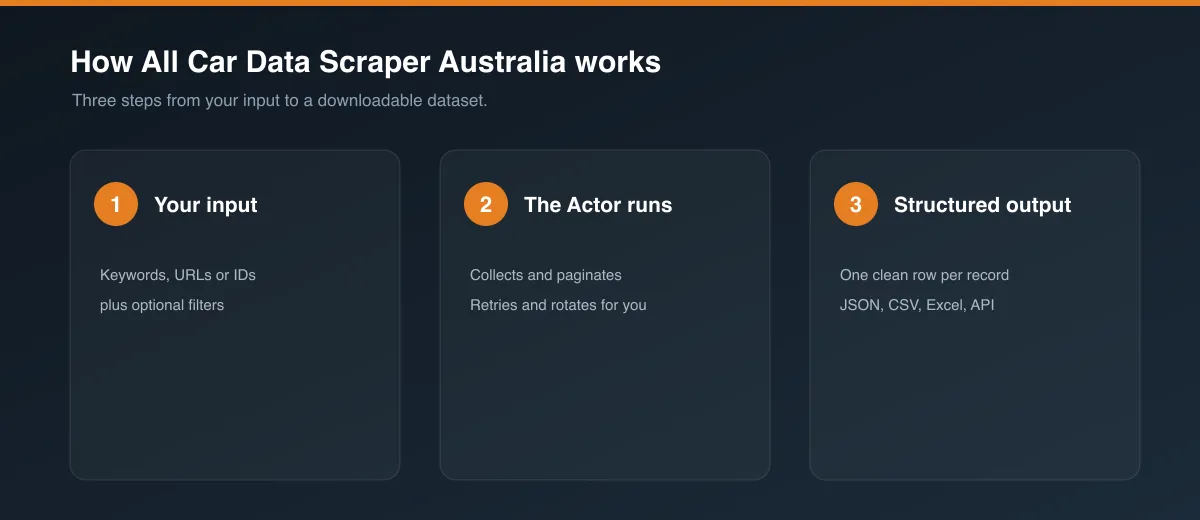
Instead of running six separate scrapers and stitching the results together yourself, this car market data API queries carsales.com.au, autotrader.com.au, carsguide.com.au, pickles.com.au, drive.com.au, and justcars.com.au in a single run and returns listings from all six marketplaces in one normalized dataset — same field names, same structure, regardless of which site it came from. Ask for a used Ford Ranger and every site with matching stock contributes to the same result set (5 listings per site by default — raise or remove that limit in the input if you want deeper coverage). Built as a vehicle listings dataset for Australia and a competitor price monitoring tool at a scale a single-site scraper can't cover.
🇦🇺 Part of the Australia Car Data Scraper collection
Only want used inventory? Use Used Car Data Scraper Australia instead — same 6 sites, used/second-hand listings only, no condition filter to configure.
Each site below also exists as its own standalone, independently-maintained actor in case a single-site scraper is all you need (cheaper to run if you genuinely only care about one site):
- Carsales.com.au Car Data Scraper
- AutoTrader.com.au Car Data Scraper
- CarsGuide.com.au Car Data Scraper
- Pickles.com.au Car Data Scraper
- Drive.com.au Car Data Scraper
- JustCars.com.au Car Data Scraper
This actor doesn't call or depend on any of them — it's a fully separate implementation.
🧑💼 Who uses this
- Car dealers using this as a competitor price monitoring tool across every major Australian marketplace at once, not just one
- Market researchers building a vehicle listings dataset for Australia to track used and new car price trends across the whole market
- Classified sites, dropship platforms & marketplaces aggregating listings from multiple sources into one feed
- Investors & analysts studying vehicle depreciation and demand across sites, makes, and models
- Developers using this as a car market data API on top of six sites without maintaining six separate integrations
✨ Why use this instead of six separate scrapers
- 🔎 One search, six sites —
make/model/year/price filters apply everywhere at once, so you get one clean comparison set instead of six inconsistent ones. - 💾 Skips repeat work — an identical search run recently is served instantly from cache instead of re-scraping everything. ⚠️ Cached results never expire on their own — a repeat search returns the exact same data until you turn "Use cached results" off, so don't mistake identical numbers for a stuck run; force a fresh scrape whenever you specifically need current data.
- 🔔 Notifies you when it's done — optional Slack/Discord webhook, no extra credentials needed, so you don't have to babysit the run.
- ⚡ Built for speed — every site is queried at the same time, and none of them needs a real browser, so a run finishes in seconds, not minutes.
- 🆕 New and used, one toggle — most sites here carry both new and used inventory; a single
conditionfilter applies it consistently across all of them instead of you having to know each site's own filter quirks. - 🖼️ Photos included — listing images are pulled through to the output wherever the site has one.
- 🧩 Resilient by design — one site failing or getting temporarily blocked never brings down the other five; you still get everything the rest could find.
🗺️ Sites covered
| Site | Inventory | Default on |
|---|---|---|
| carsales (carsales.com.au) | New & used | ✅ |
| autotrader (autotrader.com.au) | New & used | ✅ |
| carsguide (carsguide.com.au) | New & used | ✅ |
| pickles (pickles.com.au) | Used only (auction marketplace) | ✅ |
| drive (drive.com.au) | New, used & demo | ✅ |
| justcars (justcars.com.au) | Classic, vintage & unique cars | ✅ |
All 6 sites are plain HTTP/JSON API calls under the hood — none of them needs a real browser — so every site runs by default and a full run stays fast. One site failing or getting temporarily blocked never affects the others — every site is independently retried and fully isolated from the rest of the run.
💰 Pricing
Every site here is queried with plain HTTP requests — no browser is launched for any of the 6 — so this actor runs on comparatively few Apify compute units per listing given it covers six sites at once. See the Pricing tab on this actor's Store page for current rates before running at scale.
⚙️ Input
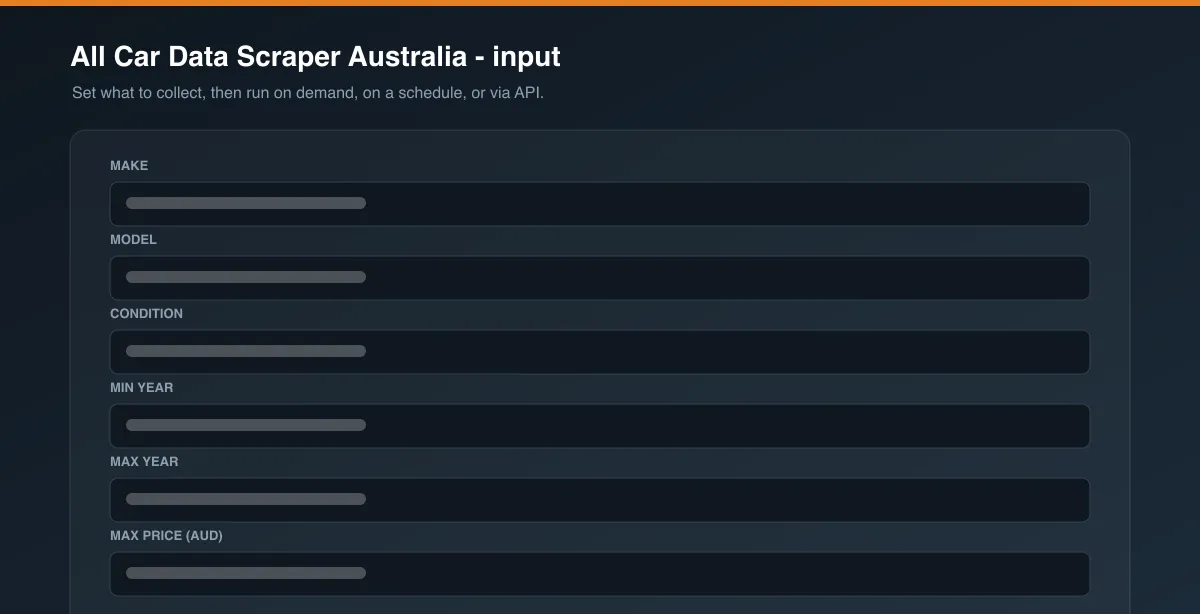
Only make is required — everything else has a sensible default, grouped into sections so the input form stays simple unless you need to go further.
🔍 Search
| Field | Type | Description |
|---|---|---|
make | string | Required. e.g. "Ford". |
model | string | Optional. e.g. "Ranger". Leave blank to search all models of the make. |
condition | string | "any" (default), "new", or "used". "New only" skips pickles.com.au, since it's a used/auction-only marketplace; "used only" still queries all 6, since every site has used stock. |
yearMin / yearMax | integer | Optional year range, where supported. |
priceMax | integer | Optional max price (AUD), where supported. |
🌍 Sites & result limits
| Field | Type | Description |
|---|---|---|
sites | array | Which sites to query — one checkbox per site. Defaults to all 6. |
maxItemsPerSite | integer | Stop each site once this many listings are collected. Default 5. Set to 0 for "no limit" (up to a 5,000/site safety ceiling). |
Every site is queried at the same time from the moment the run starts, so results come back roughly as fast as the quickest sites can deliver them, and the total run time doesn't stack up site by site.
⚡ Caching
| Field | Type | Description |
|---|---|---|
useCache | boolean | Default true. If an identical search (same make/model/filters/sites/limit) was already run before, instantly return those stored results instead of re-scraping every site again. Cached results never expire on their own — turn this off if a specific run needs to force a fresh scrape. |
⚠️ Cached data doesn't refresh automatically. Re-running the exact same search (same make/model/condition/year/price/sites/limit) will keep returning the same stored results — even hours or days later — until you set
useCachetofalsefor that run. If prices or listings look "stuck," this is why; it isn't a scraping failure.
The cache persists across runs, keyed to the exact search (make/model/condition/year/price/sites/limit, case-insensitive). Change any of those and it's a cache miss — a fresh scrape — by design.
🔔 Notifications
| Field | Type | Description |
|---|---|---|
slackWebhookUrl | string | Optional. Posts a summary (result count per site, or errors) here when the run finishes. Create one under Slack → Apps → Incoming Webhooks. |
discordWebhookUrl | string | Optional. Same summary, posted to a Discord channel. Create one under a channel's Integrations → Webhooks settings. |
Both are plain webhook POSTs — no extra credentials needed from you beyond the URL itself, and a failed webhook post never fails the run.
🛡️ Proxy
| Field | Type | Description |
|---|---|---|
proxyConfiguration | object | Required. Most of these sites block or rate-limit non-proxied traffic. Defaults to an AU-targeted residential proxy. |
📦 Output
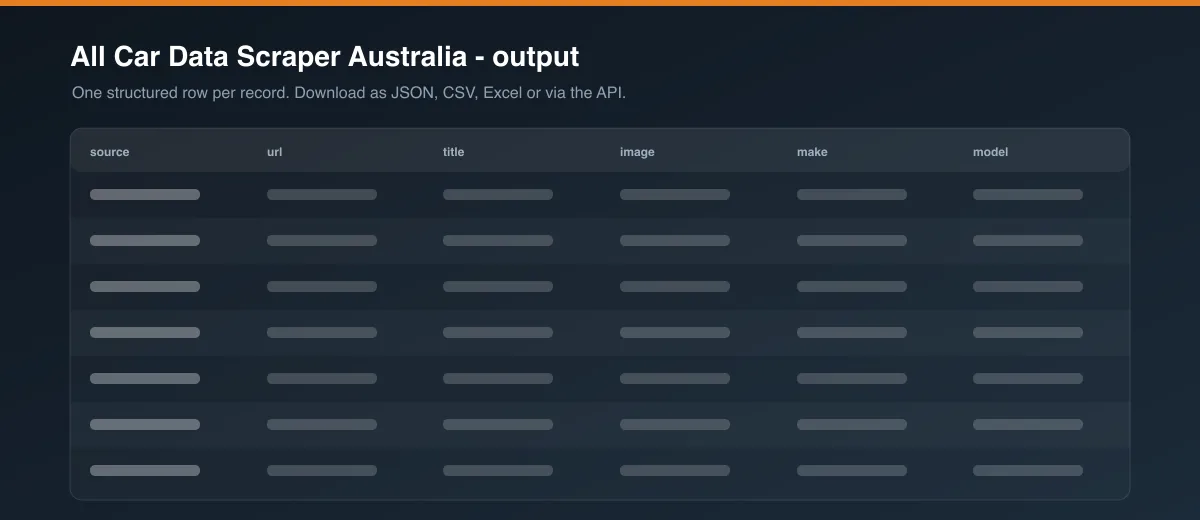
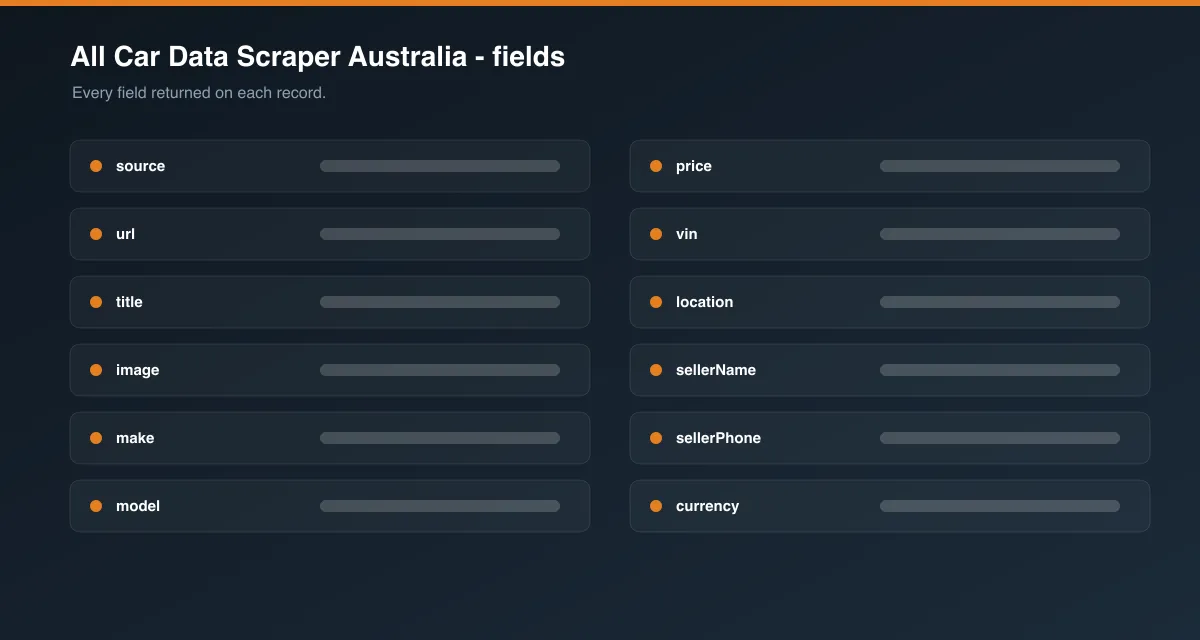
One row per listing, normalized to the same shape regardless of source site — fields are ordered for how a shopper would actually scan a listing:
Not every field is available from every site — null means that particular site doesn't expose that field (or it wasn't available for that listing), not a scraping error. Dealer name/phone are currently only reliably populated by autotrader and carsguide (both share the same underlying dealer data). condition reflects each site's own new/used classification where the site exposes it per-listing; carsales only tags condition when a specific "new" or "used" filter is requested (its own search page doesn't carry a per-item condition field on a mixed "any" search).
📝 Notes
- An Australian residential proxy is recommended — most of these sites block or rate-limit non-proxied traffic at any real volume.
condition: "new"narrows results but doesn't change which sites are queried unless a site is exclusively used-only (pickles.com.au) — that one is skipped automatically rather than returning an empty result set.- pickles.com.au is an auction marketplace —
priceisnullfor listings where the auction hasn't started or received a bid yet, which reflects the site's own data, not a scraping gap. - justcars.com.au specializes in classic, vintage, and unique cars — searching for a common modern make/model (e.g. a current-generation Ford Ranger) can legitimately return 0 results from that one site while the others return plenty.
❓ FAQ
Is this actor affiliated with carsales.com.au, autotrader.com.au, or the other sites it queries? No. This is an independent, unofficial scraper built on Apify — it isn't operated by, endorsed by, or affiliated with any of the 6 sites it searches.
Do I need to know how to code? No. Fill in make/model, click "Start", and download results as JSON, CSV, or Excel from the run's Dataset tab.
Is scraping this data legal? This actor only collects publicly visible listing data. You're responsible for how you use the output — check each site's terms of service and applicable law for your specific use case.
How much does this cost to run? None of the 6 sites need a browser, so per-listing compute cost stays low even though six sources are queried. See the Pricing tab on the Store page for exact current rates.
How is this different from the single-site actors? Each site also has its own standalone actor (linked above), which is cheaper to run if you genuinely only need one source. Use this actor when you want all 6 in one normalized dataset instead of running and merging six runs yourself.
Can I schedule this to run automatically? Yes — use Apify's built-in Scheduler to run this actor on a recurring basis (hourly, daily, weekly) with no code, so your cross-site dataset stays current without manual runs.
Why does one site return fewer results than the others? Real inventory varies site to site for any given make/model — a niche marketplace like justcars.com.au (classic/vintage cars) will naturally have less (or zero) stock of a mainstream modern model than a general marketplace like carsales.com.au, and that's expected, not a bug.
I only want used listings — is there a simpler version? Yes — see Used Car Data Scraper Australia, linked above.
Preview
![Gumtree $1.75💰 [AUS-UK-SA] Search By URL or Keywords avatar](https://images.apifyusercontent.com/kgmlrObtAUBzodAVIvIlEOYc5nL28EawQHmrI3258Tk/rs:fill:76:76/cb:1/aHR0cHM6Ly9hcGlmeS1pbWFnZS11cGxvYWRzLXByb2QuczMudXMtZWFzdC0xLmFtYXpvbmF3cy5jb20vbmduOHZSRVNUa3NleVdFNnAtYWN0b3ItSG9wcTN5ZWJXRVRkVko0d0EtaDJ2ZVBuZ3RGMC1ndW10cmVlLnBuZw.webp)


![Autotrader.com.au [$1💰] Australia Search & Details Scraper🇦🇺 avatar](https://images.apifyusercontent.com/pCkelbtHnioCVauMT6DM9tGYD81m-FmuhD-rXFDHMC4/rs:fill:76:76/cb:1/aHR0cHM6Ly9hcGlmeS1pbWFnZS11cGxvYWRzLXByb2QuczMudXMtZWFzdC0xLmFtYXpvbmF3cy5jb20vbmduOHZSRVNUa3NleVdFNnAtYWN0b3ItYWFINGlJOWIwc2dNNkNWeVMtanhmc2ZZeEVBWi1hdXRvdHJhZGVyLWF1cy5wbmc.webp)


