

Bet CLV Tracker: Closing Line Value vs Sharp Odds
Pricing
from $0.80 / 1,000 results
Bet CLV Tracker: Closing Line Value vs Sharp Odds
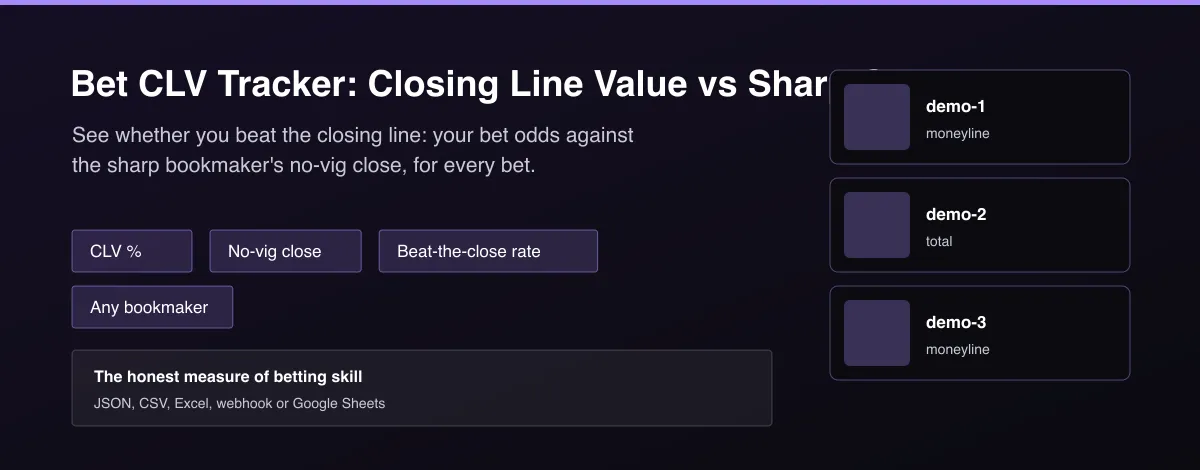
Measure closing line value for your bets. Compare each bet's odds with the sharp bookmaker's no-vig closing price: CLV %, whether you beat the close, and expected value at close, plus a summary across all bets.
Pricing
from $0.80 / 1,000 results
Rating
0.0
(0)
Developer

MrDoe
Maintained by CommunityActor stats
0
Bookmarked
2
Total users
1
Monthly active users
2 days ago
Last modified
Categories
Share
What does Bet CLV Tracker: Closing Line Value vs Sharp Odds do?
Bet CLV Tracker grades your bets against the closing line. You give it a list of bets with decimal odds and one or more bookmaker odds datasets captured just before the games started. It matches each bet to its game, removes the margin from the sharp bookmaker's closing price to get the fair closing odds, and returns closing line value as a percent, whether you beat the close and the expected value at close. A summary record gives the average CLV and the share of bets that beat the closing line.
Why use Bet CLV Tracker: Closing Line Value vs Sharp Odds?
- CLV is the fastest signal of long-term betting edge.
- Uses the sharp bookmaker's no-vig close, not a raw price.
- Matches bets to games across bookmakers despite name differences.
- Summary with average CLV and beat-the-close rate.
- Works with the odds datasets you already collect.
What makes this different
Most CLV tools are closed apps tied to one sportsbook import. This Actor takes plain bets and any bookmaker odds datasets, uses a proportional no-vig closing price from the sharp book you choose, and gives per-bet CLV plus a summary you can chart or store.
How it works
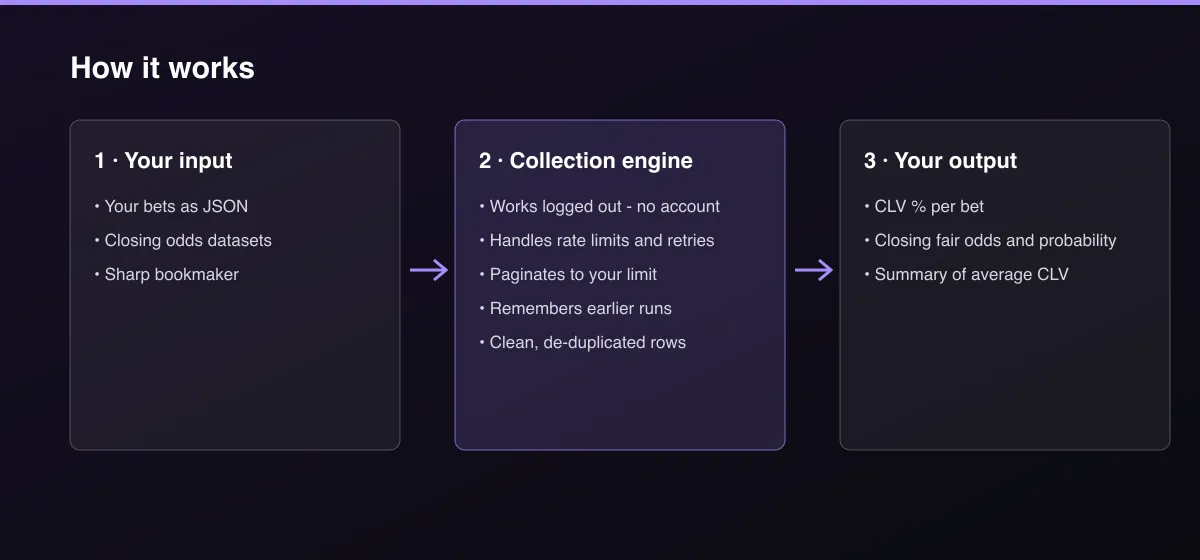
- Your input — paste your bets and pick the closing-odds datasets.
- The Actor collects it — the Actor matches each bet to its game and removes the sharp book's margin.
- Your output — you get CLV per bet and a summary record.
What data can you extract?
The dataset has 17 fields per row:
| Field | Type | Description |
|---|---|---|
id | string | Your bet id. |
event | object | Home, away and start time. |
market | string | moneyline or total. |
line | number | Total line. |
selection | string | home, draw, away, over or under. |
bookmaker | string | Bookmaker you bet with. |
betOdds | number | Your decimal odds. |
stake | number | Your stake. |
status | string | matched, no-closing-price, incomplete-closing-market, or not-a-closing-snapshot. |
closingOdds | number | Sharp bookmaker raw closing odds. |
closingFairOdds | number | No-vig fair closing odds. |
closingFairProbability | number | No-vig fair closing probability. |
clvPercent | number | Closing line value in percent. |
beatClosingLine | boolean | True when CLV is positive. |
expectedValueAtCloseUnits | number | Expected value at the close in stake units. |
hoursBeforeKickoff | number | Hours between the closing quote's scrapedAt and kickoff (negative if scraped after kickoff); null when unknown. |
demo | boolean | True for the built-in sample. |
How to use Bet CLV Tracker: Closing Line Value vs Sharp Odds
- Open the Actor and go to the Input tab.
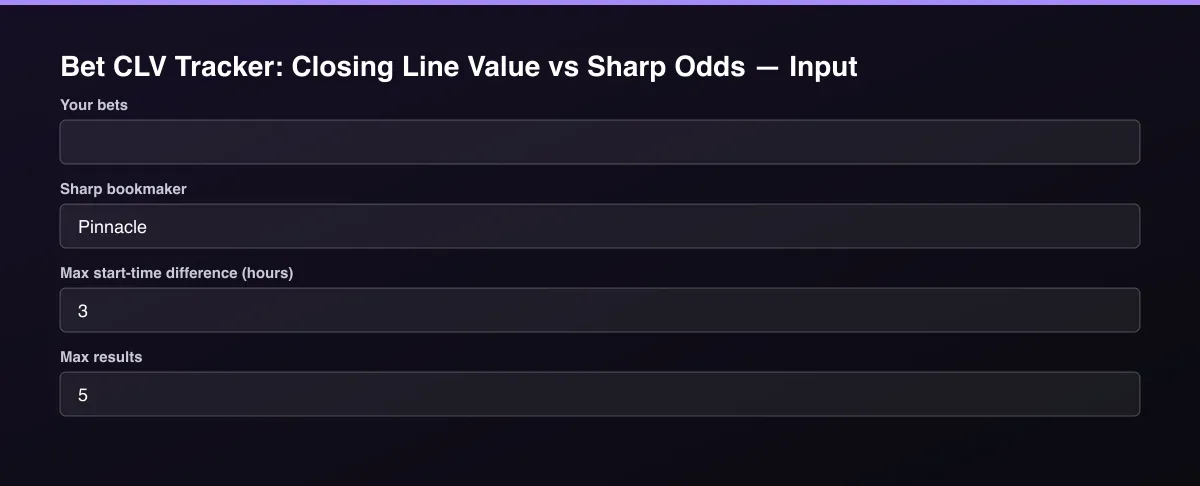
- Paste your Bets as JSON, pick the closing Odds datasets, and press Start. With no input it runs a built-in sample.
- Optionally set filters and a Max results limit.
- Click Start. A default run finishes in under a minute.
- Open the Output tab, then download the dataset or connect it to your tools.
Input Parameters
| Parameter | Type | Required | Default | Description |
|---|---|---|---|---|
bets | array | No | [] | Bets to grade, as JSON. Each needs home, away, market (moneyline or total), selection (home, draw, away, over, under) and decimal odds; optional startTime, line (for totals), stake, bookmaker and id. Example: {"home":"Arsenal","away":"Chelsea","market":"moneyline","selection":"home","odds":2.2,"stake":10}. Leave empty to try a built-in sample. |
oddsDataset1 | string | No | — | Closing odds: a dataset from a bookmaker odds Actor run taken just before the games start (it must include the sharp bookmaker). |
oddsDataset2 | string | No | — | Another dataset of the same kind. |
oddsDataset3 | string | No | — | Another dataset of the same kind. |
oddsDataset4 | string | No | — | Another dataset of the same kind. |
sharpBookmaker | string | No | "Pinnacle" | Bookmaker whose no-vig closing price is the fair closing line. Must match the bookmaker field in the datasets. |
maxStartDiffHours | number | No | 3 | Listings count as the same match when start times are within this many hours. |
closingWindowHours | number | No | 6 | A sharp price is only treated as a genuine closing line when it was scraped within this many hours before kickoff (and not after kickoff). A snapshot outside this window is reported as not-a-closing-snapshot instead of being used as if it were the close. |
maxResults | integer | No | 5 | Maximum number of bets returned. Default is 5 for a quick test; set 0 to return everything available. |
Output Data
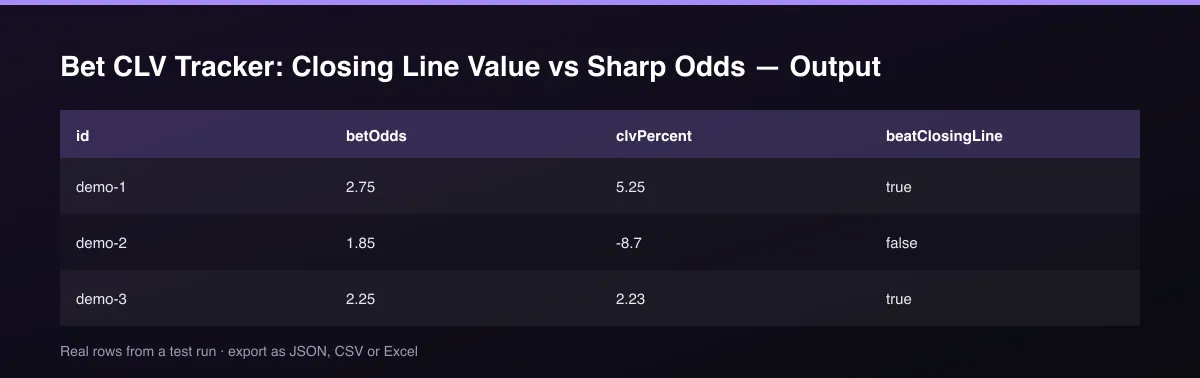
clvPercent is bet odds times the closing fair probability minus 1, as a percent: positive means you got a better price than the fair closing price. status is no-closing-price when the game or market was not found. A SUMMARY record in the key-value store has the average CLV and the beat-the-close percentage.
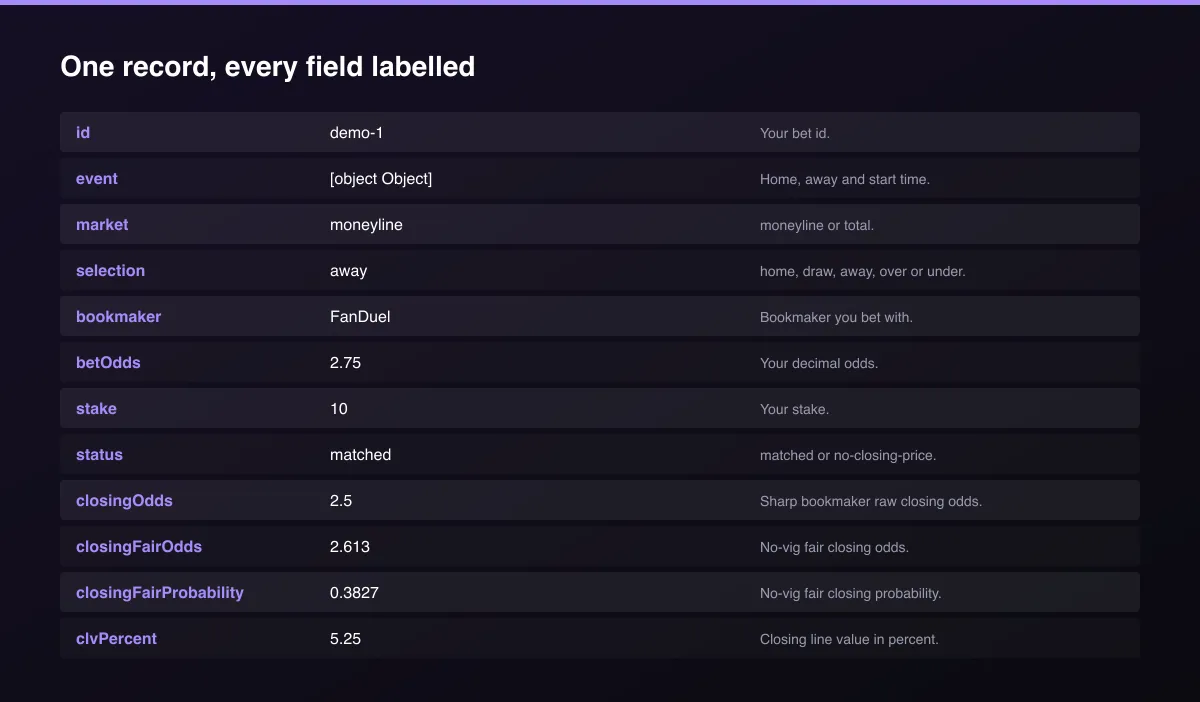
A real dataset item:
Usage Examples
Grade three bets
Use a different sharp book
Try the sample
Tips for Best Results
- Default is 5 results for a fast test. Set the max to 0 to return everything available.
Known Limitations
- Closing prices are only as close as the datasets you capture; run the odds Actors just before start times.
- Only moneyline and total bets are graded.
- Total bets need the same line as the sharp book's closing line.
- Team matching is fuzzy; unusual name differences can leave a bet unmatched.
- A closing price is only accepted when it was scraped within the configured window before kickoff (default 6 hours) and not after kickoff; a snapshot outside that window is reported as not-a-closing-snapshot rather than used as if it were the close.
- A three-way sport's closing quote missing its draw price is reported as incomplete-closing-market, not silently priced as two-way.
Integrations
Run it from the Apify API, on a schedule, or from a webhook. Send results straight to Google Sheets, Make, Zapier, Slack or your own database with Apify's built-in integrations.
Export Formats
Download the dataset as JSON, CSV, Excel, XML, HTML table or RSS from the Output tab or the API.
Frequently Asked Questions
Does it need an account or API key?
No. The Actor only needs the bets and odds datasets you provide.
Am I charged for failed results?
No. You are only charged for results that are written to the dataset.
Do I need an account or login?
No. The Actor only needs the bets and odds datasets you provide.
Am I charged for failed runs or empty results?
You are only charged for results that are actually written to the dataset.
Can I run it on a schedule?
Yes. Create a Task with your input and add a schedule in Apify Console. With monitor mode on, each scheduled run returns only what changed since the previous one.
Support
Questions or a missing field? Open an issue from the Issues tab on this Actor's page and it will be looked at.
Legal / Responsible Use
You are responsible for how you use these results, including compliance with bookmaker terms and the gambling laws that apply to you. This Actor is analysis only and does not place bets. Gambling is age-restricted; if you or someone you know has a problem, seek support such as BeGambleAware or 1-800-GAMBLER.


