

Glassdoor Jobs Scraper
Pricing
from $25.00 / 1,000 results
Glassdoor Jobs Scraper
Scrape job listings from Glassdoor across all Glassdoor country sites (US, UK, Canada, Australia, New Zealand, Ireland, India, Hong Kong, Singapore), including title, company, rating, location, salary, and posted date.
Pricing
from $25.00 / 1,000 results
Rating
0.0
(0)
Developer

MrDoe
Maintained by CommunityActor stats
0
Bookmarked
2
Total users
2
Monthly active users
20 hours ago
Last modified
Categories
Share
What does Glassdoor Jobs Scraper do?
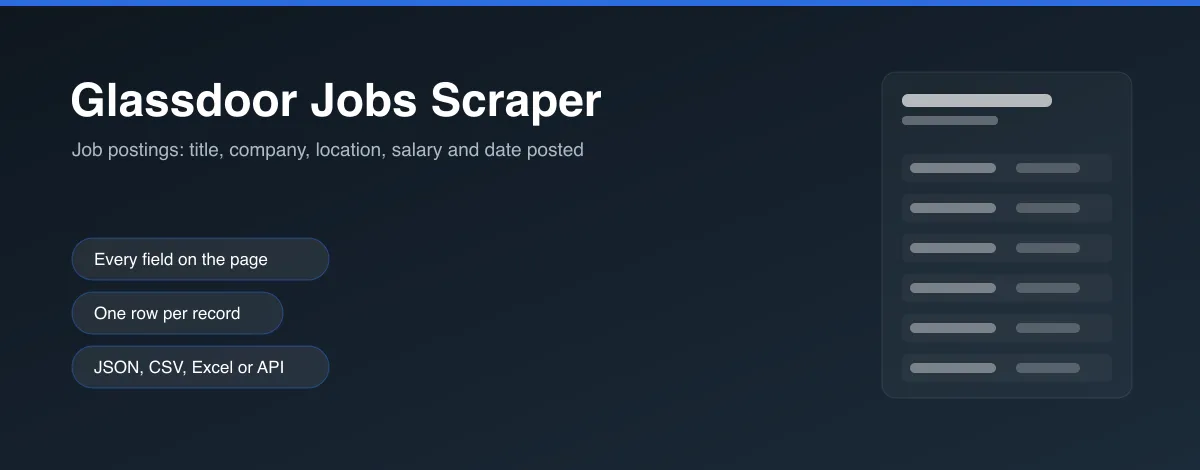
Glassdoor Jobs Scraper extracts job listings from Glassdoor across all nine Glassdoor country sites - title, company name, company rating, location, salary, posted date, easy-apply status, and a description snippet. Point it at a keyword/location/country or a Glassdoor search URL and it scrapes every listing on the results, following pagination automatically until it has enough.
Global coverage
Glassdoor only operates nine country sites (there's no separate .de/.fr/.nl/etc - every market shares the same English-language platform):
| Country | Domain |
|---|---|
| United States | glassdoor.com |
| United Kingdom | glassdoor.co.uk |
| Canada | glassdoor.ca |
| Australia | glassdoor.com.au |
| New Zealand | glassdoor.co.nz |
| Ireland | glassdoor.ie |
| India | glassdoor.co.in |
| Hong Kong | glassdoor.com.hk |
| Singapore | glassdoor.sg |
Pick one via the Country input, or paste a Start URL from any of them directly.
How to use Glassdoor Jobs Scraper
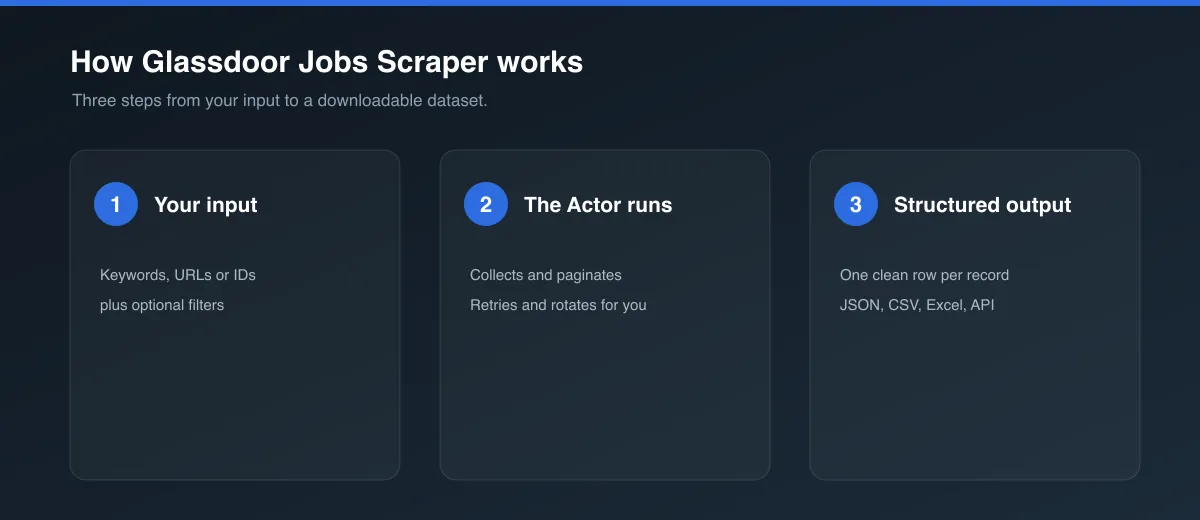
- Click Try for free (or Start) to open the Actor.
- Either:
- Set Keyword, Location, and Country to have the Actor build a search for you, or
- Go to a Glassdoor site, search for the role/location you want, and paste the resulting URL into Start URLs (this takes priority when set).
- Optionally set Max jobs per start URL and Max search result pages.
- Click Start and wait for the run to finish, then open the Dataset tab to view, filter, and export the results.
Input
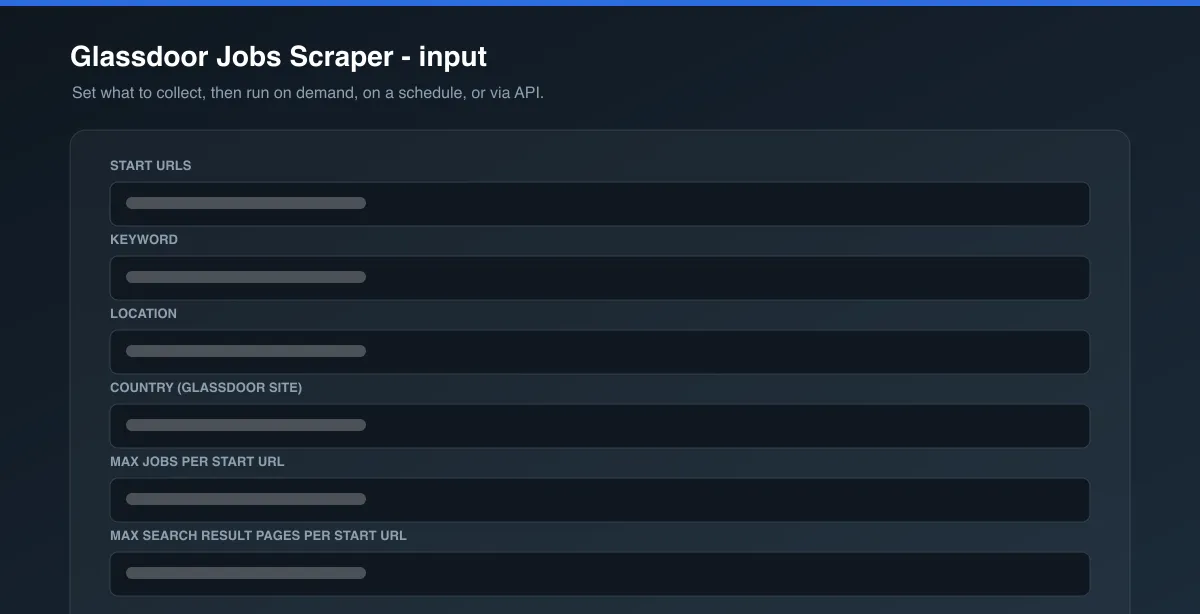
| Field | Type | Description |
|---|---|---|
startUrls | array (optional) | Glassdoor job search result page URLs on any of the nine domains above. Takes priority over keyword/location/country. |
keyword | string (optional) | Job title/skill/keyword. Used to build a search URL when startUrls is empty. |
location | string (optional) | Free-text location. Used to build a search URL when startUrls is empty. |
country | string (optional) | Which Glassdoor country site to search when building a URL. Defaults to us. |
maxItems | integer (optional) | Maximum job listings per start URL/search. Defaults to 50. |
maxPages | integer (optional) | Safety cap on search result pages to paginate through. Defaults to 10. |
scrapeJobDetails | boolean (optional) | Best-effort full-description enrichment - see Full descriptions vs. snippets below. Defaults to false. |
proxyConfiguration | object (required) | Proxy settings. Defaults to Apify Proxy's Residential group - Glassdoor blocks a majority of unproxied/datacenter-IP requests. |
See the Input tab for the full schema.
Output
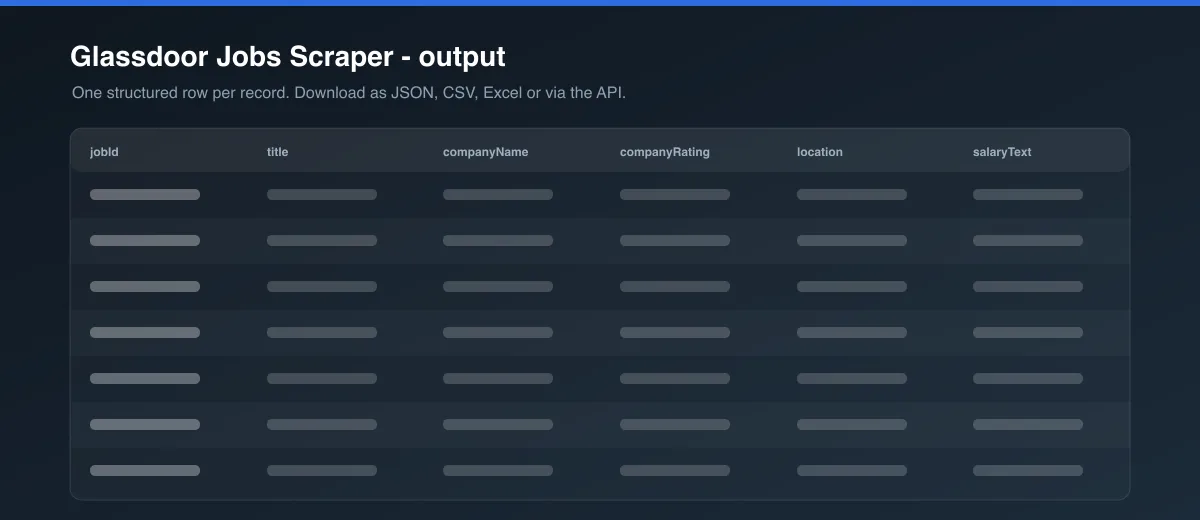
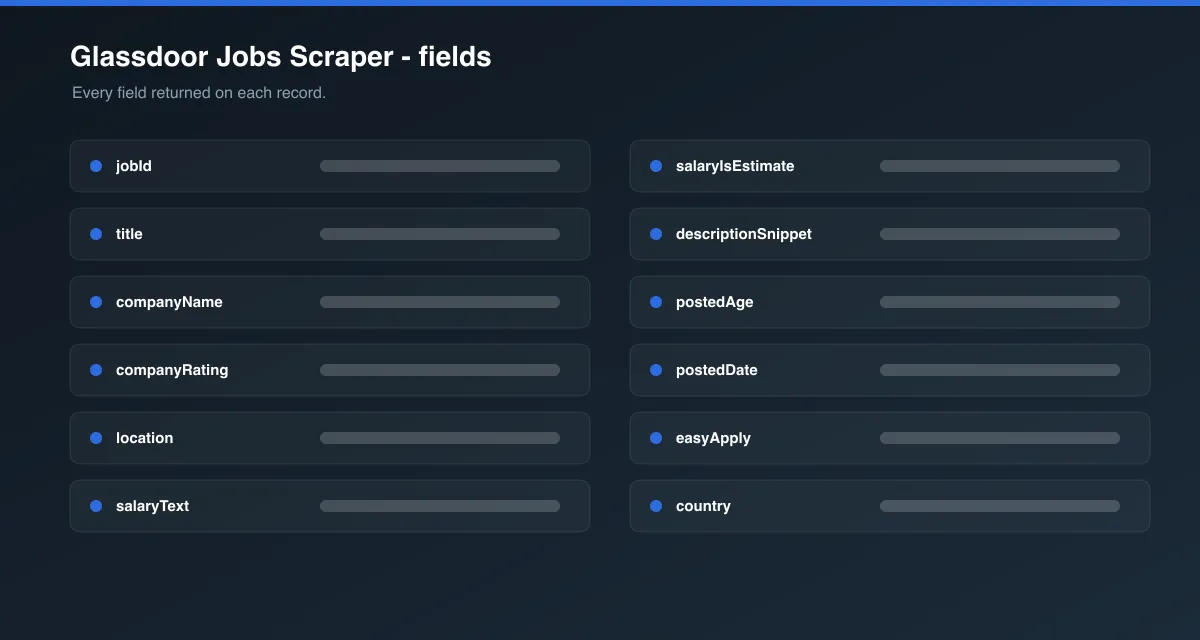
Each dataset item looks like this:
fullDescription stays null and fullDescriptionScraped stays false for every item unless Scrape full job descriptions is turned on - see below.
Data table
| Field | Description |
|---|---|
jobId | Glassdoor's internal job listing ID |
title | Job title |
companyName | Hiring company name |
companyRating | Company's Glassdoor rating out of 5, if shown |
location | Job location |
salaryText | Salary range as shown on the card |
salaryIsEstimate | true = Glassdoor-estimated salary, false = employer-provided, null = no salary shown |
descriptionSnippet | Truncated description shown on the search results card |
postedAge | Raw "how long ago posted" badge (e.g. "10d", "30d+") |
postedDate | postedAge converted to an approximate ISO date |
easyApply | Whether the listing supports Glassdoor Easy Apply |
country | Which Glassdoor country site the job came from |
url | Link to the live listing |
fullDescription | Full job description text, only populated when scrapeJobDetails is on and the detail page wasn't blocked |
fullDescriptionScraped | Whether fullDescription was actually obtained |
You can download the dataset in various formats such as JSON, HTML, CSV, or Excel.
Full descriptions vs. snippets
Glassdoor's search result pages are what this Actor scrapes by default, and they already carry title, company, rating, location, salary, easy-apply status, and a real (if truncated) description snippet for every job - all reliably, without needing a proxy.
Glassdoor's individual job-listing pages sit behind a much stricter Cloudflare interactive challenge than the search pages do, and even the search pages themselves block a majority of unproxied/datacenter-IP requests - that's why proxy is required and defaults to Apify Proxy's Residential group. Turning on Scrape full job descriptions makes the Actor visit each job's detail page for the untruncated text; when a detail page is blocked, the job is not dropped - it's still pushed to the dataset with its snippet data and fullDescriptionScraped: false. Expect a mix of hits and blocks on detail pages rather than a guaranteed 100% success rate, even with Residential proxy.
Cost estimation
With scrapeJobDetails off (the default), cost scales with the number of search result pages, not the number of jobs - each page returns up to 30 jobs in one browser page load. Turning it on adds one extra page load per job, most of which may be blocked.
Tips
- Add multiple start URLs (different roles, locations, countries) to cover more ground in a single run.
- Salary is only shown by Glassdoor when either the employer discloses it or Glassdoor has enough data to estimate it - many listings will have
salaryText: null. - Proxy is required and defaults to Residential; don't turn it off even for small runs.
FAQ, disclaimers, and support
This Actor only collects publicly listed Glassdoor data. It is not affiliated with or endorsed by Glassdoor. Respect Glassdoor's Terms of Service when using the scraped data. Found a bug or have a feature request? Use the Issues tab on this Actor's page. Custom scraper solutions are also available on request.


