

Houzz Contractor & Pro Scraper
Pricing
from $1.20 / 1,000 results
Houzz Contractor & Pro Scraper
Extract contractor and home-professional profiles from Houzz — business name, rating, reviews, phone, website, address, price range, license and years in business. Covers every trade: contractors, architects, designers, remodelers and more. Paste a directory URL and run.
Pricing
from $1.20 / 1,000 results
Rating
0.0
(0)
Developer

MrDoe
Maintained by CommunityActor stats
0
Bookmarked
2
Total users
1
Monthly active users
23 days ago
Last modified
Categories
Share
What does Houzz Contractor & Pro Scraper do?
Houzz Contractor & Pro Scraper collects home-professional and contractor profiles from Houzz, the largest platform for finding remodeling and building professionals in the US, UK, and Australia. Open a professional directory on the site — for a category, or a category plus a city — copy the URL, paste it into Start URLs, and run the Actor. You get back a clean, structured dataset of every listed professional — business name, category, rating and review count, phone, website, full address, price range, license and years in business — ready for lead lists, market research, or competitor analysis.
Why use Houzz Contractor & Pro Scraper?
- Every trade — general contractors, architects, kitchen and bath designers, home builders, remodelers, landscapers, electricians and more.
- Contact-ready data — business name, phone, website and mailing address in one row.
- Reputation signals — Houzz star rating and review count for each professional.
- Business detail — price range, license number and years in business where the profile shows them.
- Simple input — paste a directory URL, set how many results you want, run.
- Automation-ready — schedule recurring runs to track new professionals in a market.
What makes this different
This Actor reads the structured business data behind each Houzz profile, so name, rating, phone, website and address come through cleanly in one row rather than as scraped fragments. It routes through US residential connections so results match what a local visitor sees.
What data can you extract?
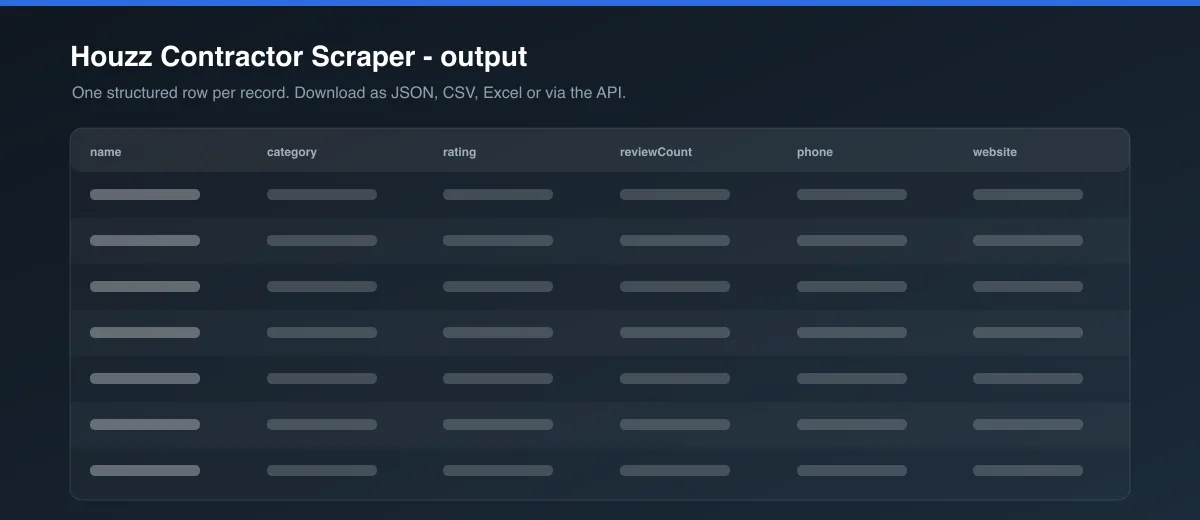
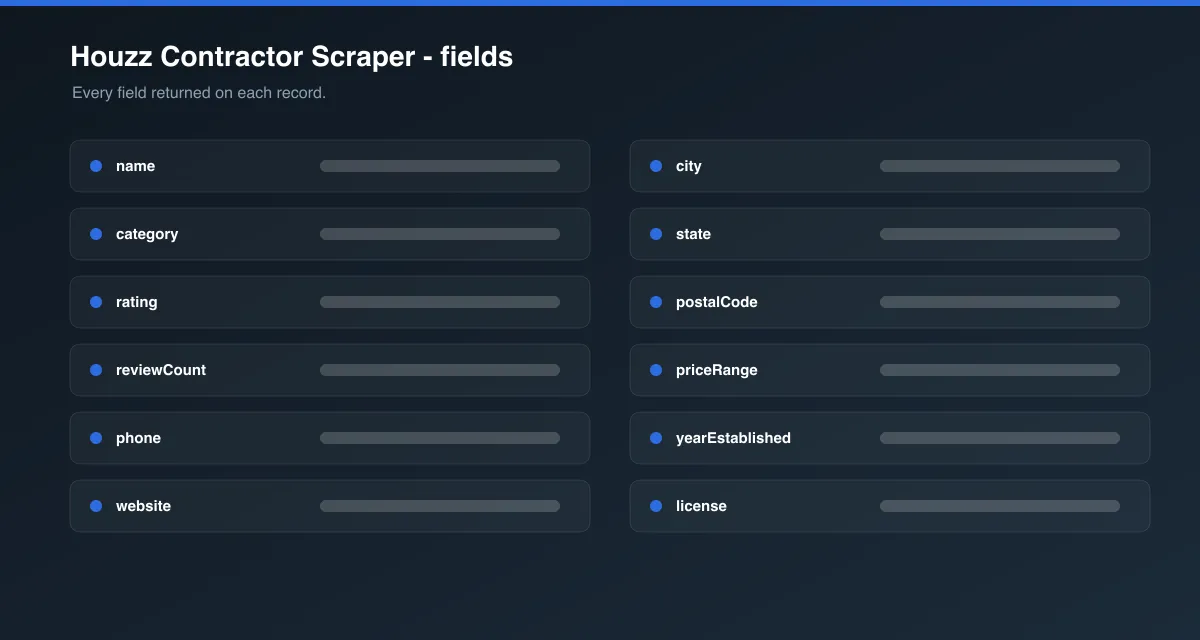
| Field | Description |
|---|---|
id | Houzz professional identifier |
name | Business name |
url | Houzz profile URL |
category | Primary professional category |
description | Profile "About" description |
rating / reviewCount | Houzz star rating and number of reviews |
phone | Business phone number |
website | Business website, where linked |
street / city / state / postalCode / country | Mailing address |
latitude / longitude | Map coordinates, where published |
priceRange | Houzz price-range indicator ($ – $$$$) |
areasServed | Service areas listed on the profile |
services | Services offered |
yearEstablished | Year the business started |
employees | Team size, where listed |
license | License number, where shown |
badges | Houzz badges (e.g. "Best of Houzz") |
imageUrl | Profile or cover image |
scrapedAt | ISO timestamp of collection |
How to use Houzz Contractor & Pro Scraper
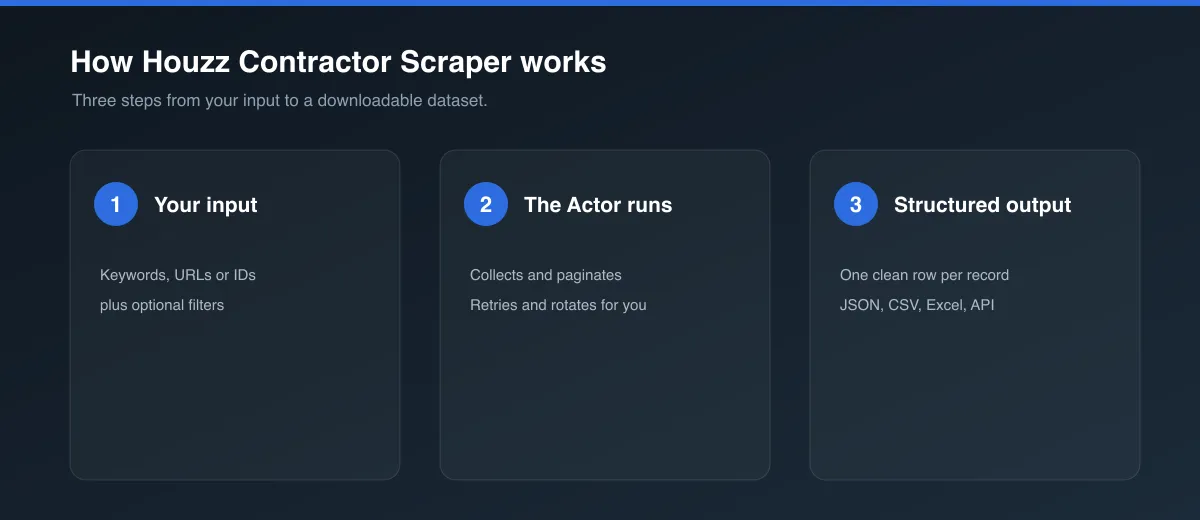
- Open houzz.com and browse to a professional directory (choose a category, then a location).
- Copy the URL from your browser's address bar.
- Open this Actor, paste the URL into Start URLs (you can add several).
- Set Max professionals per start URL — start small (3–5) to test, then raise it.
- Click Start and wait for the run to finish.
- Download the dataset as JSON, CSV or Excel from the Dataset tab, or connect it via API.
Input Parameters
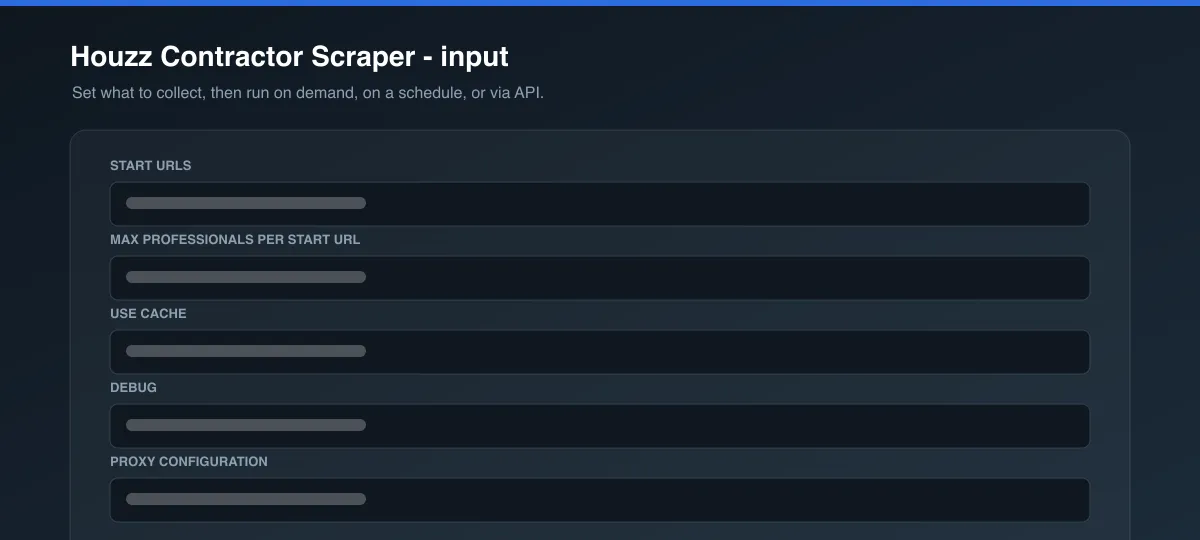
| Parameter | Type | Required | Default | Description |
|---|---|---|---|---|
startUrls | Array | Yes | General contractor directory | Houzz professional directory pages or direct profile URLs. |
maxItems | Integer | No | 5 | Maximum professional profiles to collect per start URL. |
useCache | Boolean | No | false | Reuse data collected for a professional in an earlier run. |
proxyConfiguration | Object | No | US residential | Proxy settings. Houzz blocks datacenter traffic, so US residential proxy is used by default. |
Output Data
Each dataset item is one professional. Example:
Usage Examples
- All general contractors:
https://www.houzz.com/professionals/general-contractor - Contractors in a city:
https://www.houzz.com/professionals/general-contractor/austin-tx-us - Architects:
https://www.houzz.com/professionals/architects-and-building-designers - A single professional: paste any
.../pro/...profile URL.
Tips for Best Results
- Use a category + city directory URL for the most relevant, local results.
- Add multiple directory URLs in one run (for example one per city) —
maxItemsapplies to each URL separately. - For ongoing lead generation, schedule the Actor and compare datasets over time to spot new professionals.
Known Limitations
license,yearEstablished,employeesandpriceRangeare only returned where the professional fills them in on their profile.websiteis returned only when the profile links out to one.- Very large directories are limited by the site's own pagination depth.
- Individual customer reviews are not collected; the aggregate rating and review count are.
Integrations
Connect results to Google Sheets, Make, Zapier, Slack or your CRM via the Apify API and webhooks. Schedule recurring runs from the Actor's Schedule tab.
Export Formats
JSON, CSV, Excel, XML and RSS via the Dataset tab or the Apify API.
Frequently Asked Questions
How many results can I get per run? As many as you set in maxItems, up to the directory's pagination limit. maxItems is per start URL.
Can I scrape a specific trade or city? Yes — pick the category and location on houzz.com and use the resulting directory URL.
Are duplicates removed? Yes. Each profile URL is only collected once per run.
Why are some fields null? The professional didn't publish that field on their Houzz profile. Missing values are always null, never guessed.
Does caching affect freshness? With useCache on, a professional already collected in a previous run is reused instead of re-fetched. Leave it off (the default) for current data.
Can I schedule it? Yes, from the Actor's Schedule tab, or via the API.
Support
Found a bug or a missing field? Open an issue from the Issues tab on the Actor's page and include the run ID and the input you used.
Legal / Responsible Use
You are responsible for ensuring your use of this Actor complies with Houzz's terms of service and all applicable laws. Profiles contain personal and business contact data; if you collect personal data you are responsible for complying with applicable privacy and data-protection laws (for example GDPR and CCPA) and for using that data lawfully, including for any marketing outreach.
Preview

![Houzz Pros [$2💰] Contractor & Designer Leads, Reviews, Emails avatar](https://images.apifyusercontent.com/2J6WBx0T7IrJ_RB0ss23iPtwwgvn_qlXIymaJZOjt2Y/rs:fill:76:76/cb:1/aHR0cHM6Ly9hcGlmeS1pbWFnZS11cGxvYWRzLXByb2QuczMudXMtZWFzdC0xLmFtYXpvbmF3cy5jb20vbmduOHZSRVNUa3NleVdFNnAtYWN0b3ItRWhmNXg5YlJEZFVQcE1sYnctSjNROXJWaUlZZi1ob3V6ei5wbmc.webp)


