
Lazada Product, Review & Seller Scraper
Pricing
from $45.00 / 1,000 results
Lazada Product, Review & Seller Scraper
Extracts real Lazada products, reviews, and seller profiles across Malaysia, Singapore, Indonesia, Philippines, Vietnam, and Thailand.
Pricing
from $45.00 / 1,000 results
Rating
0.0
(0)
Developer

MrDoe
Maintained by CommunityActor stats
0
Bookmarked
4
Total users
2
Monthly active users
6 hours ago
Last modified
Categories
Share
Lazada Product, Review & Seller Scraper
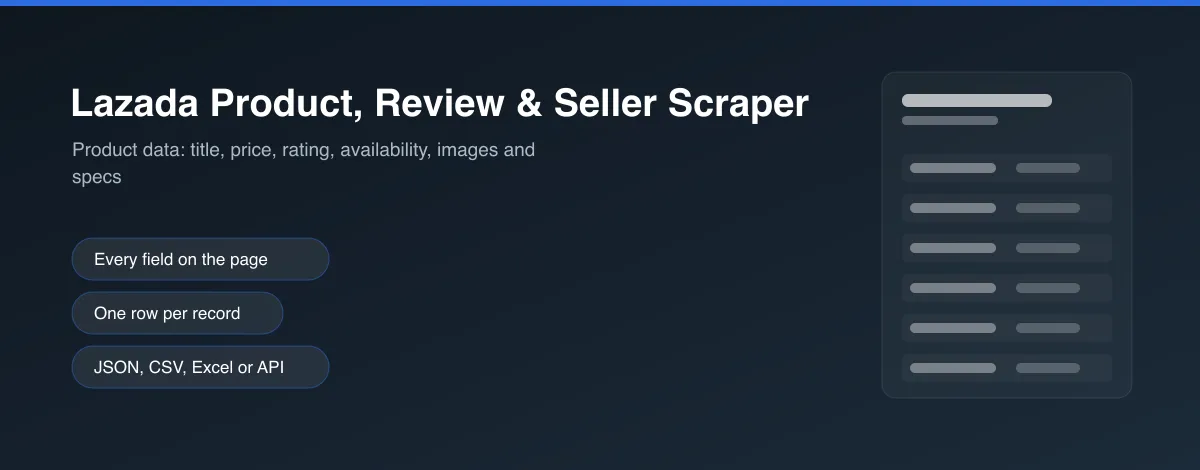
Scrape real Lazada products, reviews, and seller profiles - no coding, no manual copy-pasting. Get product name, price, discount, rating, and stock, real customer reviews with star ratings and seller replies, and seller trust stats (ratings, sold-by-store count, follower count), across every live Lazada market: Malaysia, Singapore, Indonesia, Philippines, Vietnam, and Thailand.
What does this Lazada scraper do?
This Actor searches Lazada directly - by keyword or specific product URLs - and pulls three kinds of data in one run:
- Products - name, price, original price, discount %, rating, review count, seller, brand, stock status, sold count, full description, category, and images.
- Reviews - star rating, review text, photos, purchase/review dates, the (masked) buyer name, and any seller replies.
- Sellers - shop name and URL, seller rating %, "sold by store" count, and follower count.
Run it across all 6 countries at once, or narrow it to specific markets. Run it on-demand, on a schedule, or trigger it via the Apify API - full run monitoring built in, with optional Discord/Slack notifications when a run finishes.
Why scrape Lazada?
- Price monitoring - track prices, discounts, and stock across products and sellers over time.
- Reputation & review analysis - see what customers actually say, star ratings, and how sellers respond.
- Competitive & market research - compare pricing and seller trust signals across all 6 Southeast Asian markets.
- Lead generation - build a structured dataset of active sellers (name, ratings, follower count) for outreach or market mapping.
How to use this Lazada scraper
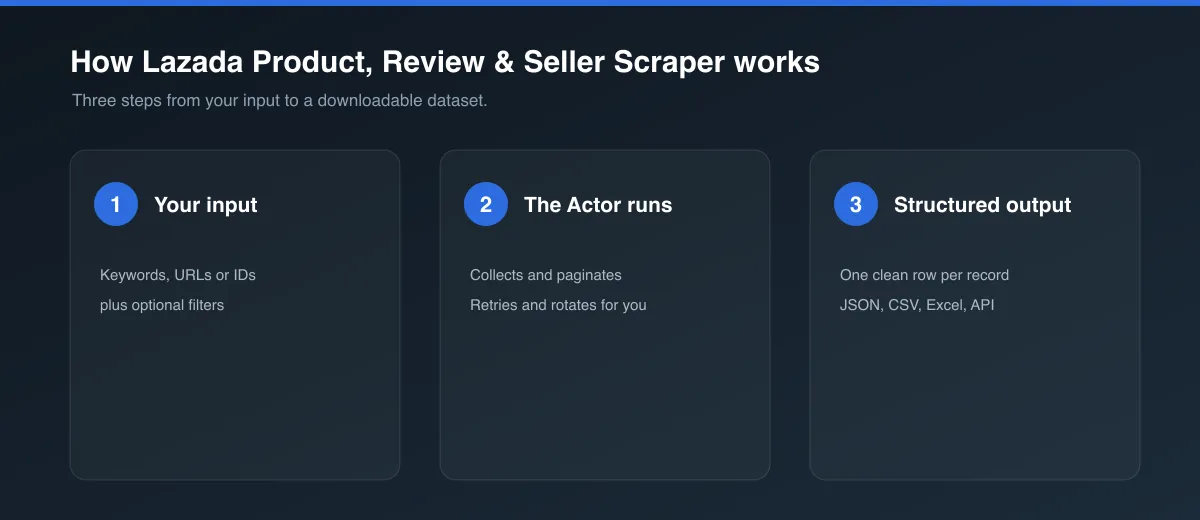
- Go to the Input tab.
- Leave Countries as "All countries" and Search queries as the default (
laptop) for a fast, cheap first run across every market. - Choose which Data types you want - Products, Reviews, Sellers, or any combination. All three by default.
- Click Start, then open the Dataset tab for your results - each row's
typefield tells you whether it's a product, review, or seller.
For specific products you already know, set Product URLs instead - it replaces search entirely and each URL's own domain determines its country.
Input
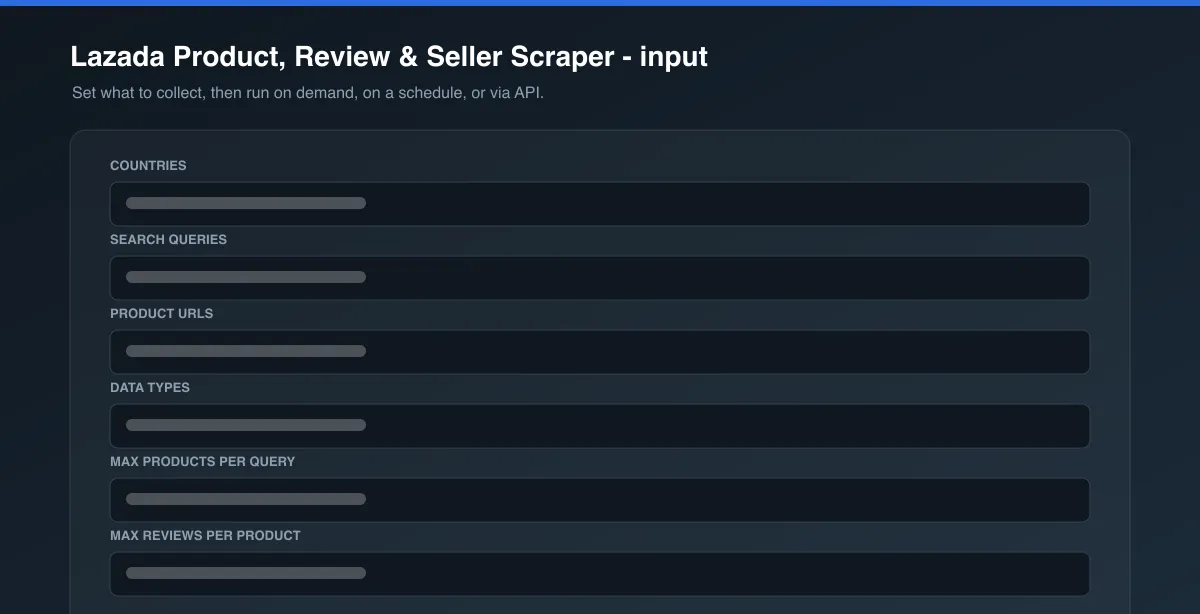
| Field | Type | Description |
|---|---|---|
countries | Array | Which Lazada countries to search (default: all 6). Ignored when productUrls is set. |
searchQueries | Array | Search terms to look up (default: ["laptop"]). Ignored when productUrls is set. |
productUrls | Array | Specific product URLs to scrape directly - replaces search entirely. |
dataTypes | Array | Which record types to collect: products, reviews, sellers (default: all three). |
maxItemsPerQuery | Integer | Max products per search query per country (default: 2, for a fast preview; 0 = unlimited). |
maxReviewsPerProduct | Integer | Max reviews saved per product (default: 2; 0 = unlimited). |
enableCache | Boolean | Reuse product/review/seller data fetched in a previous run instead of re-fetching. On by default. |
cacheTtlHours | Integer | How long a cached entry stays valid (default: 24). |
notificationWebhookUrl | String | Optional Discord or Slack incoming webhook URL. Posts a one-line run summary there when the run finishes. |
Example input - quick preview across all 6 countries:
Example input - full catalog search in one country, products only (fastest, cheapest):
Example input - deep-dive on specific products:
Output
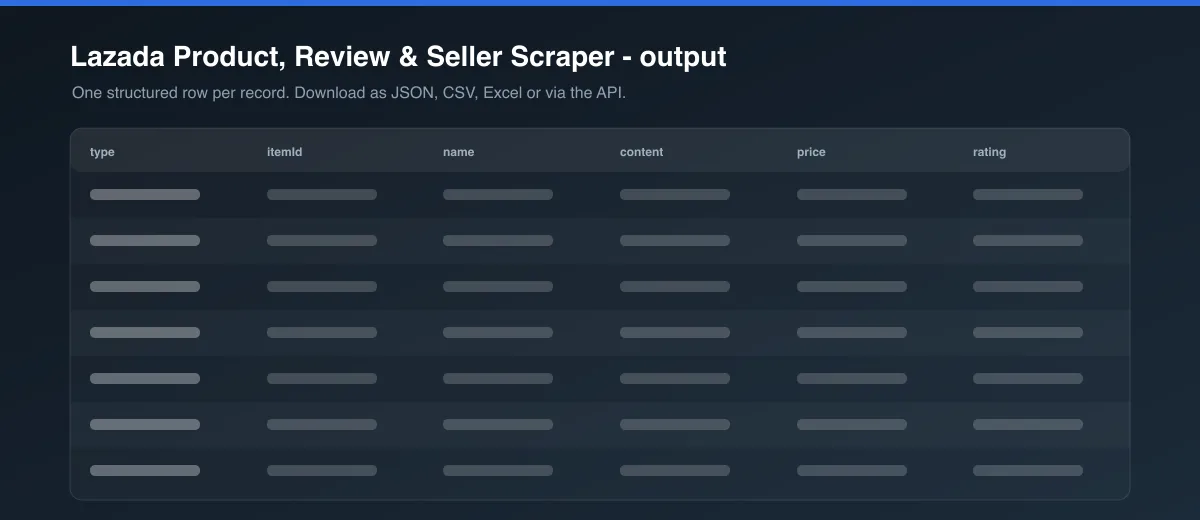
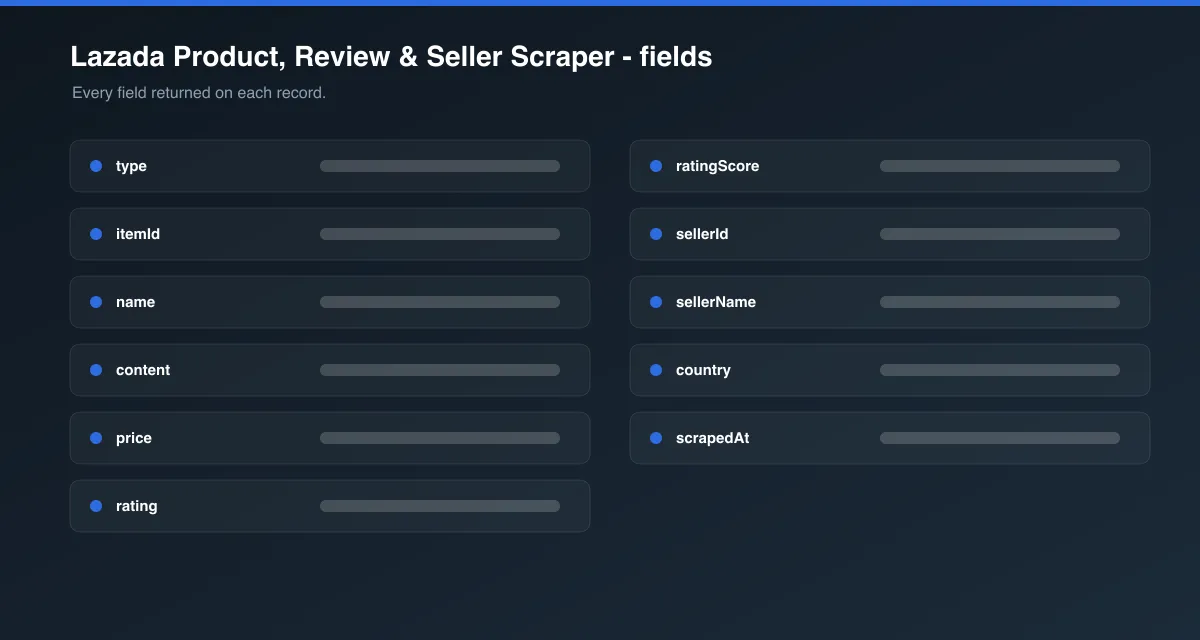
Each record is saved as one dataset item, tagged by type. A product:
a review:
and a seller:
You can download the dataset in various formats such as JSON, HTML, CSV, or Excel.
Data table
| Field | Description |
|---|---|
sku/itemId | Lazada's own item ID for the product. |
name | Product name. |
price | Current price - the sale price when the product is discounted. |
originalPrice | The pre-discount price, only set when the product is actually on sale (null otherwise). |
currency | Local currency code for the store's country (e.g. MYR, SGD, THB). |
sellerId | Which seller this product/review/seller record belongs to. |
country | Which of the 6 live Lazada markets this record came from. |
scrapedAt | Date (YYYY-MM-DD) this Actor captured the item. |
Pricing / Cost estimation
Products are the cheapest stage to collect. Reviews and sellers cost more: both need one real, country-matched browser page-load per product, since seller trust stats and the full review list aren't available from a plain request. Cost scales with how many products you scrape, not how many reviews they have. Enable cache to avoid paying that cost again for anything already scraped in a recent run.
Tips for better runs
- Leave the defaults (
maxItemsPerQuery: 2, Malaysia only, all data types) for a cheap first look at what this Actor returns. - Set Data types to just
productsfor the fastest, cheapest runs - it's the only stage that doesn't need a browser. - Use
productUrlsfor repeat/scheduled checks on specific listings you already track. - Use the Apify Schedule feature to re-run this Actor periodically and track price, review, or seller-rating changes over time.
FAQ
Is this legal? This Actor only collects publicly visible product, review, and seller data. You are responsible for using the data in accordance with Lazada's Terms of Service and any applicable laws in your jurisdiction.
Why do Reviews and Sellers need a browser but Products doesn't? Lazada's product-search API is open and unsigned, but its reviews endpoint sits behind Alibaba's own bot-risk system and only responds from inside a real browser session that already loaded that product's page - and seller trust stats simply aren't in any API response at all, only rendered client-side. Products alone stays a fast, browser-free scrape.
Why is originalPrice null for most products? It's only set when Lazada is actually running a discount on that item - full-price products report null rather than repeating the regular price.
Found a bug or have a feature request? Please use the Issues tab on this Actor's page - feedback directly shapes future updates.


