
Leboncoin Scraper: Listings, Prices & Seller Details
Pricing
from $70.00 / 1,000 ad (full description)s
Leboncoin Scraper: Listings, Prices & Seller Details
Scrapes listings from Leboncoin.fr, France's largest classifieds site, from your own search URL or specific ad URLs. Real estate, vehicles, electronics and more - price, location, photos, full attributes and seller details. No login or cookies needed.
Pricing
from $70.00 / 1,000 ad (full description)s
Rating
0.0
(0)
Developer

MrDoe
Maintained by CommunityActor stats
0
Bookmarked
2
Total users
1
Monthly active users
14 days ago
Last modified
Categories
Features
Share
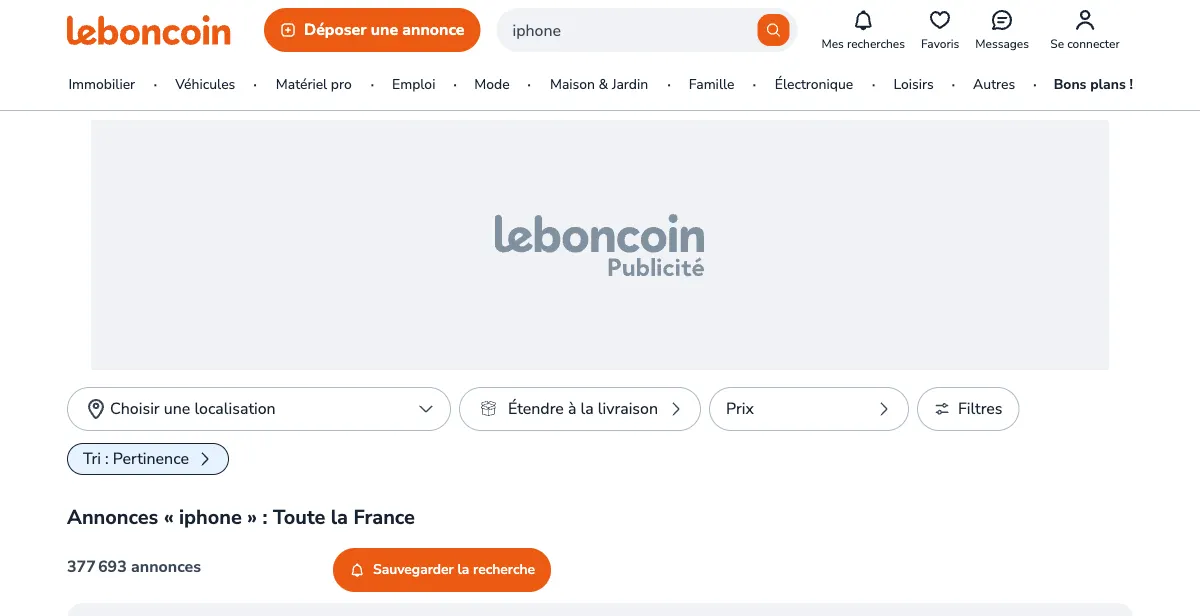
Turn Leboncoin's listings into structured data in minutes - no login, no browser extension, no pasting your own session cookies. Paste your own Leboncoin search URL (or a specific ad URL) and get price, photos, full attributes, location and seller details for every ad it finds, paged through automatically.
What does the Leboncoin Scraper do?
This Leboncoin Scraper collects ads from Leboncoin.fr, France's largest classifieds site, covering real estate, vehicles, electronics, jobs and every other category it carries. Set up your search on leboncoin.fr exactly the way you want it - category, keywords, price, location - then paste that search's URL in. The Actor pages through the results and returns every ad as clean structured data, already including price, every photo, the complete set of listing attributes, geolocation and seller details.
Need the full, long-form description text too? Turn on full details, or just paste an ad's URL directly, and that one extra field is added to the result.
Why use this Leboncoin Scraper?
- No cookies, no login required - other Leboncoin scrapers ask you to log in to your own account and paste your session cookies into the Actor. This one doesn't need any of that.
- Your own search, not a generic form - paste any Leboncoin search URL and keep every filter you set up on the site itself.
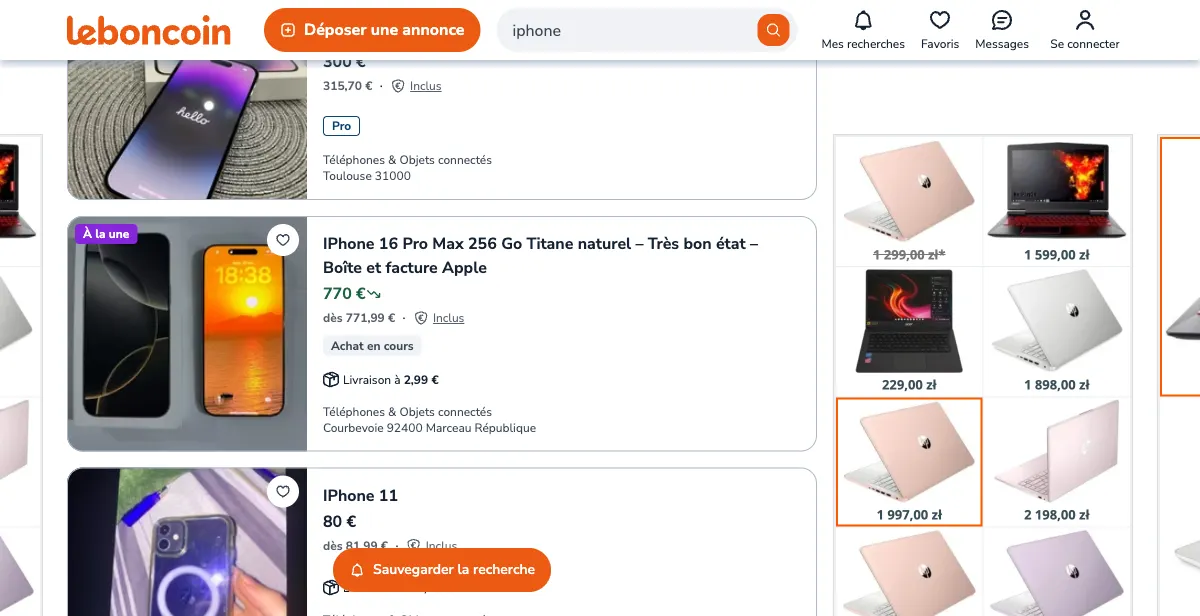
- Rich data on every result, not just a summary - price, the full photo gallery, every listing attribute (surface, rooms, energy rating, mileage, condition and dozens more depending on category), exact coordinates and seller info all come back from a plain search, with no extra "detail" step needed.
- Specific ad URLs work too - scrape a handful of exact ads without running a search at all.
- Every category - real estate, cars and motorcycles, electronics, jobs, services, and anything else listed on Leboncoin.
How to use the Leboncoin Scraper
- Go to Leboncoin.fr and set up a search the way you normally would - category, keywords, price, location.
- Copy that results page's URL from your browser's address bar.
- Paste it into Leboncoin search URL on the Input tab.
- Optionally turn on Scrape full details to also get each ad's complete description text.
- Set Max items and Max pages, click Start, then open the Dataset tab to preview, filter and export your results.
Want specific ads instead of a search? Paste their URLs into Specific ad URLs - the Actor scrapes exactly those, always with the full description, and skips the search entirely.
Input
| Field | Type | Description |
|---|---|---|
searchUrl | String | A Leboncoin search results page URL. Ignored if detailUrls is set. Defaults to real estate listings in Paris. |
detailUrls | Array | Specific ad URLs to scrape with their full description, instead of running a search. |
scrapeDetails | Boolean | When true, also visits each search result's own page for the complete description text (default: false). |
maxItems | Integer | Maximum number of ads to return (default: 20). |
maxPages | Integer | Safety cap on how many search result pages to page through (default: 20). |
proxyConfiguration | Object | Proxy settings. A residential proxy is strongly recommended - Leboncoin blocks non-residential IPs with a bot-protection challenge. |
Example input - a search:
Example input - a specific ad, full detail:
Output
Every run returns the rich search-result fields below; with scrapeDetails on (or when using detailUrls) the description field is also filled in with the ad's full text.
Data table
| Field | Description |
|---|---|
id / url | Leboncoin's ad ID and its page |
title, description | Ad title, and full description text (only with scrapeDetails or detailUrls) |
category, categoryId, adType | Category name and ID, and whether it's an offer or a request |
price, currency | Asking price and currency (always EUR) |
publishedAt, expiresAt | When the ad was first published and when it expires |
images, thumbnailUrl, nbImages | Full photo gallery, thumbnail, and photo count |
attributes, attributesMap | Every listing attribute as the raw key/label pairs Leboncoin uses, and the same data flattened into a simple {key: label} object for easy use |
city, zipcode, department, region, lat, lng | Location, down to exact coordinates |
sellerName, sellerType, hasPhone | Seller's display name, whether they're a private seller or a pro, and whether a phone number is listed |
favoritesCount | Number of users who favorited the ad, when shown |
isPromoted | Whether the ad appeared in a promoted/boosted slot on the results page |
scrapedAt | ISO timestamp when the item was scraped |
Pricing
This Actor uses pay-per-result pricing: a small flat fee per run, then a price per ad returned, which is lower for search results and higher for ads scraped with the full description - you only pay for the mode you actually use.
Tips for better runs
- Keep Max items/Max pages modest for daily monitoring runs, and only turn on Scrape full details for the ads you actually need the description text for - it's slower and costs more per ad.
- Use the Apify Schedule feature to re-run this Actor periodically and track new ads for a saved search over time.
- If a run finds zero results, it's most likely Leboncoin's bot-protection challenge blocking that particular proxy session - the Actor automatically retries with a fresh session before giving up.
FAQ
Is this legal? This Actor only collects publicly visible ad data. You are responsible for using the data in accordance with Leboncoin's Terms of Service and any applicable laws in your jurisdiction.
Do I need to log in or provide cookies? No. Unlike some other Leboncoin scrapers, this Actor reads the public search and ad pages directly - no account, login or cookie export required.
Why paste a search URL instead of filling in a category/keyword/price form? Leboncoin's own search already supports dozens of filters - category, keywords, price, surface, rooms, mileage, location radius and more, and they vary by category. Reproducing all of that as Actor input fields would mean constantly playing catch-up with the site. Pasting the URL you already built on leboncoin.fr keeps every filter you set up, with zero translation loss.
Why did some fields come back empty? Not every ad fills in every attribute - a car ad won't have square (surface area), for example - and description is only populated when scrapeDetails is on or you used detailUrls. The Actor returns null for anything that isn't available for a given ad.
Found a bug or have a feature request? Please use the Issues tab on this Actor's page - feedback directly shapes future updates.


