Mamas And Papas Scraper
Pricing
from $1.50 / 1,000 results
Mamas And Papas Scraper
Scrape product listings from Mamas & Papas - prices, descriptions, availability, images, and variants across the UK baby and nursery retailer's full catalog. No login required, built for price monitoring and catalog research. Give it a category or search URL and get one row per product.
Pricing
from $1.50 / 1,000 results
Rating
0.0
(0)
Developer

MrDoe
Maintained by CommunityActor stats
0
Bookmarked
2
Total users
1
Monthly active users
a day ago
Last modified
Categories
Share
What does Mamas & Papas Scraper do?
Mamas & Papas Scraper collects products from Mamas & Papas category and product pages and returns them as clean, structured data. Open a category page on the Mamas & Papas website, paste the URL, press Start, and download a dataset with the product title, brand, category, age or size band, colour, gender, current price, "was" price, sale flag, availability, size options, description, and images. Use it for price monitoring, range and assortment analysis, competitor research, and catalogue enrichment.
Why use Mamas & Papas Scraper?
- Whole categories in one run – point it at a category page and it walks the whole product list.
- Nursery-retail fields – age/size band, colour, gender, and collection lifted out of the site's own merchandising data.
- Sale tracking – current price, "was" price, and a sale flag for every product.
- Clean, normalised output – prices as numbers,
nullfor missing values, deduplicated by product. - No proxy needed – the catalogue is public, so runs are fast and cheap.
- Automation ready – schedule runs and connect results to Google Sheets, Make, Zapier, or your own API.
What makes this different?
The Actor reads Mamas & Papas' structured product catalogue, so it returns the fields nursery-goods buyers actually filter on — age/size band, colour, gender, and range — as separate columns, alongside the current and "was" price for sale monitoring. One request per page of results, so a full category export is quick.
What data can you extract?
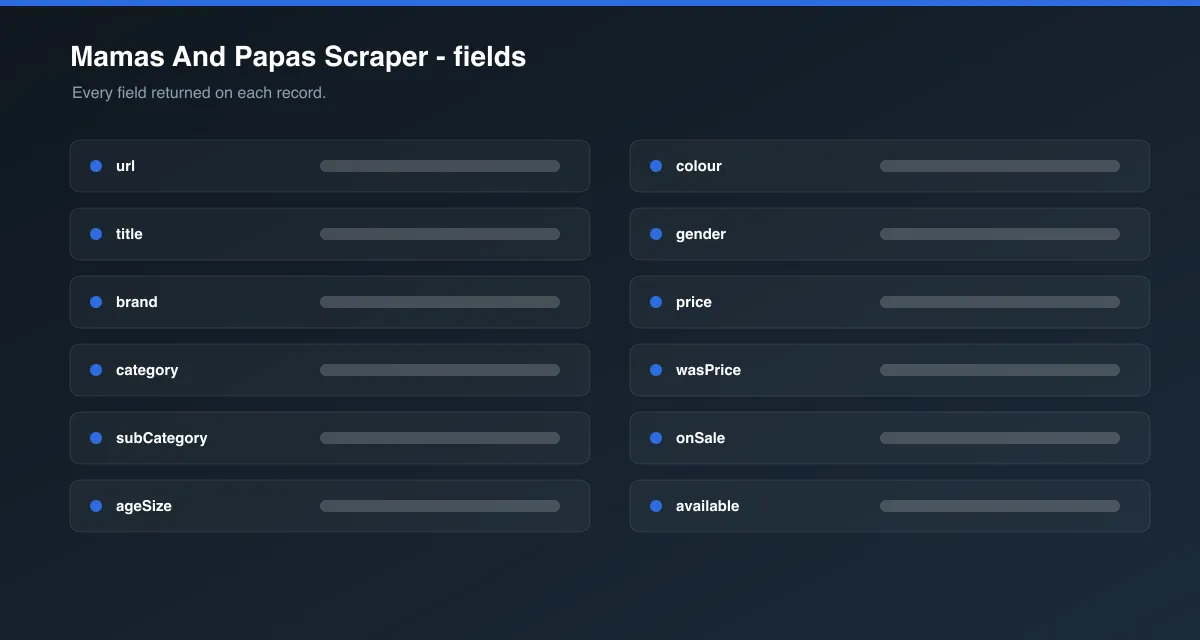
| Field | Description |
|---|---|
url / handle / id | Product page URL, Shopify handle, and product ID |
sku | Stock-keeping unit of the first variant |
title | Product title |
brand | Brand (e.g. Mamas & Papas, Venicci, BabyBjörn) |
productType / category / subCategory | Product classification |
collectionName | Design collection / character (e.g. "Welcome To The World") |
ageSize | Age or size band (e.g. "Newborn", "0-3 Months") |
colour | Colour |
gender | Boys / Girls / Unisex, where tagged |
badge | On-site badge, e.g. "New In!" |
price | Current price (lowest variant) as a number |
wasPrice | Pre-discount price, when the product is reduced |
onSale | Whether the product is discounted or on promotion |
priceRange | Highest variant price, when variants differ |
priceCurrency | Currency code, GBP |
available | Whether any variant is in stock |
variantCount / sizeOptions / options | Variant summary and the available choices |
description | Product description (plain text) |
imageUrl / images | Main image and all image URLs |
tags | Raw catalogue tags |
publishedAt / updatedAt | Catalogue timestamps |
scrapedAt | ISO timestamp of collection |
How to use Mamas & Papas Scraper
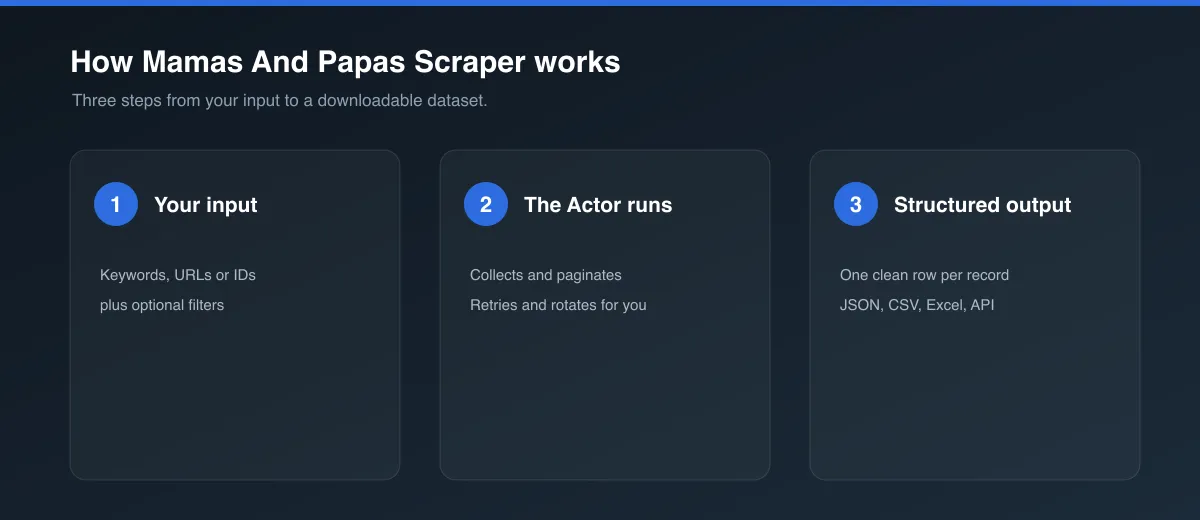
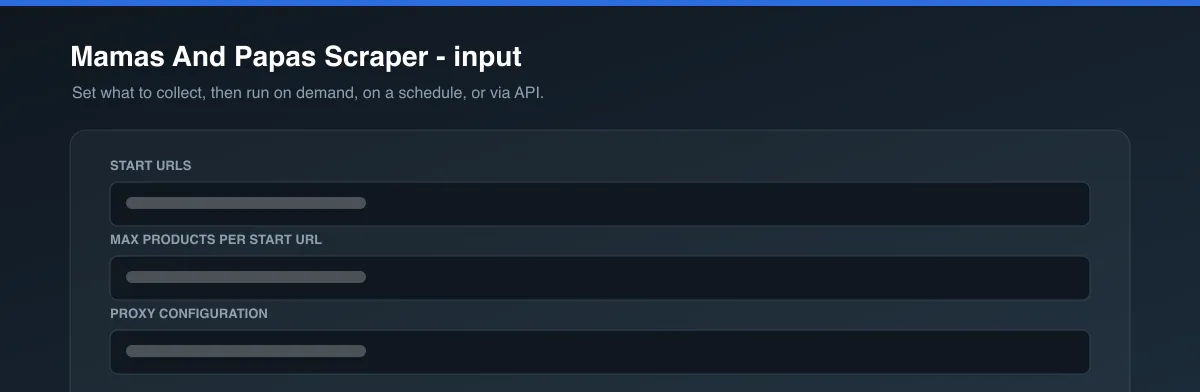
- Open the Actor.
- On mamasandpapas.com, open a category page (its URL contains
/collections/). Copy the URL from your browser. - Paste it into Start URLs. Add more URLs to combine several categories. Leave it empty to scrape the whole catalogue.
- Set Max products per start URL.
- Press Start.
- Download the dataset as JSON, CSV, Excel, or XML, or use the API.
Input Parameters
| Parameter | Type | Required | Default | Description |
|---|---|---|---|---|
startUrls | Array | No | Pushchairs category | Mamas & Papas category (/collections/…) or product (/products/…) URLs. Empty = whole catalogue. |
maxItems | Integer | No | 20 | Maximum products per start URL (or for the whole catalogue when no start URL is given). |
proxyConfiguration | Object | No | No proxy | Optional. The catalogue is not bot-protected; only useful if your IP gets rate-limited. |
Output Data
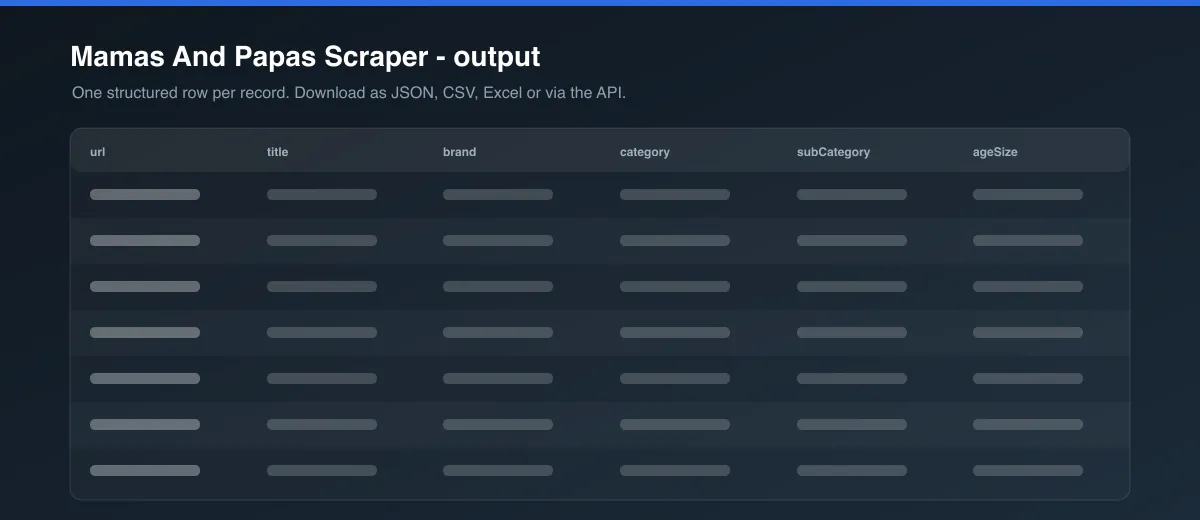
Each dataset item is one product. Example (trimmed):
Usage Examples
A whole category
- Start URL: a Mamas & Papas category page (URL contains
/collections/) maxItems: 1000
Sale monitoring
- Start URL: the sale/clearance category page
maxItems: 500, then schedule daily and comparepricevswasPrice
Whole catalogue snapshot
- Leave Start URLs empty
maxItems: 5000
Tips for Best Results
- Category pages are the fastest way to target a product set; the whole-catalogue mode is best for a periodic full snapshot.
- Add several category URLs to cover multiple ranges in one run;
maxItemsapplies to each separately. - For monitoring, schedule the Actor and diff
price,wasPrice, andavailablebetween runs.
Known Limitations
- Prices are shop prices for the site's default region; basket-level and member promotions are not applied.
wasPriceis only present when the catalogue records a pre-discount price for the product.- Stock is a catalogue-level "any variant available" flag, not per-size live stock.
- Bundle products list the bundle price; individual bundled items are not broken out.
- Very large categories are paginated to a practical depth.
Integrations
Connect results to Google Sheets, Make, Zapier, Slack, or your own systems via the Apify API and webhooks. Schedule runs to keep a dataset current.
Export Formats
JSON, CSV, Excel, and XML from the Dataset tab or the Apify API.
Frequently Asked Questions
How many products can I get per run?
Up to maxItems per start URL. Use multiple category URLs, or the whole-catalogue mode, for wider coverage.
Can I scrape one product?
Yes. Paste a product page URL (it contains /products/) and the Actor returns that single product.
How are duplicates handled? Products are deduplicated by handle within a run, so overlapping categories won't double up.
Why are some fields null?
The catalogue does not record that attribute for the product — common for gender on nursery furniture or wasPrice on full-price lines.
Do I need a proxy? No. The product catalogue is public. A proxy is only useful if your own IP gets rate-limited.
How fresh is the data? Every run reads the live catalogue.
Support
Found a problem or need an extra field? Open an issue on the Actor's Issues tab in the Apify Console.
Legal / Responsible Use
You are responsible for how you use this Actor and the data it collects, including compliance with Mamas & Papas' Terms of Use and applicable laws. The data is product-catalogue information; collect only what you need and respect the website's terms.
Preview